Walk away with a campaign spot that looks professionally cut.
No stock footage, no shoot, no editing suite. Three prompts to Sogni Creative Agent produced 112 images and 49 animated clips, and one edit brief to the Remotion skill turned them into this 43 second spot. Here is the SOGNI campaign ad we made, and everything below is exactly how you would make your own.
Generate whole campaigns without counting credits.
Series generation with the Creative Agent works best on Sogni Unlimited: fair-use access to supported open-weight models for images, video, music, and language, from $20 per month with a 3-day trial.
Generate the campaign. Animate all of it. Let Remotion cut the ad.
This is a real production run, not a concept. Sogni Creative Agent generated the entire visual campaign as files on disk, and the Remotion skill turned the folder of clips into a finished ad, written as a React composition and rendered to MP4.
Just as important, this post shows how much a finished ad rests on its foundation: high quality video, images, and music. The edit can only be as strong as the material underneath it, and that material is exactly what the agent delivers, batch after batch, in one consistent style. The whole workflow is three prompts and one edit brief.
Meet Sogni Creative Agent.
Sogni Creative Agent is an installable skill that gives any AI agent production grade image, video, and music generation, rendered on Sogni's decentralized GPU network. You tell it what you want in plain English; it plans the batch, estimates the cost up front, generates the media, and saves every result as a named file on your disk. One command installs it:
npx setup-sogni-agent-skill
It runs in Claude Code, Claude Desktop and Cowork, Codex CLI, OpenClaw, and any SKILL.md aware runtime, with personas and memories that follow you between them.
Hand it the whole campaign in one prompt.
With the skill in place, the run starts in Claude Code with a four sentence brief. It doubles as a template for any series: say how many images you want and that they share one style, attach a reference image, name the destination folder, and fix the aspect ratio and the model.
Use Sogni Creative Agent to generate a series of 30 images in the same style. The visuals should be bold, fun, and a little crazy, suitable for a company ad campaign. Three of the images should include the text "SOGNI." Use the reference image and save everything in the "Sogni Generations" folder, 16:9, Krea 2 Turbo model.
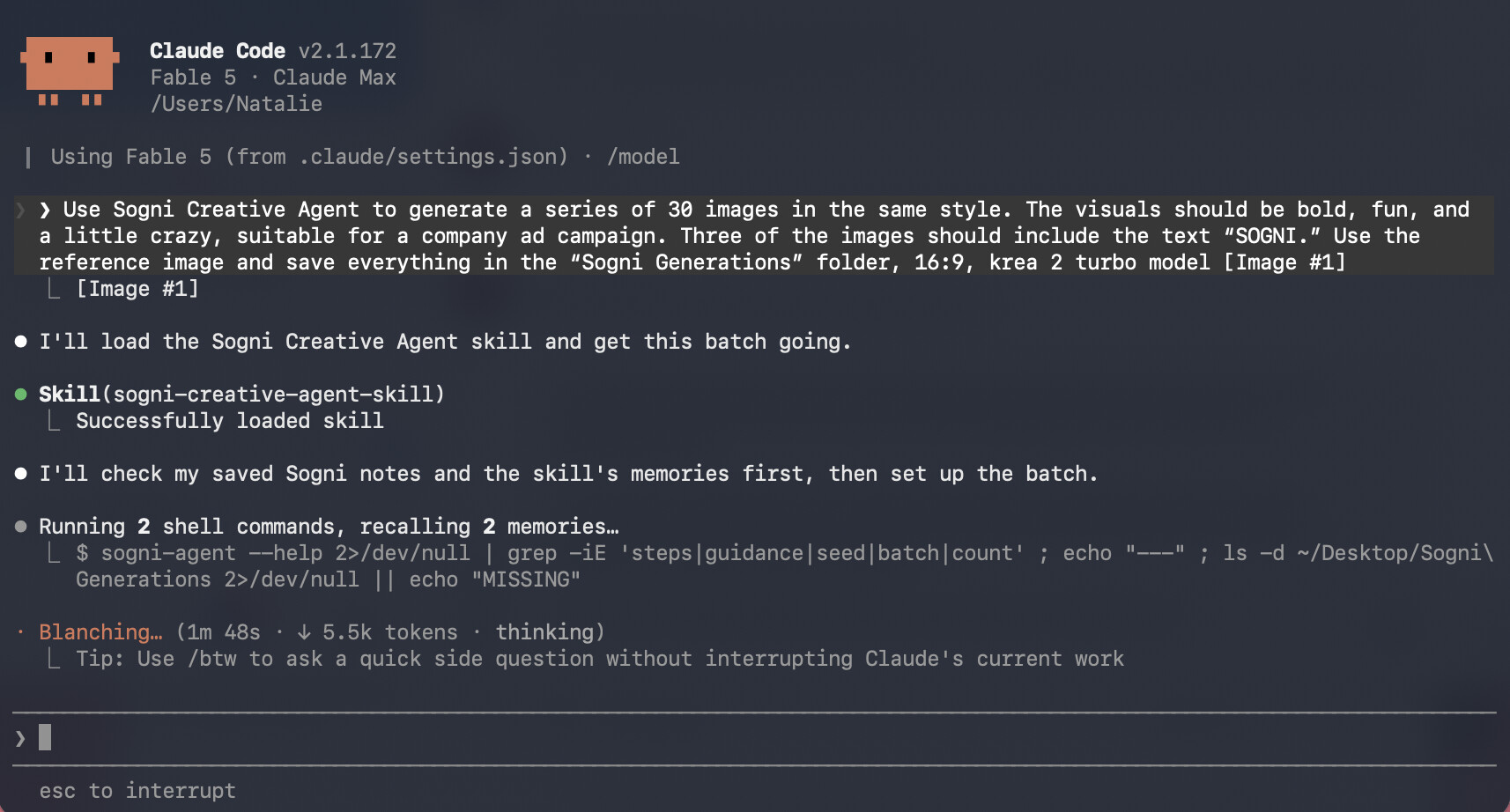
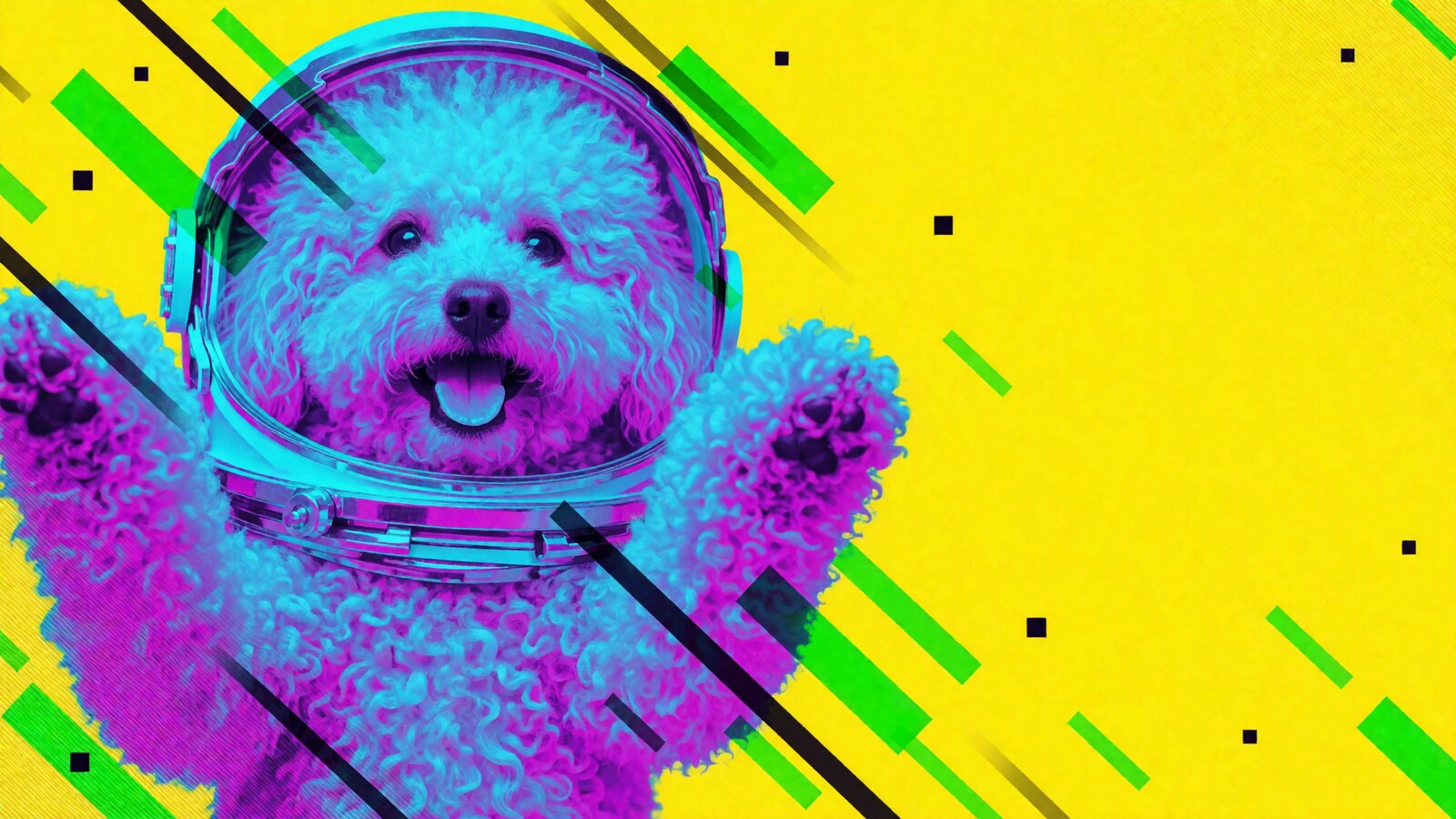
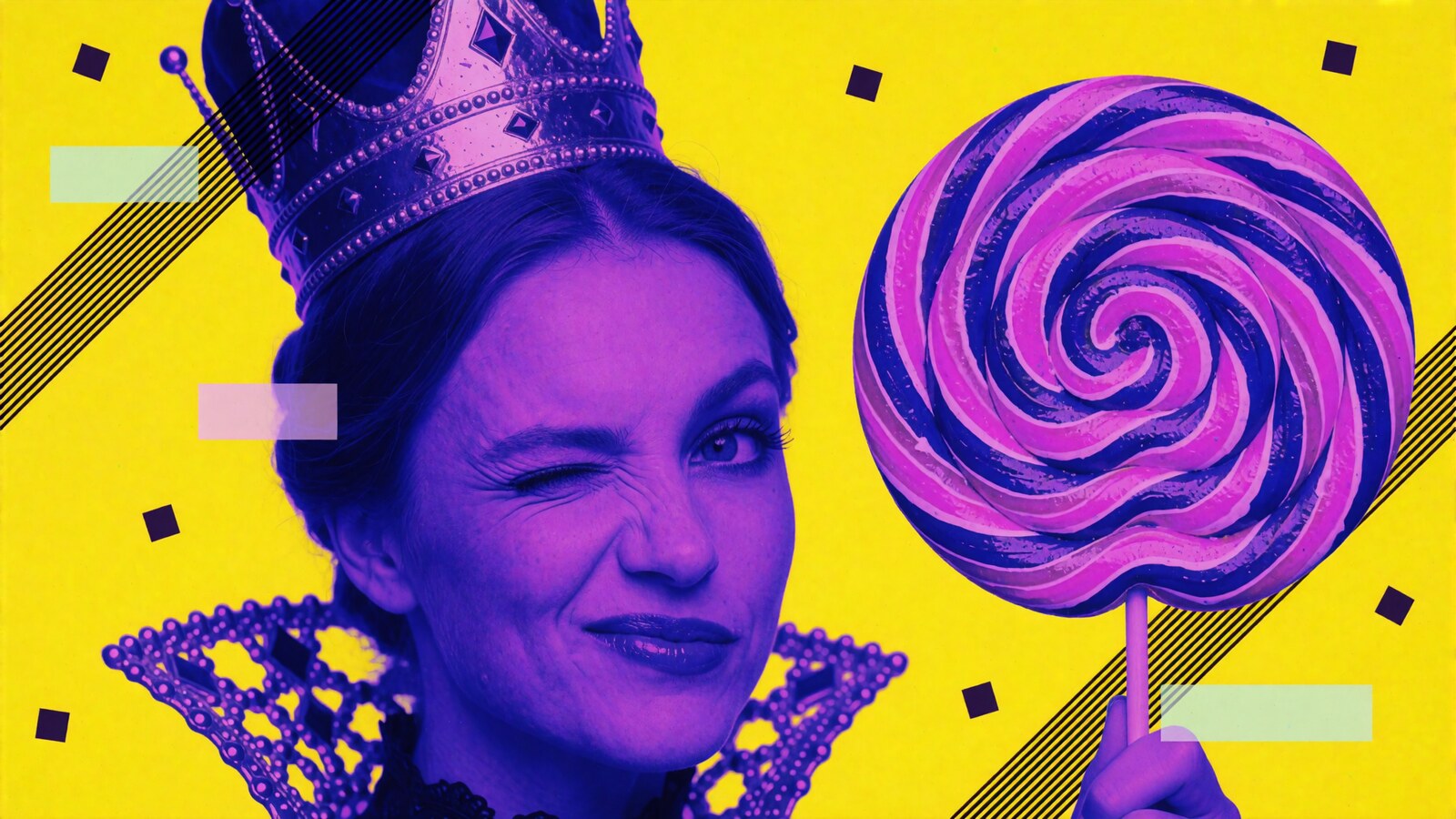
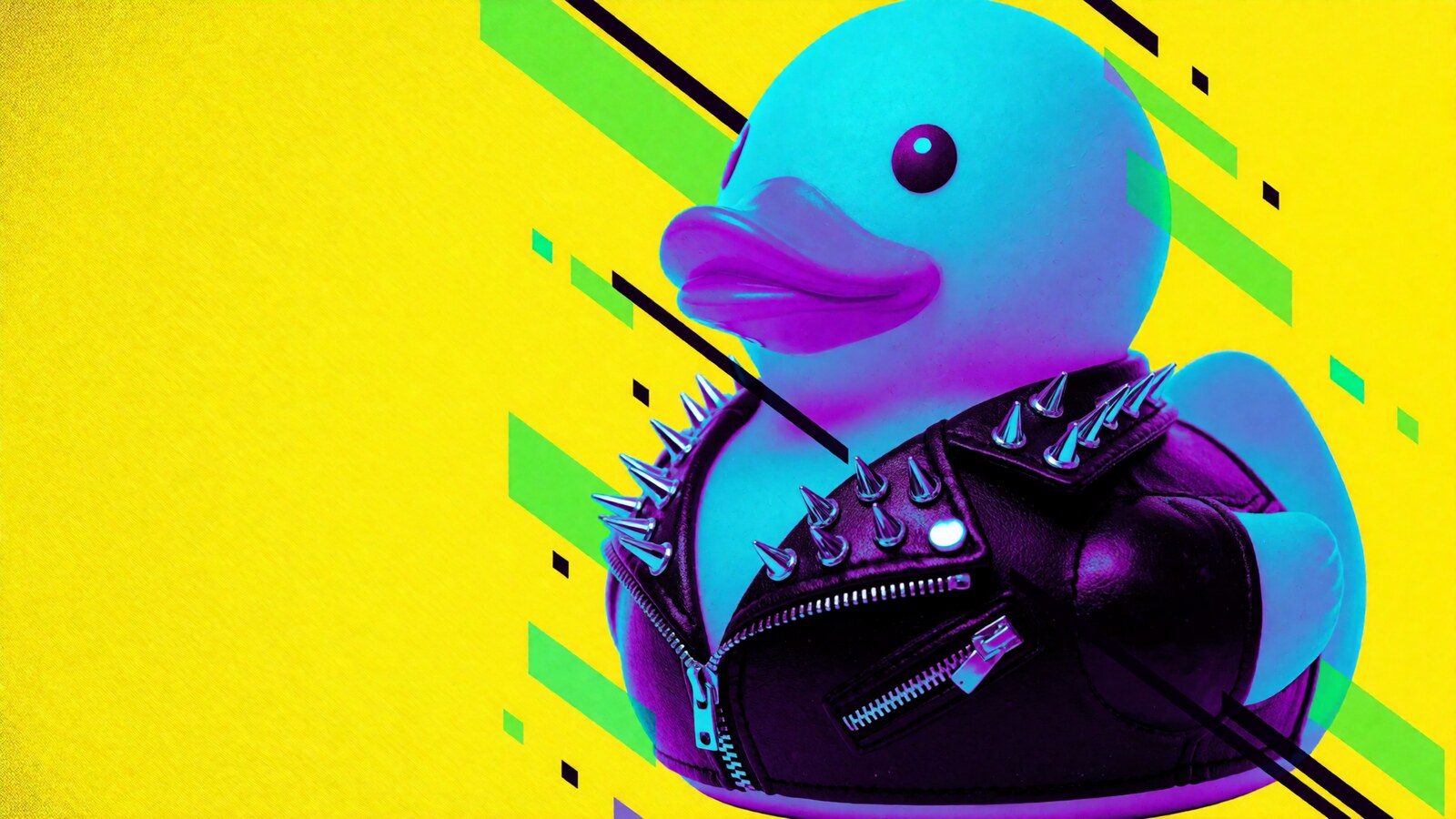
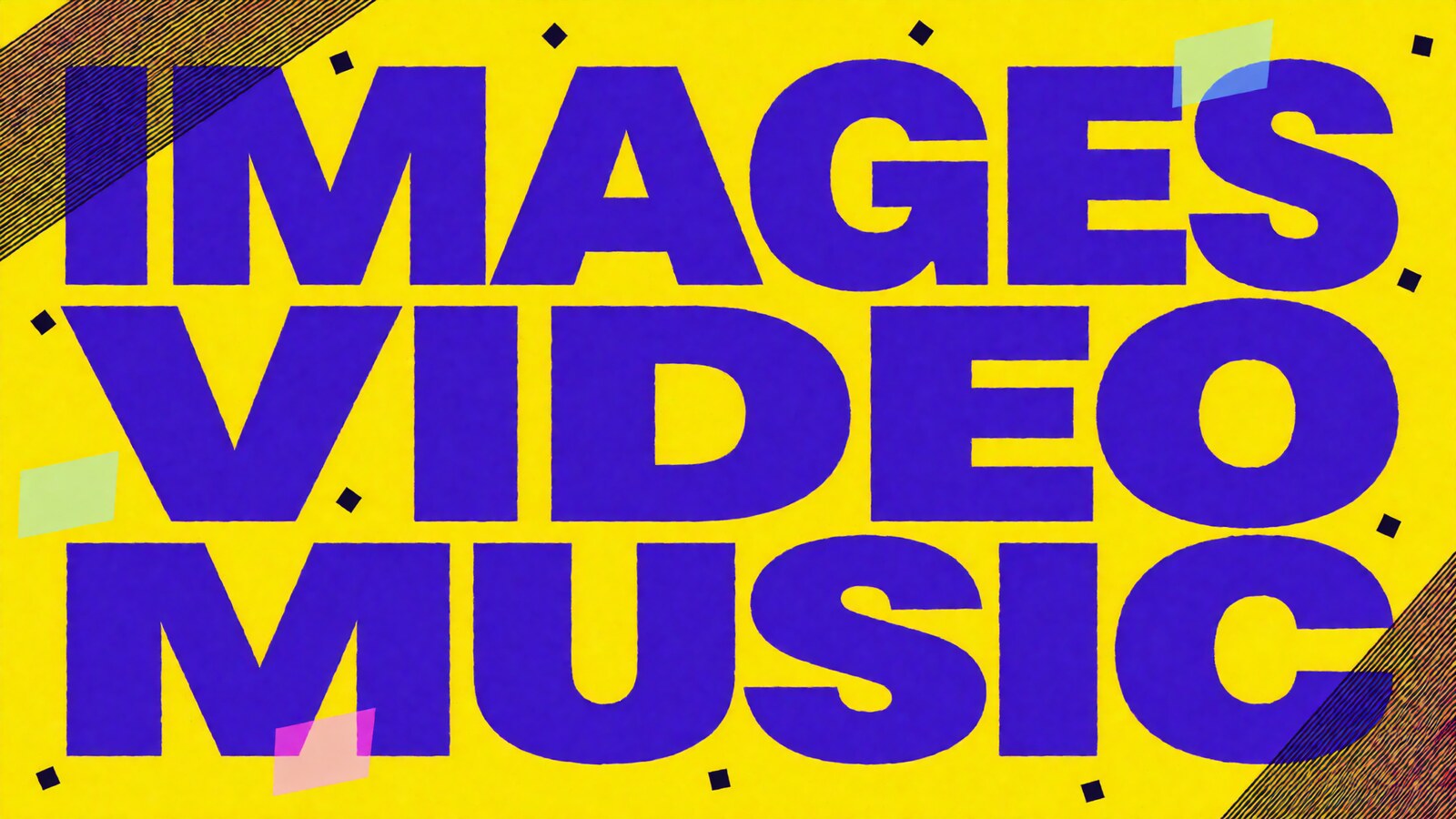
An attached reference image locks the look: cyan, magenta, and violet duotone subjects on flat canary yellow with glitch streaks. About 20 minutes later the report comes back: 30 of 30 rendered, zero retries, each image with its own surreal subject, and the exact style recipe saved to the agent's memory for the next batch. And if the first pass is not perfect, you can simply rerun the generation as many times as you like, with the same style locked every time.
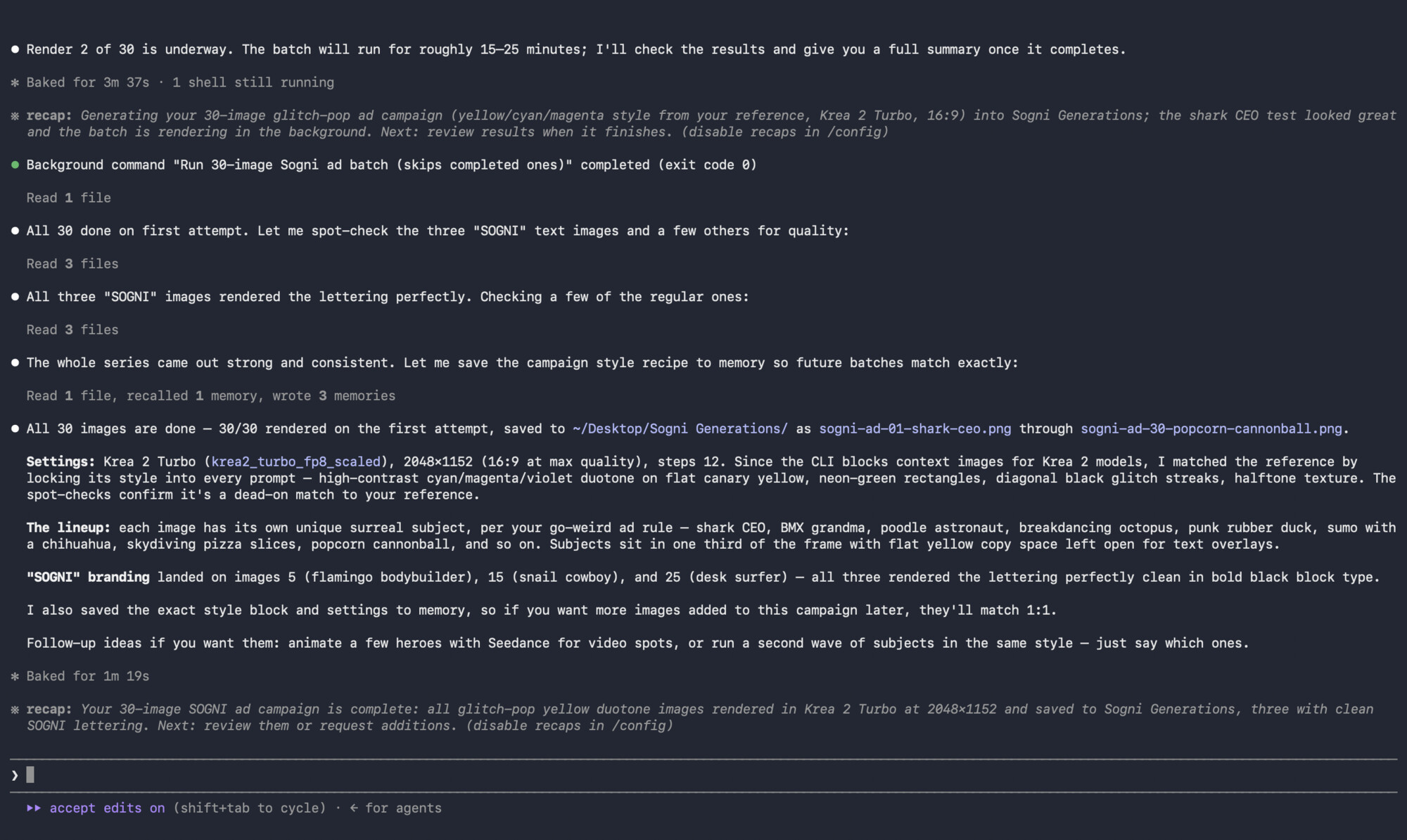
The folder is the product: one session, as many images as you need.
Every generation lands on disk as a real, named file, not a preview trapped in a chat window. The 30 campaign subjects arrive as sogni-ad-01-shark-ceo.png through sogni-ad-30-popcorn-cannonball.png, and the session keeps going in the same look: typographic spots, supporting shots, and first frame setups built for animation. The style itself is entirely up to you. Photoreal, illustration, 3D, collage, anything you can describe or show in a reference image works the same way, and the agent keeps every batch consistent with it.
When the session ends, the Sogni Generations folder holds 112 images, every one on style, ready to sort with nothing to export.
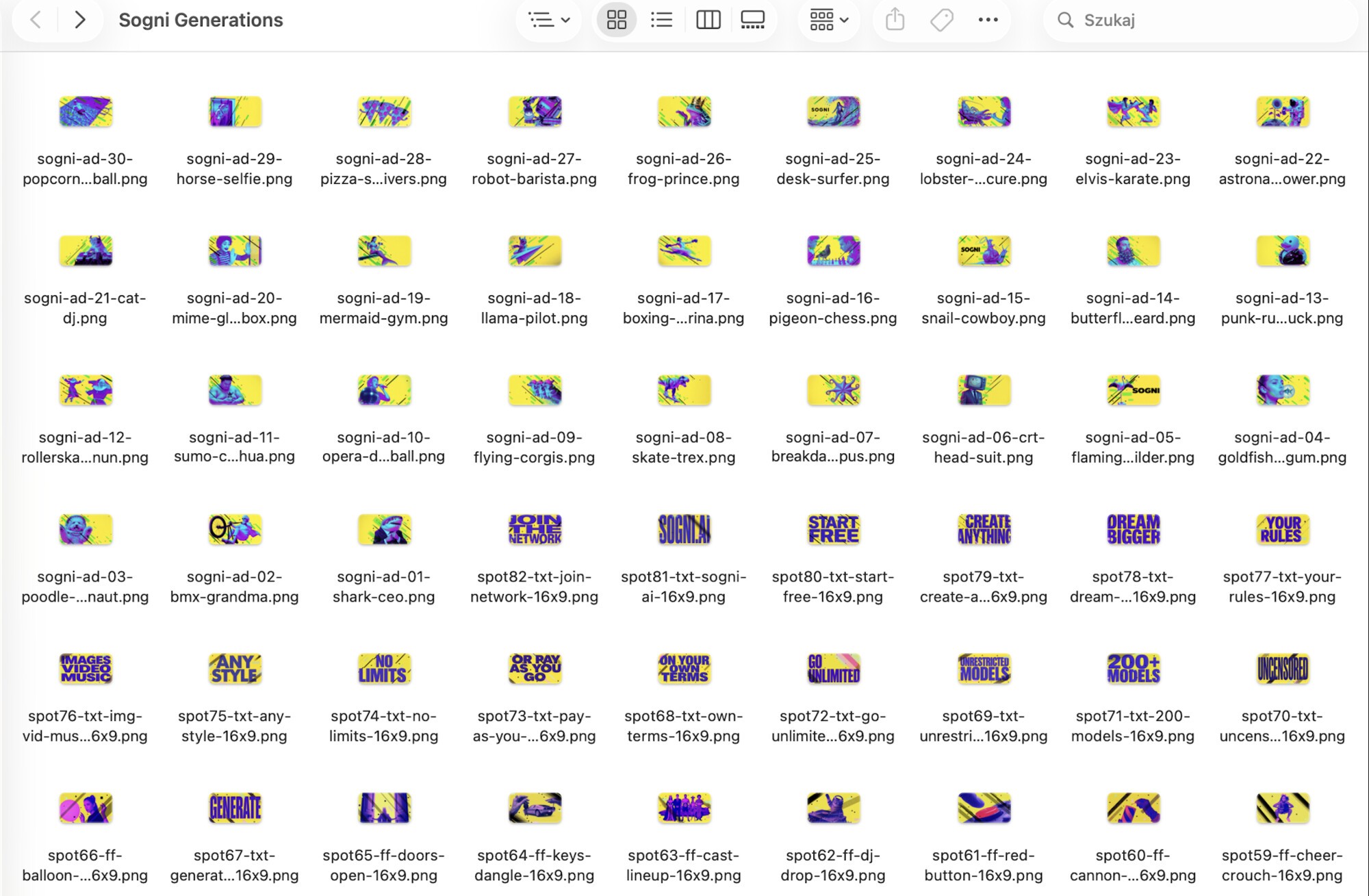
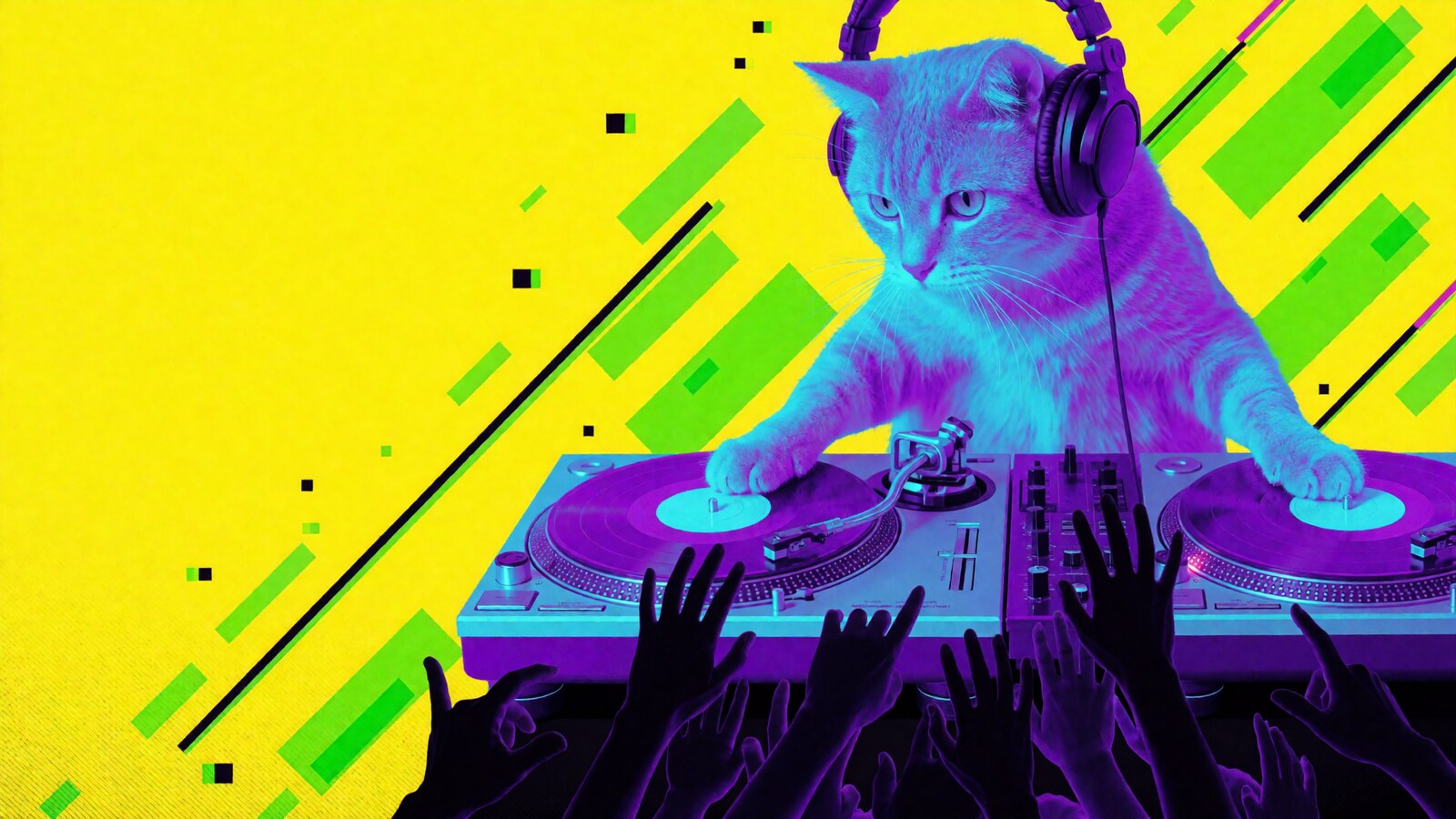
One reference image, a whole series in the same style.
Hand the agent a single reference image and it can generate an entire series of different shots that still read as one campaign: same palette, same grain, same energy, a different subject in every frame. With a reference image locking the look, that consistency holds across every generation you run, so even a folder of 112 files cuts together like one ad.

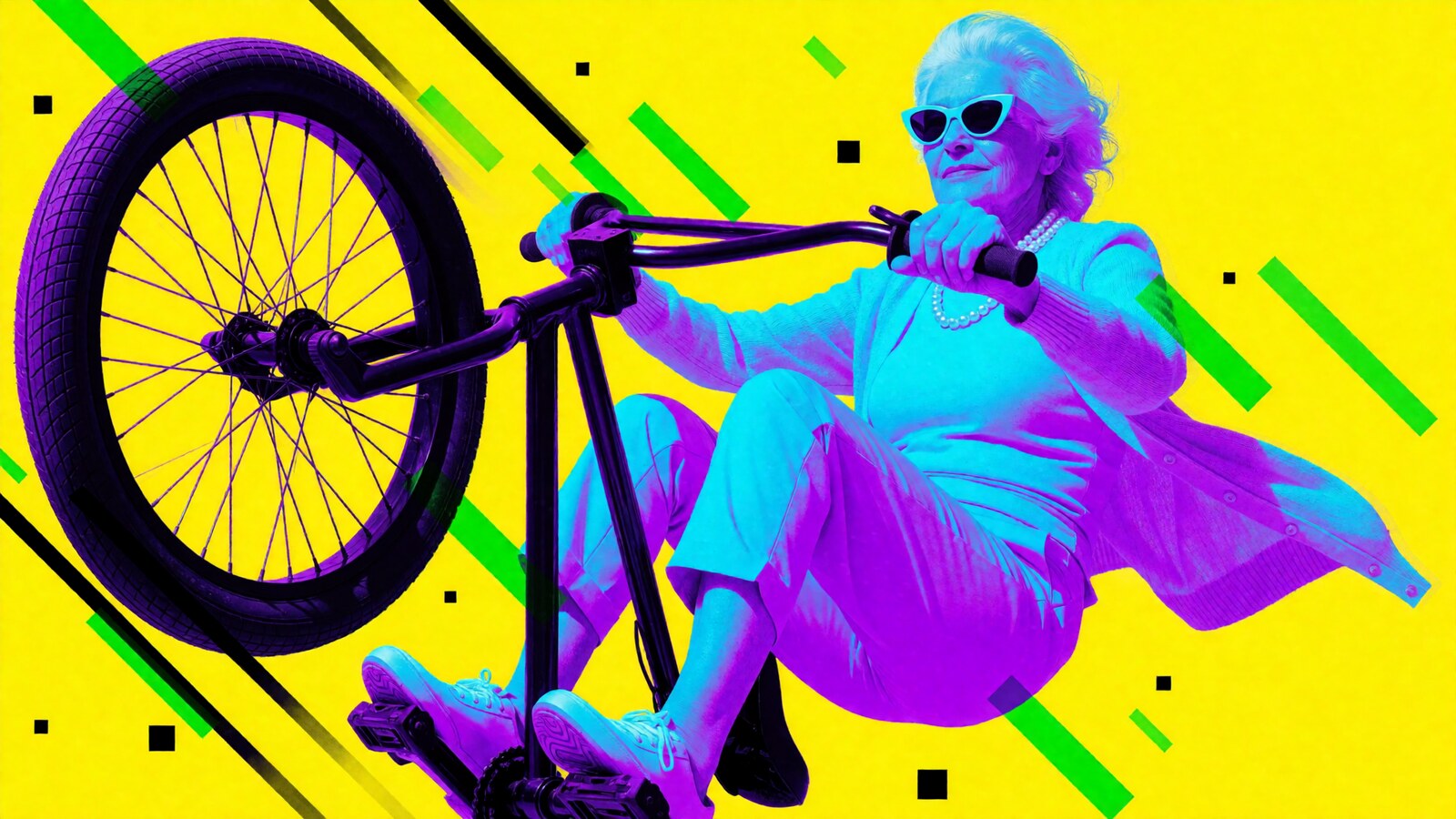

One more prompt animates the whole folder.
After curating the best frames into a working folder, the next prompt hands the agent the entire directory at once:
Use Sogni Creative Agent, animate the images from the folder. Each animation should be no longer than 5 seconds. Characters should move naturally, smile, or show subtle facial and body movement. For images with text or letters, animate them in an interesting way using effects such as an artistic glitch, typewriter reveal, light burst, or another effect you think fits best. Use either LTX 2.3 or WAN, depending on which model works better for each image. Keep all original file names unchanged.
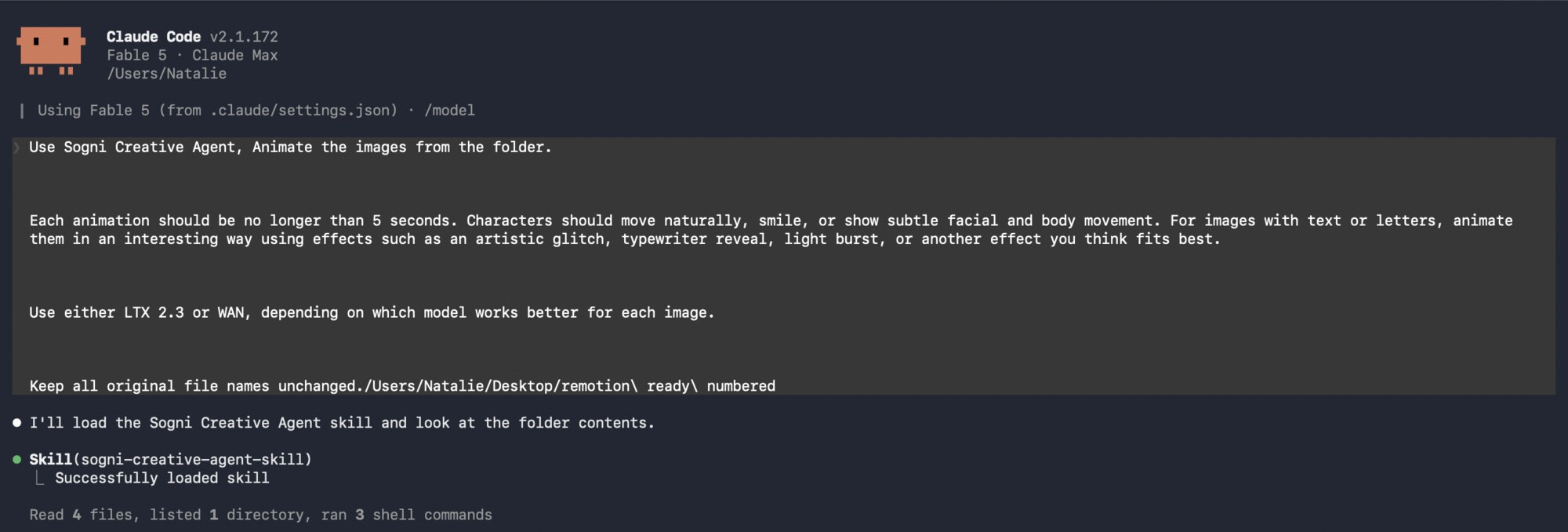
Video models work either way: you can point the agent at specific ones, or leave the choice open and it will match a model to each generation on its own, picking LTX 2.3, WAN 2.2, or MiniMax H3 per image, whichever suits the motion. It also chooses the effect for each text card. One rule is not negotiable: file names stay identical, because the numbering is the storyboard for the edit. The agent splits the job into five parallel batches and runs them side by side. And a note on pricing: on Sogni Unlimited you do not count credits for runs like this; every eligible open-weight render is covered by the plan.
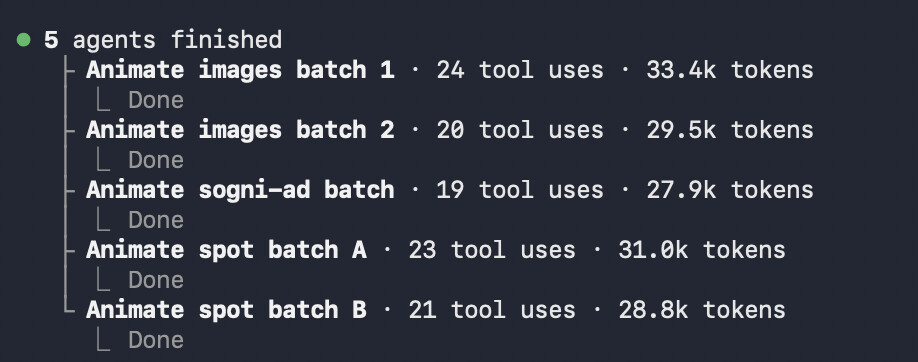
Every image comes back animated, numbered to match its source.
All your images return as living clips, each one saved under exactly the same name as its source frame, so the numbering you set up in the image folder carries straight into the edit.
You stay in charge of what motion means: animate typography with glitches, typewriter reveals, or light bursts, set any clip length you want, keep character movement subtle or push it wild, and mix video models freely within one batch.
A word on how we got to this number: we generated several series of images to have a wider pool to choose from, and picked 49 favorites for the animation pass, each clip five seconds or less. That order is up to you though. If you would rather not spend time curating, animate the whole folder first and make the selection afterwards, with the clips in hand. Either way, not a single file gets renamed.
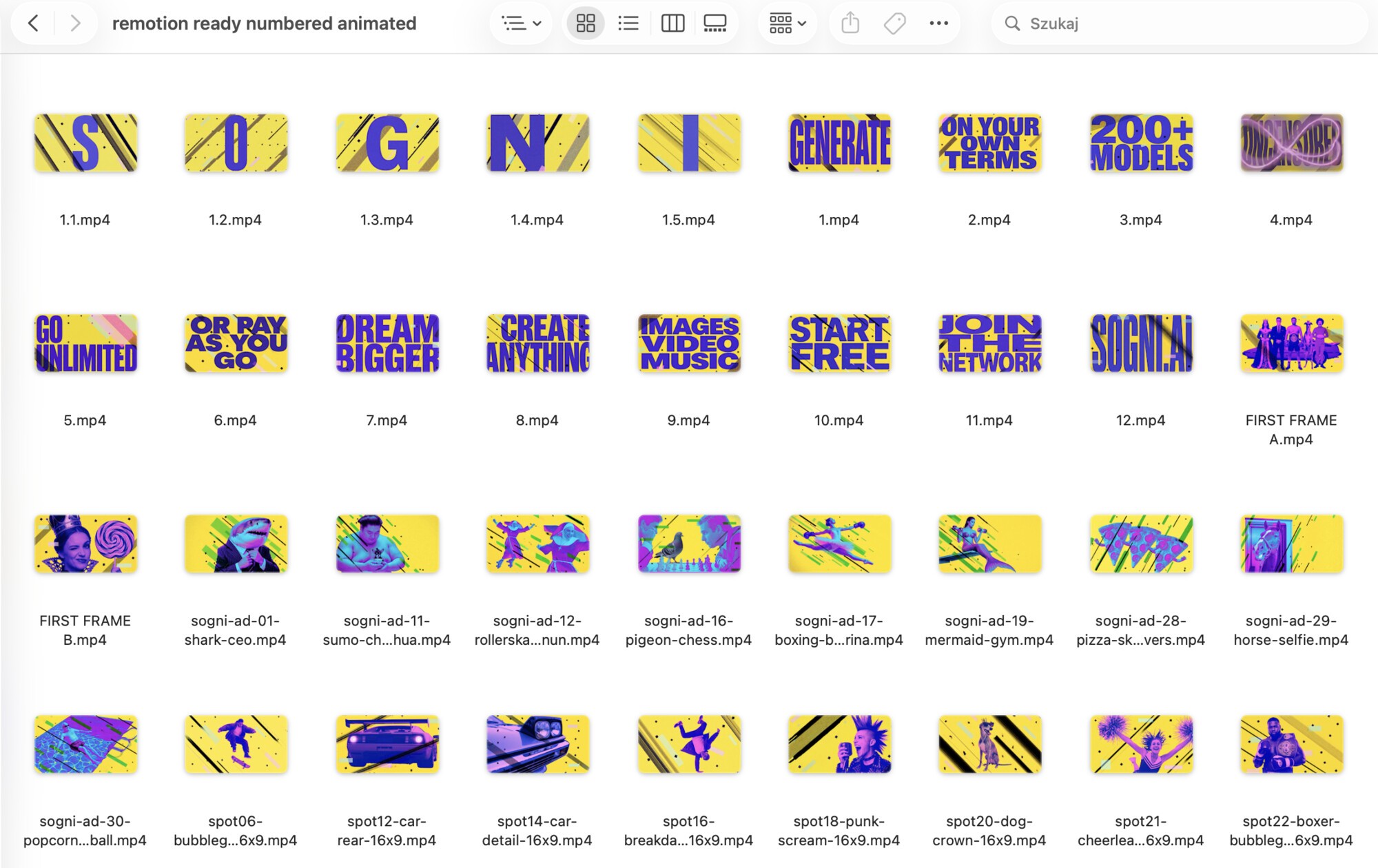
Same grid, same recipe, all of it moving.
Letters glitch into place, characters loosen up, first frames wind up their action. Every clip is five seconds or less, straight out of the batch.
Not a terminal person? Do all of this from the desktop.
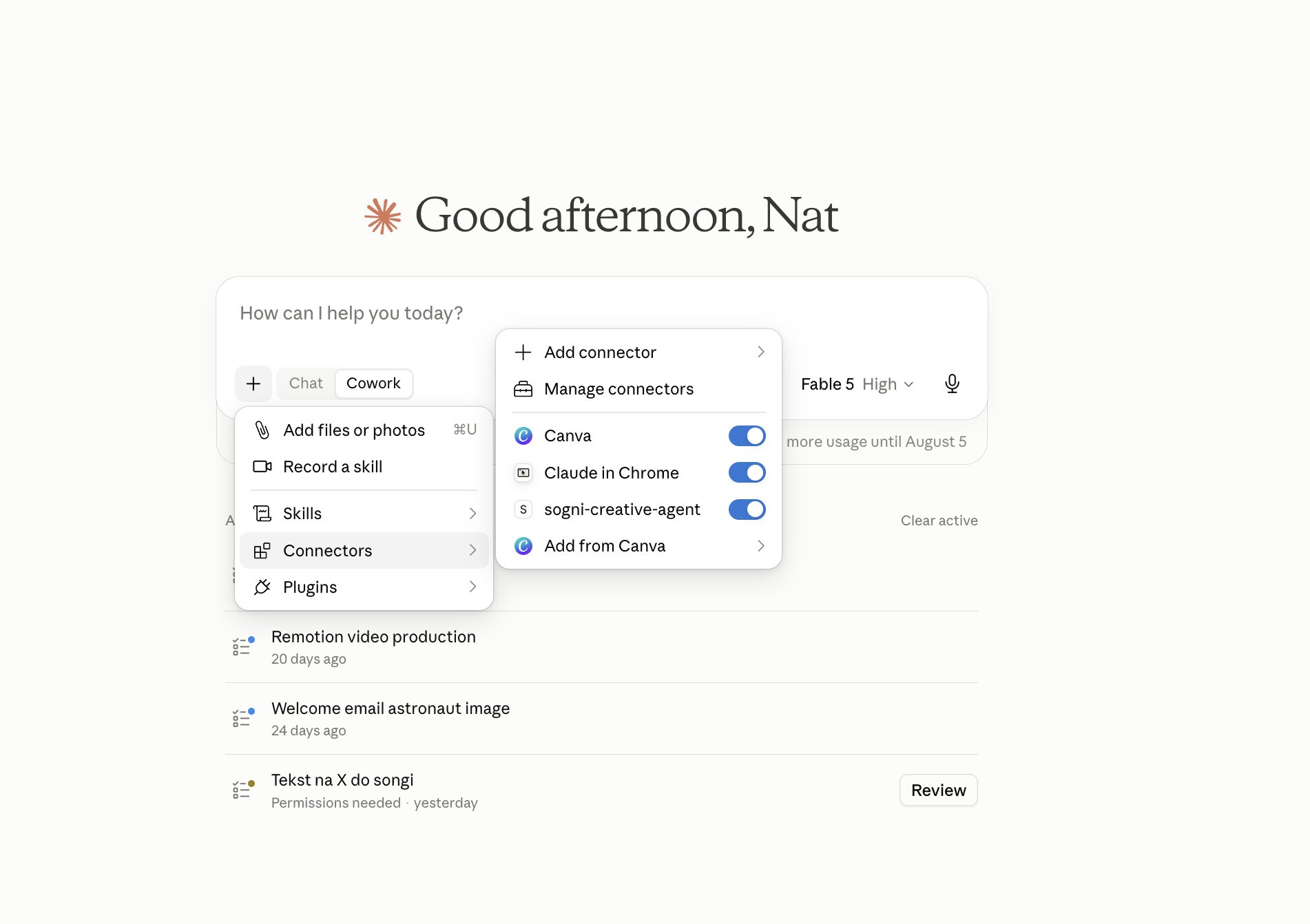
The generation above happened in Claude Code, but nothing about this workflow requires a terminal. In Claude's desktop Cowork mode the same agent shows up as the sogni-creative-agent connector, sitting next to Canva and Claude in Chrome, switched on with one toggle.
Your generation setup, memories, and personas follow you across Claude Code, Claude Desktop, Codex CLI, OpenClaw, and any SKILL.md aware runtime, so you can prompt from wherever you are most comfortable.
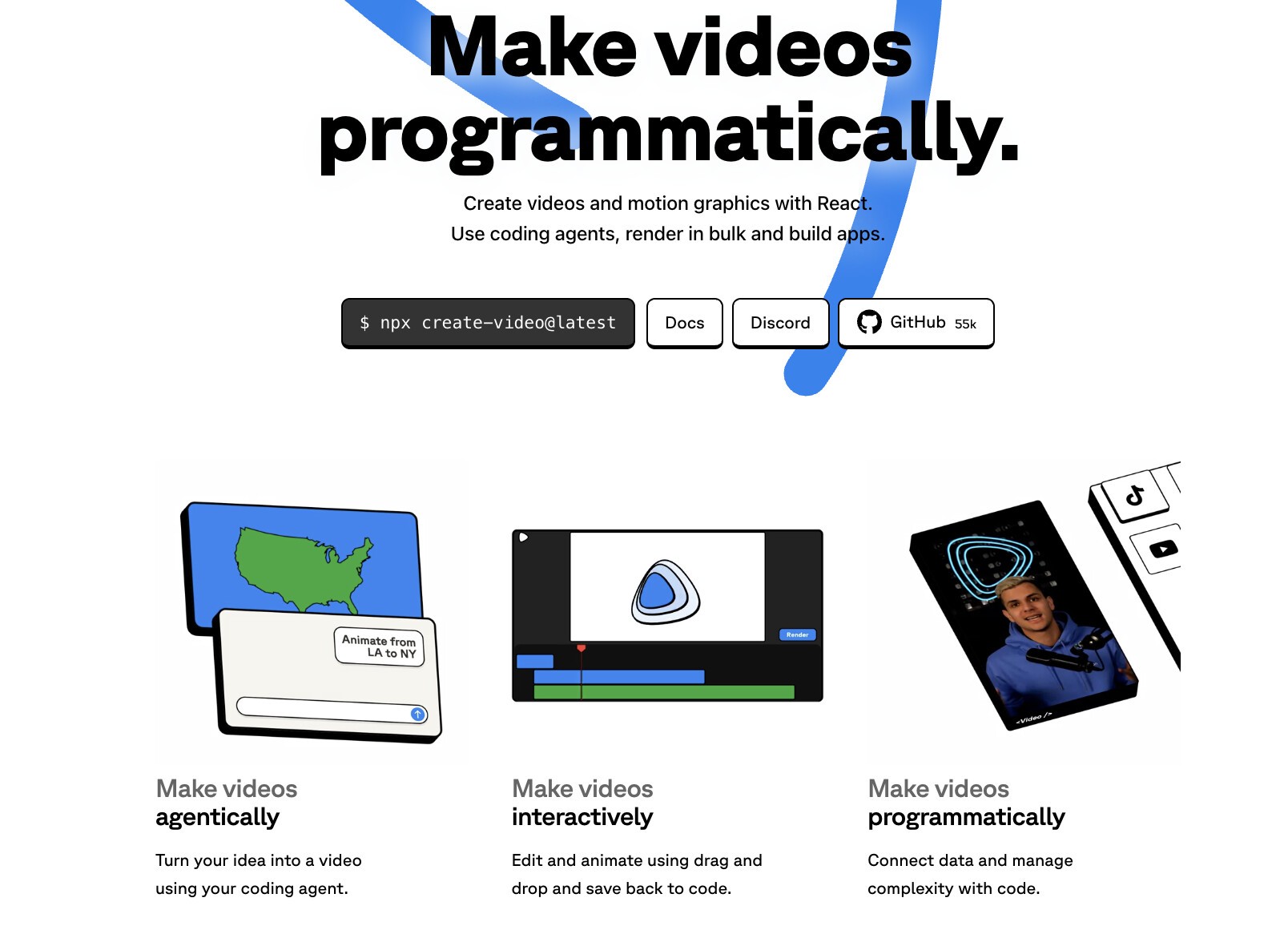
Meet Remotion: videos made programmatically, in React.
Remotion is the framework for making videos and motion graphics with React code. Instead of dragging clips on a timeline, you describe the video in components: every cut, transition, and animation is code, which means it is deterministic, revisable, and easy to render in bulk. You can make videos agentically with a coding agent, interactively in Remotion Studio, or fully programmatically from data. The framework is open source at github.com/remotion-dev/remotion.
And this is exactly why Sogni and Remotion click: the Creative Agent outputs a folder of consistently styled, predictably named clips, and a code driven editor consumes files by name. The folder is the handoff. Sogni makes the raw material, Remotion turns it into a film, and an agent can drive both ends with plain language.
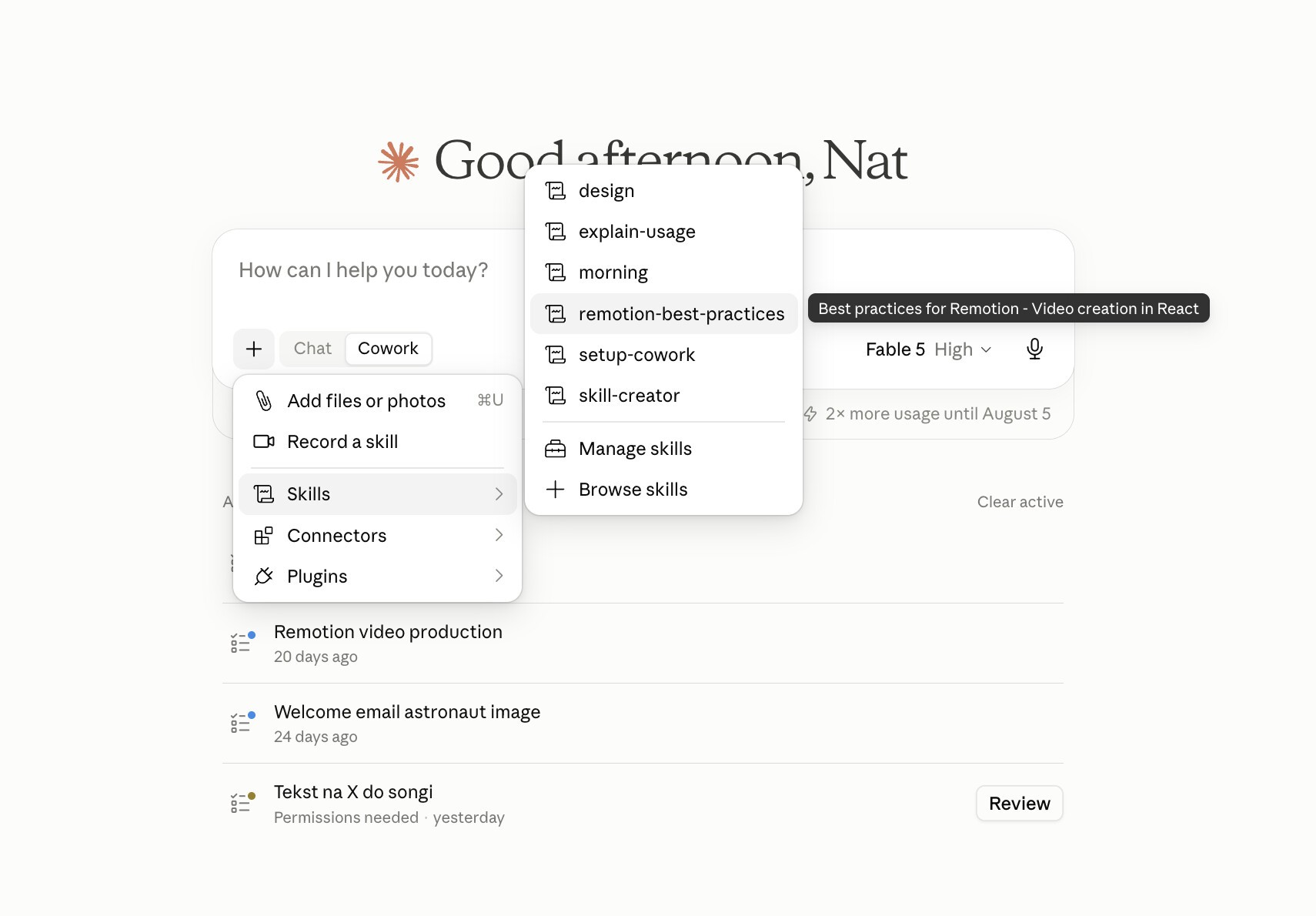
Load the Remotion skill: an editor that writes React.
The official remotion-best-practices skill, visible in the Cowork skills menu, teaches the agent Remotion's production patterns: how to structure compositions, sequence clips on a timeline, time transitions to frames, and render correctly.
With the skill loaded, the agent stops being a chat assistant and starts being an editor: it reads the folder, picks material, writes the composition, previews it, and renders the result.
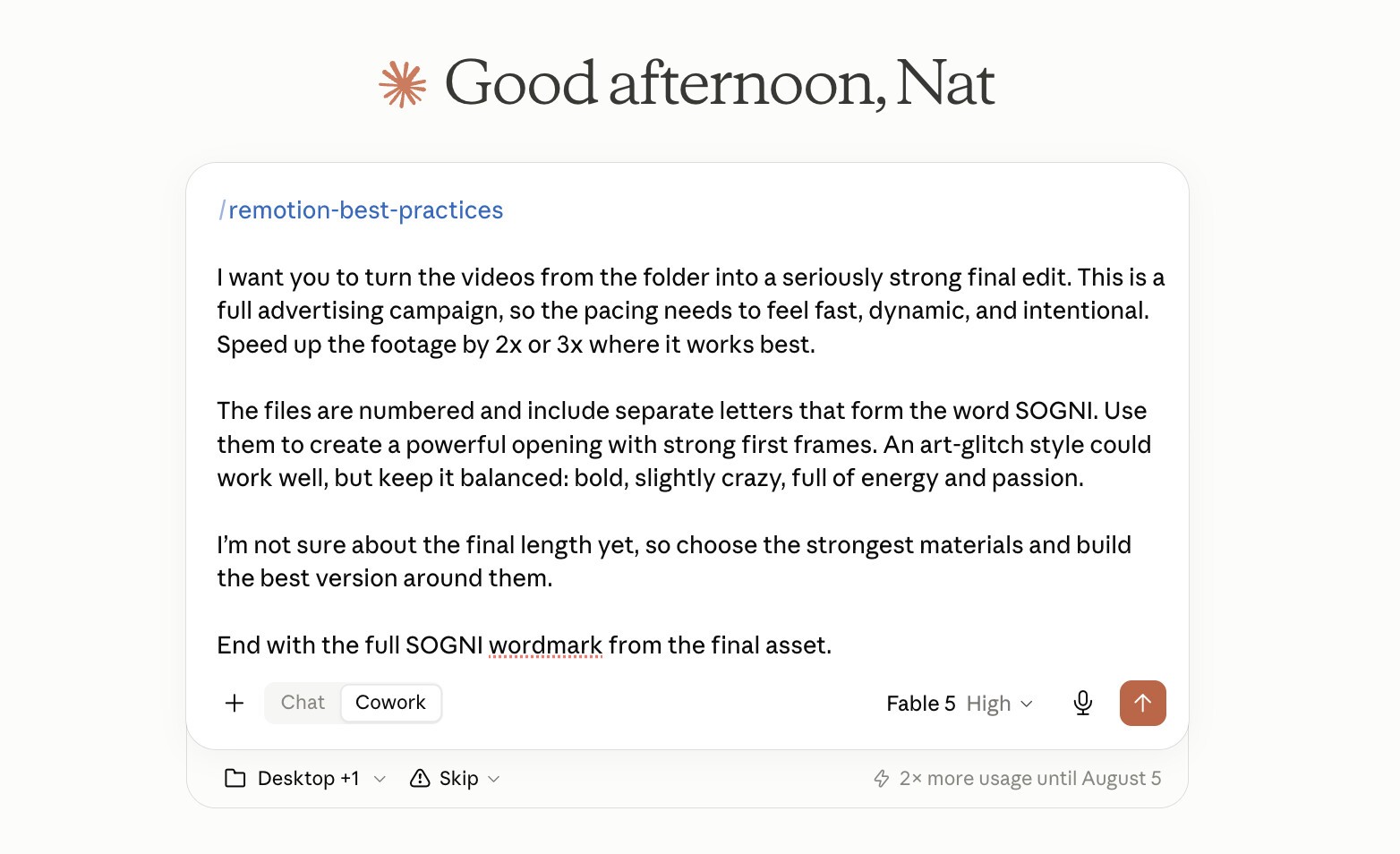
The edit brief reads like notes to a human editor.
The final prompt invokes /remotion-best-practices, and the whole brief is nothing more than a written description of your vision: the mood, the pacing, where the ad opens and how it ends, phrased the way you would talk to a human editor. No target length, no shot list, no timeline.
From that description alone, the skill selects the strongest clips, builds the opening, speeds footage 2x and 3x where the motion holds up, and closes on the wordmark. The result renders straight to MP4.
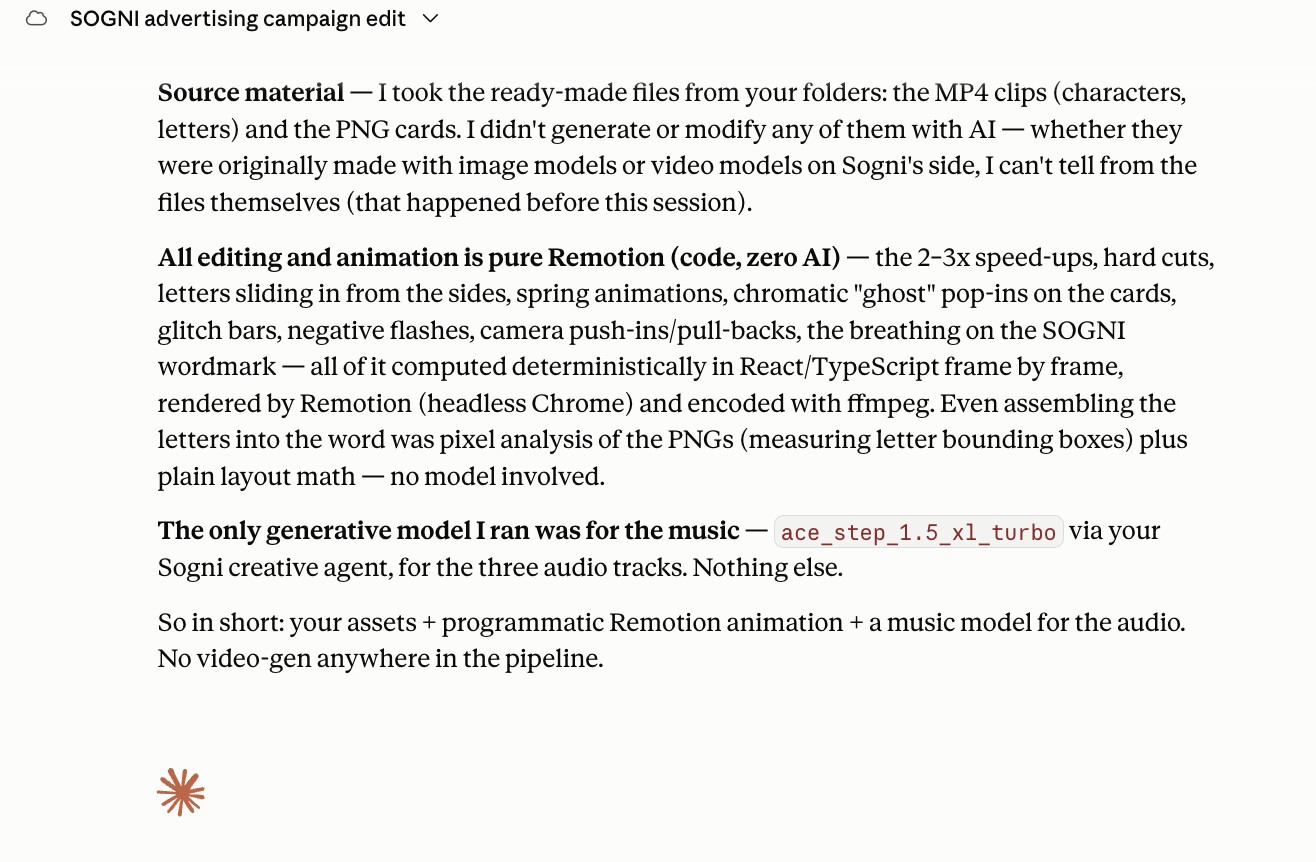
When we asked Claude how it made the video, the answer was the whole point of this workflow: source clips untouched, every cut, glitch, and speed up computed deterministically in React frame by frame, and no video generation anywhere in the edit.
A brief like this only scratches the surface. Remotion can also drive motion graphics, data driven videos, bulk renders of hundreds of variants, and interactive editing in Remotion Studio when you want to drag, drop, and save back to code.
/remotion-best-practices
I want you to turn the videos from the folder into a seriously strong final edit. This is a full advertising campaign, so the pacing needs to feel fast, dynamic, and intentional. Speed up the footage by 2x or 3x where it works best.
The files are numbered and include separate letters that form the word SOGNI. Use them to create a powerful opening with strong first frames. An art-glitch style could work well, but keep it balanced: bold, slightly crazy, full of energy and passion.
I'm not sure about the final length yet, so choose the strongest materials and build the best version around them.
End with the full SOGNI wordmark from the final asset.
Watch it again, knowing where every frame came from.
One workflow, many finished edits.
The SOGNI campaign is not a one-off. The same pairing, Sogni Creative Agent for the media and the Remotion skill for the cut, has produced trailers, product ads, fashion spots, and brand collabs. All of these were edited in React by an agent. Sound on.
Your agent can already do this.
Give it the two skills and a folder: three prompts and an edit brief. Sogni Creative Agent handles volume and style, Remotion handles structure and timing, and Sogni Unlimited covers every eligible open-weight model in this post from $20 per month, with no credit counting.


