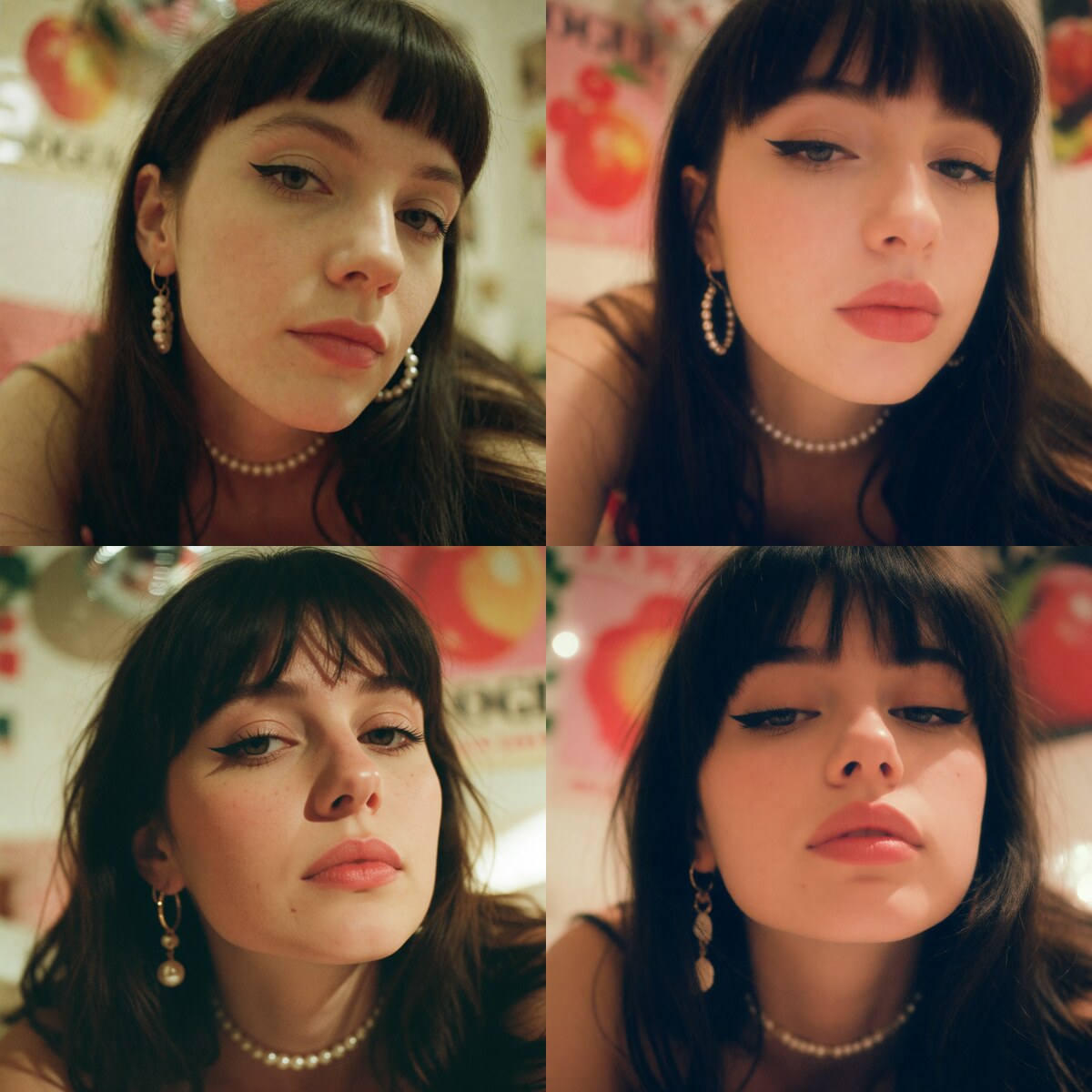
Fever Dream MoodNew
0+1.2
Default: 0.8 · Suggested: 0.8 to 1.2
Positive only
moss-fever-dream-mood
Give your MOSS Image creations a new mood with six community LoRAs: small add-ons that guide the model’s style and detail. Discover dreamy portraits, vintage photos and more, with side-by-side examples and prompts you can try in Sogni.
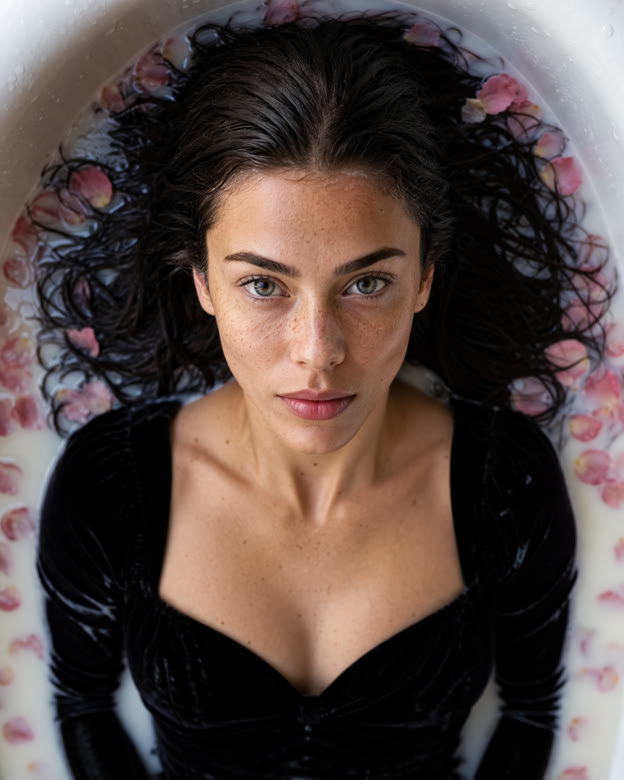
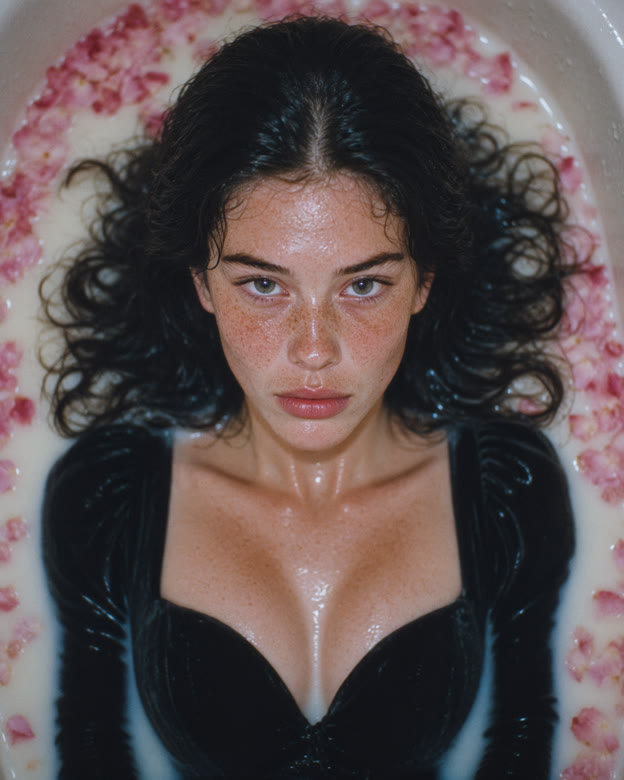
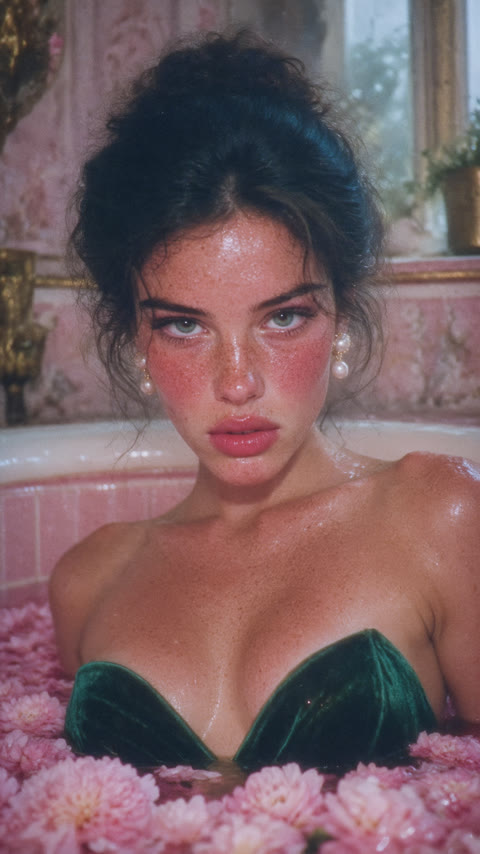
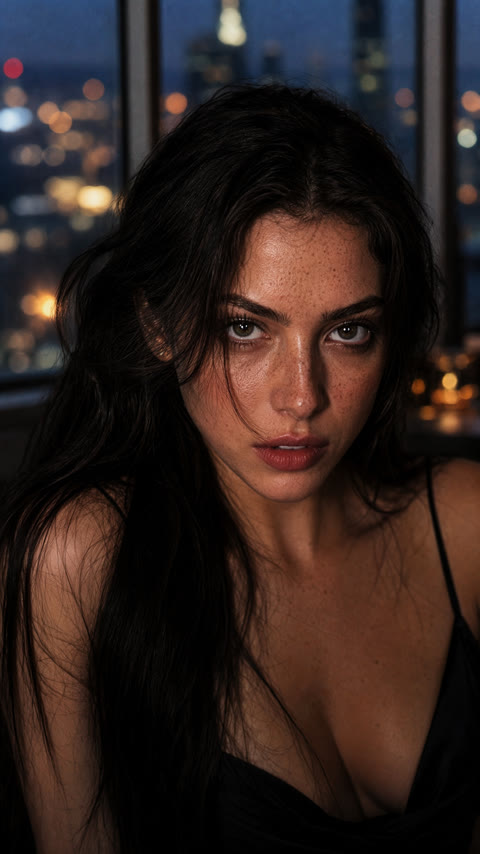
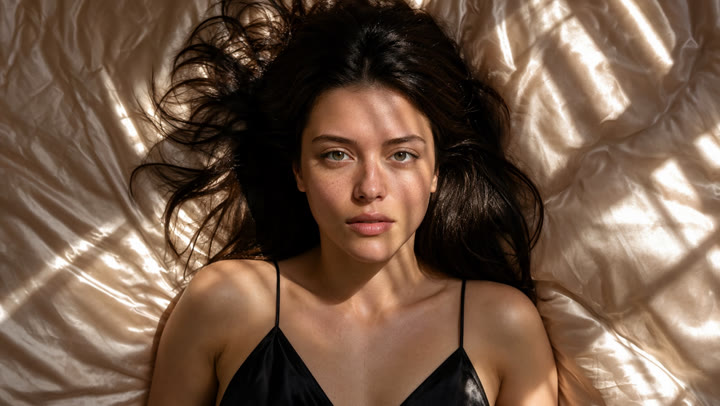
Top-down close-up from directly above, face large and sharp in the center. A woman with dark wet hair spread around her, natural skin texture with visible pores and fine freckles, sharp clear eyes with natural catchlights, wearing a black velvet long-sleeved gown, lies in a bathtub of milk with floating pink rose petals, looking up into the lens. Soft window light.
LoRAs: moss-fever-dream-mood 1.0 · moss-mystic-x 0.8 · both stacked at 0.8 + 0.7
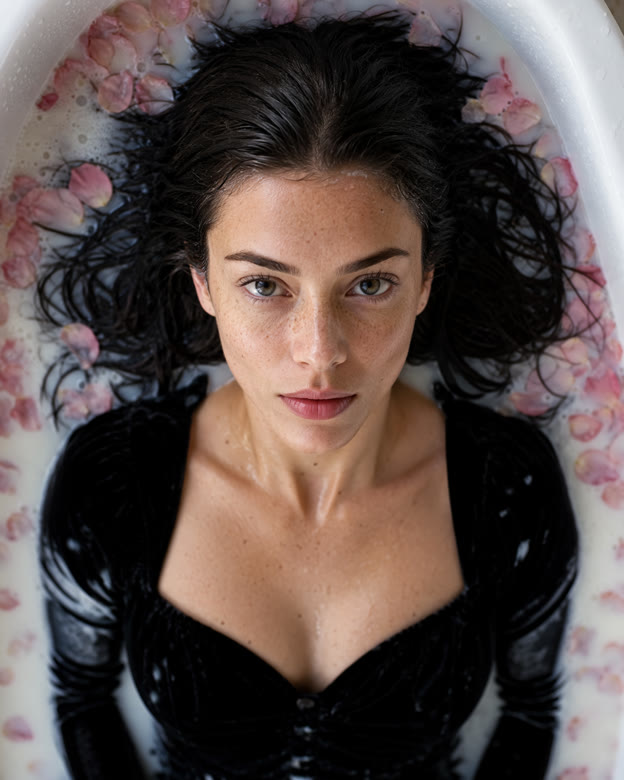
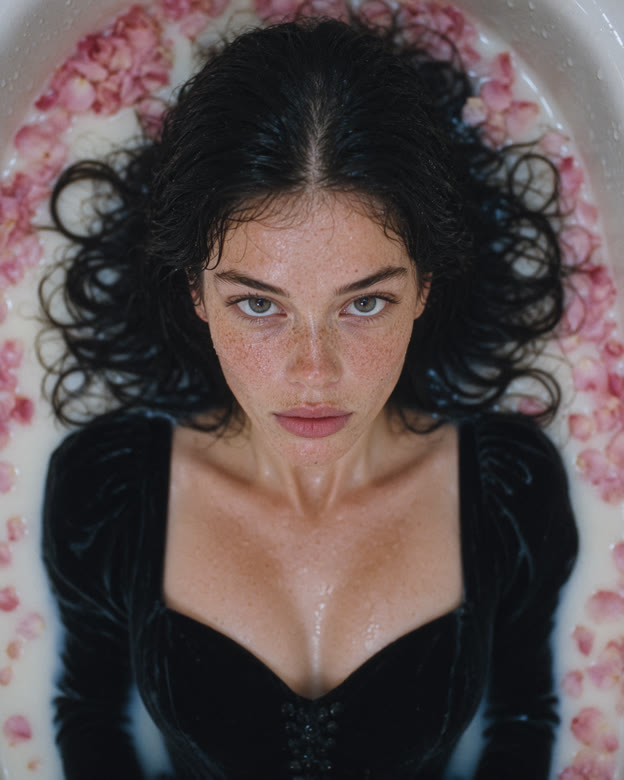
MOSS Image now has eleven community LoRAs to explore on Sogni. The six new arrivals give you more ways to set the scene: a faded family photo, a surreal portrait or the look of a camcorder recording.
For a film-inspired look, start with Kodachrome Photo or Retro Vintage Photo. Try Fever Dream Mood for glow and surreal color, or Mystic X for skin and material detail. 2000s Analog Core brings camcorder nostalgia, while MAX ULTRA hires explores a more detailed finish. Choose one, adjust its strength, or combine two to find your own look.
Start in the browser, ask Sogni Chat, or use your own creative agent. All eleven LoRAs work with MOSS Image on the Sogni Supernet.
Open Sogni, choose MOSS Image as the model, open the LoRA panel and pick a look. Drag the slider to set the strength.
app.sogni.ai/create ↗Describe the picture and name the LoRA you want, for example “MOSS Image with Fever Dream Mood at 1.0”. The assistant sets up the render for you.
chat.sogni.ai ↗Install the Sogni Creative Agent Skill in Claude Code, Codex CLI or Hermes and render straight from the terminal, in batches if you like.
sogni.ai/agent ↗npx setup-sogni-agent-skillauto-detects Claude Code, Codex CLI and Hermes, installs CLI + skill/plugin marketplace add Sogni-AI/sogni-creative-agent-skill
/plugin install sogni-creative-agent@sognirun inside Claude Codesogni-agent -m moss_image_sft_int8_convrot --lora moss-fever-dream-mood --lora-strength 1.0 -w 1536 -h 1920 "a woman in an emerald velvet gown in a bathtub full of pink peonies"any LoRA id from the shelf below works the same waysogni-agent --list-loras --lora-catalog-model moss_image_sft_int8_convrotevery MOSS LoRA with its id, range and defaultA LoRA guides how the model creates a new image. Along with color and texture, it can change the pose, framing and subject, even when you keep the same prompt and seed.
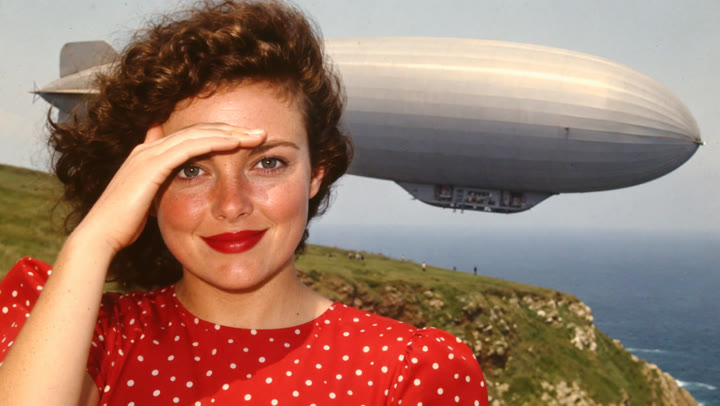
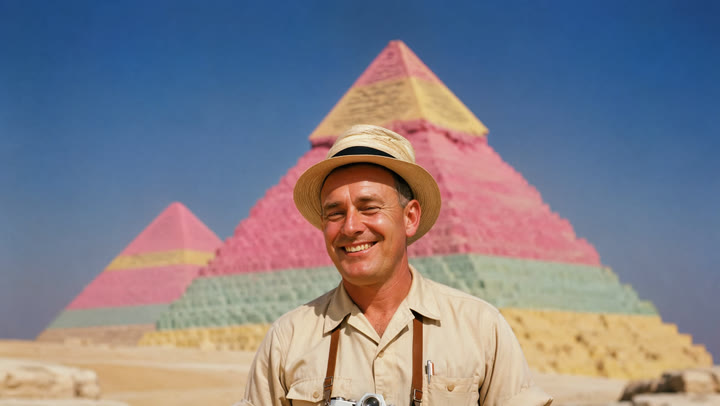
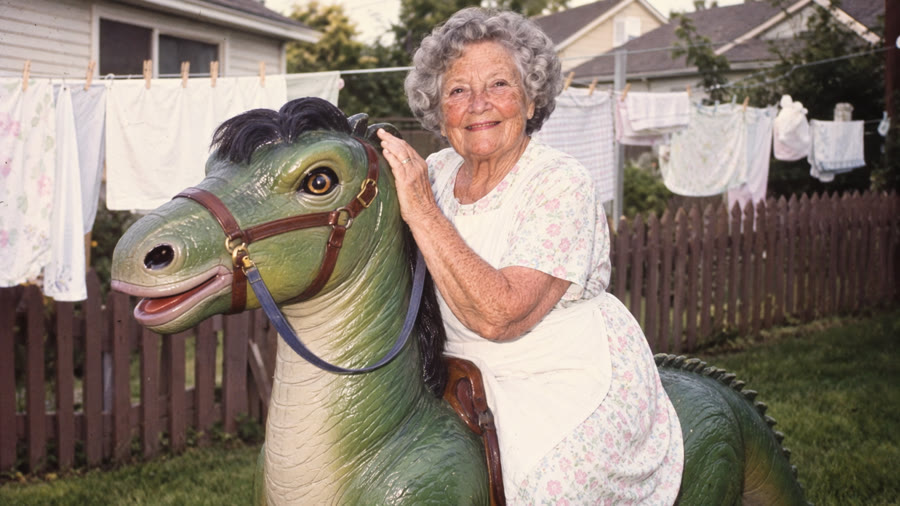
Kodachrome Photo by lotrab921 recalls 1960s and 1970s color slides, and it is trained around the trigger kodachrome style. Retro Vintage Photo by patrik goes for found photographs and family albums from the late fifties to the early nineties. Both have a strength range of 0 to 1.2 and default to 1.
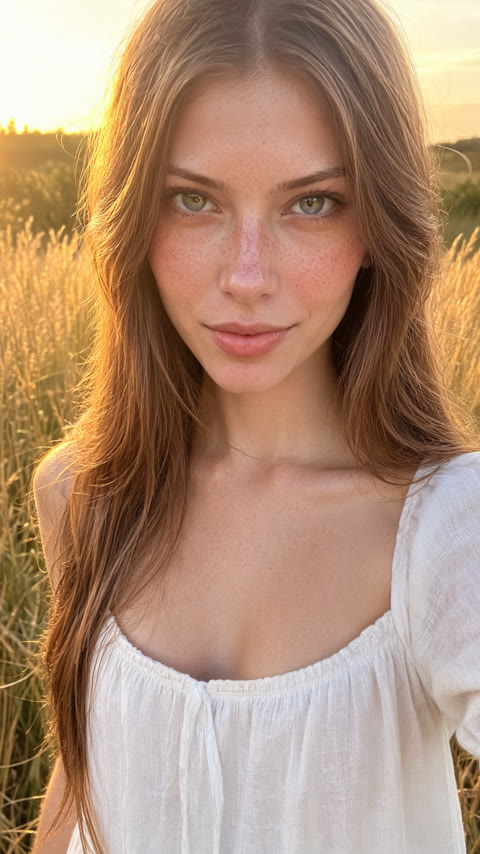
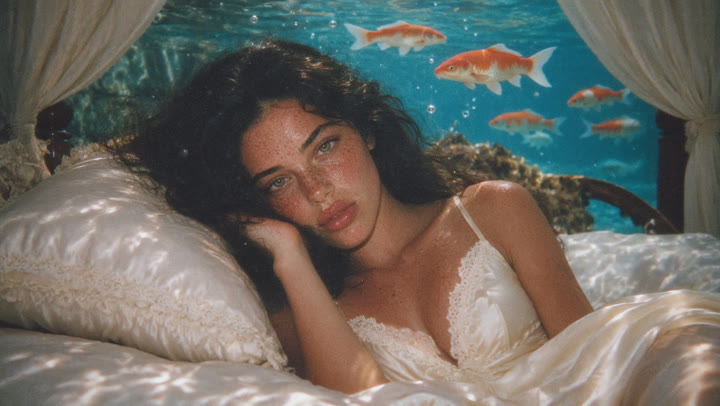
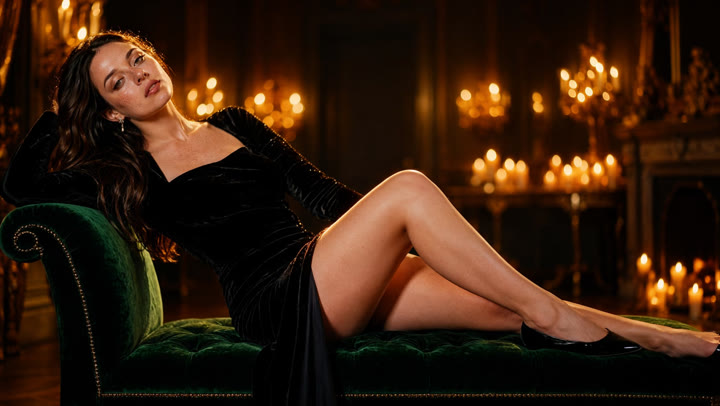
Fever Dream Mood, also by patrik, adds dreamy analog color, luminous highlights and a surreal edge; it defaults to 0.8. Mystic X by alcaitiff emphasizes skin, anatomy and material detail, with support for mature themes. It defaults to 1; the portraits below show it at 0.8.
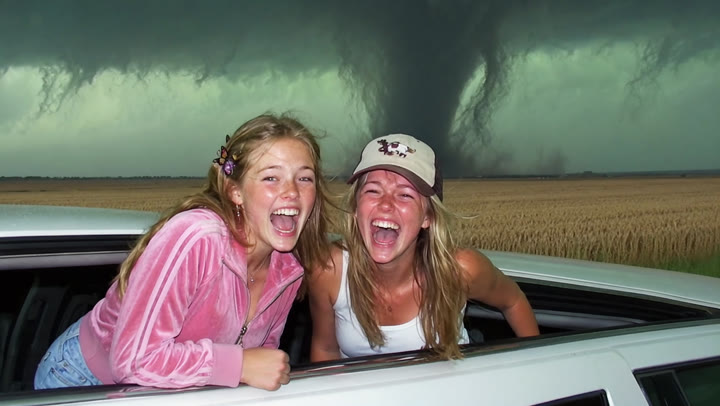
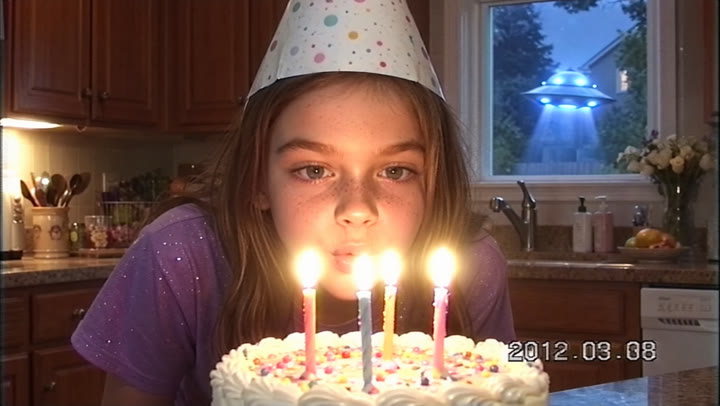
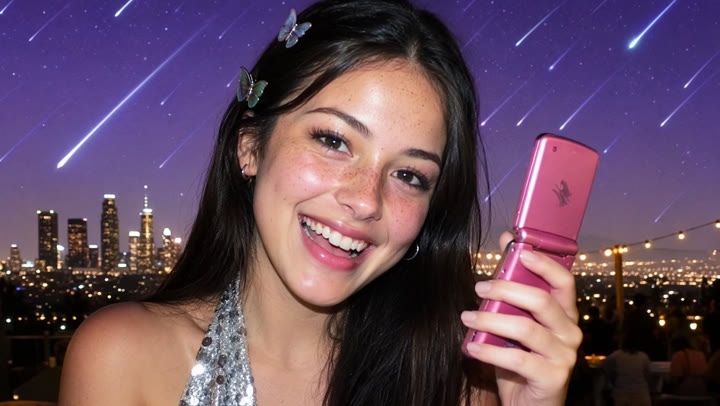
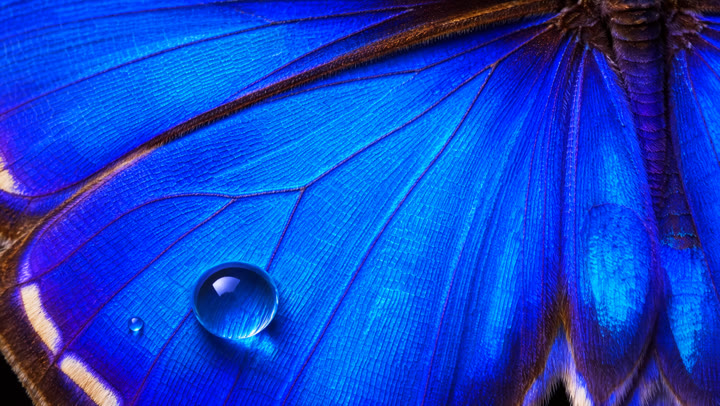
2000s Analog Core by Danrisi brings early-2000s VHS and Hi8 camcorder color and exposure. MAX ULTRA hires by comfyanonymous is a high-resolution adapter designed for canvases of 4 MP and above. Frames 05 and 06 put them against each other.
Each row starts with MOSS Image alone, followed by one LoRA, the other LoRA, and both together. The prompt, seed, size (1536×1920) and 50-step setting stay the same within each row. The labels show each LoRA’s strength.
Look at the light, color, texture and framing, then copy a prompt to try a look yourself.
kodachrome style, portrait from the waist up, face large and sharp. A young woman in a yellow sundress and a white silk headscarf, natural skin texture with visible pores and fine freckles, sharp clear eyes with natural catchlights, sits on the hood of a turquoise 1950s convertible outside a desert motel, smiling into the lens, a pink neon motel sign and blue sky behind her. Late afternoon sun.
LoRAs: moss-kodachrome-photo 1.1 · moss-retro-vintage-photo 1.1 · both stacked at 0.8 + 0.8
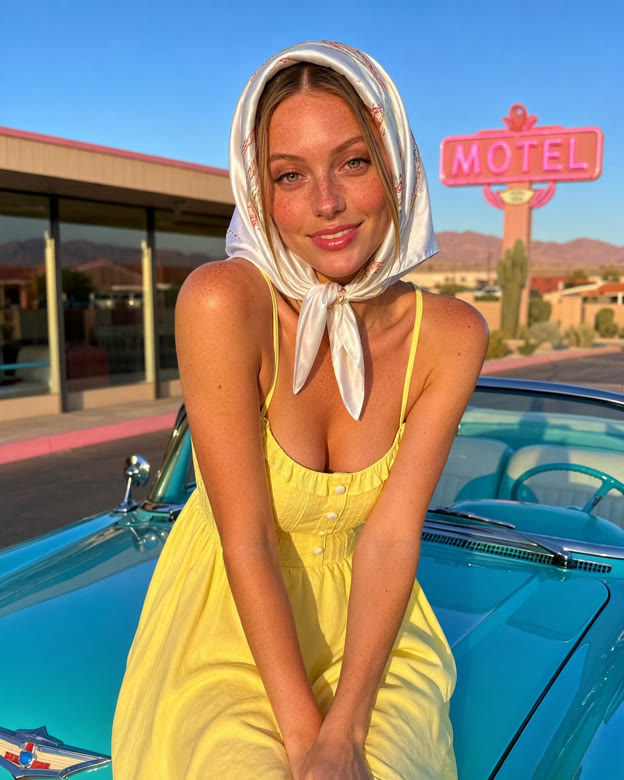
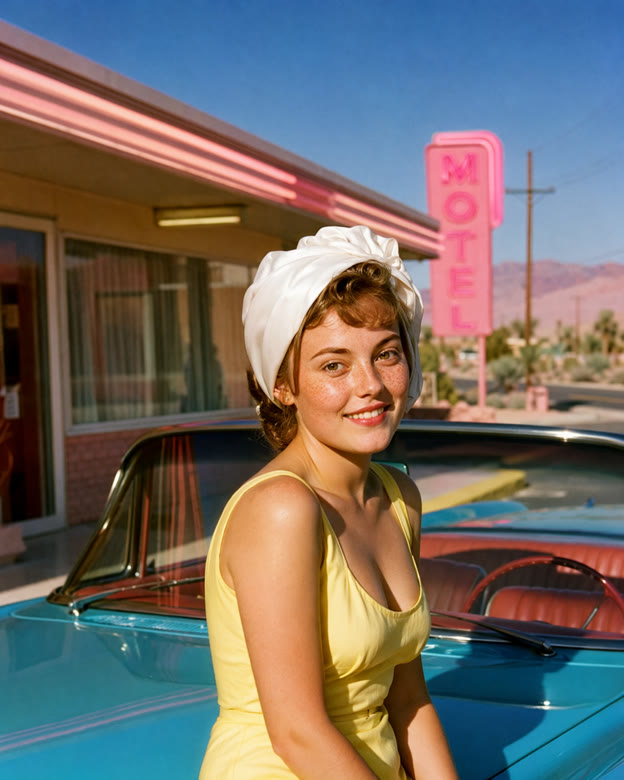
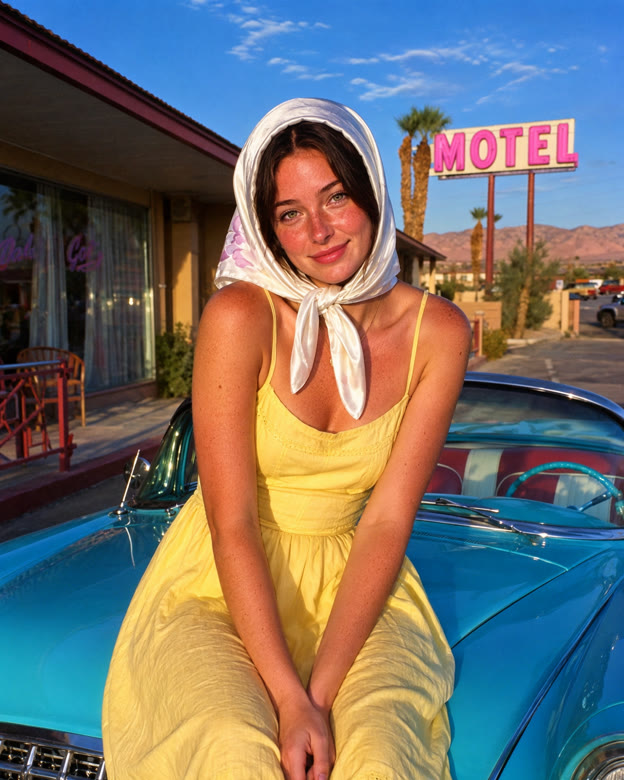
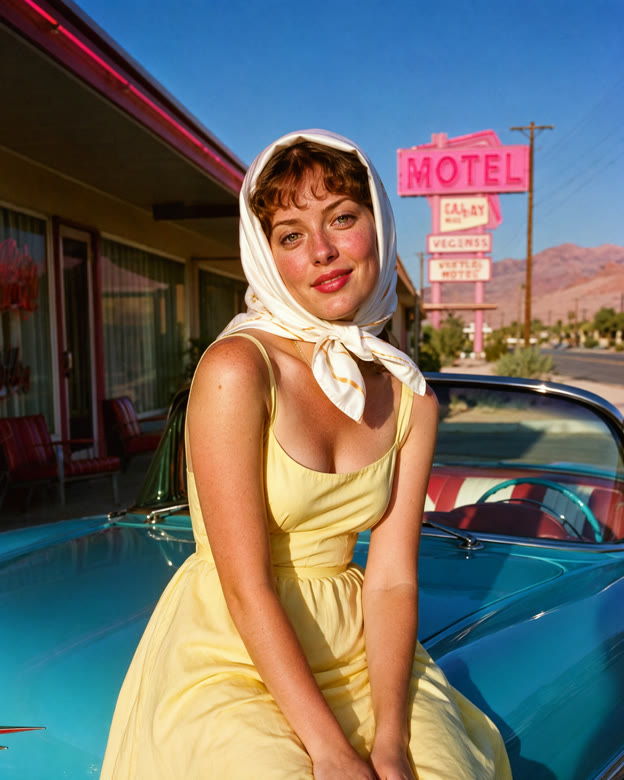
In this scene, Kodachrome changes the framing and hairstyle along with the color. Retro Vintage stays closer to the original composition, with a faded photographic look. The combined version brings the period styling into the mix.
kodachrome style, close-up portrait from the chest up, face large and sharp. An elderly fisherman with a white beard, natural skin texture with visible pores and fine freckles, sharp clear eyes with natural catchlights, wearing a navy knitted cap and a yellow oilskin coat, at a small harbor, red and blue wooden boats behind him, squinting kindly into the lens. Bright morning light.
LoRAs: moss-kodachrome-photo 1.1 · moss-retro-vintage-photo 1.1 · both stacked at 0.8 + 0.8

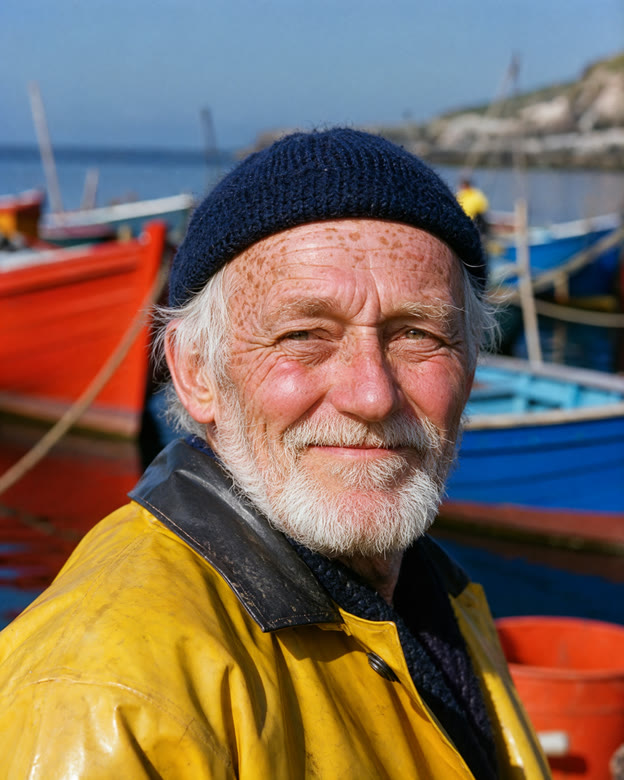
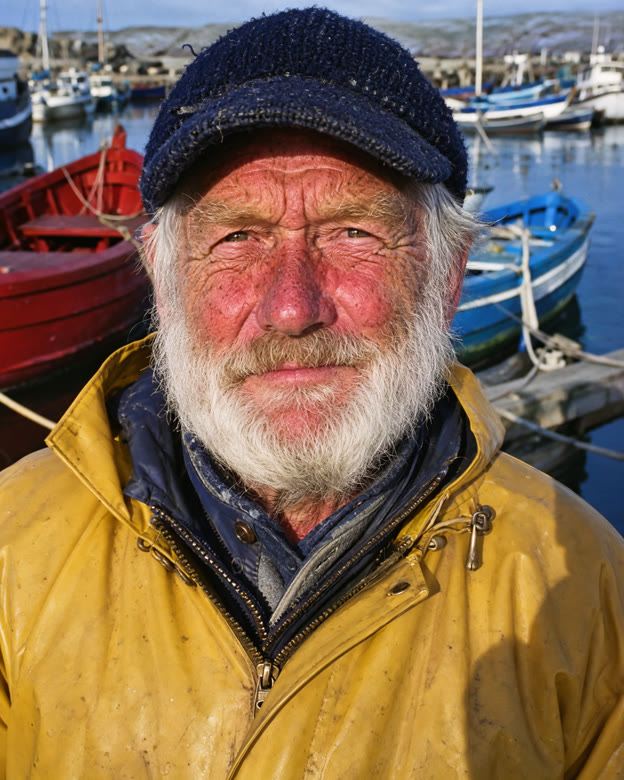
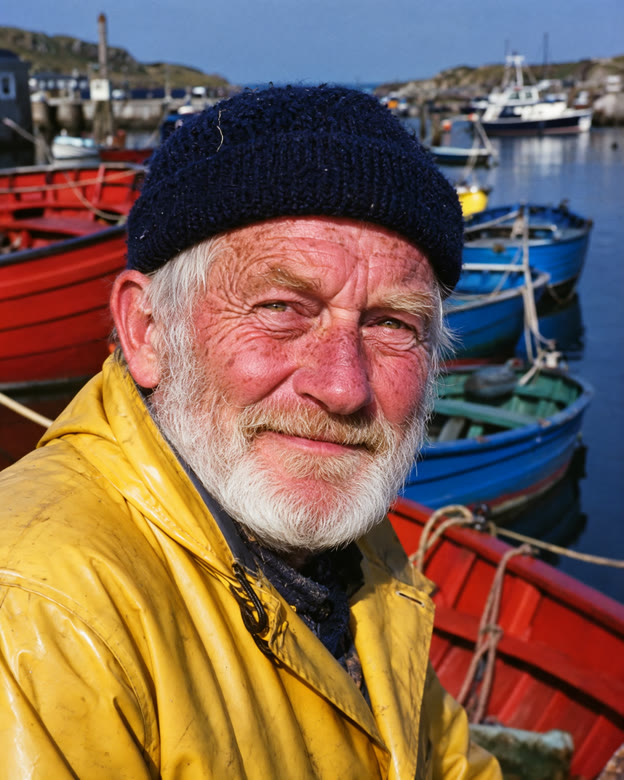
Kodachrome gives this portrait warmer skin tones and a softer background. Retro Vintage brings out a more weathered look. Combining them gives the harbor scene a richer color palette.
Top-down close-up from directly above, face large and sharp in the center. A woman with dark wet hair spread around her, natural skin texture with visible pores and fine freckles, sharp clear eyes with natural catchlights, wearing a black velvet long-sleeved gown, lies in a bathtub of milk with floating pink rose petals, looking up into the lens. Soft window light.
LoRAs: moss-fever-dream-mood 1.0 · moss-mystic-x 0.8 · both stacked at 0.8 + 0.7
Fever Dream adds a glossy glow to the skin and water. Mystic X stays closer to the original portrait. The combined version keeps the glow with a softer finish.
Portrait from the chest up, face large and sharp. A woman with a dark low chignon and pearl earrings, natural skin texture with visible pores and fine freckles, sharp clear eyes with natural catchlights, deep red lips, wearing a red silk dress with long sleeves, stands in a moonlit Victorian greenhouse full of white orchids and low fog, looking over her shoulder into the lens.
LoRAs: moss-fever-dream-mood 1.0 · moss-mystic-x 0.8 · both stacked at 0.8 + 0.7
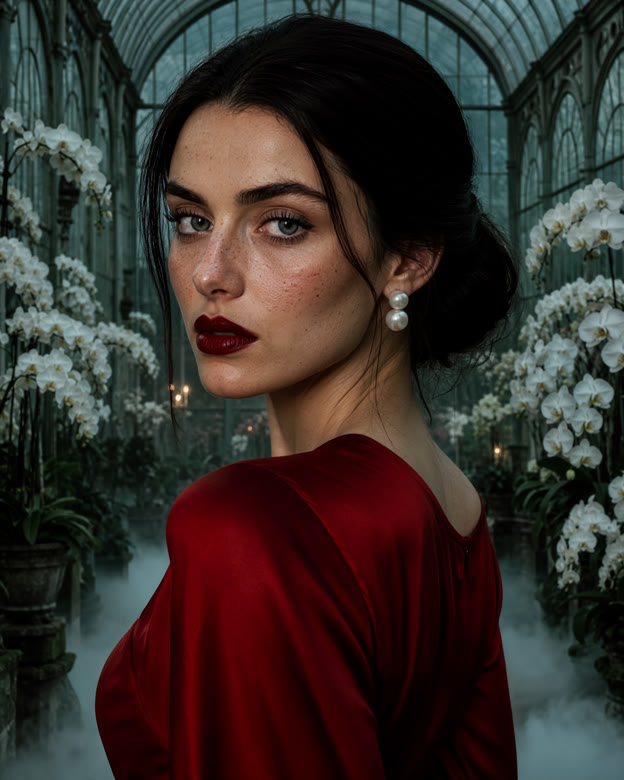
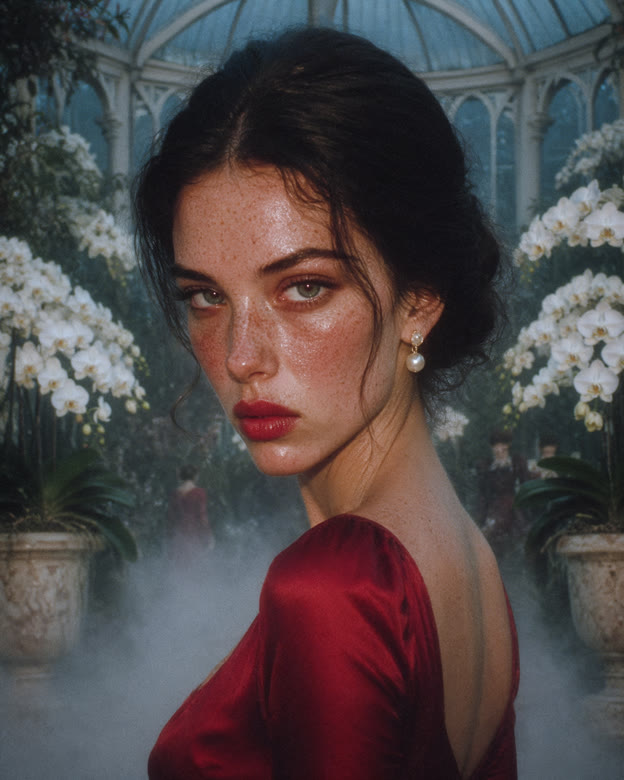
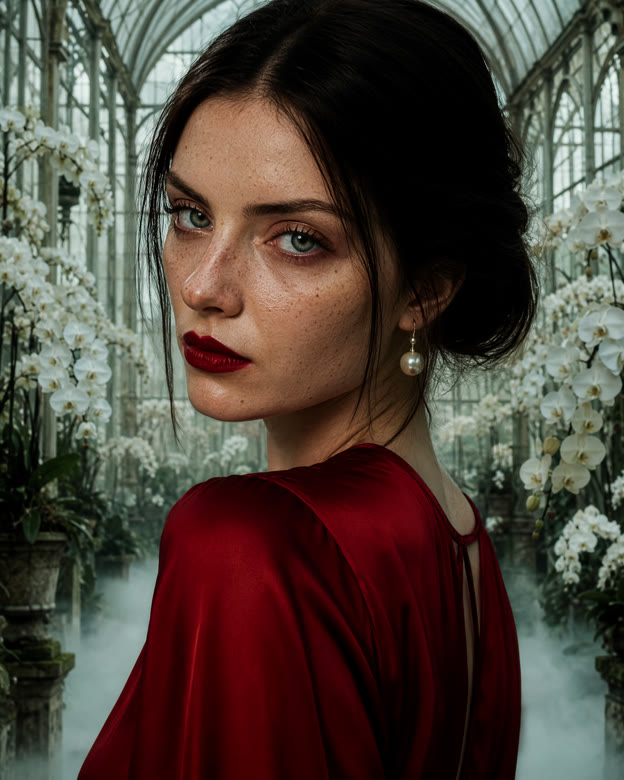
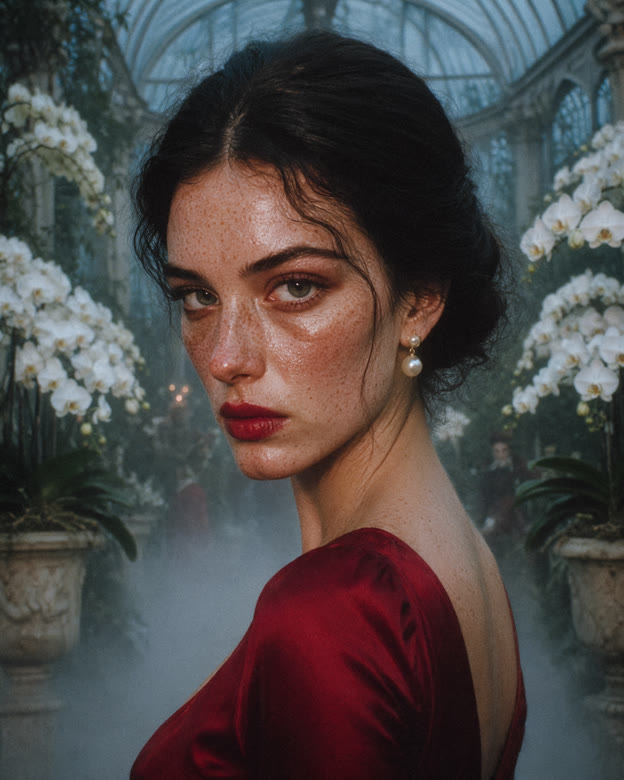
Both LoRAs brighten this moonlit portrait and bring out skin texture. Fever Dream gives the scene cooler light and changes the dress, while Mystic X stays closer to the original framing.
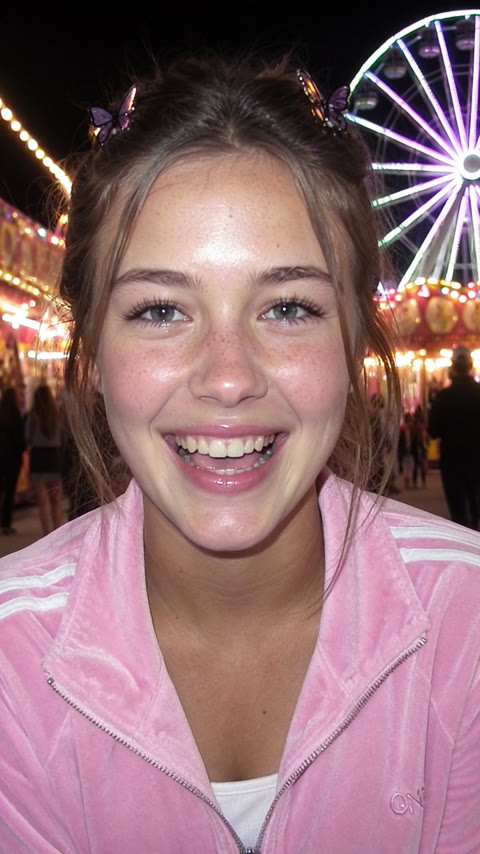
Portrait from the chest up, face large and sharp. A teenage girl with butterfly clips in her dark hair, natural skin texture with visible pores and fine freckles, sharp clear eyes with natural catchlights, glossy lips, wearing a silver puffer jacket, stands on a snowy city rooftop at night, snowflakes in the air, city lights and a water tower behind her, grinning into the lens.
LoRAs: moss-2000s-analog-core 1.0 · moss-max-ultra-hires 1.0 · both stacked at 0.8 + 0.8
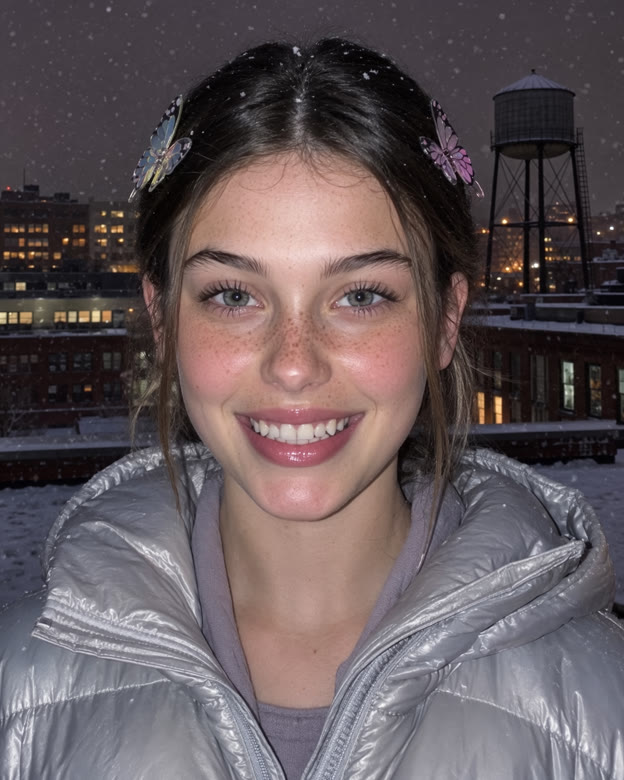
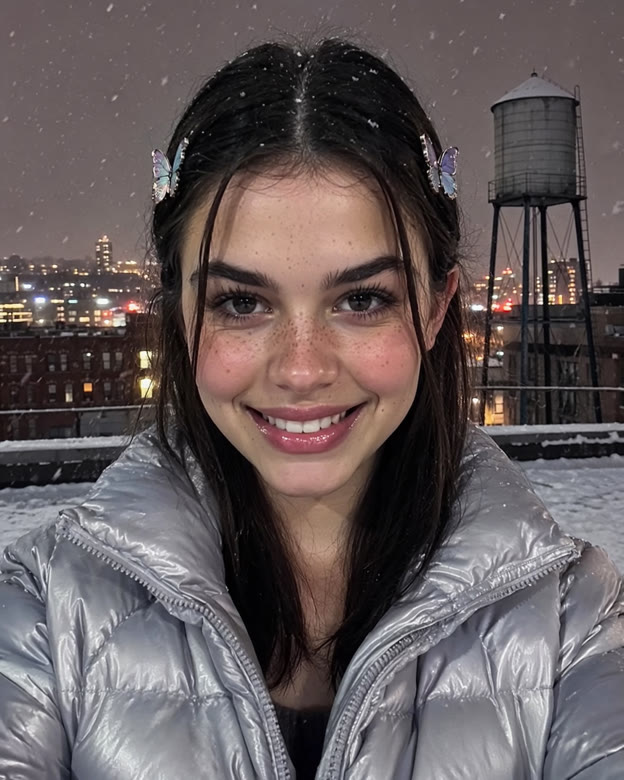
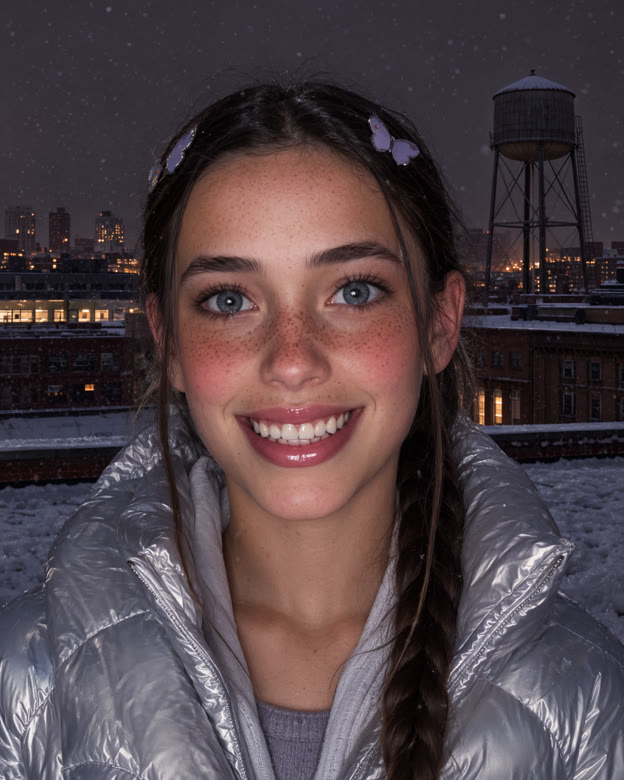
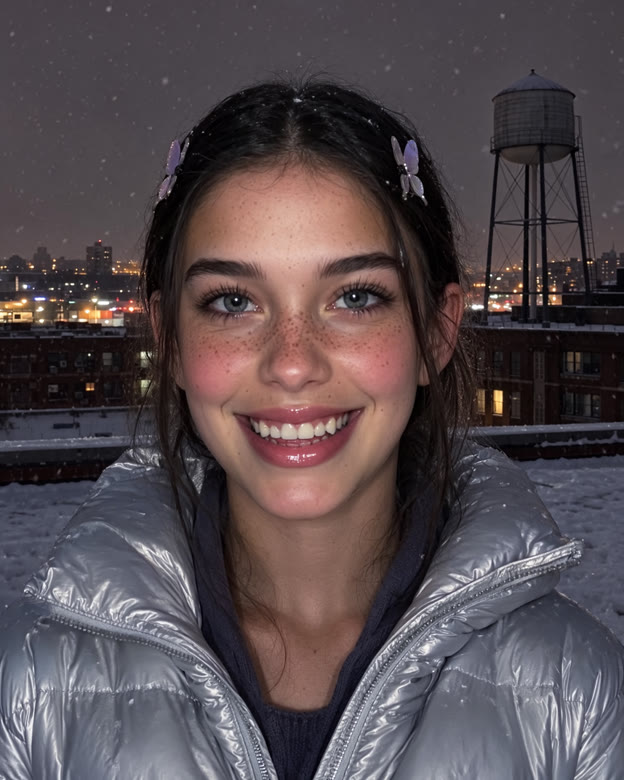
2000s Analog Core changes the hairstyle and gives the portrait a stronger flash look. MAX ULTRA hires produces a darker image with deeper color. The combined version brings another balance of light and color.
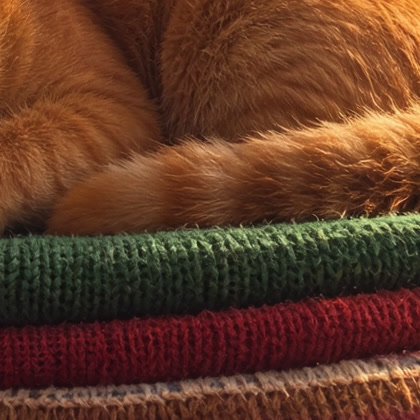
A ginger cat asleep on a tall pile of colorful vintage knitted sweaters in a cluttered thrift shop, racks of clothes, old lamps, stacked records and a dusty window behind. Warm afternoon light, every knit stitch and hair visible.
LoRAs: moss-2000s-analog-core 1.0 · moss-max-ultra-hires 1.0 · both stacked at 0.8 + 0.8
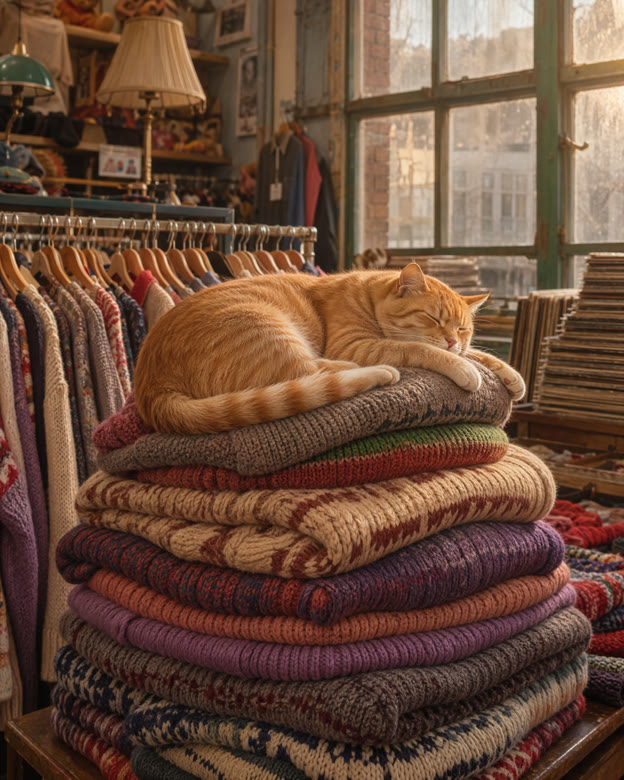
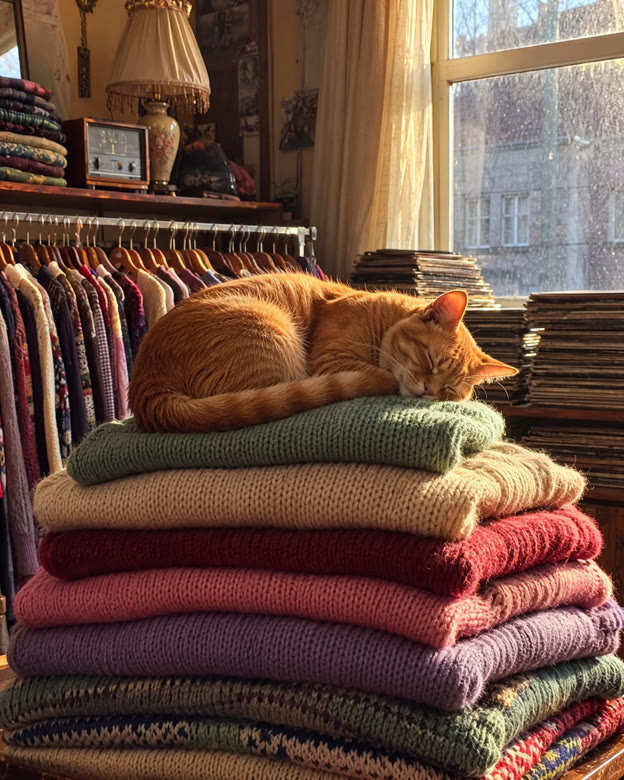
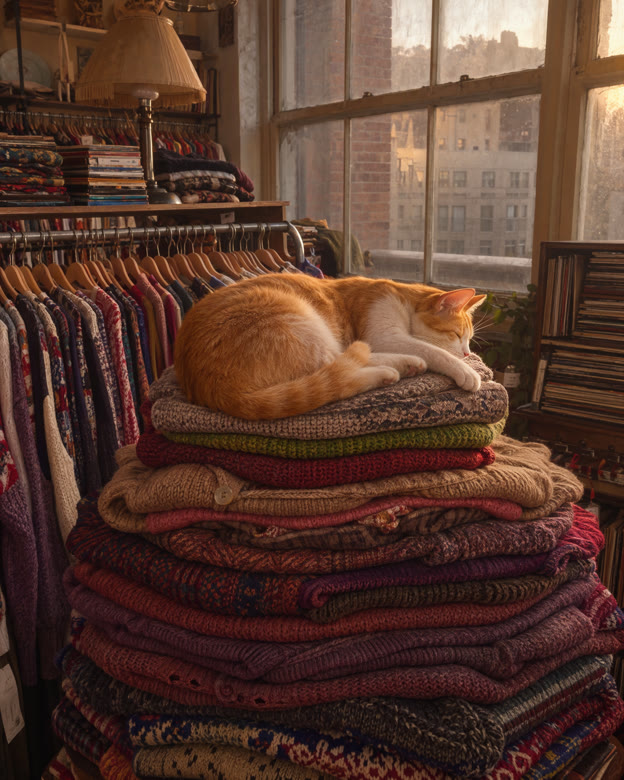
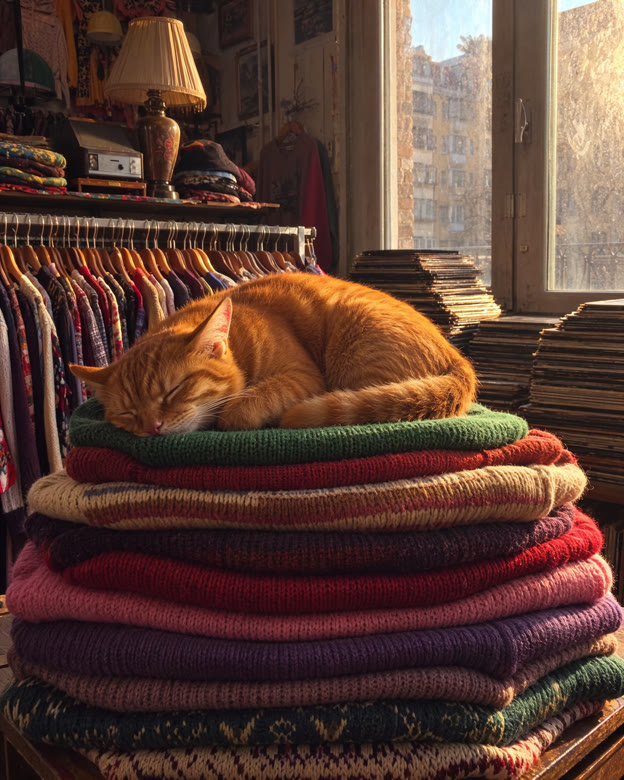
2000s Analog Core gives the shop warmer light and changes the knitwear. MAX ULTRA hires produces a darker scene. Compare the detail crops below to explore the sweaters and fur.
Compare the center of each image in these 420×420 detail crops. Look at the knit stitches, fur and lighting.
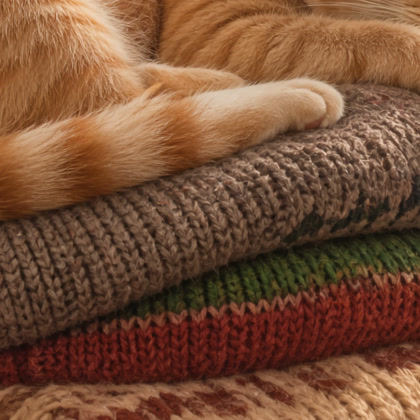
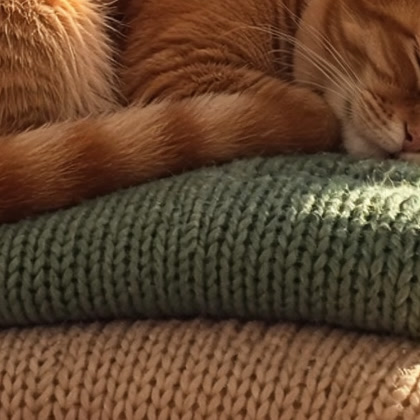
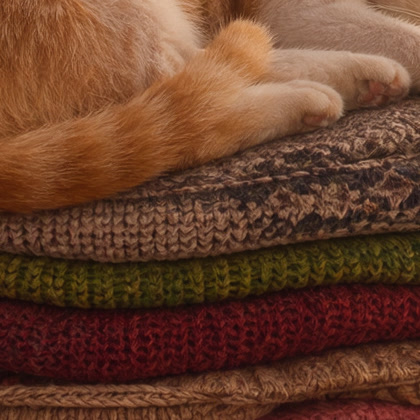
Strength controls how strongly a LoRA guides the result. Each row shows the same prompt and seed at several strengths, alongside a version with no LoRA. On mobile, swipe across a row to compare the settings. Start with the default, then move the slider to find a look you like.
Glow, blush and grain build steadily; by 1.2 the whole frame is soft-focus memory.
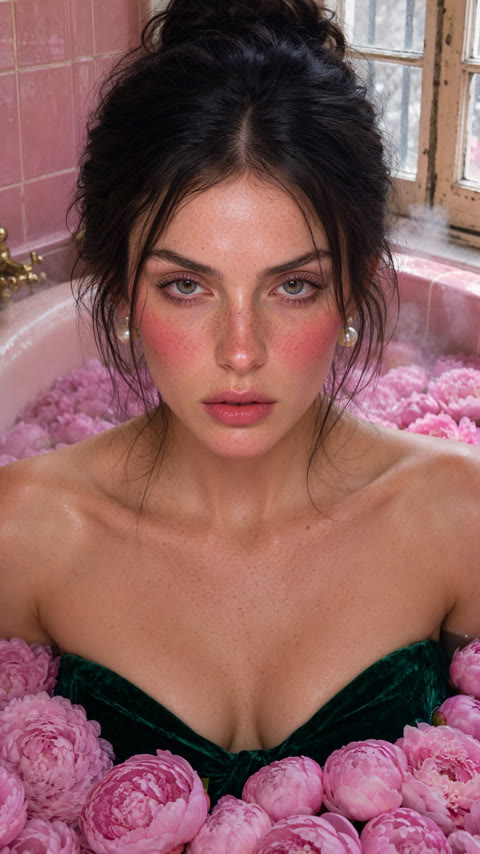
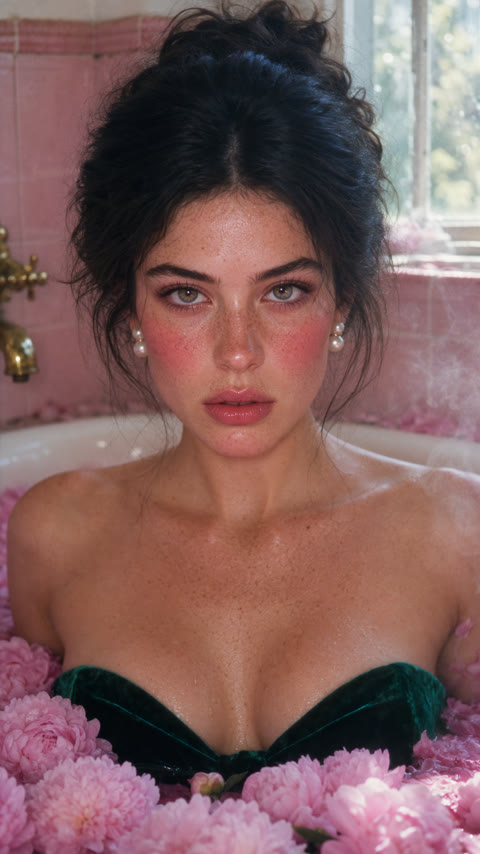
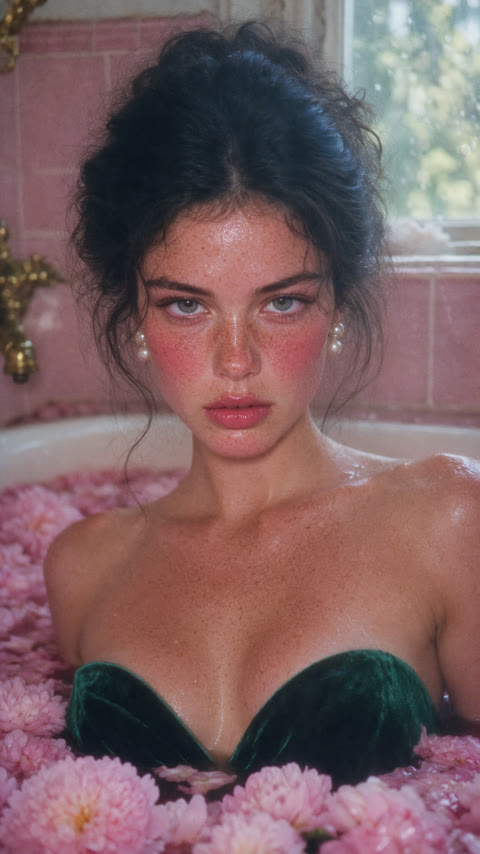
Subtle on a portrait this restrained: skin and hair pick up texture and contrast while the face barely moves.
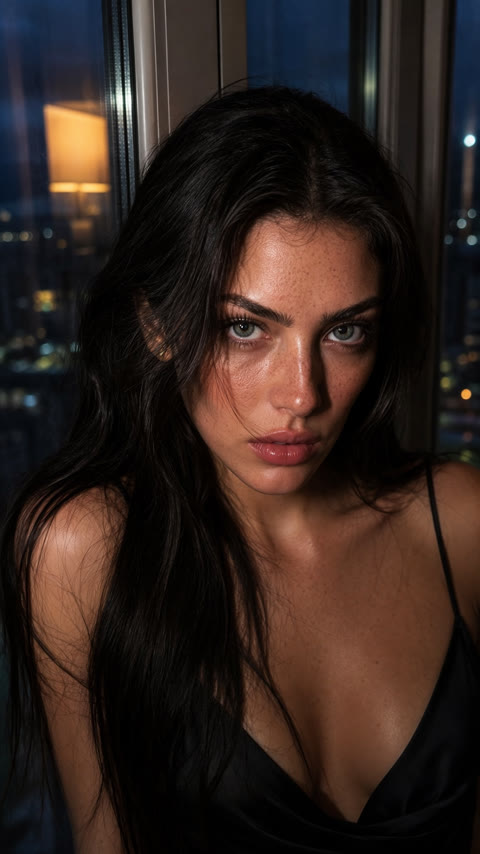
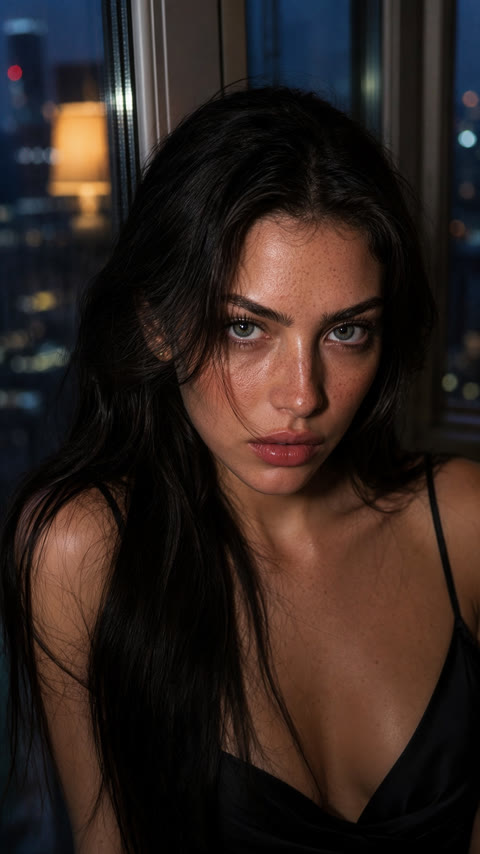
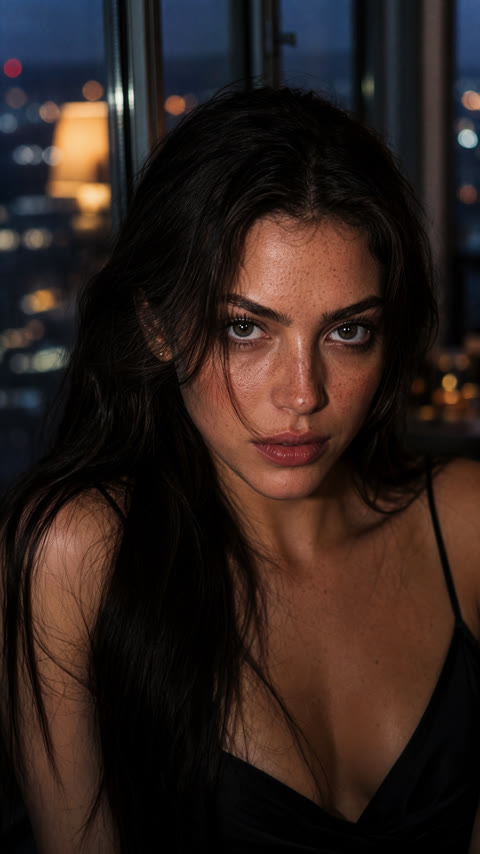
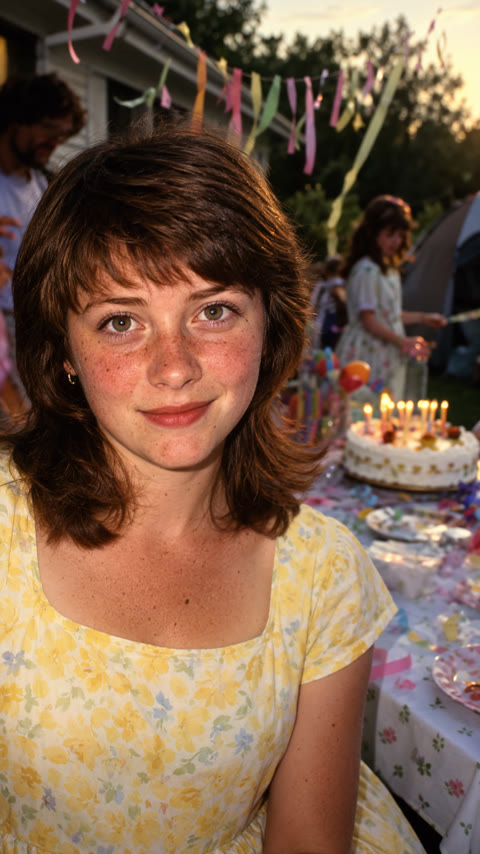
Hair, makeup and color take on an early-sixties look as the strength increases.
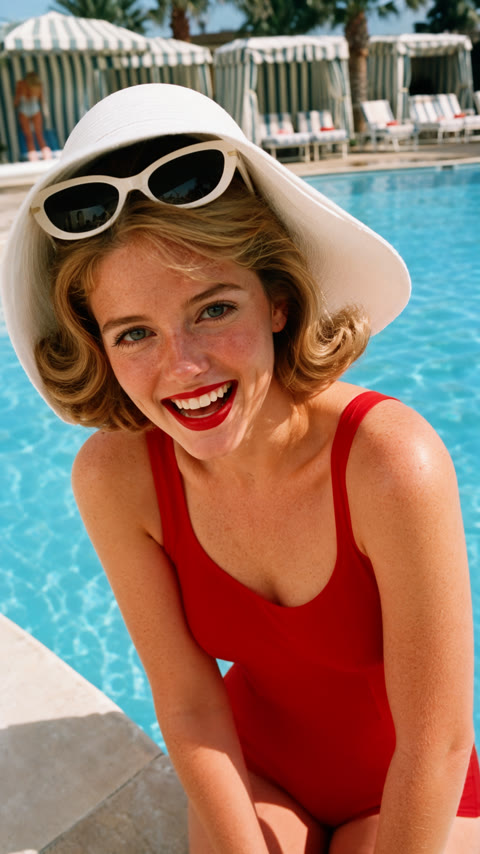
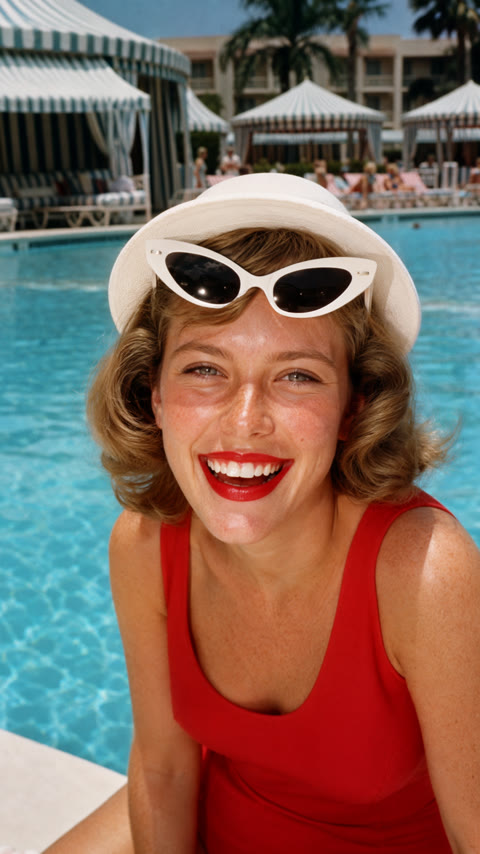
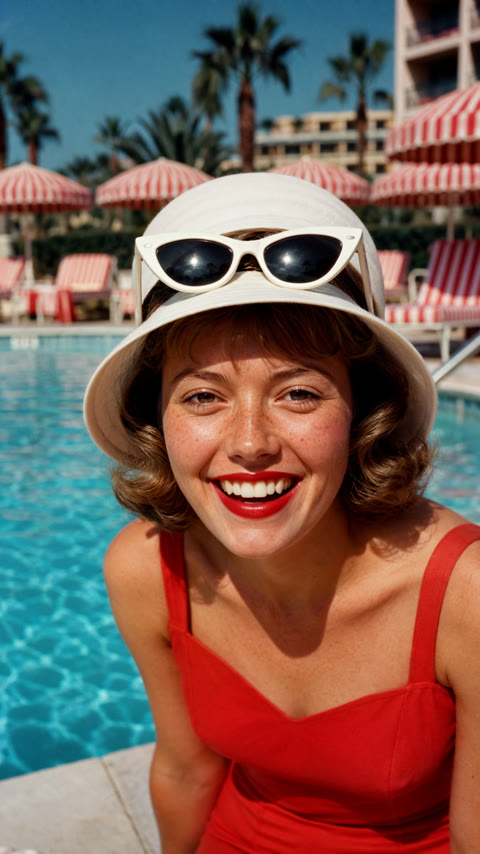
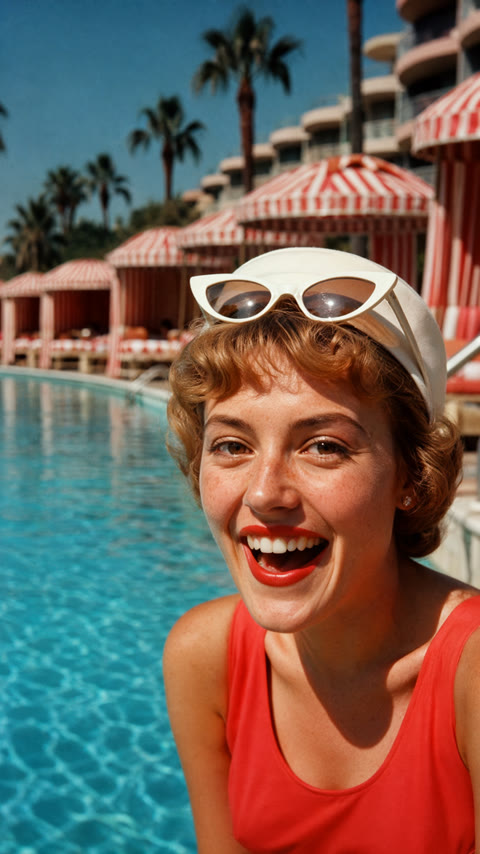
Color warms and fades, and the photo starts to read as a 1970s print. It also nudges the age and styling of the subject.
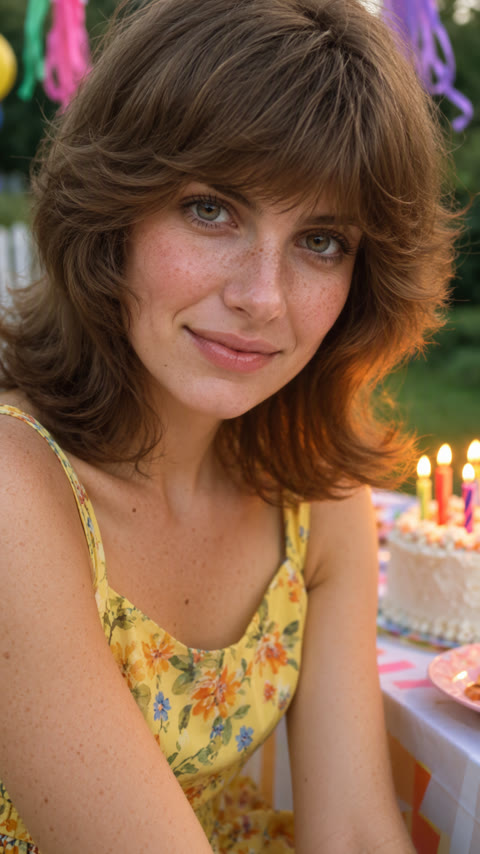
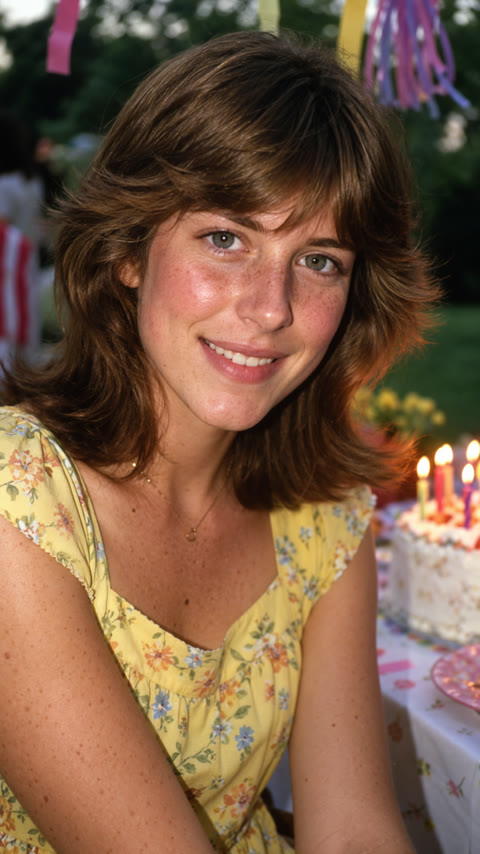
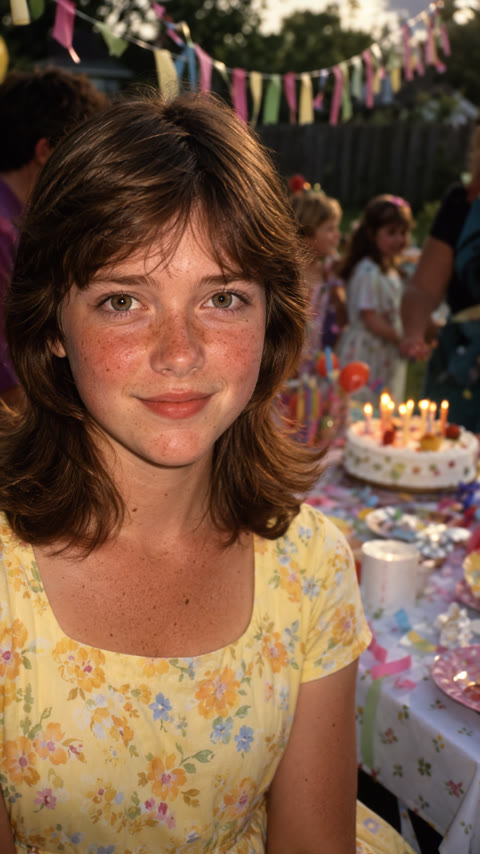
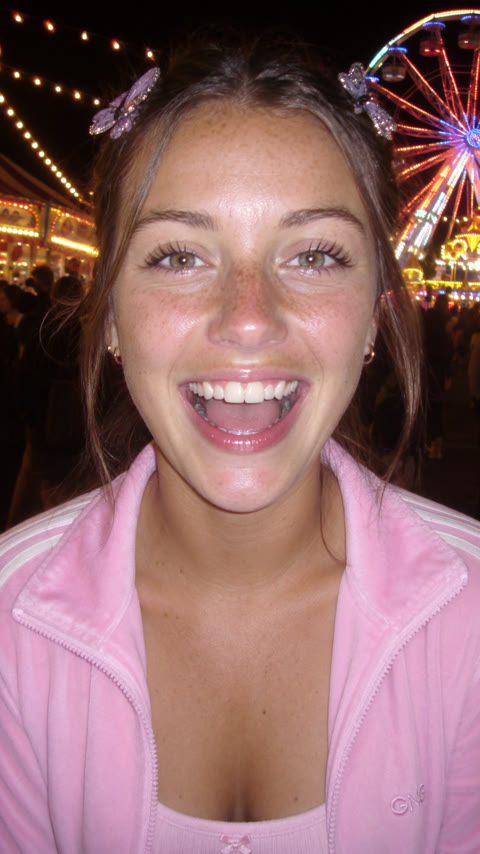
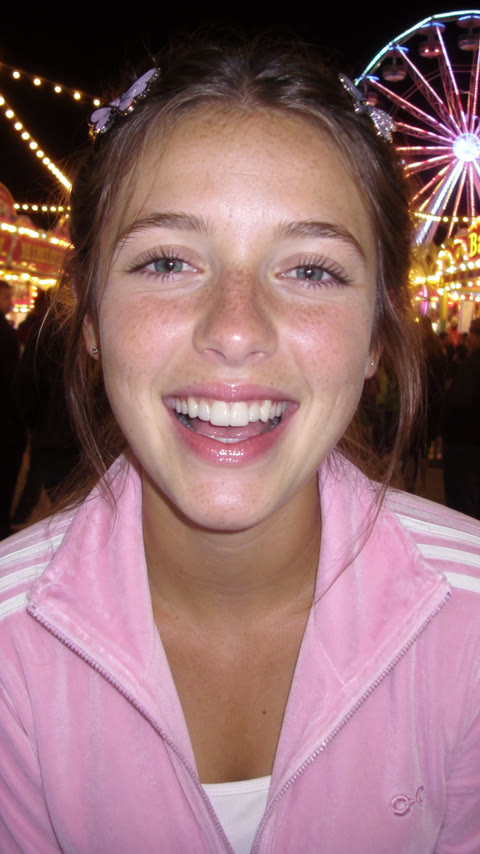
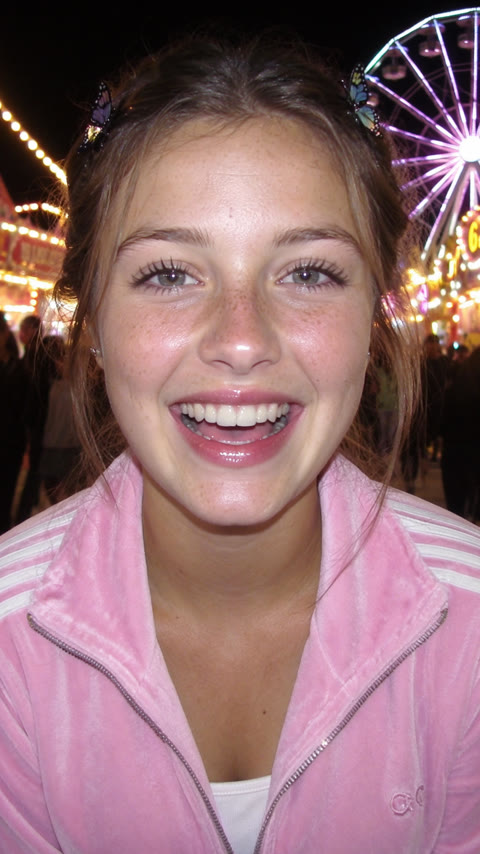
Subtle at this framing: the flash gets harsher and the color cooler.
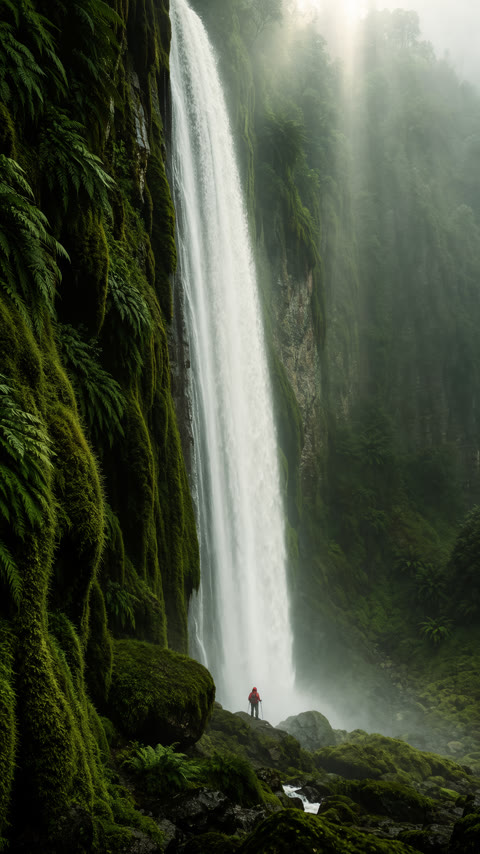
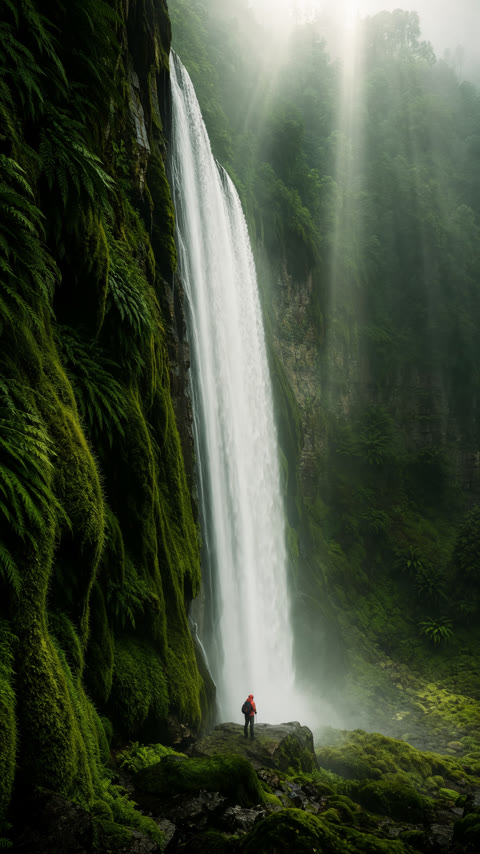
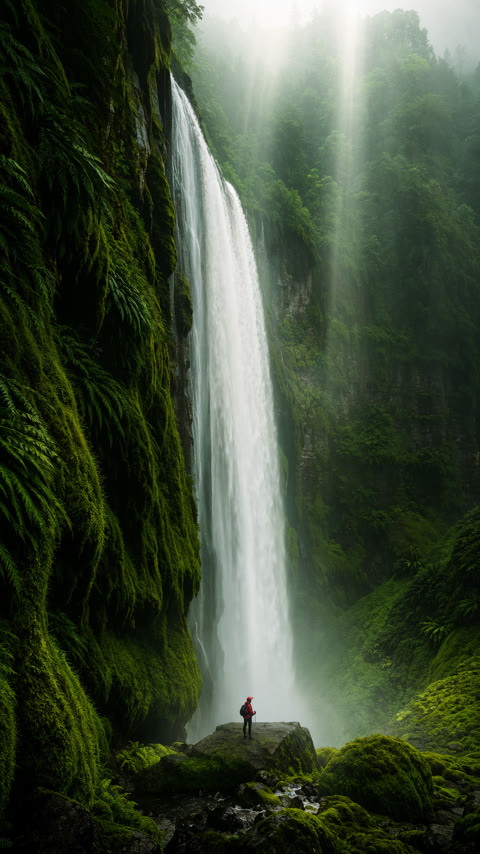
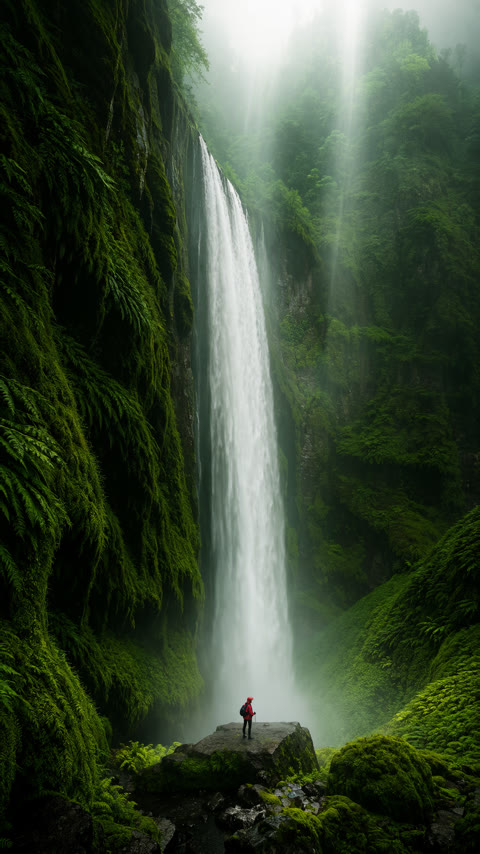
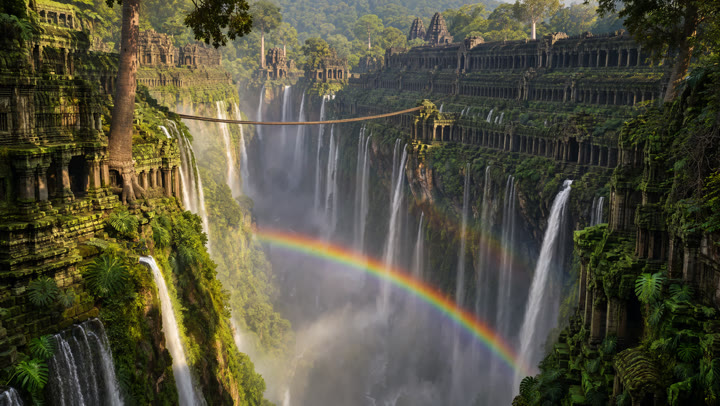
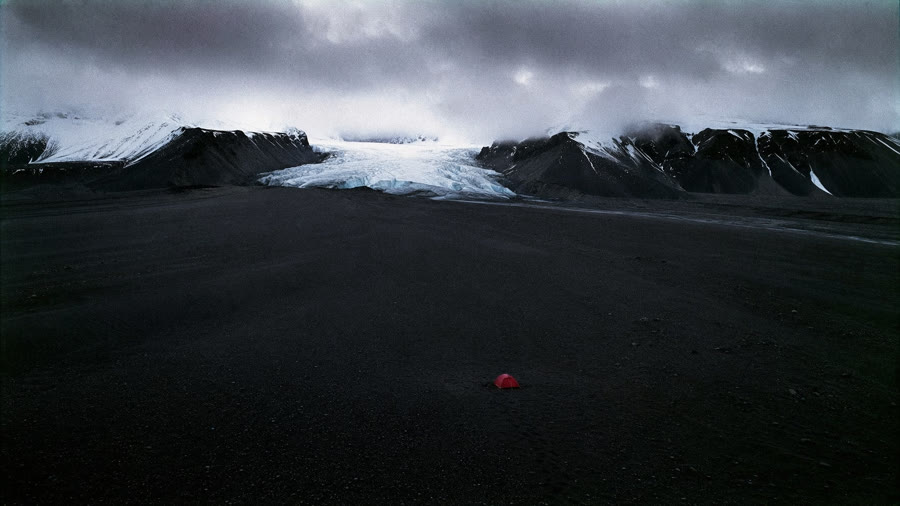
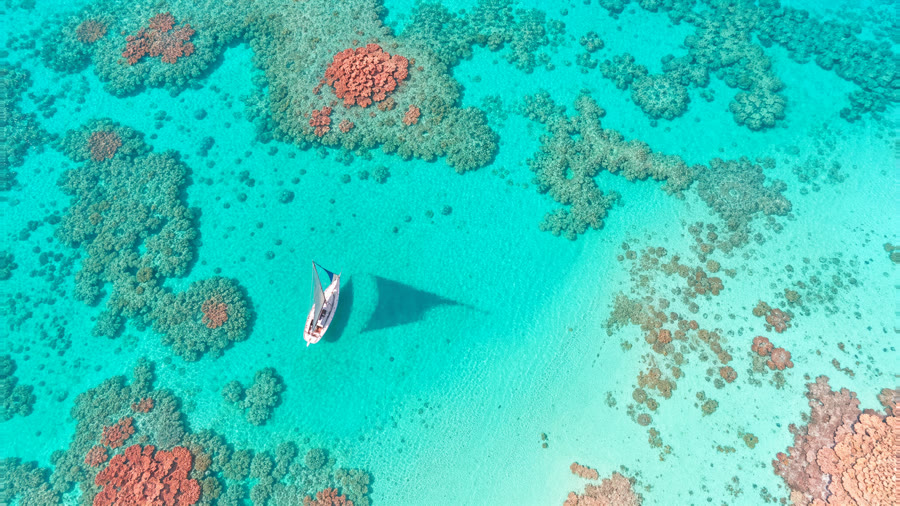
Compare the texture of moss, rock and spray. These examples use a 2.4 MP canvas; the creator designed this adapter for 4 MP and above.
The background melts into creamy blur and the portrait picks up glossier, editorial color.
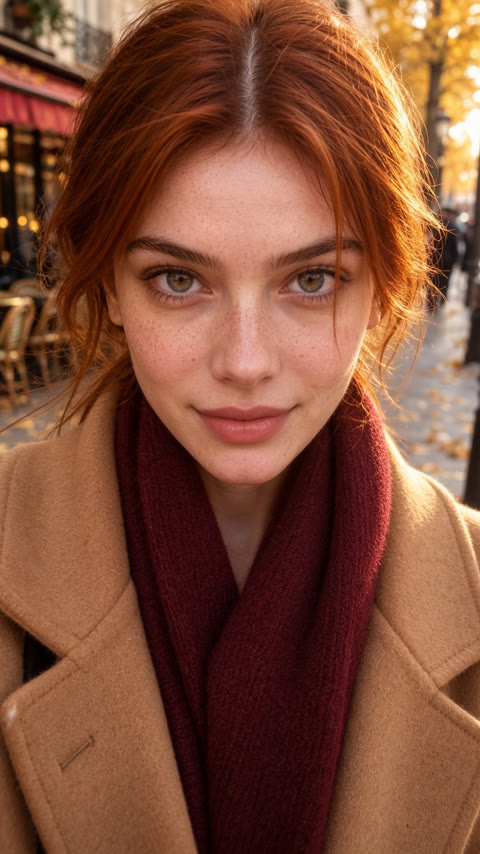
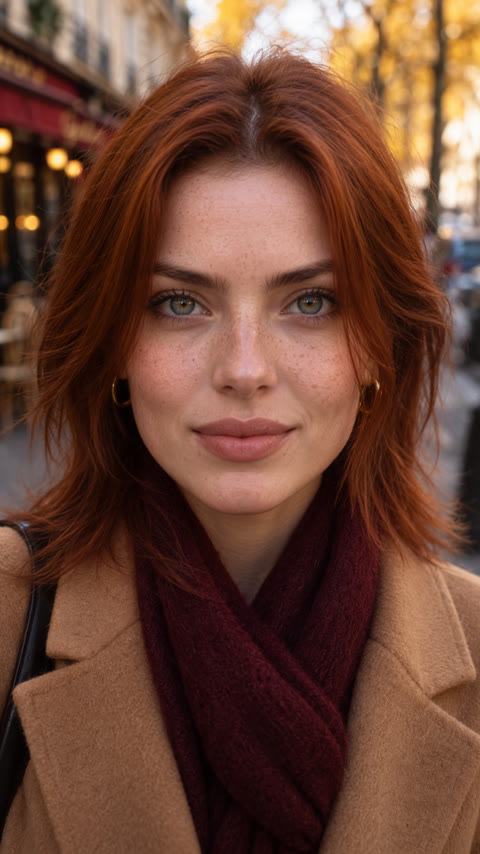
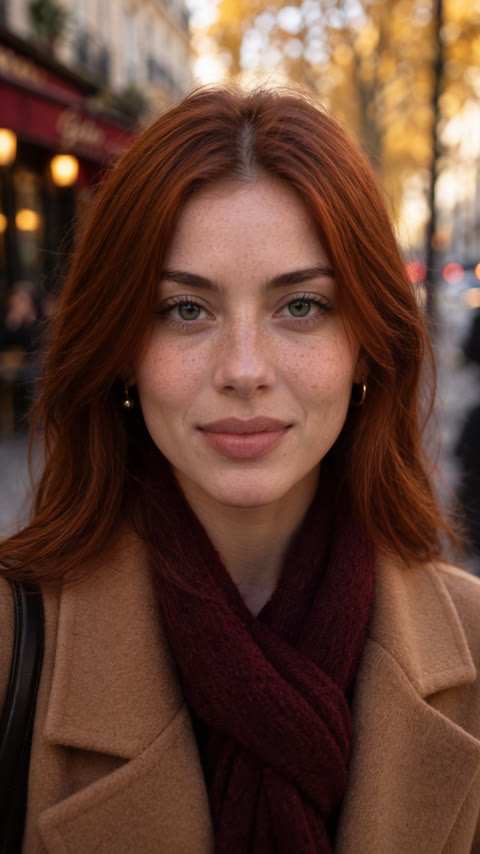
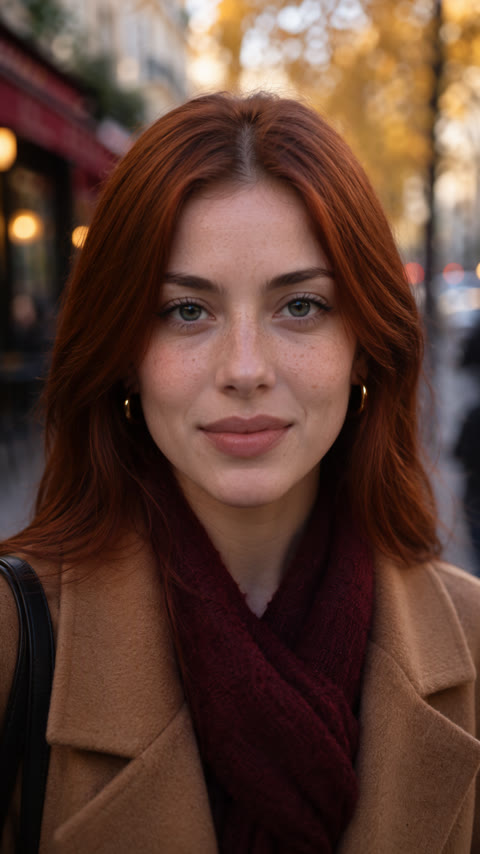
Light flattens into real window light and the frame starts to feel like a phone photo. From 0.75 it also nudges the pose.
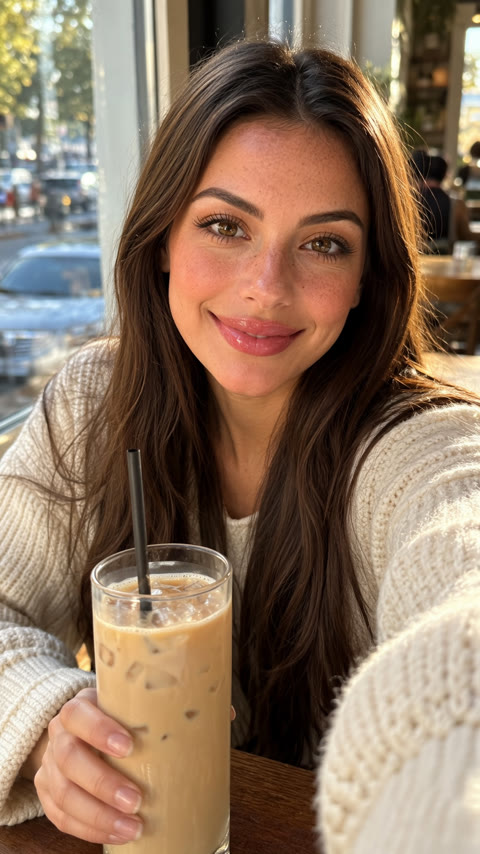

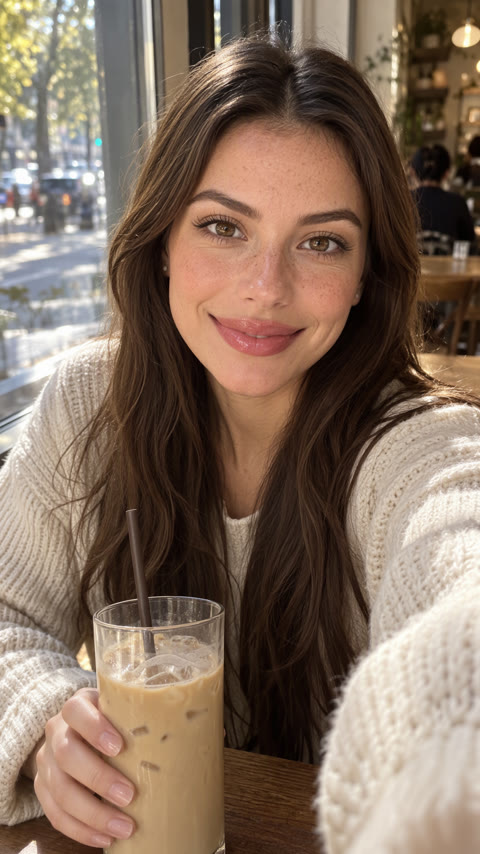
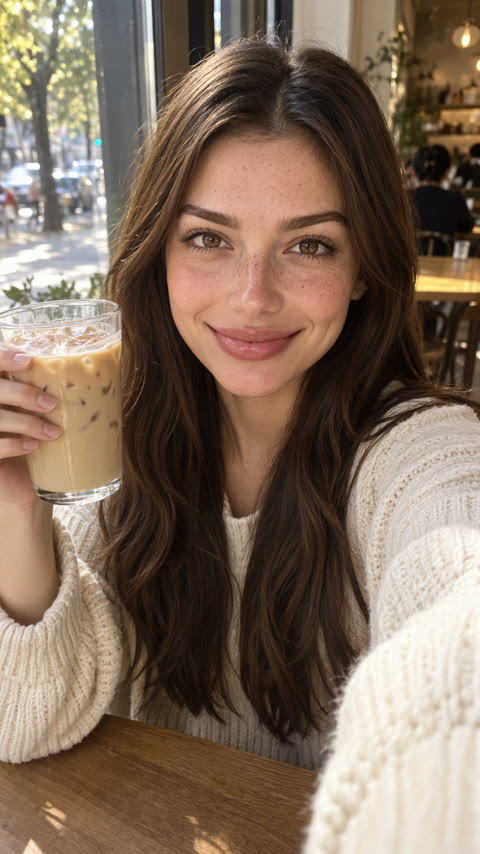
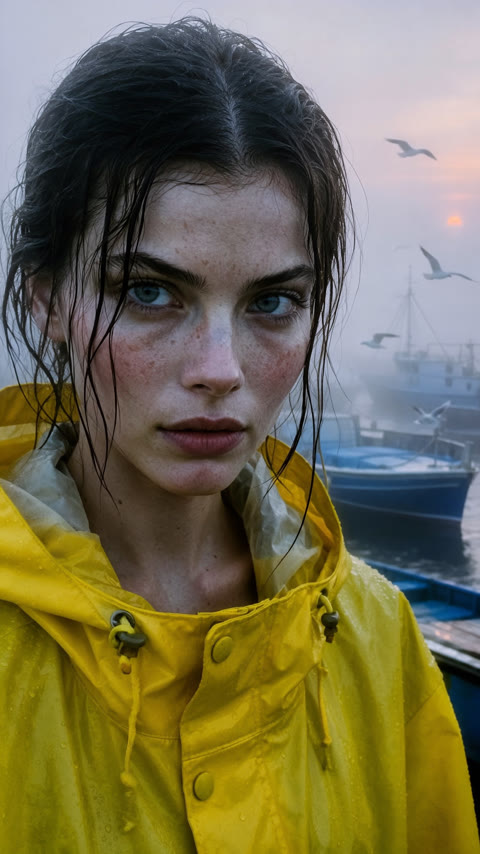
Contrast and texture climb, the fog gets moodier and the color more filmic.
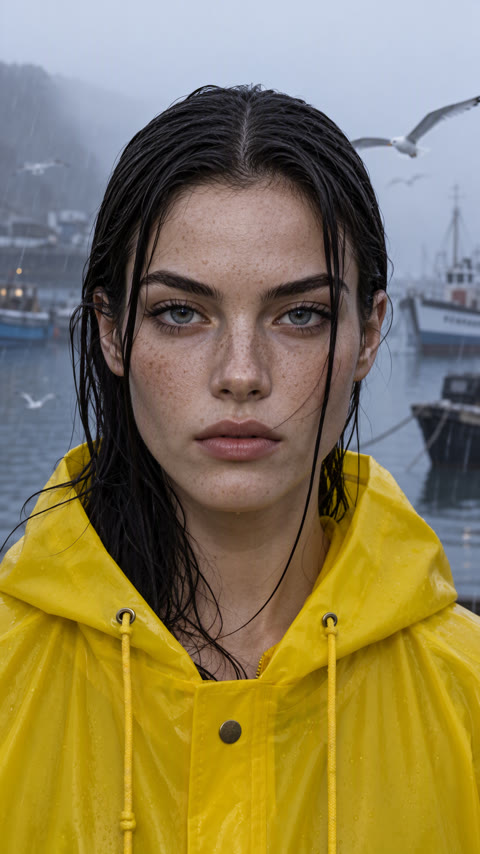
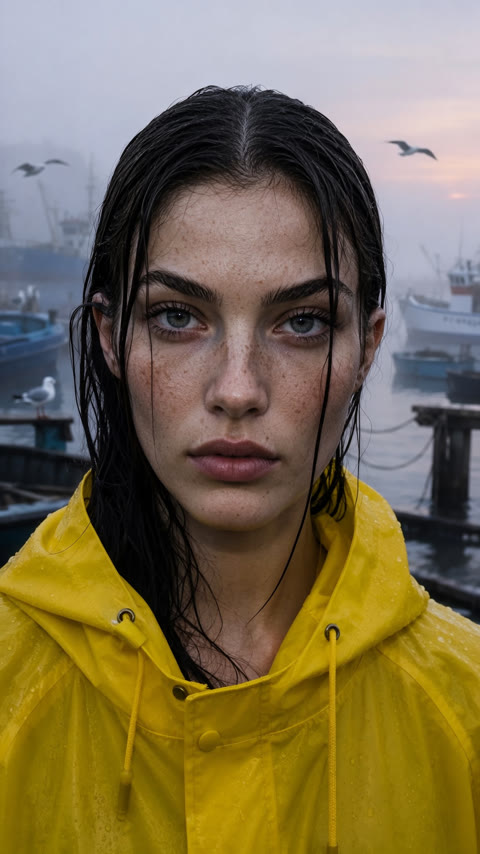
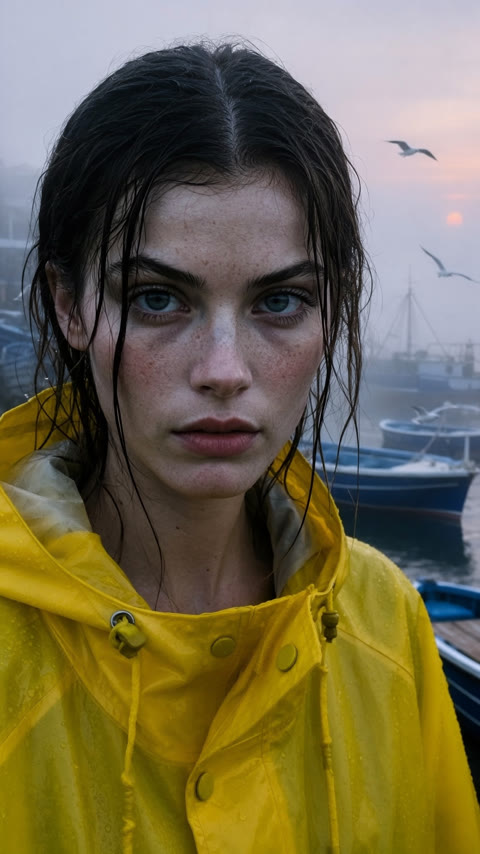
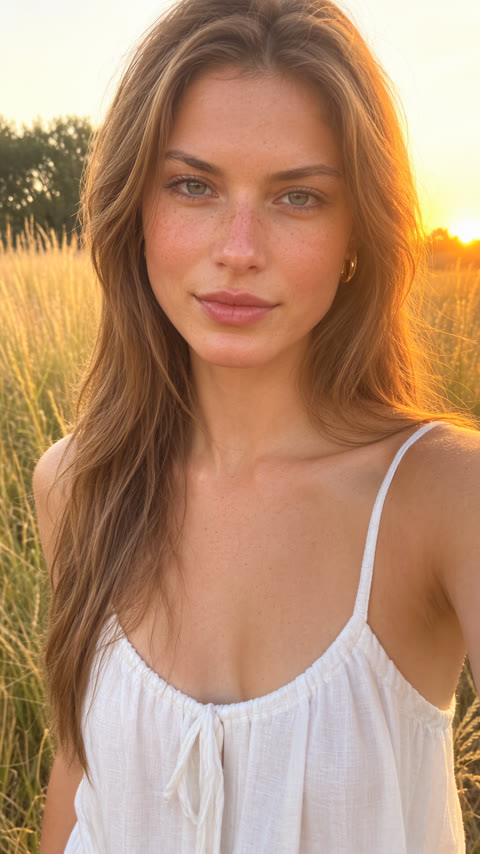
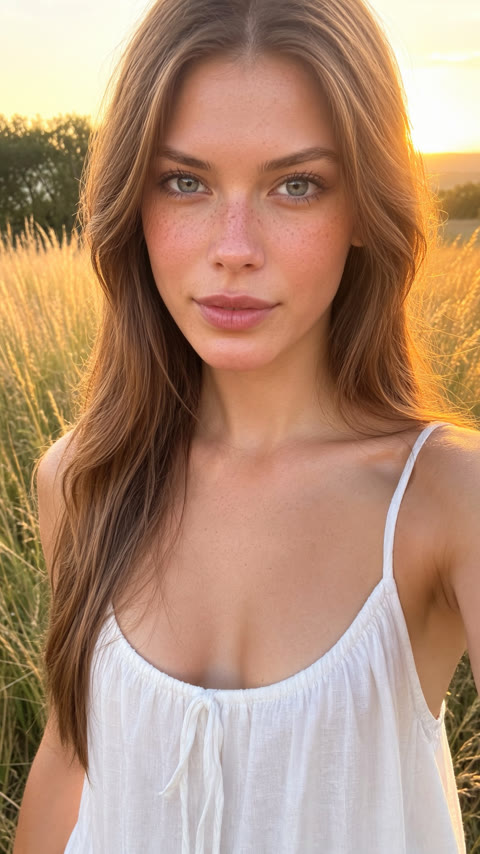
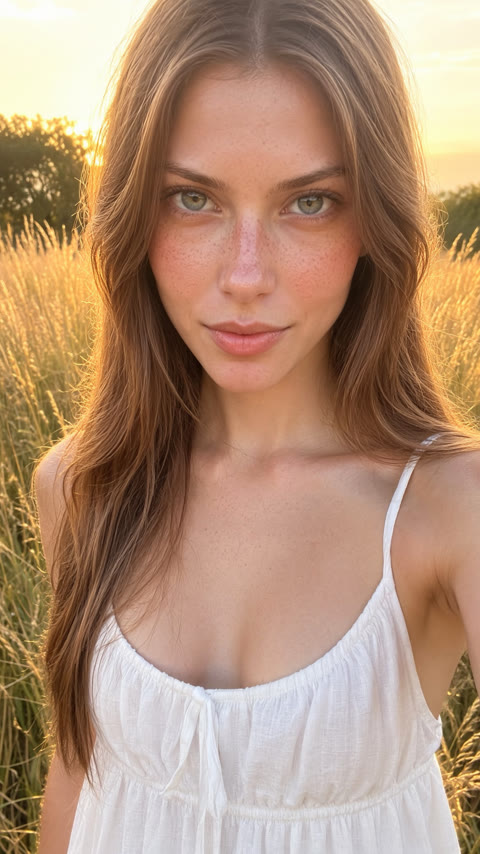
A gentle portrait polish: smoother skin and a slightly warmer, more styled look.
At −0.75 the scene becomes simpler; at +0.75 the shelves and skin gain detail.
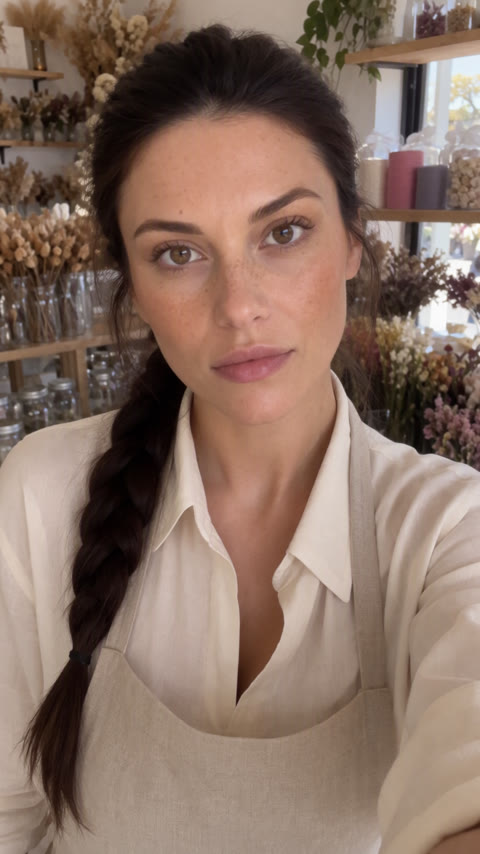
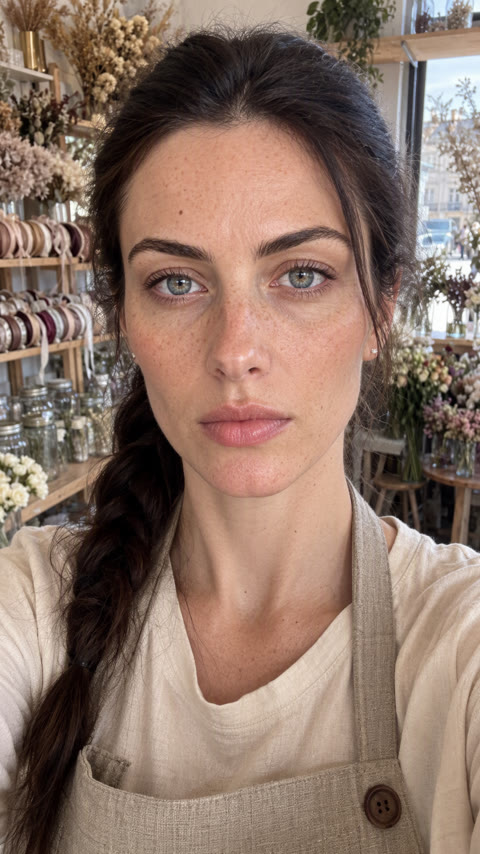
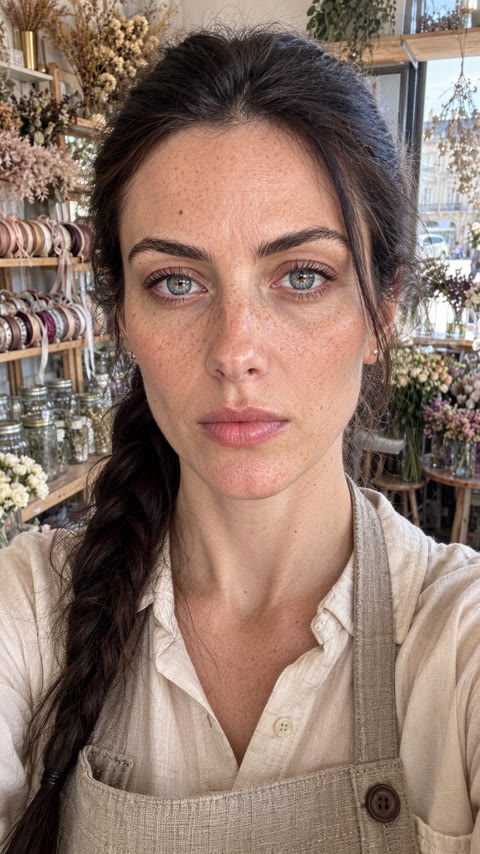
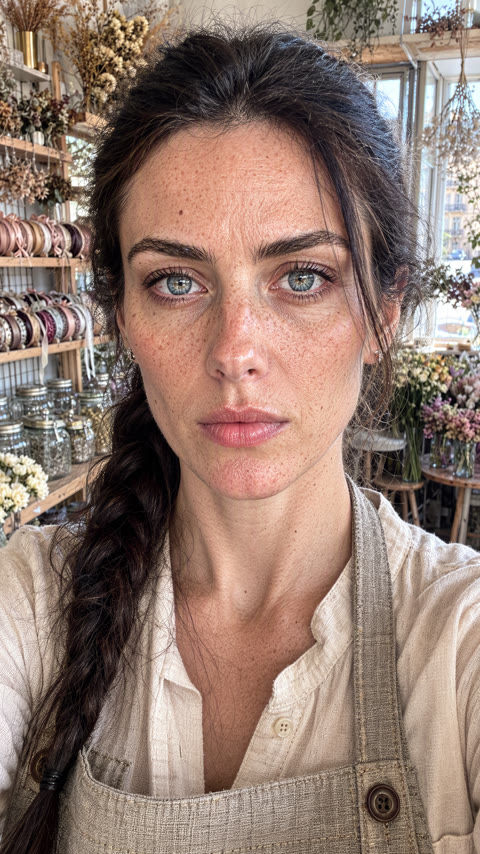
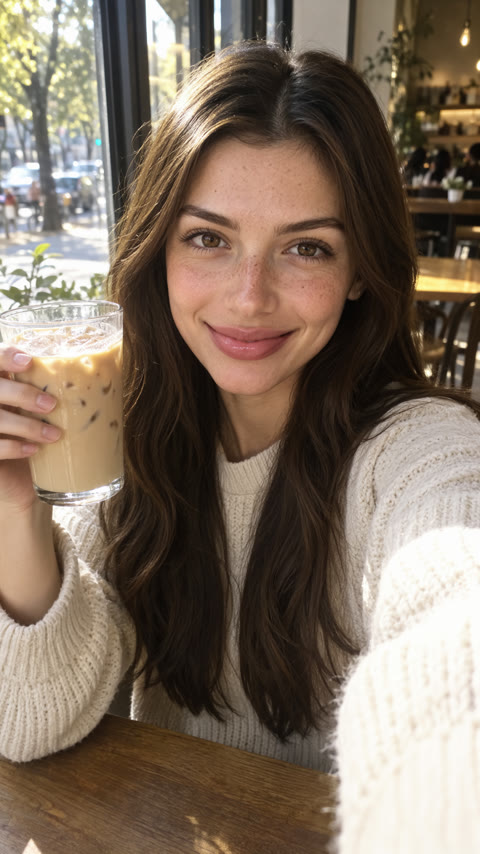
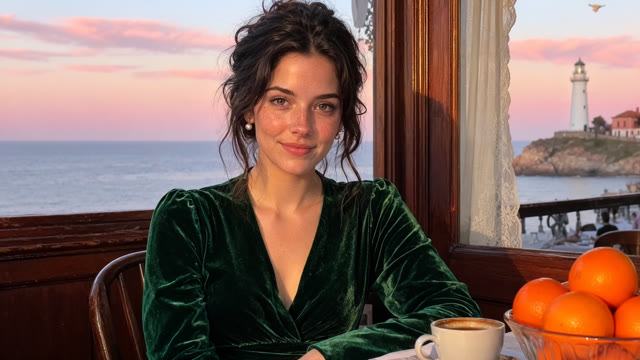
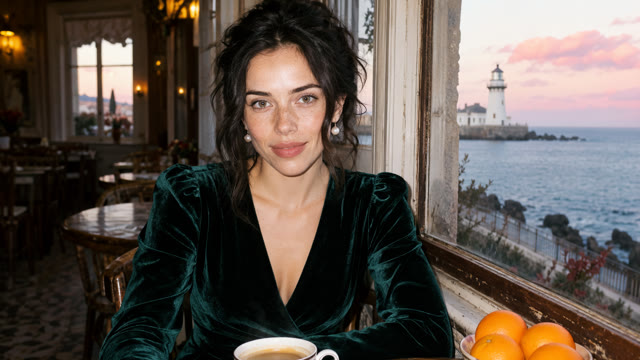
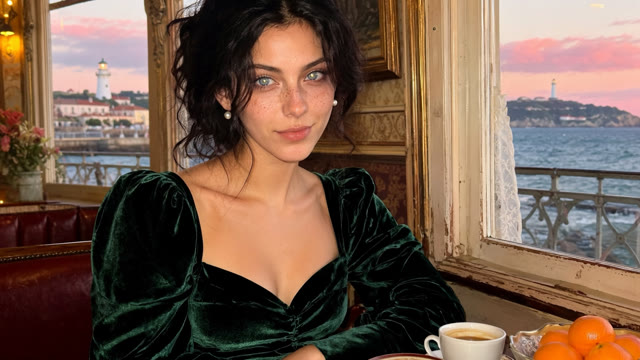
All eleven against a single café scene at 2048×1152, seed 777001. Kodachrome, Canon and Lenovo get their trigger word at the start of the prompt.

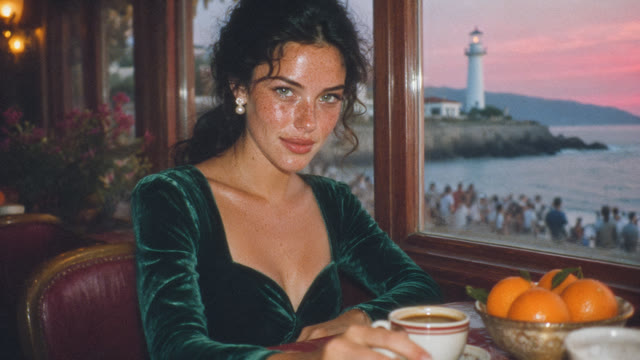

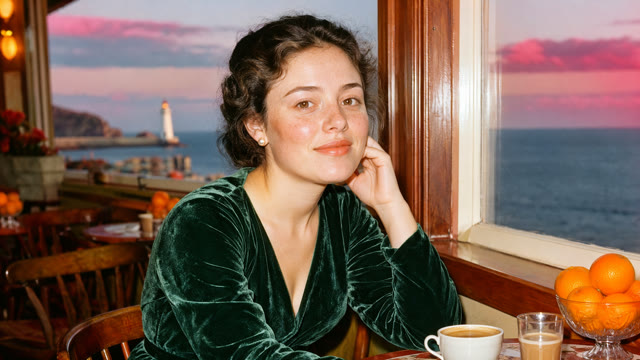
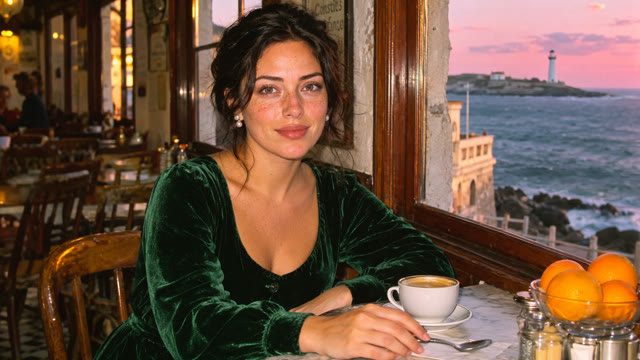




Each card shows the range the slider offers in the app, with the recommended band in mint and the default marked. Creator links open the original model pages.
Explore a period, a medium or a mood. Each LoRA can also influence the subject and composition.
Default: 0.8 · Suggested: 0.8 to 1.2
Positive only
moss-fever-dream-mood
Default: 1 · Suggested: 1 to 1.2
Positive only
Mature
moss-mystic-x
Default: 1 · Suggested: 1 to 1.2
Positive only
Trigger: kodachrome style
moss-kodachrome-photo
Default: 1 · Suggested: 1 to 1.2
Positive only
moss-retro-vintage-photo
Default: 0.7 · Suggested: 0.7 to 1
Positive only
moss-2000s-analog-core
Default: 1 · Suggested: 1 to 1.2
Positive only
moss-max-ultra-hires
Camera and film looks. Canon and Lenovo are trained around a trigger word; put it at the start of the prompt.
Default: 0.7 · Suggested: 0.7 to 1
Positive only
Trigger: c2n0n
moss-canon-ultrareal
Default: 0.7 · Suggested: 0.7 to 1
Positive only
Trigger: l3n0v0
moss-lenovo-ultrareal
Default: 0.7 · Suggested: 0.7 to 1
Positive only
moss-grainscape-ultrareal
Default: 0.6 · Suggested: 0.6 to 1
Positive only
moss-nicegirls-ultrareal
Positive values add detail; negative values simplify it. This experimental adapter was trained on anime.
Default: 0.6 · Suggested: -0.75 to 0.75
SimplerMore detail
moss-detail-tweaker
The shelf is a starting point, not a limit. If you have a MOSS Image LoRA of your own, or one from a creator you like, you can import it as a Personal LoRA and use it exactly like the eleven above, stacked with them if you want. Paste a Hugging Face .safetensors link or a Civitai model link, give it a name, and once it has been validated it shows up in your account next to the shared shelf.
Importing a LoRA does not train anything new; it brings an existing adapter onto the Sogni Supernet. You confirm that you have the rights to use the file when you import it. In the browser, open the LoRA panel and choose My LoRAs to get started.
sogni-agent --import-lora https://huggingface.co/author/repo/resolve/main/style.safetensors --personal-lora-name "My look" --personal-lora-model moss_image_sft_int8_convrot --confirm-lora-rightsHugging Face .safetensors or Civitai model linkssogni-agent --list-personal-lorasready imports can rendersogni-agent -m moss_image_sft_int8_convrot --lora personal-YOUR-ID --lora moss-kodachrome-photo --lora-strength 0.8 --lora-strength 0.8 "your prompt"stack your own LoRA with any from the shelfA mix from across the shelf. Each badge names the LoRA behind the frame.
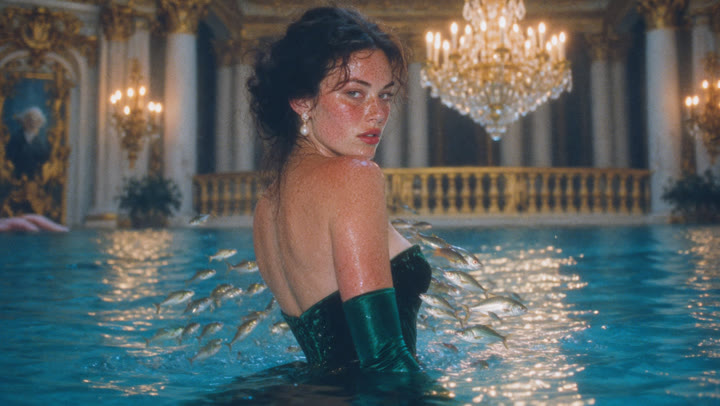 Fever Dream Mood
 Mystic XFever Dream MoodMystic X
 Kodachrome Photo
 Retro Vintage Photo
 2000s Analog CoreKodachrome PhotoRetro Vintage Photo
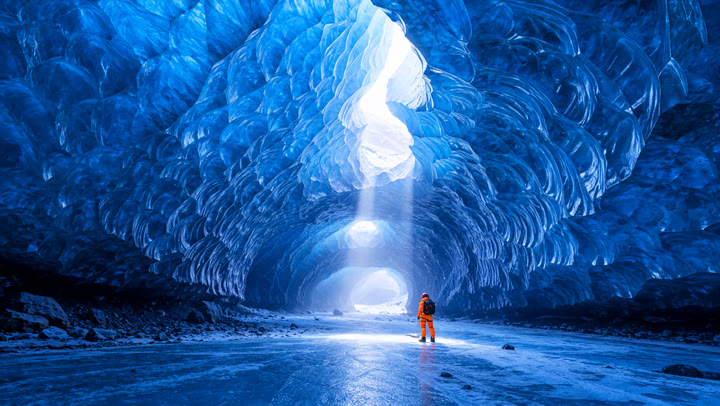 MAX ULTRA hires
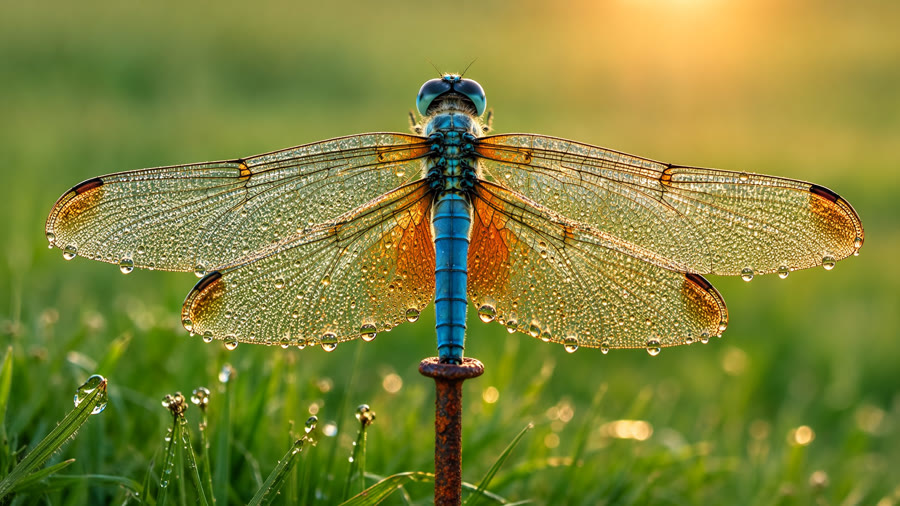 Detail Tweaker
 Canon UltraReal2000s Analog CoreMAX ULTRA hires
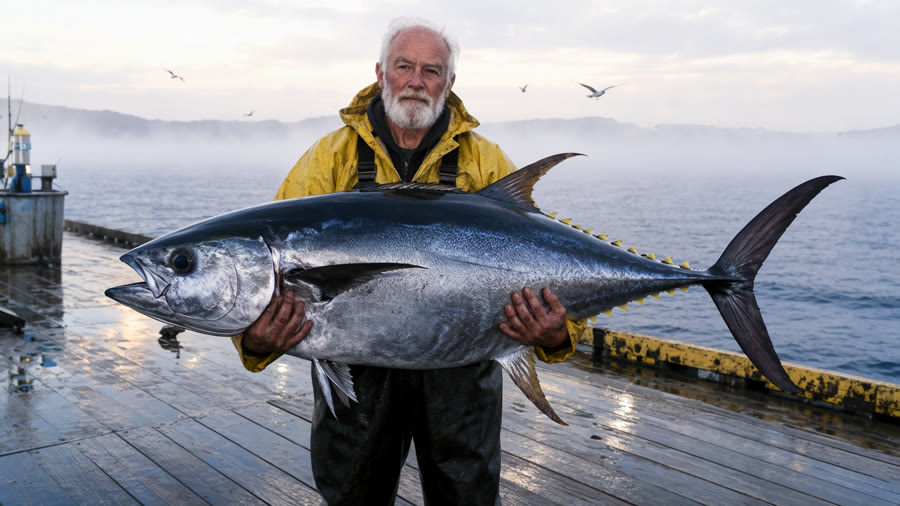 Lenovo UltraReal
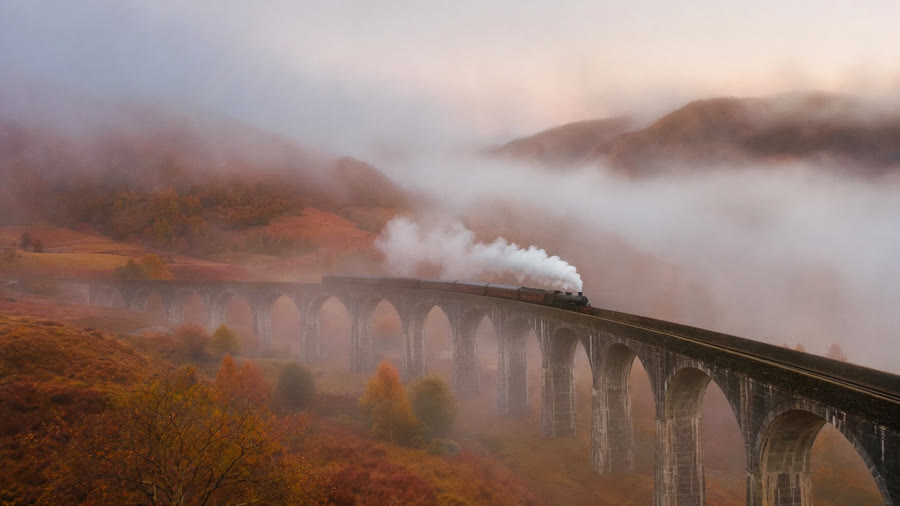 GrainScape UltraReal
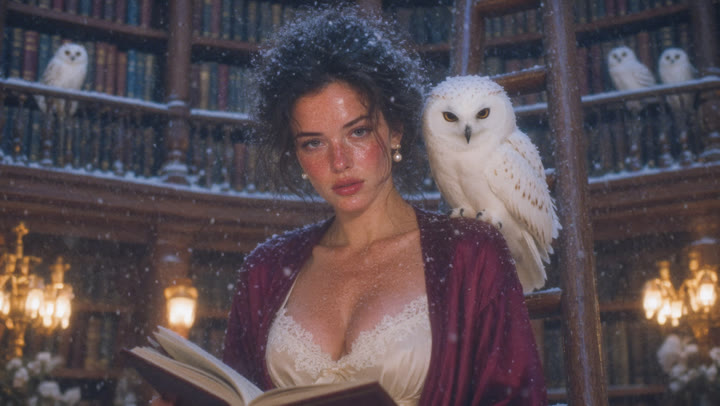 Fever Dream MoodCanon UltraRealLenovo UltraReal
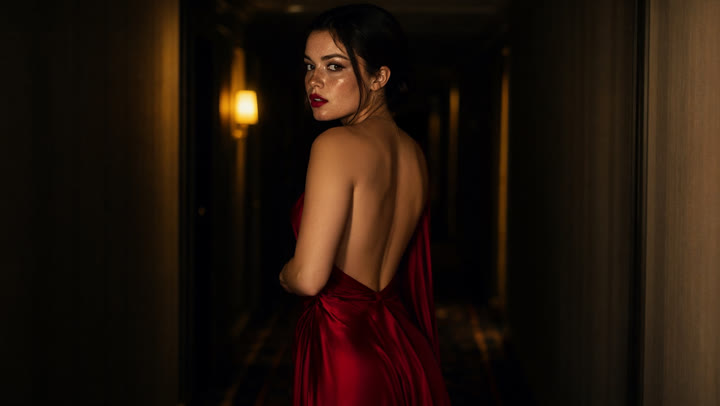 Mystic X
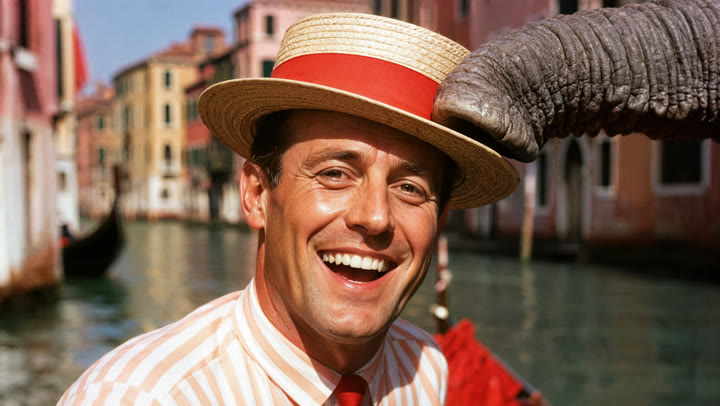 Kodachrome Photo
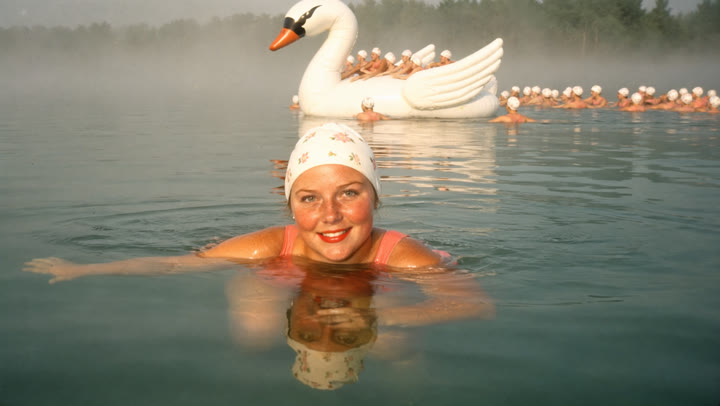 Retro Vintage PhotoGrainScape UltraRealNiceGirls UltraReal
 2000s Analog Core
 MAX ULTRA hires
 Detail TweakerDetail TweakerRetro Vintage Photo
 GrainScape UltraReal
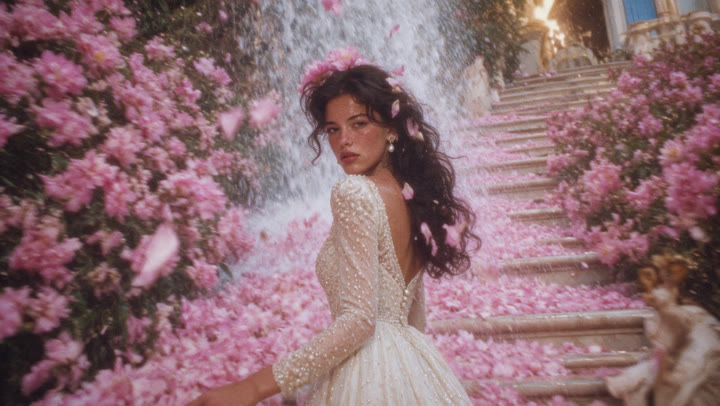 Fever Dream Mood
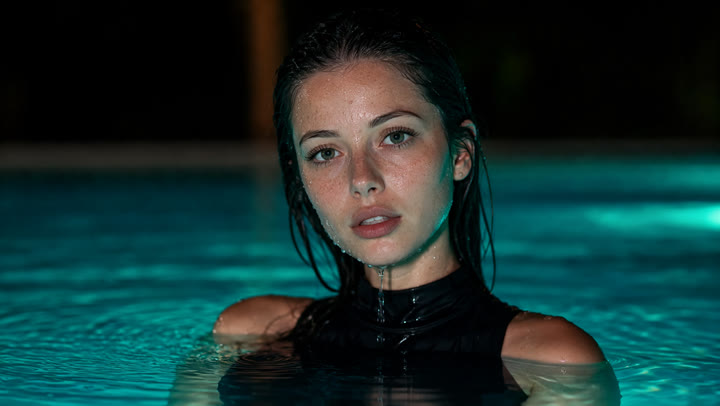 Mystic X
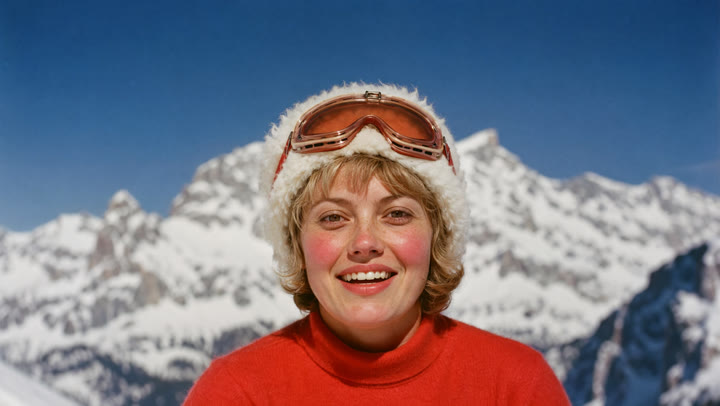 Kodachrome Photo
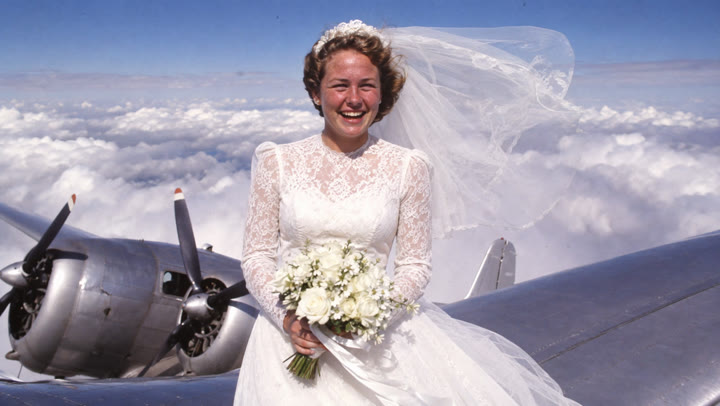 Retro Vintage Photo
 2000s Analog Core
 MAX ULTRA hires
 GrainScape UltraReal
 Fever Dream Mood
 Mystic X
 Kodachrome Photo
 Retro Vintage Photo
 2000s Analog Core
 MAX ULTRA hires
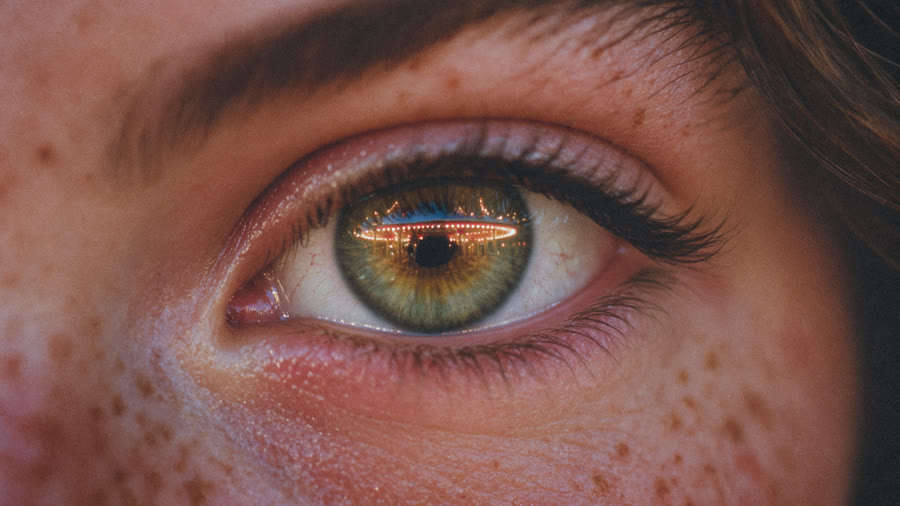 Fever Dream Mood
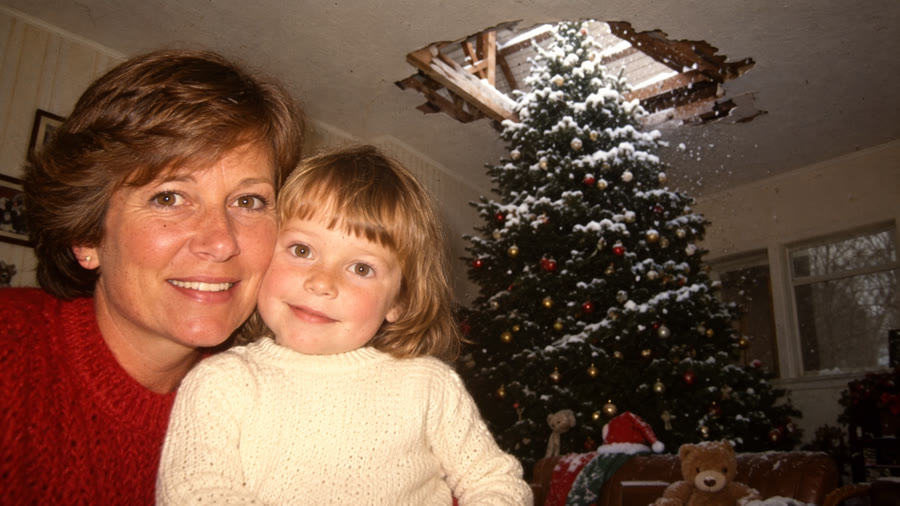 Retro Vintage Photo
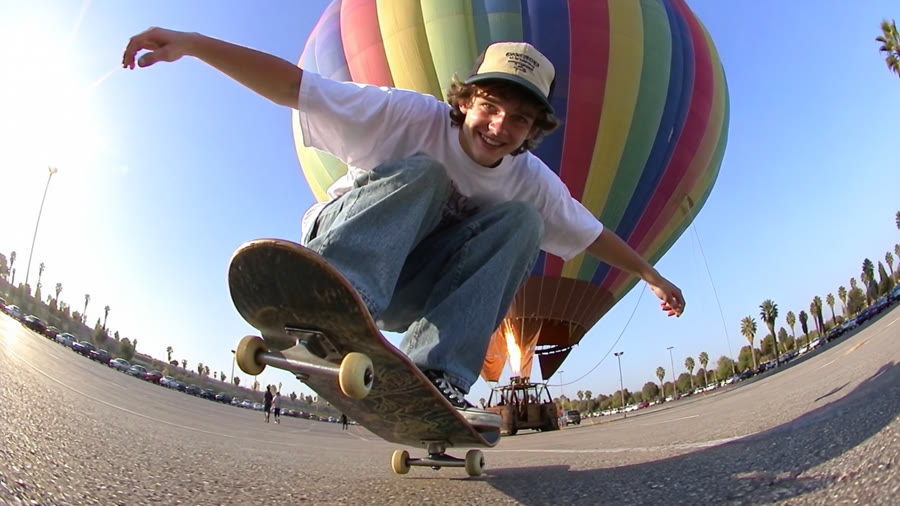 2000s Analog Core
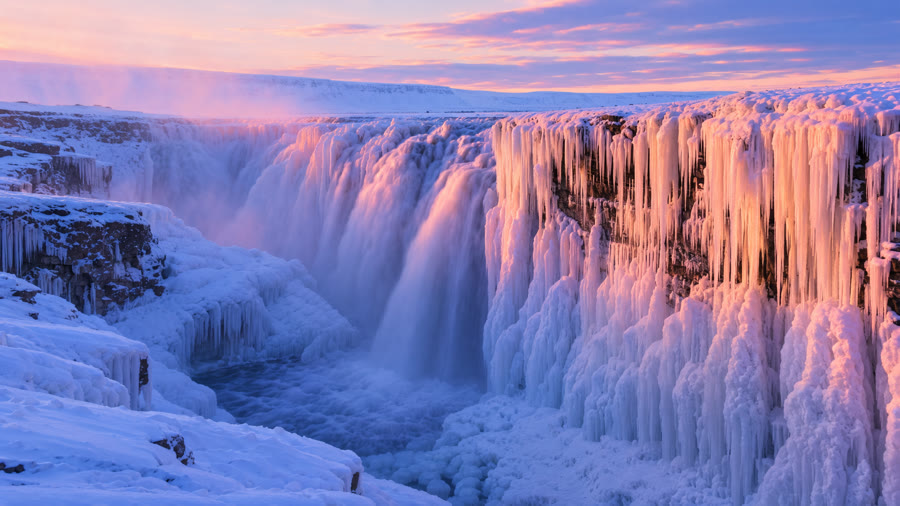 MAX ULTRA hires
 MAX ULTRA hires
Comparison settings: MOSS Image Standard SFT, 50 steps, guidance (CFG) 3, 1536×1920, seeds 880101 to 880106. Strength examples use 1152×2048; the café comparison uses 2048×1152.
Pick a LoRA, copy a prompt and explore your next image. Start with a single look, then adjust the strength or try a combination.