Realistic AI influencer
Keep the look consistent.
This couple does not exist. Every photo, video and voice in this guide was made on Sogni.
One AI creator. Every format.
The hard part of an AI influencer is not one good picture. It is the same person in the hundredth picture: the same face, hair and nails in a selfie, a close-up and a video where she talks. This guide walks through the whole workflow for one couple on Santorini: create the characters, build reference boards for their appearance and location, then make a UGC-style ad, a get-ready-with-me video, makeup tutorials and a feed of photos.
Copy the image and video prompts below, attach the references they name, and adapt the character descriptions for your own project. Reusing references helps keep a series consistent; check each result for changes in the face, hands, clothing and voice.
Three words you will see: a prompt is the written instruction; a reference image is a picture that guides the result; a character board is one sheet that shows a person from several angles.
Make it all with the Sogni Creative Agent.
Install the Sogni skill in Claude Code, Codex, Hermes or another compatible agent, then ask for each step in plain words.
Set up the Sogni Creative Agent
The Sogni Creative Agent is a skill for your AI agent. It lets Claude Code, Codex, Hermes or any agent that reads skills generate images, video, voices and music on Sogni. You describe what you want in ordinary words, and the agent does the technical work and saves every result as a file.
Made with the agent. Three makeup tutorials by the same AI creator, generated with Seedance 2.5. The middle one plays with sound. The prompts are in step 09.
- Open your agent. Start Claude Code, Codex or another agent on your computer.
- Install the skill. Tap Copy on the message below and paste it into your agent. Follow the installation instructions it gives you. If you prefer the terminal, copy the command under it instead.
- Connect your Sogni account. If the agent asks for a Sogni API key, find it in the account menu at dashboard.sogni.ai. If it asks you to start a new session after installing, do that.
- Ask for the first step. Paste the prompt from step 01 below, add your own description, and ask the agent to show the cost before it renders. Seedance 2.5 videos use Spark credits.
Requires Node.js 22.11 or later. The command finds Claude Code, Codex and Hermes on your computer and installs the Sogni CLI and the skill for them. Restart your agent afterwards.
Prefer clicking? You can generate the images and reference-based videos in Sogni: choose the model, attach the references and paste the prompt. The behind-the-scenes sequence also needs editing to join clips and add the reference cards.
Create the characters
Start with the woman’s portrait below, describing her face, hair, skin and outfit in concrete terms. These examples were made with GPT Image 2. For this couple, the order is: her portrait, her character board, his character board, then his portrait. Make both boards in step 02 before using the prompt for his portrait.
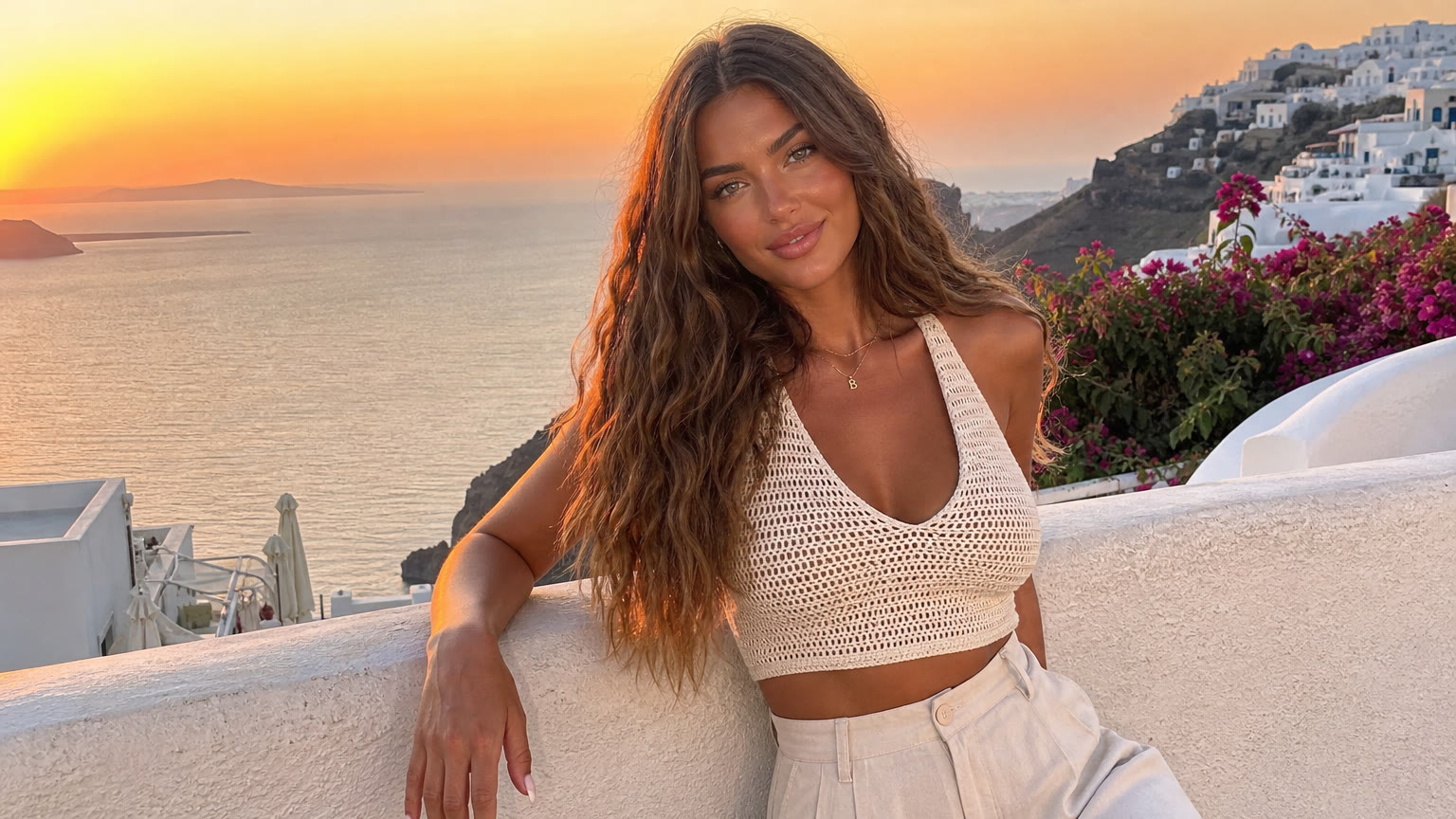
Her starting photo. Everything else is built from this picture.
Prompt

His matching portrait. Make his board in step 02 first, then attach it as Image 1 and her starting portrait as Image 2.
Prompt
Define the look with a character board
A character board is one sheet that shows the person from the front, the side, the back and up close, in the same outfit. Attach her starting portrait to the first prompt, then use the resulting board for the nails edit. To create his board, attach her finished board as the layout reference and use the male character description below. Reuse the finished boards in later scenes to guide identity, clothing and small details.
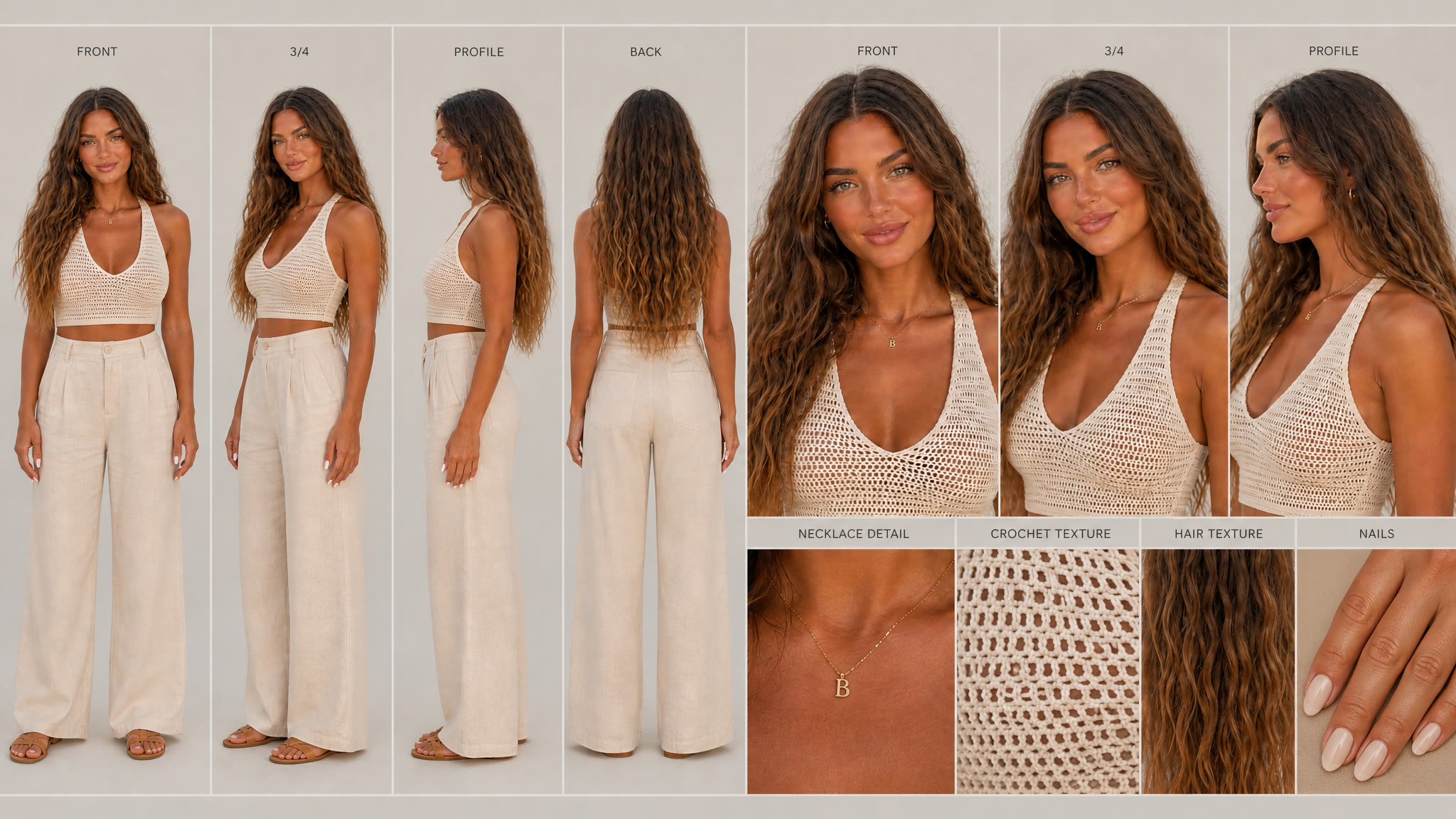
Her board: four full-body views, three close-ups and four detail panels.
Prompt
Edit: add the nails panel
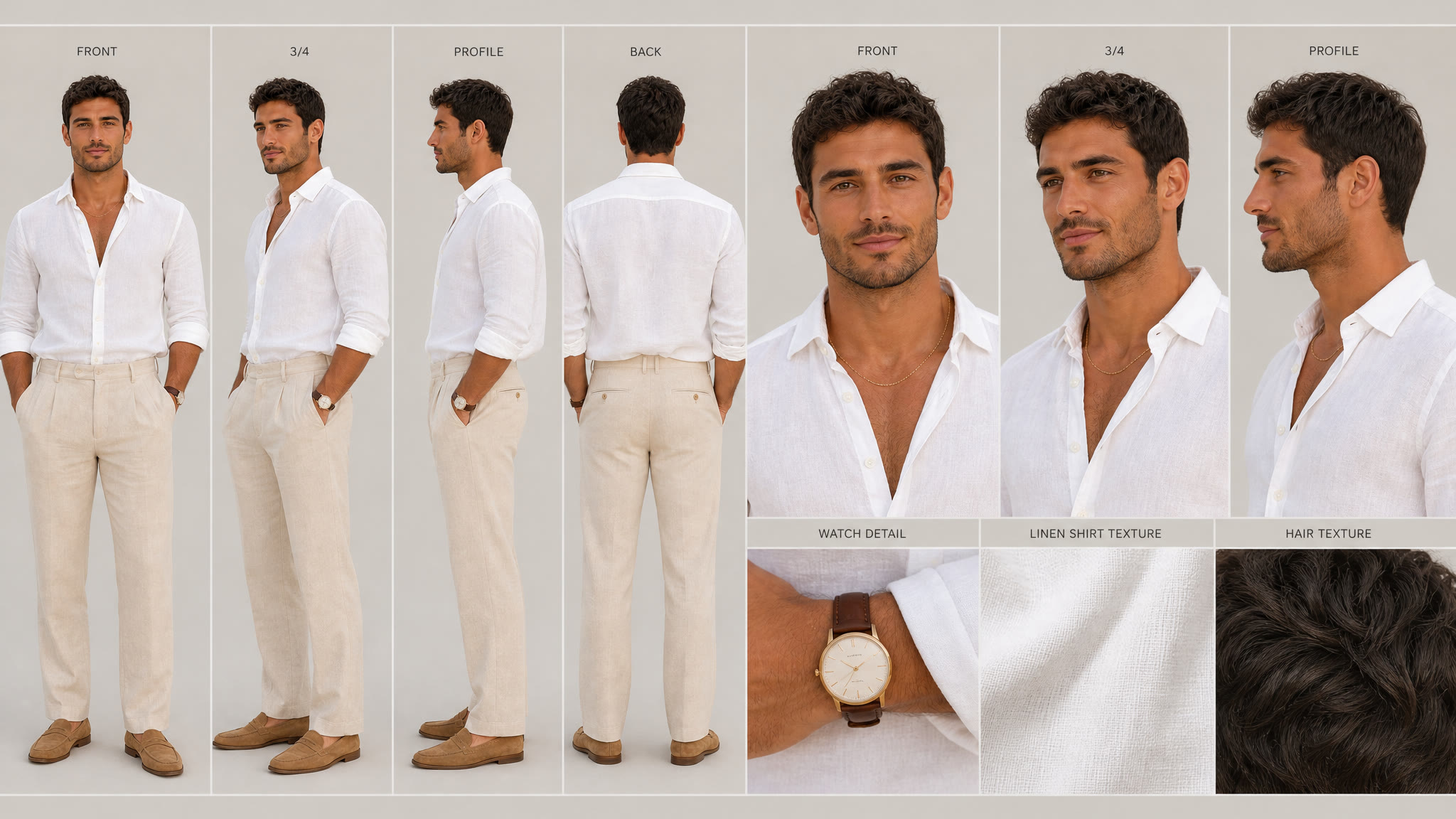
His board, made with hers as the layout reference so both sheets match.
Prompt
Build the location the same way
Build the location board using her starting portrait as its reference. The six panels show different views and lighting at the same terrace. Then attach the finished board to each scene prompt below to make empty photos of the places where the characters will act. Leave room for them to stand and move.
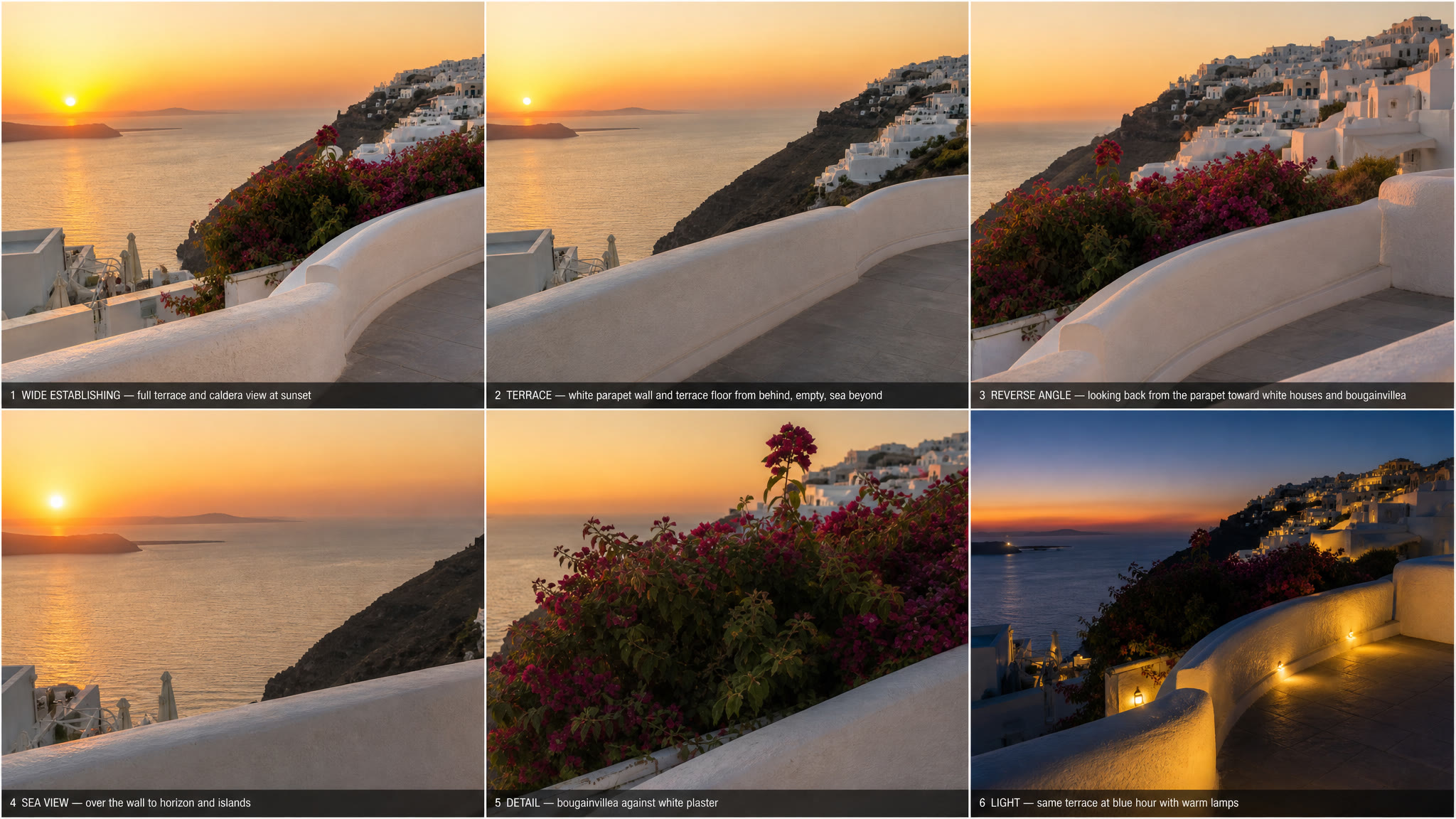
The location board: six views of one terrace, no people.
Prompt

The whole terrace at sunset.
Prompt

A table for two at the wall.
Prompt

The stairs and the blue door.
Prompt

The view back to the village.
Prompt
Make a UGC-style ad with Seedance 2.5
Seedance 2.5 takes the boards and the location photos as references and makes the whole video with sound, voices and lip sync. For a user-generated-content (UGC) style, describe phone footage: handheld movement, auto-exposure, ambient sound and no music.
The UGC ad. One render: 18 seconds, 1080p, two people with their own voices and lip sync. The prompt is written like a shot list: who, what they wear, where, then what happens every few seconds and the exact words.
Prompt
Choose Seedance 2.5, set 18 seconds, 1080p and 16:9, and add six reference images. In the prompt, call them @Image1 to @Image6 in the order you added them.
- @Image1 her character board
- @Image2 his character board
- @Image3 the stairs
- @Image4 the terrace
- @Image5 the village view
- @Image6 the table for two
How we made the behind-the-scenes video
After the ad, the same couple turns to the camera and explains how they were made. They point at the sky, where reference photos and boards are added during editing. The character boards, terrace images and audio from the ad guide continuity across the three clips.
The ad, then the couple explains how they were made. About 61 seconds, 16:9. The reference cards and closing link were added during editing.
Prompt: part one
Prompt: part two (extend)
The whole video is the ad plus two behind-the-scenes parts. Here is how they were put together.
- Part one: a new render that starts where the ad ends. Seedance 2.5 in reference mode with six inputs: @Image1 and @Image2 the two character boards, @Image3 and @Image4 two terrace photos, @Image5 the last frame of the ad, and @Audio1 the ad’s sound. Ask for an 18-second, 1080p, 16:9 clip. The prompt uses @Image5 to guide the opening composition and @Audio1 to guide the voices. Check the join and trim it where the action matches; these references do not guarantee a seamless cut.
- Leave empty sky in the shot. The prompt asks for a phone propped low on the wall and a wide shot with the top third of the frame only sky. It also says when each of them points up left or up right, line by line.
- Part two: extend part one. Seedance 2.5 extend with part one as the source and both boards as references. Request 24 more seconds at 1080p in 16:9, using the continuation prompt below. Check the transition and voice continuity before joining the clips.
- Put the real references on the sky. In editing we placed the actual inputs where they point: her starting photo, his photo, both character boards, the location board and, at “Step three”, all six video references. Each card has a short caption.
- End on the link. A last card with sogni.ai/skill so viewers know where to start.
Fill the feed with a photo dump
With the boards ready, describe a new scene for each photo. Each one uses three references: her board, his board and the photo of that spot. Only the scene changes from prompt to prompt; the description of the couple stays word for word the same. These are 3:4 portraits for the Instagram feed.

A forehead kiss at sunset.
Prompt
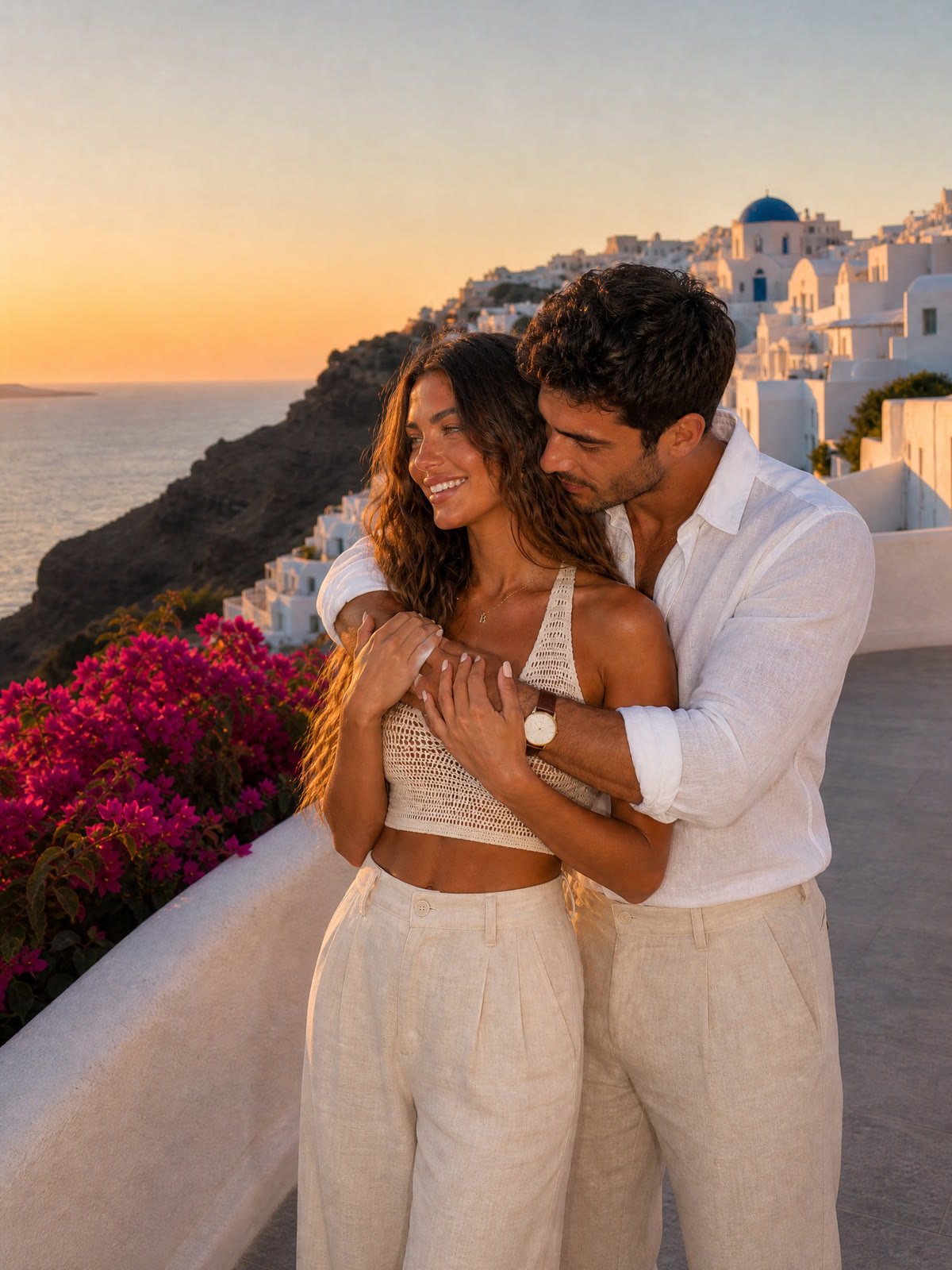
A hug over the caldera.
Prompt
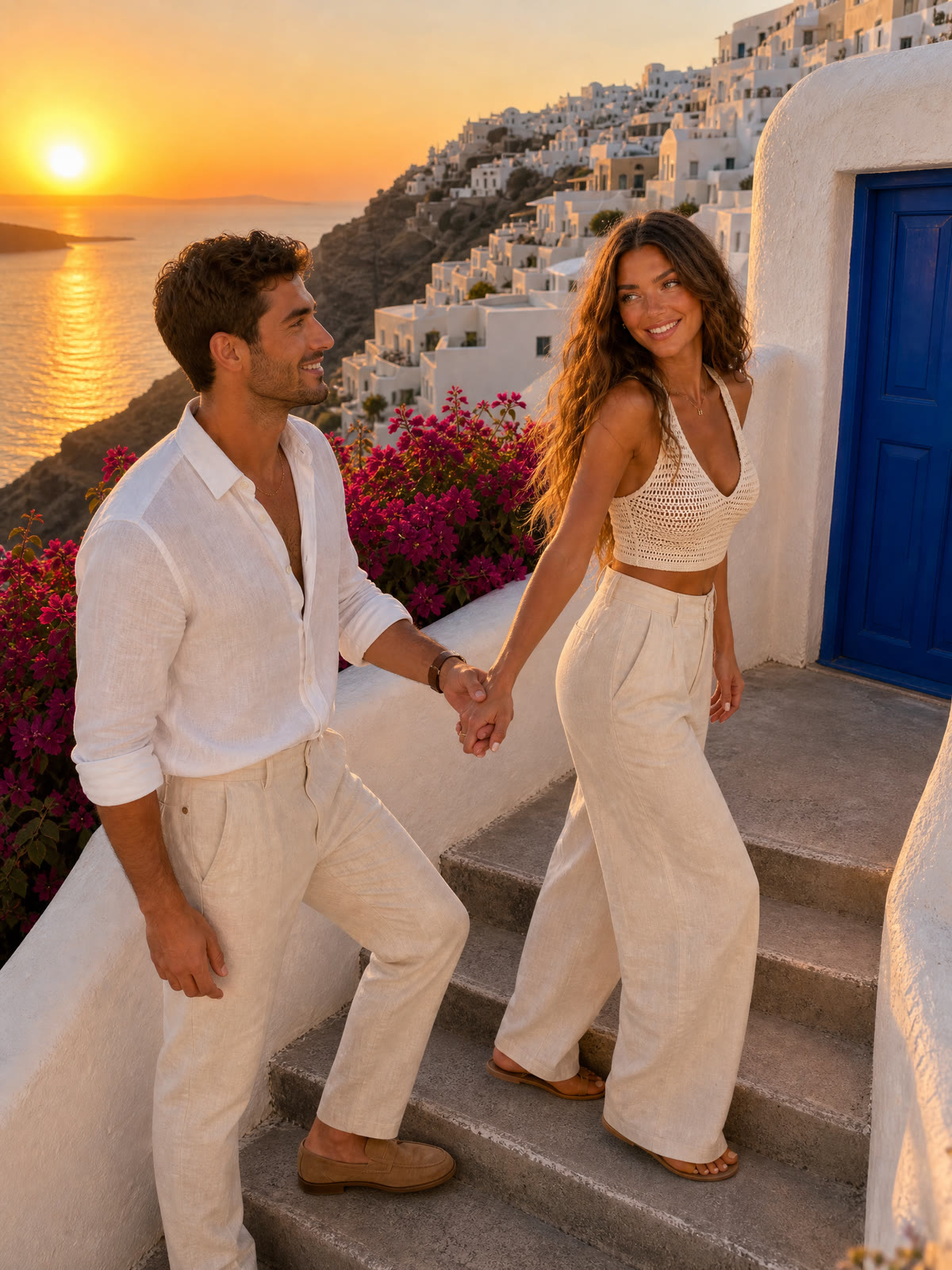
Hand in hand on the stairs.
Prompt
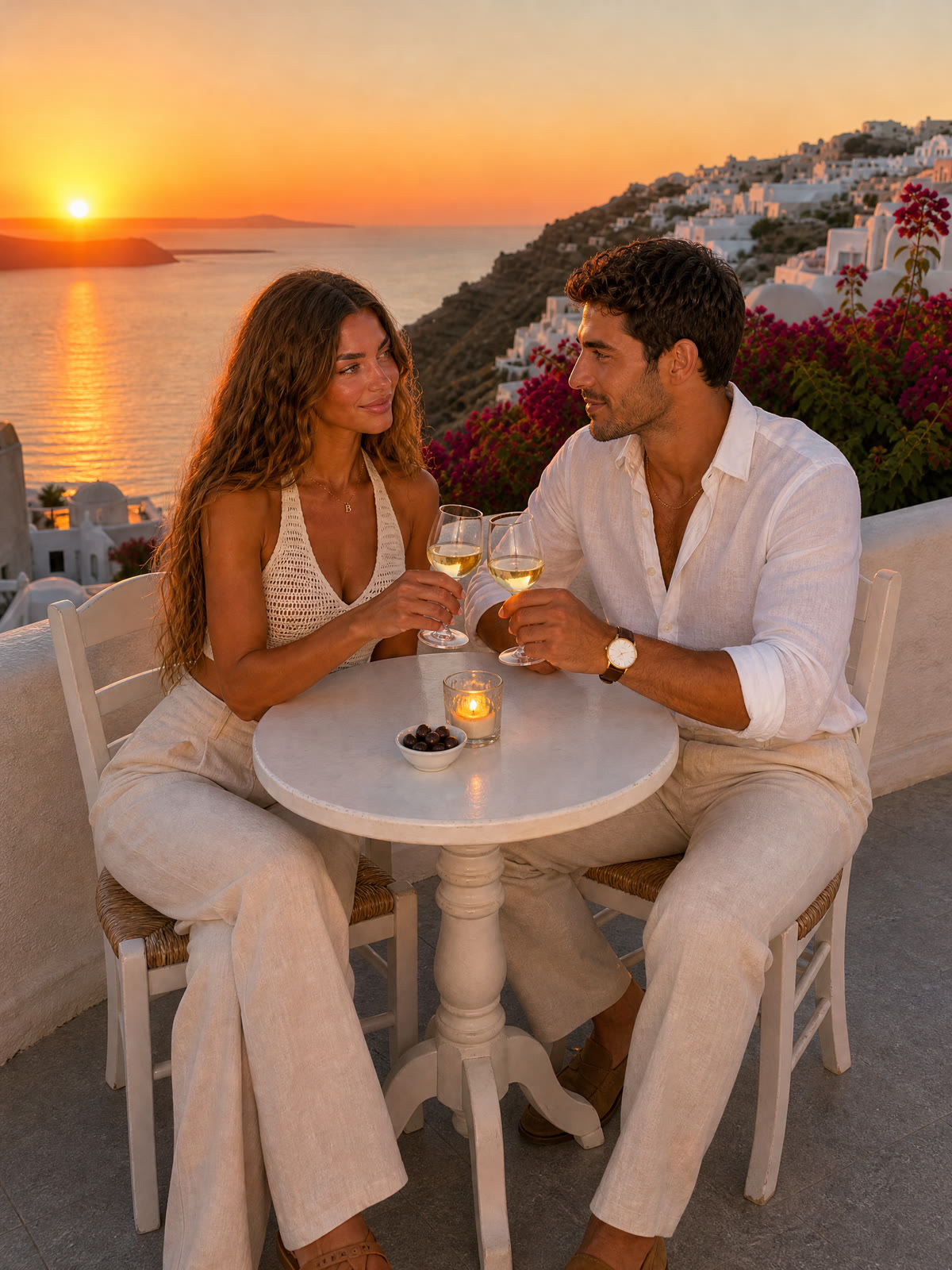
A toast at the table for two.
Prompt

He spins her on the terrace.
Prompt
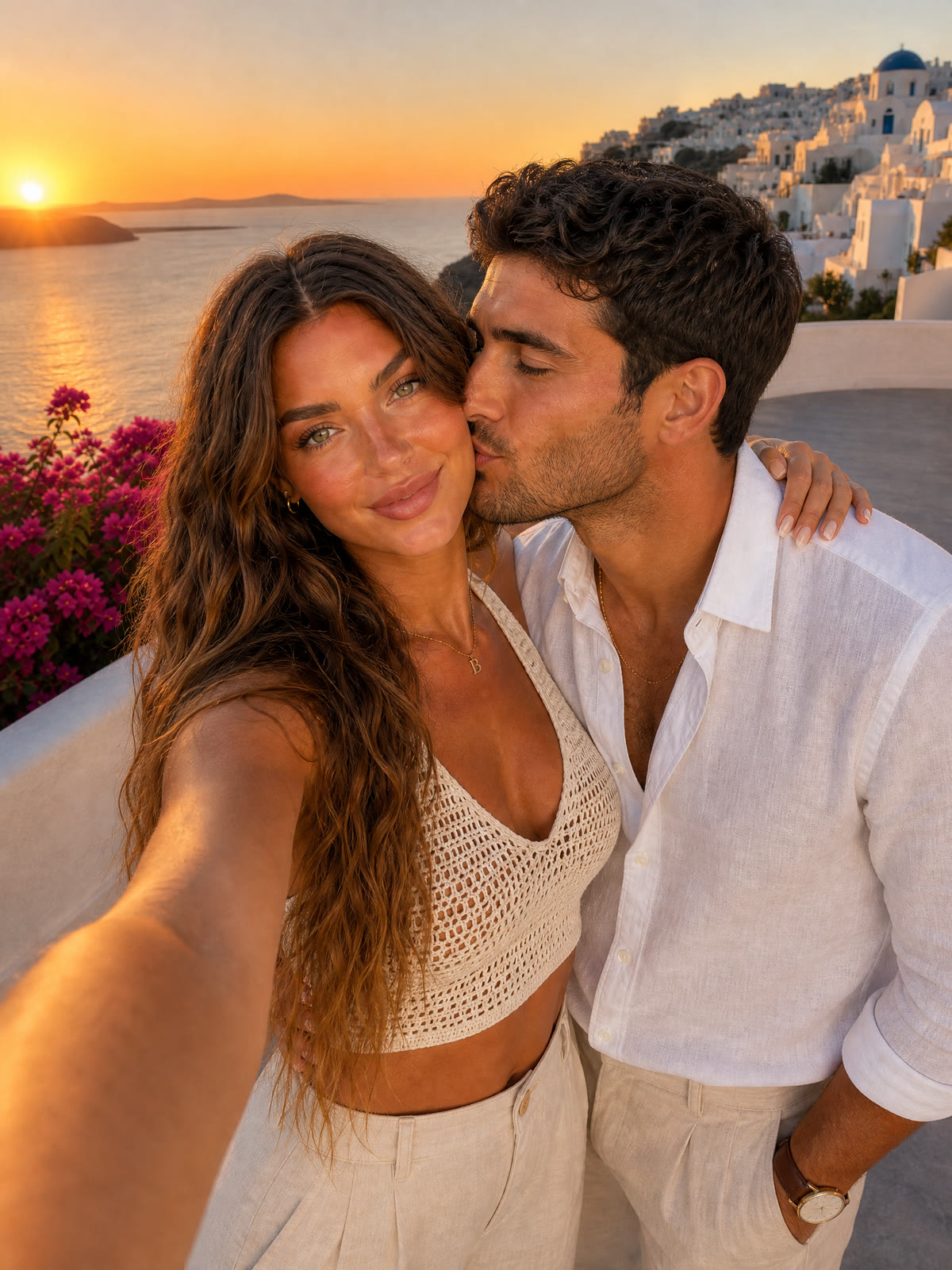
A cheek-to-cheek selfie.
Prompt
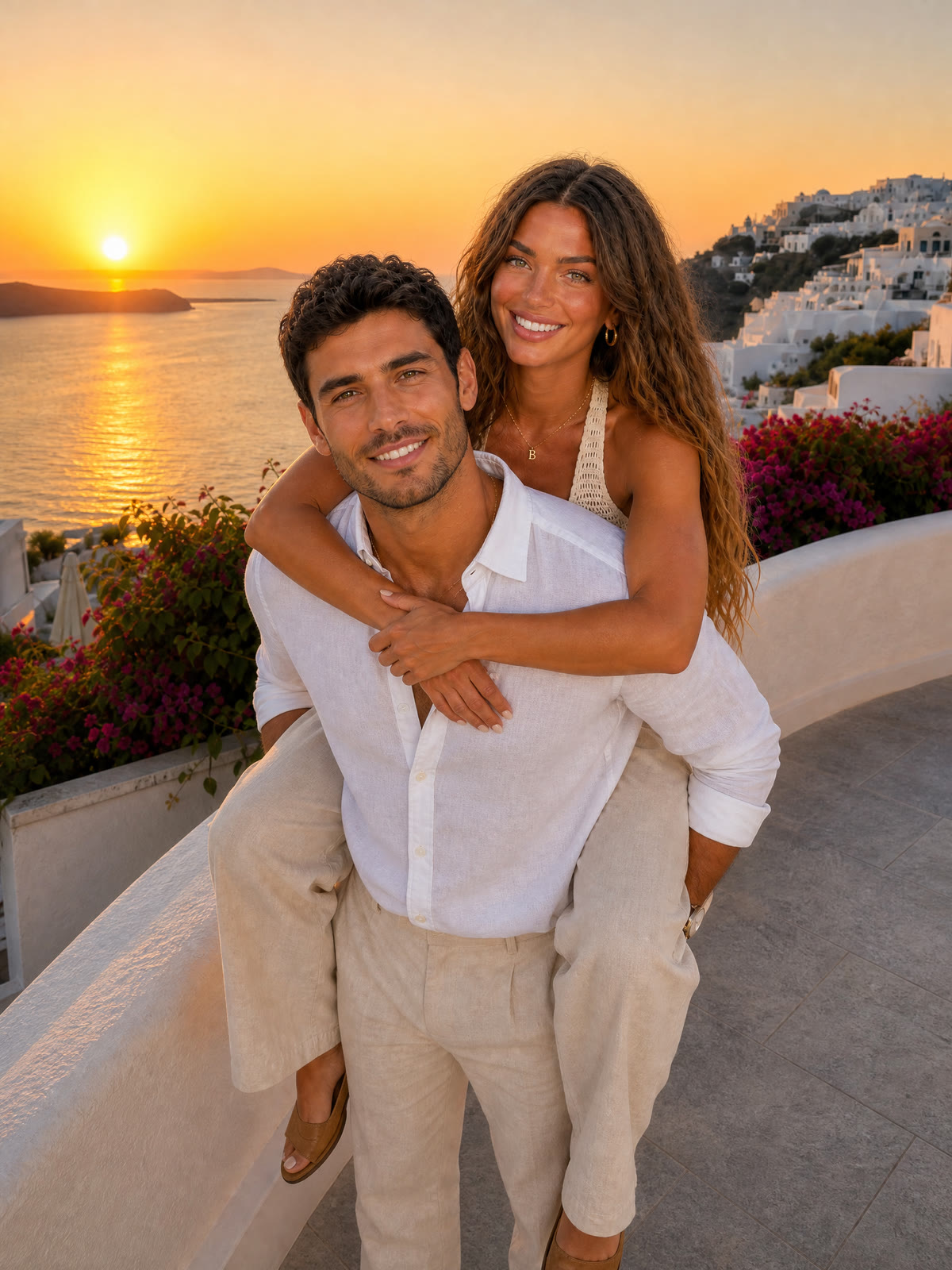
A piggyback at golden hour.
Prompt
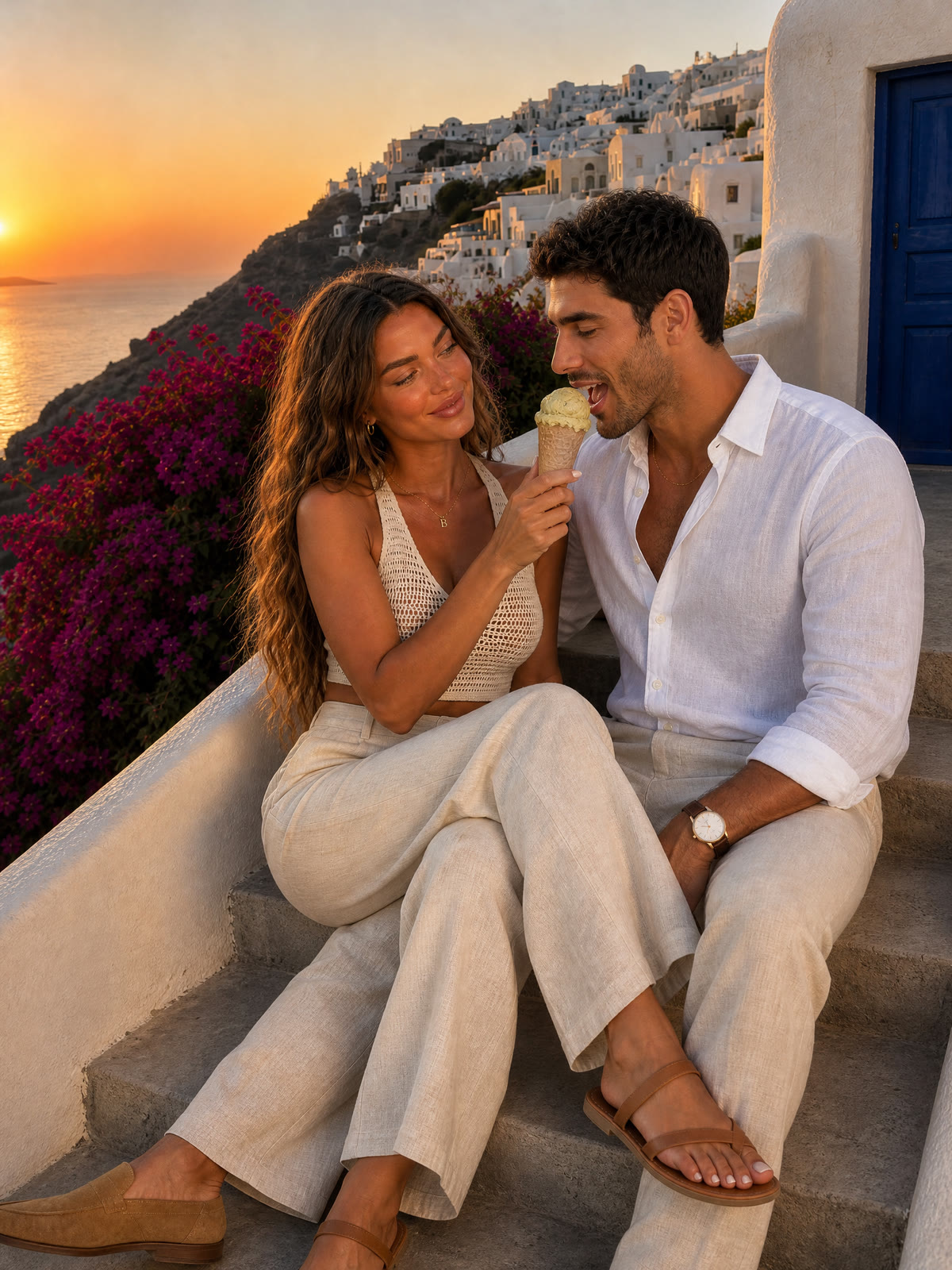
Sharing gelato on the stairs.
Prompt
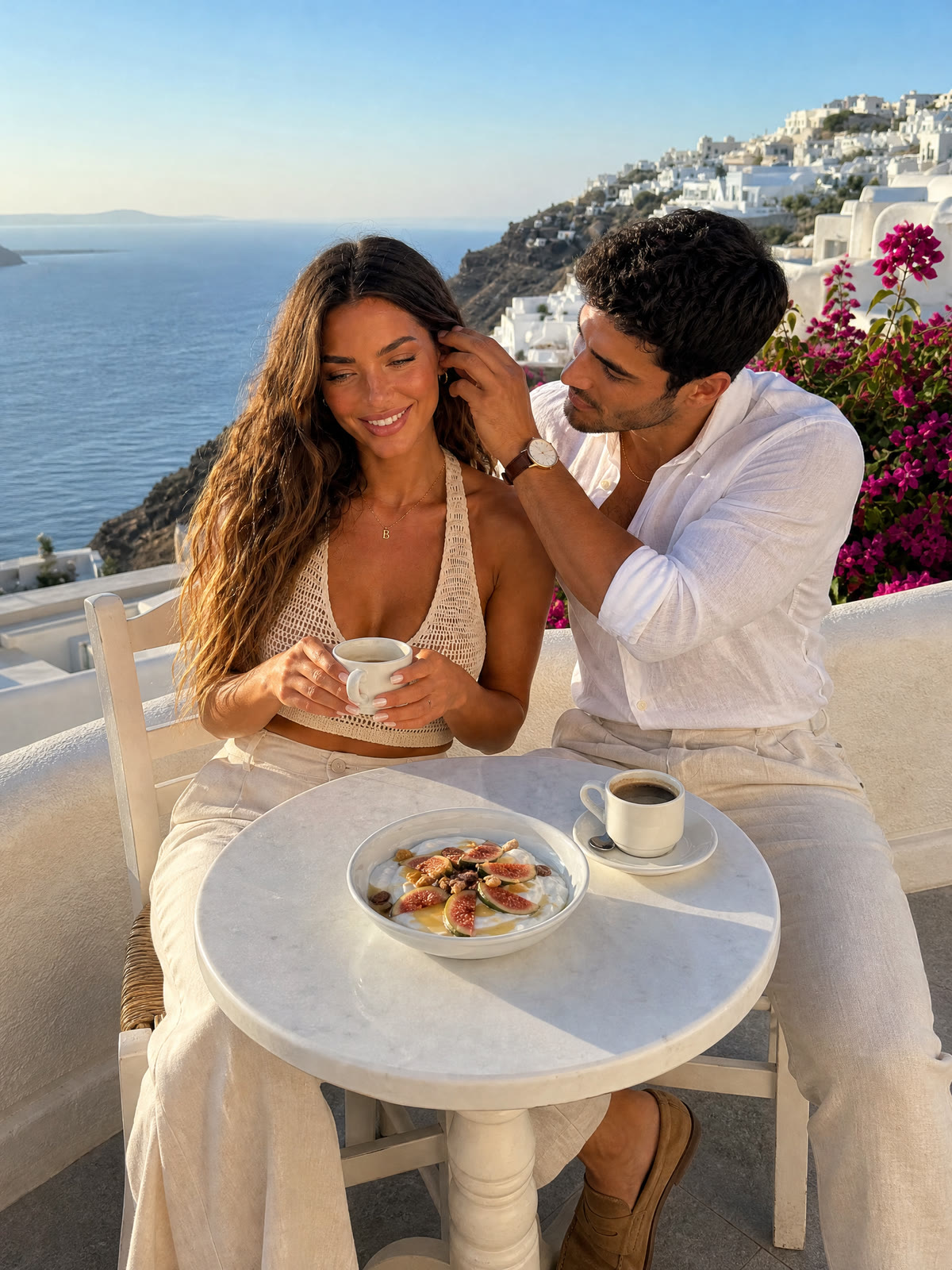
Morning coffee with figs.
Prompt
Close-ups that sell the realism
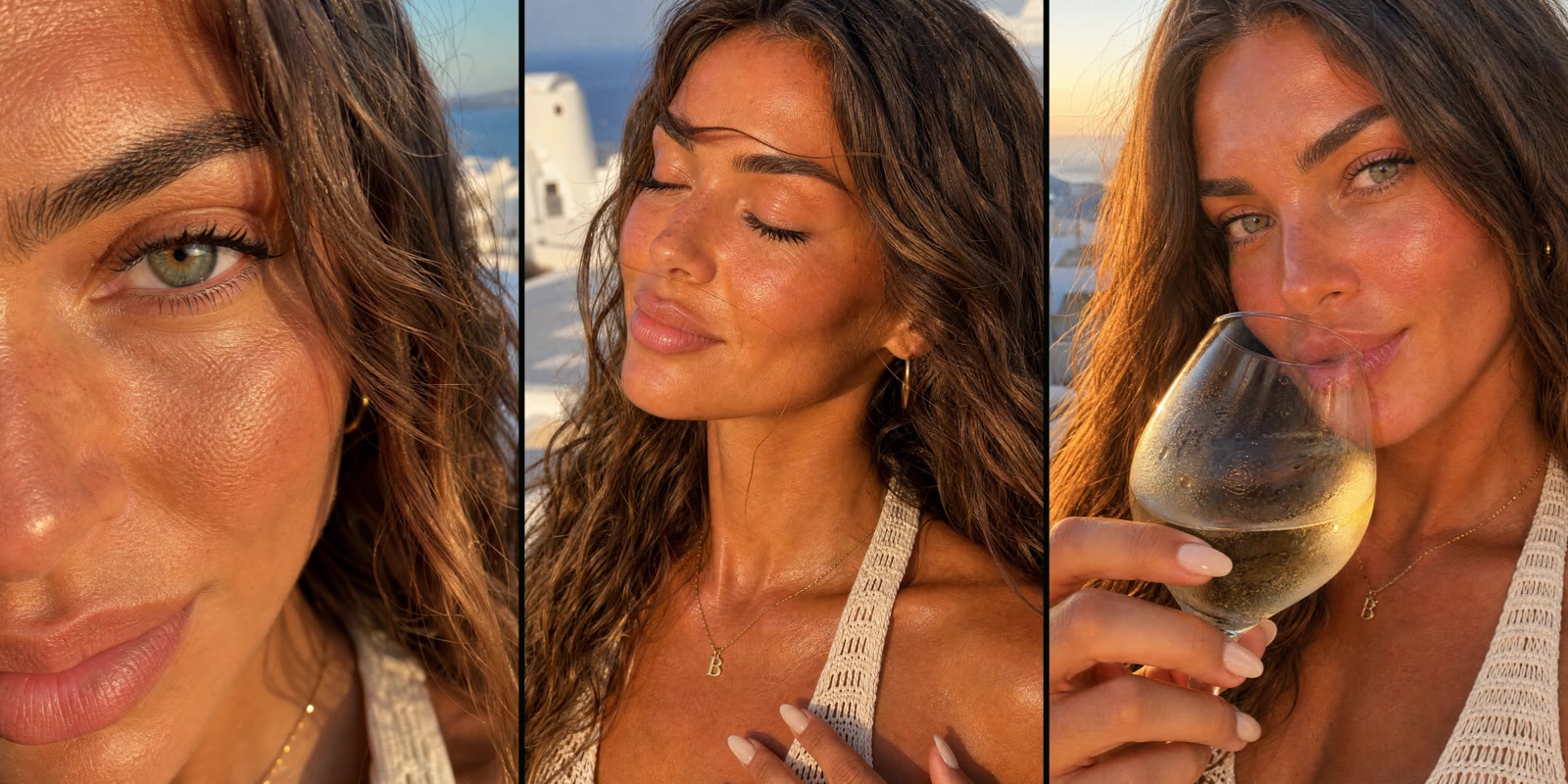
Close-ups are where AI faces usually give themselves away. Give only that person’s board and describe the skin as something you see up close: pores, peach fuzz, stubble, freckles.
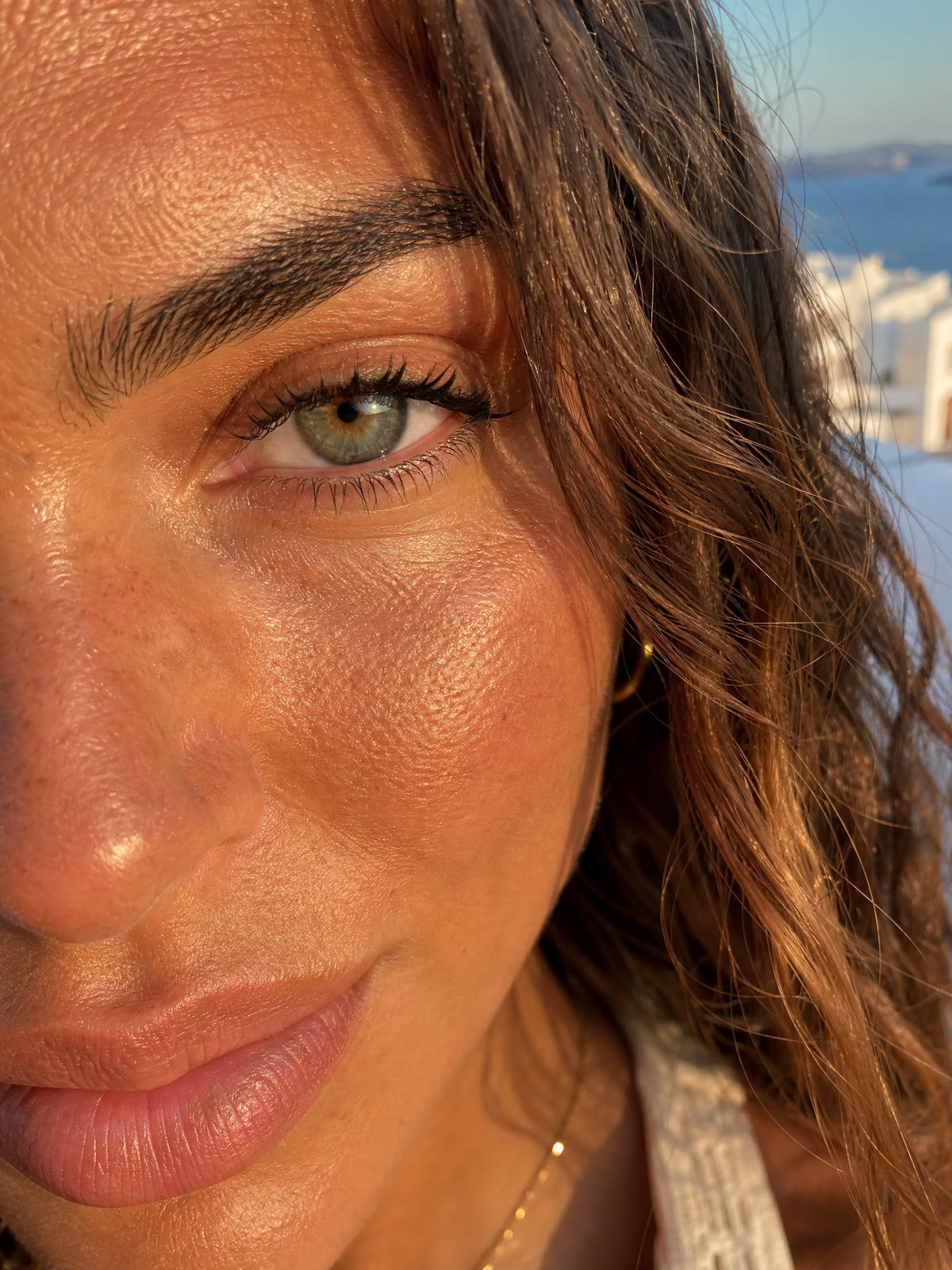
Her eye.
Prompt
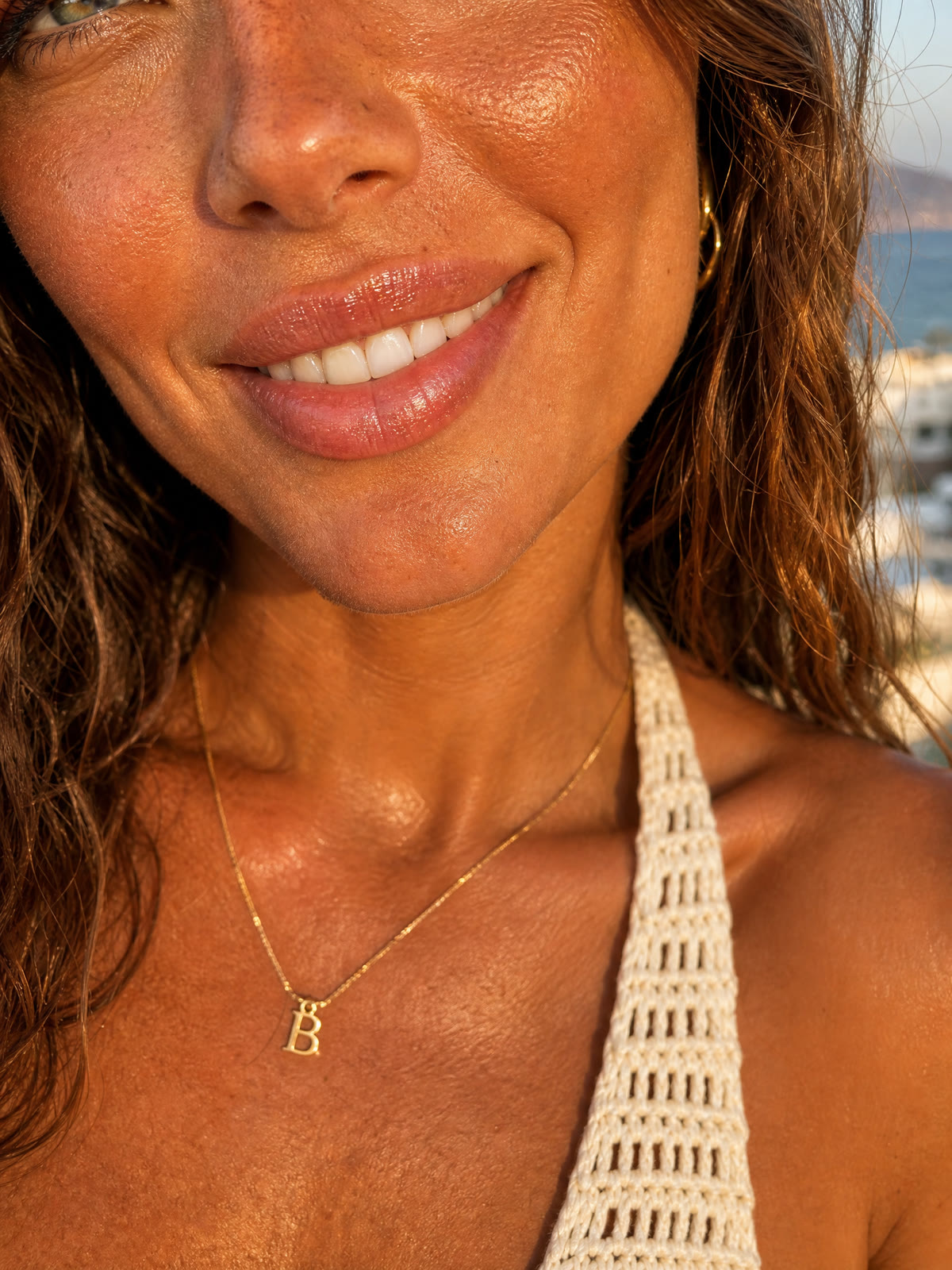
Her smile.
Prompt
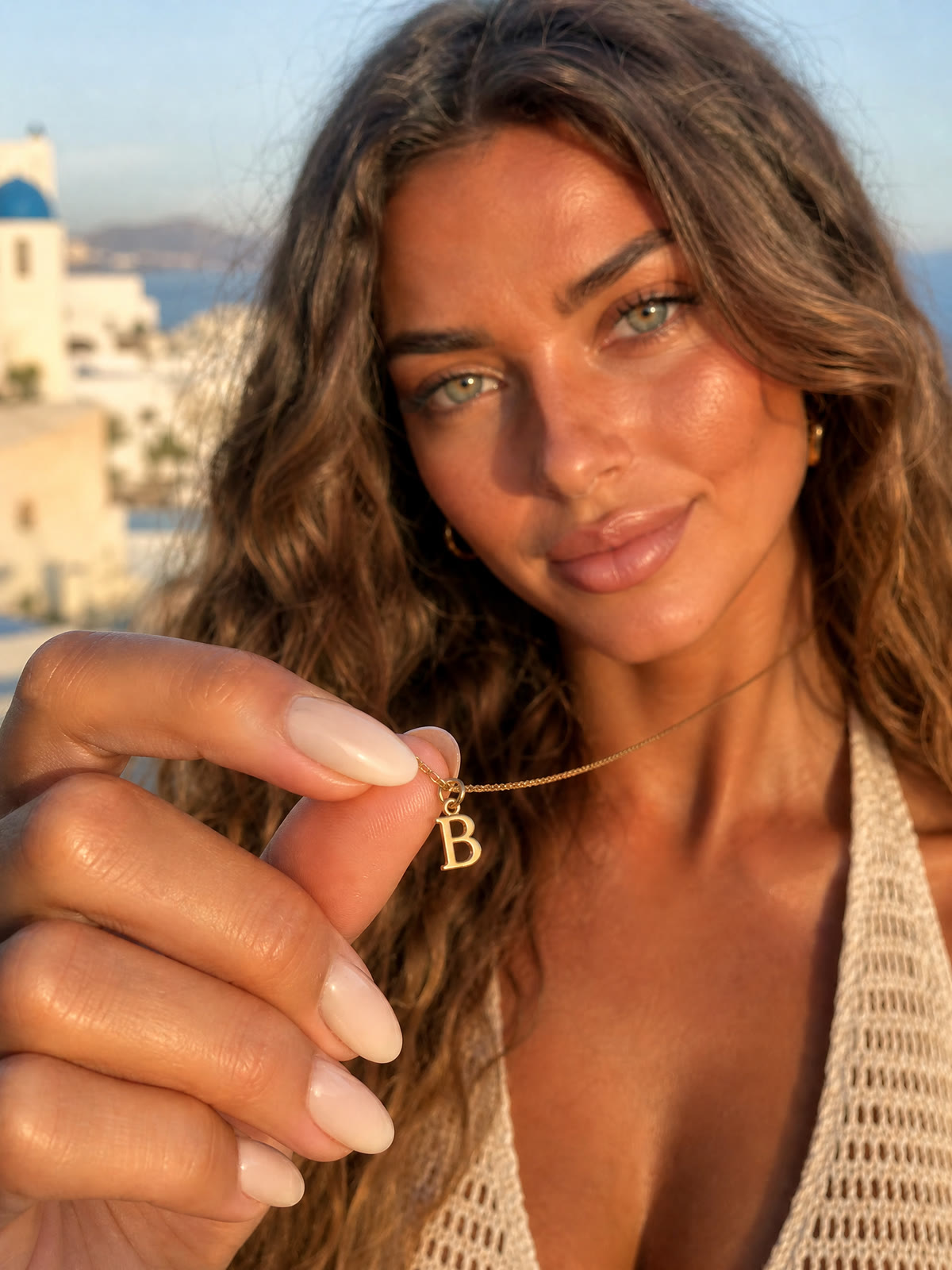
The B pendant and her nails.
Prompt

His eye.
Prompt

His smile and stubble.
Prompt

His watch and linen sleeve.
Prompt
A get-ready-with-me video
First, make the cave-suite image below using the location board as its reference. Then request a 15-second, 1080p, 3:4 video: she talks to the phone on the vanity, adds jewellery and his linen shirt, and walks out to the sunset. Specify the outfit she starts in and the layers she adds.
Get ready with me. 15 seconds, 3:4. References: her board (@Image1), the cave suite (@Image2), the terrace photo (@Image3) and a few seconds of her voice from the ad (@Audio1).
Prompt

A new room for indoor videos, made from the terrace board so it matches.
Prompt
Makeup tutorials and photos
Make three separate 12-second clips at 1080p in 3:4, then join them for the 36-second sequence below. For each clip, attach her board as @Image1, the cave suite as @Image2 and a sample of her voice from the ad as @Audio1. Reuse those references for continuity, then make matching stills for covers and carousels.
Three tutorials in one video. 36 seconds, 3:4. Three separate renders with the same references: her board, the cave suite and her voice.
Prompt: skin and glow
Prompt: brows and eyes
Prompt: lips
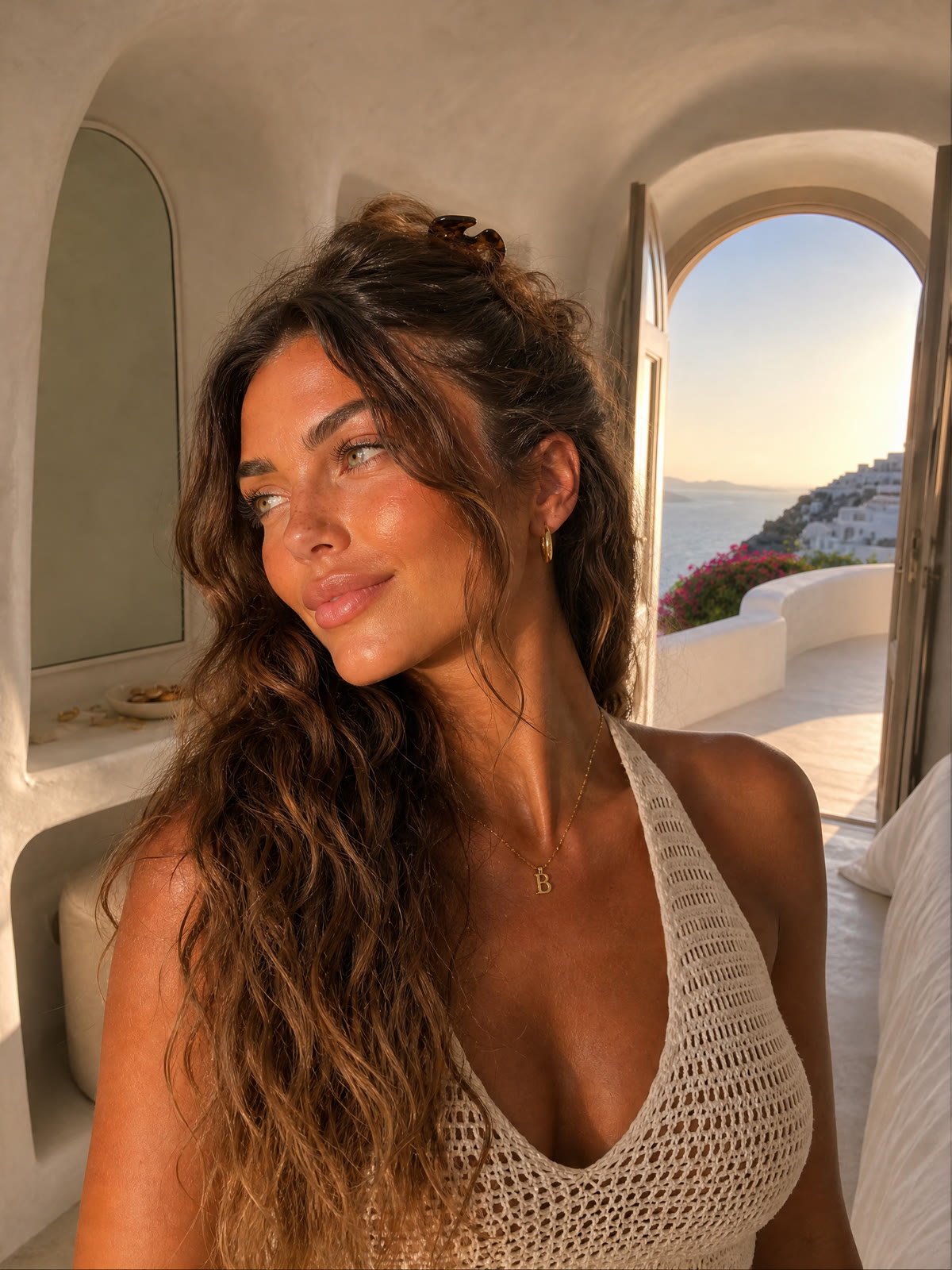
A matching still for the cover.
Prompt
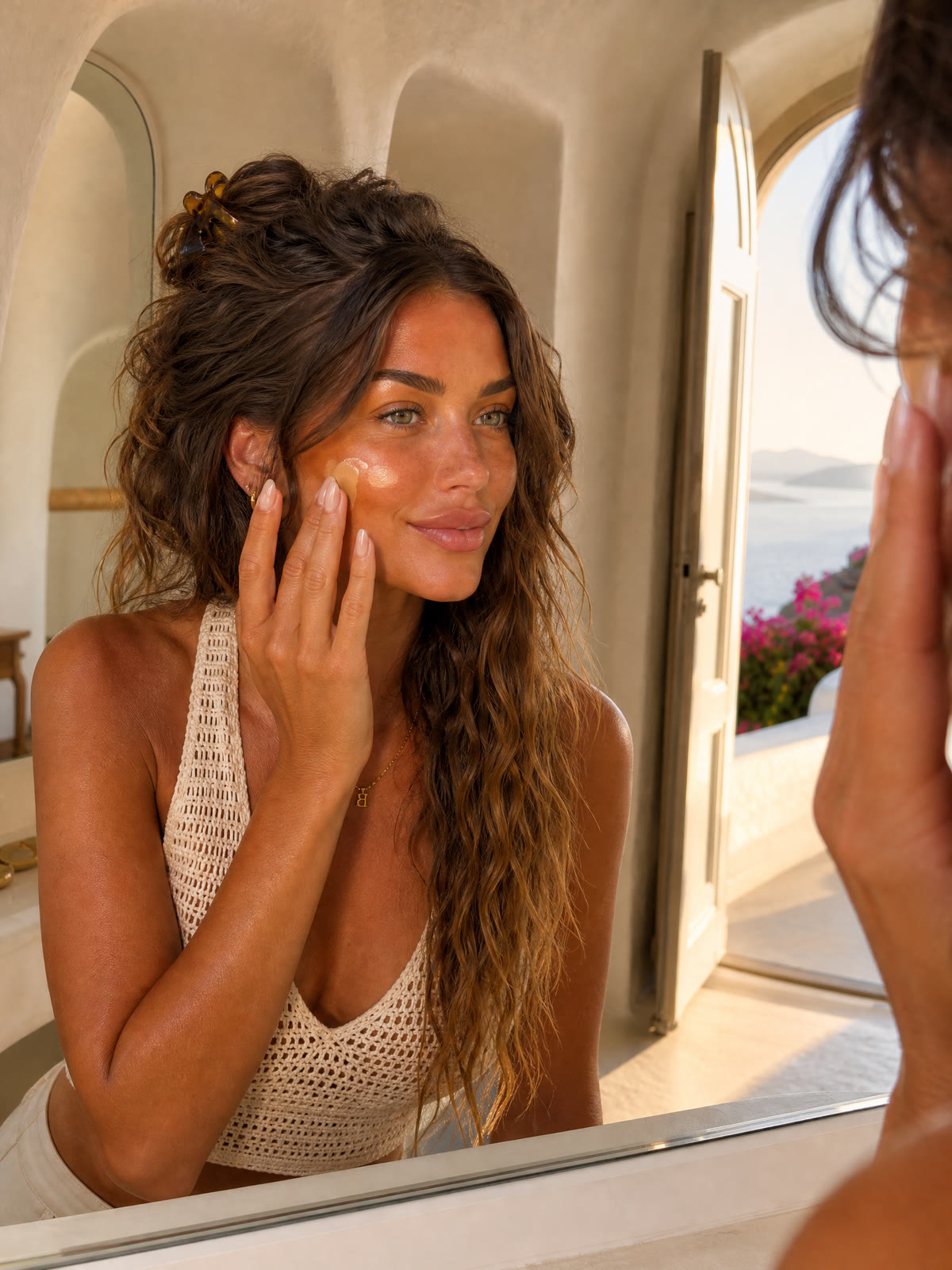
Skin tint.
Prompt
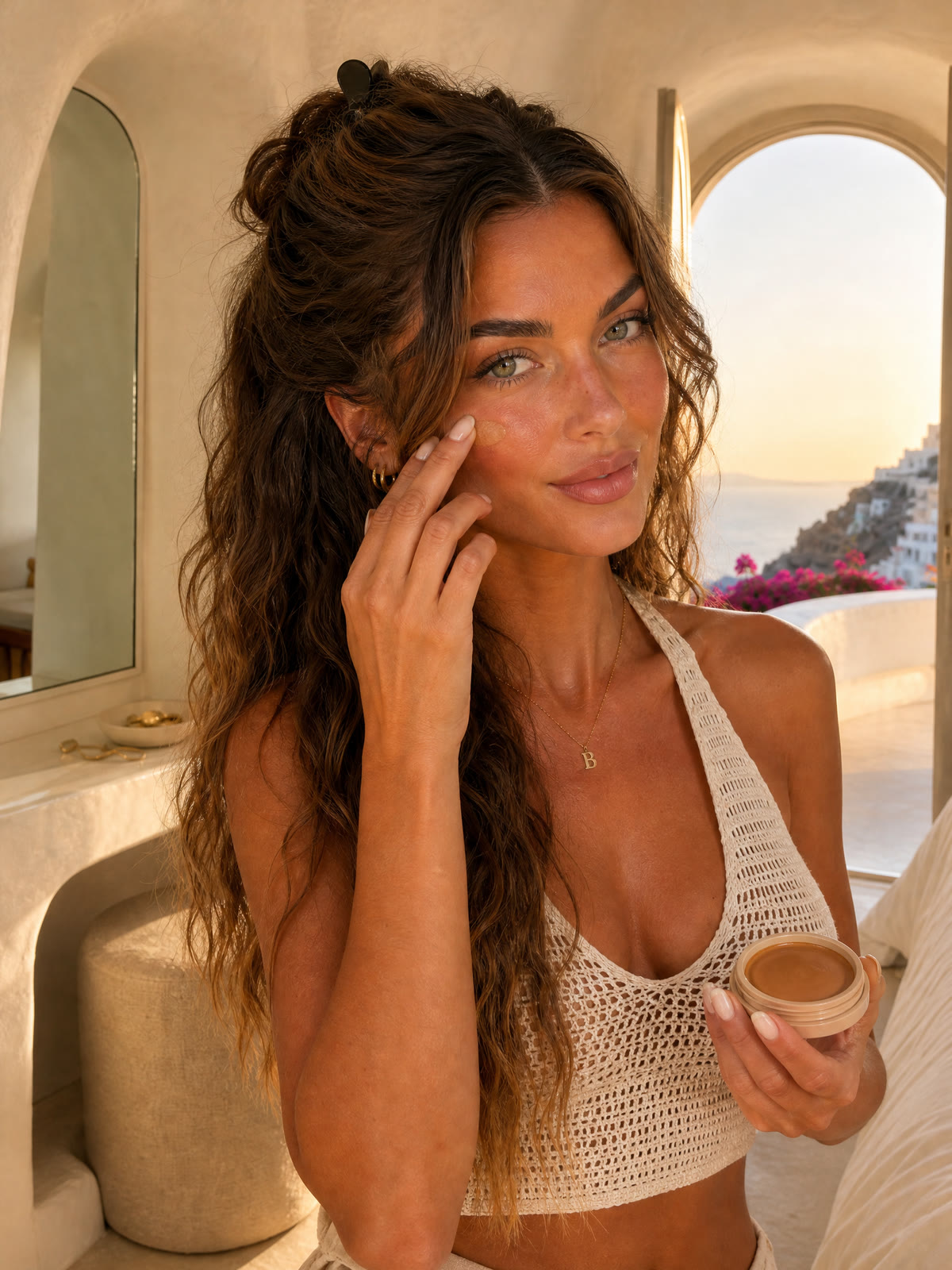
Cream bronzer.
Prompt
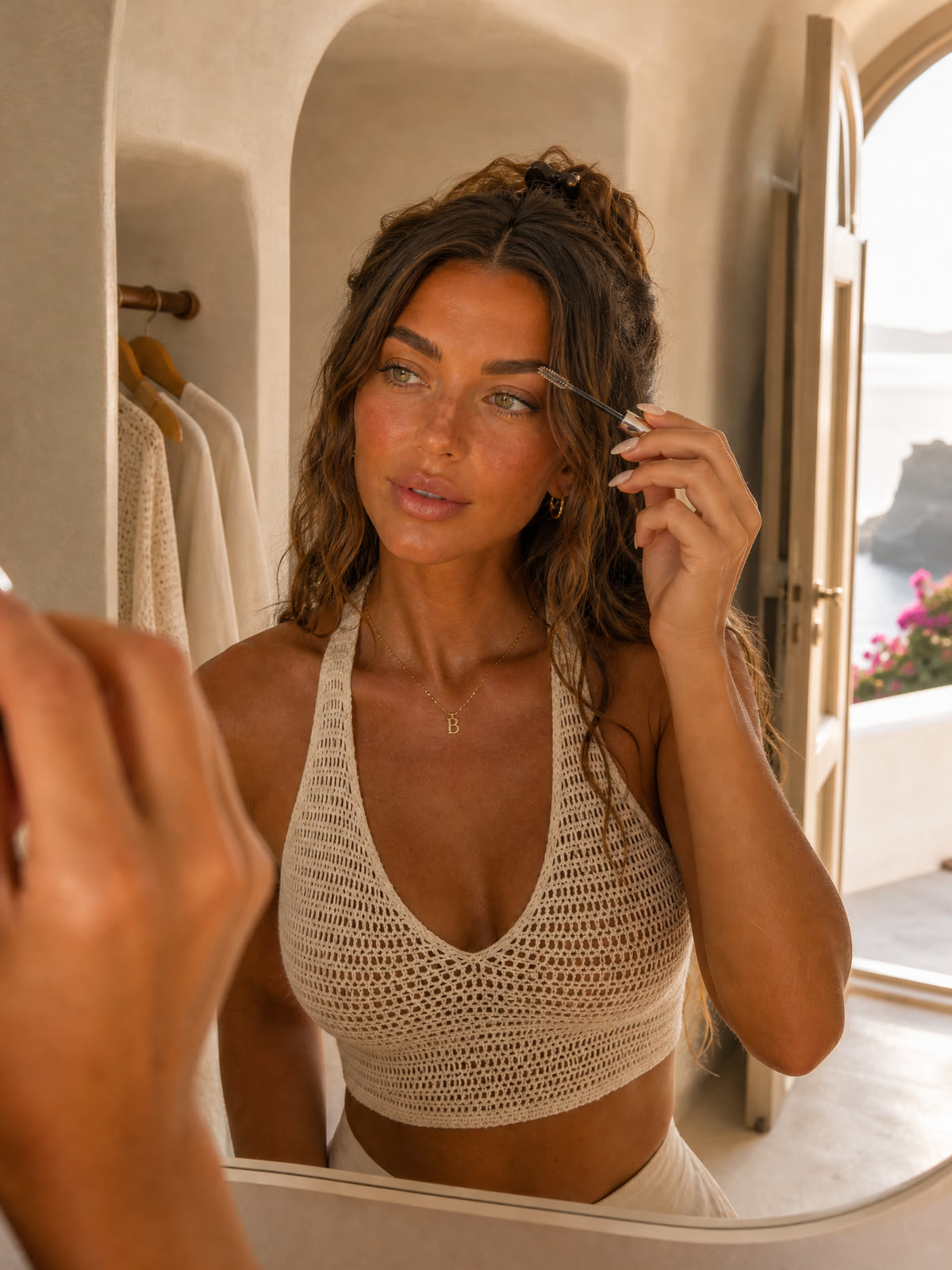
Brow gel.
Prompt
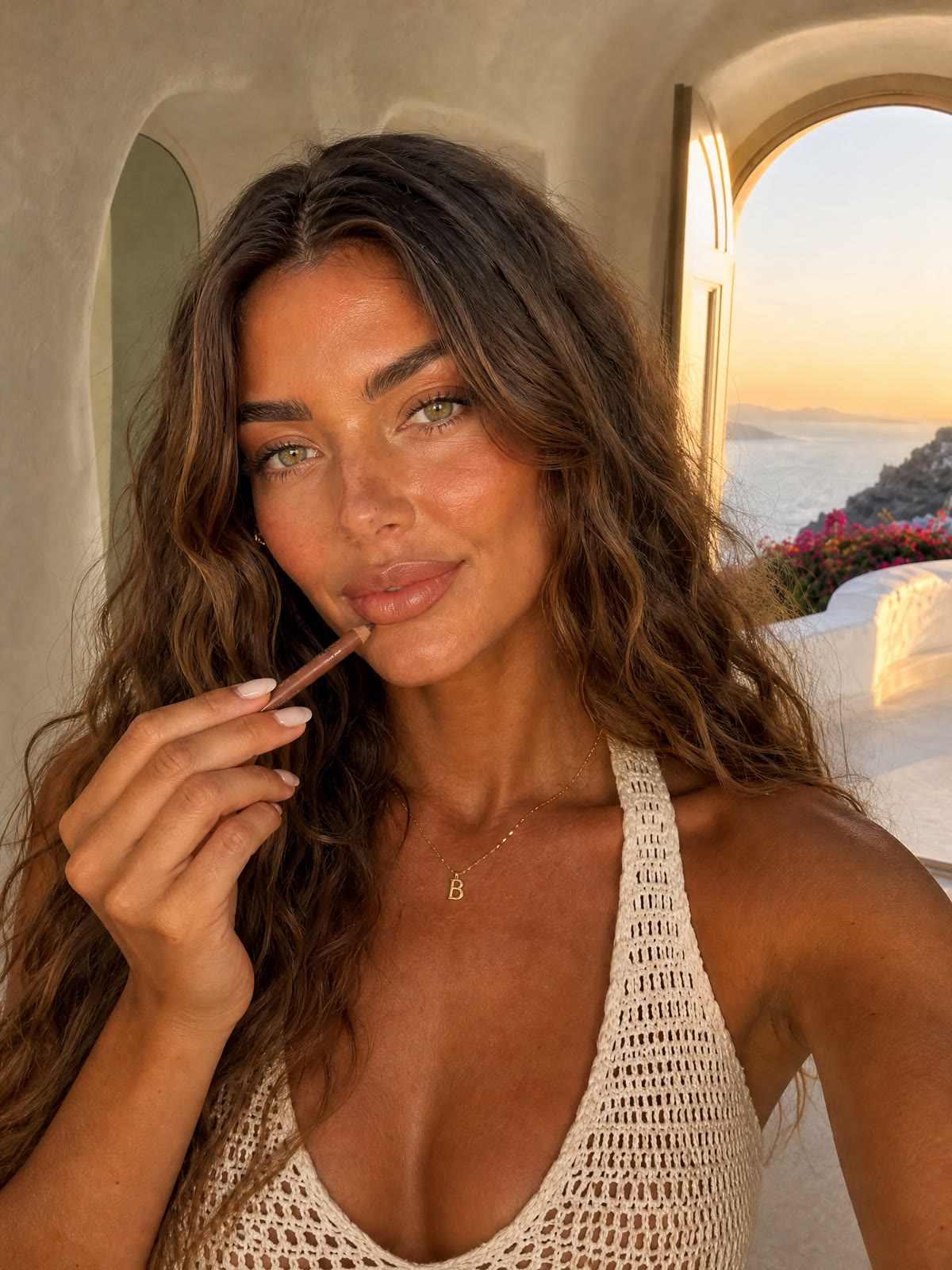
Lip liner.
Prompt
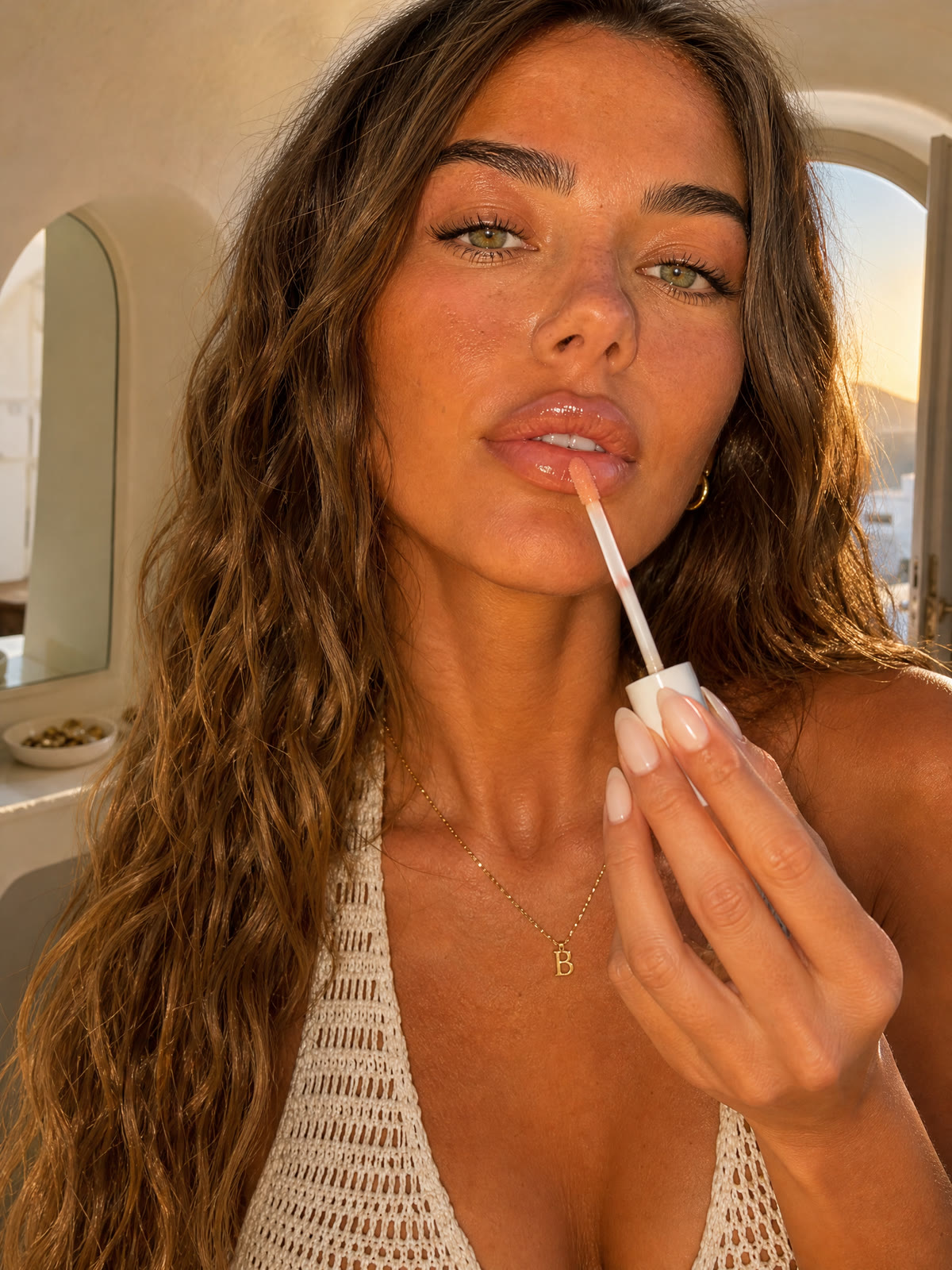
Peachy gloss.
Prompt
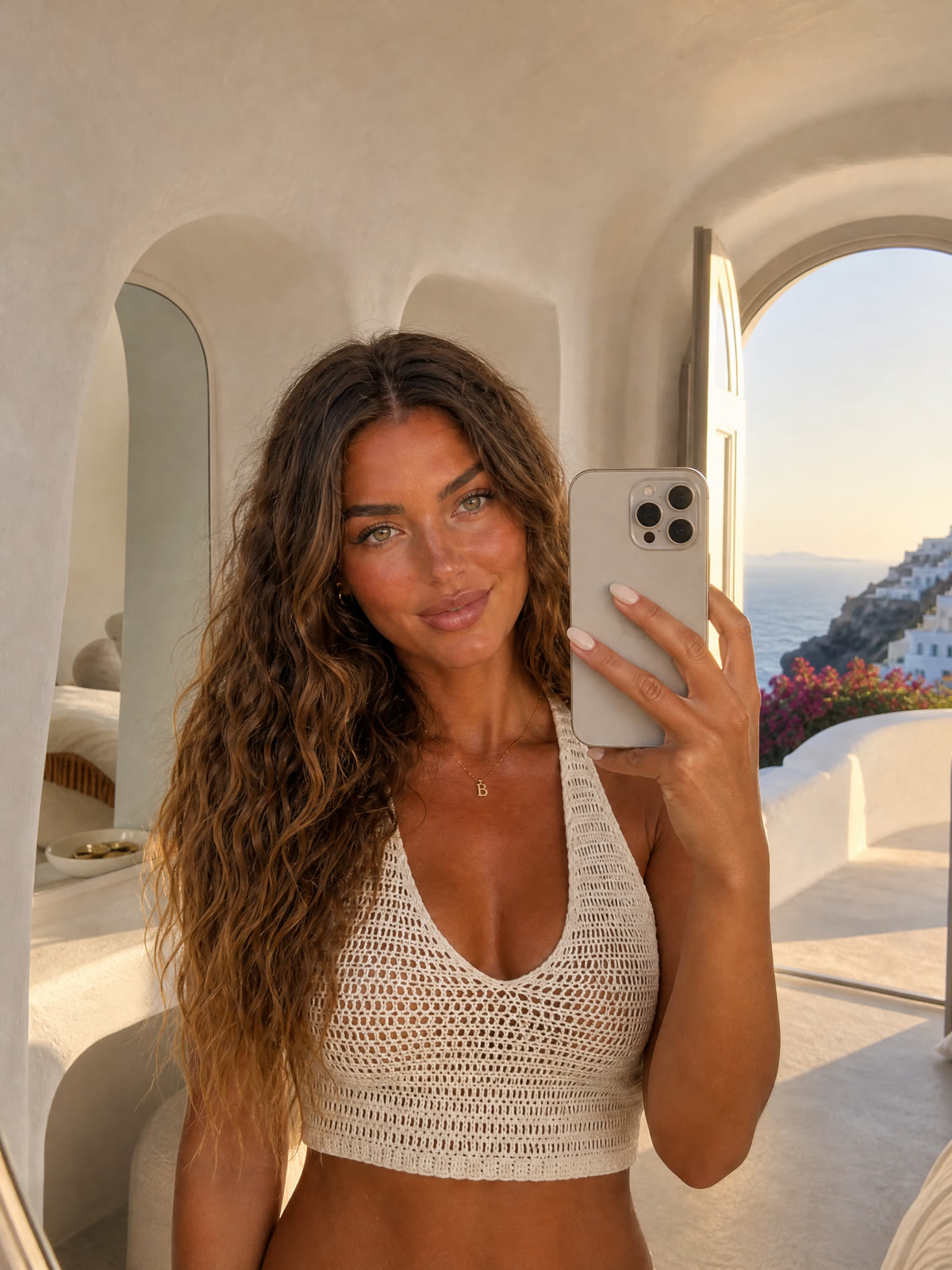
The finished look.
Prompt
Eight habits for a consistent AI influencer
What made the difference in this project.
- Board first, content second. Make the character board, then attach it to later image and video requests.
- Put the small things on the board. Include nails, jewellery and a watch so the model has a visual reference for them.
- Write the full outfit into every prompt. Repeat it in every shot of a video script and say they stay dressed in it.
- Name your references. Say what @Image1, @Image2 and @Audio1 are, and point to the panel you mean, like “the NAILS panel of @Image1”.
- Script the seconds. “0-3s: she says …” helps guide who speaks when and what the camera sees.
- Describe a phone, not a film set. Handheld framing, auto-exposure and real room sound help create a casual UGC style. Ask for no music if you want the dialogue to stand alone.
- Review each result. Check faces, hands, clothing and scene continuity before building the next shot around it.
- Reuse the voice. Attach an earlier clip’s audio as @Audio1 to guide the voice, then listen for consistency.
Make your own influencer with the Sogni Creative Agent.
Works inside Claude Code, Codex, Hermes or another compatible agent. Ask for the character, the boards and the videos in plain words, and the agent runs every step on Sogni.