The short version
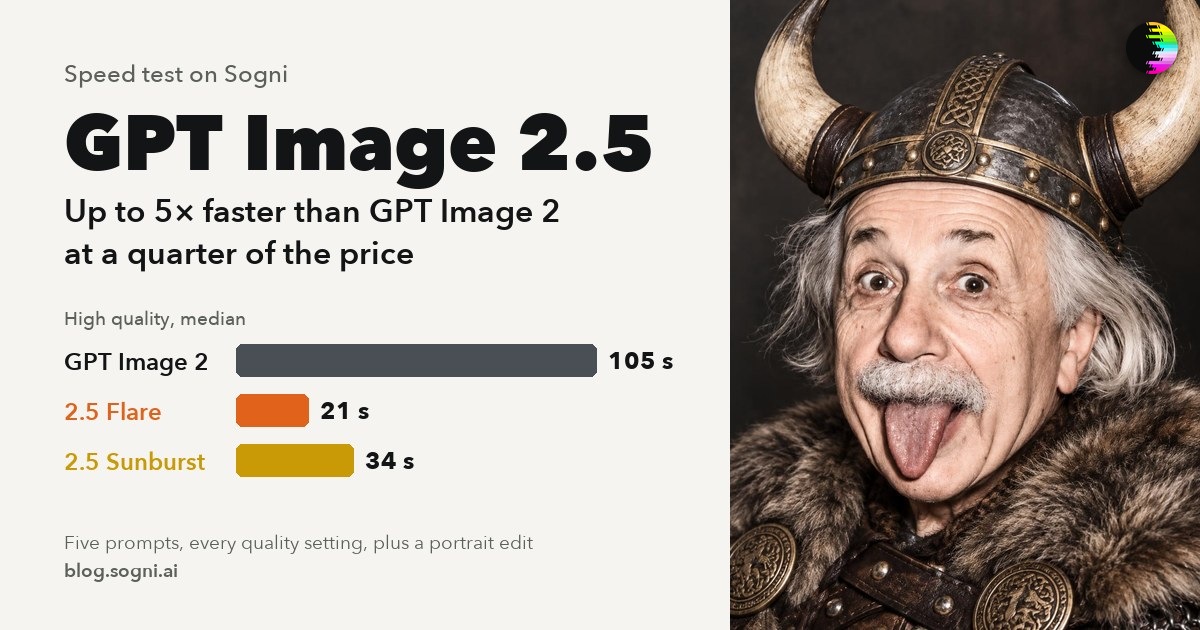
- Fastest in the test. Klein made an image from a prompt in 1.9 seconds. A one-photo edit took 3.6 seconds, more than twice as fast as Qwen Image Edit 2511 Lightning (8.4 s) and Krea 2 Identity Edit (9.7 s).
- Text comes out right. It was the only model to fix the slogan on a cereal box, and the only one to letter a poster exactly as written.
- Up to ten reference images. It built one scene from ten product photos. The other edit models take three and two.
- Edit by box. In the Sogni web app, draw a box on your photo to add, move, resize or remove an object.
- Where the others still win. Krea 2 Identity Edit keeps a person’s likeness better, and Qwen Image Edit Lightning made the best style transform. Krea 2 Turbo stays Sogni’s default image model.
What FLUX 3 Image Klein is
FLUX 3 Image Klein is a 5.6-billion-parameter open-weights model from Black Forest Labs, released on October 15, 2026. One model covers text to image, image to image from a starting picture, and photo edits with up to ten reference images. Black Forest Labs’ launch post highlights native 4K output, precise editing and boxes that control where things go. On Sogni it is an additional model alongside the ones below.
| Made by | Black Forest Labs, open weights, released October 15, 2026 |
|---|---|
| Size | 5.6 billion parameters |
| Modes | Text to image, image to image, and edits with up to 10 reference images |
| Output | 256 to 4,096 pixels per side, including 4K; a one-photo edit keeps your photo’s size, up to 4 megapixels |
| Steps | 16 by default |
| Prompting | Describe what you want to see; there is no negative prompt |
| LoRAs | Unlimited members can import their own Klein LoRAs in My LoRAs |
Speed
Klein finished first in every timed test, even at 16 steps against the others’ 4 to 10. The chart at the top shows the medians. The table below shows how each text-to-image model slows down as the picture gets bigger.
| Text to image | Steps | 1024 × 1024 | 1536 × 1536 | 2048 × 2048 |
|---|---|---|---|---|
| FLUX 3 Image Klein | 16 | 1.8 s | 4.3 s | 8.9 s |
| Z-Image Turbo | 8 | 2.5 s | 6.0 s | 11.8 s |
| Qwen Image 2512 Lightning | 4 | 3.6 s | 5.7 s | 10.5 s |
| Krea 2 Turbo | 8 | 3.9 s | 8.3 s | 18.9 s |
The night-market prompt, one render per size.
At 2048 × 2048, Klein took 8.9 seconds, against 10.5 for Qwen Image 2512 Lightning, 11.8 for Z-Image Turbo and 18.9 for Krea 2 Turbo. It also renders 4K: 27.0 seconds for 3840 × 2160 and 93.6 seconds for 4096 × 4096.
Edits run at your photo’s own size, up to 4 megapixels. A one-photo edit took 3.6 seconds at 1 megapixel, 8.3 at 2 and 22.1 at 4.
Words in the picture
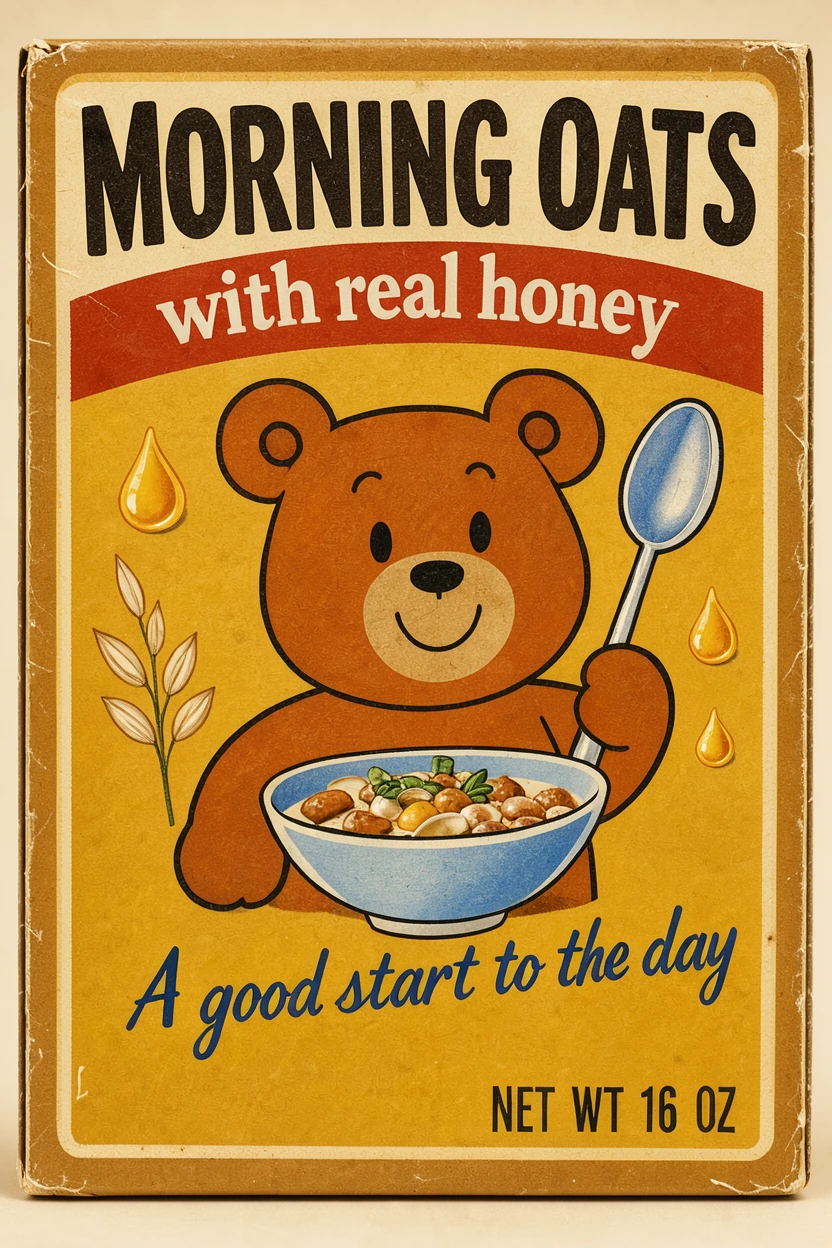
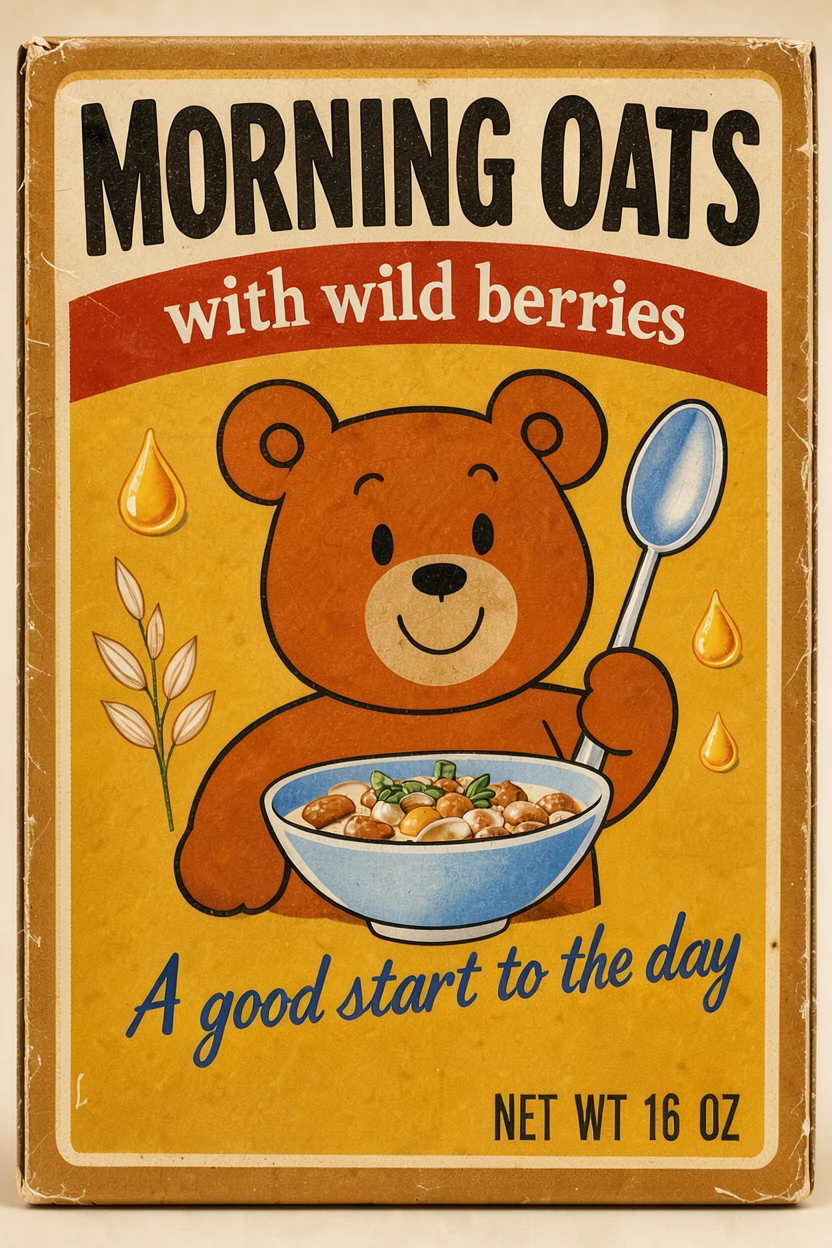
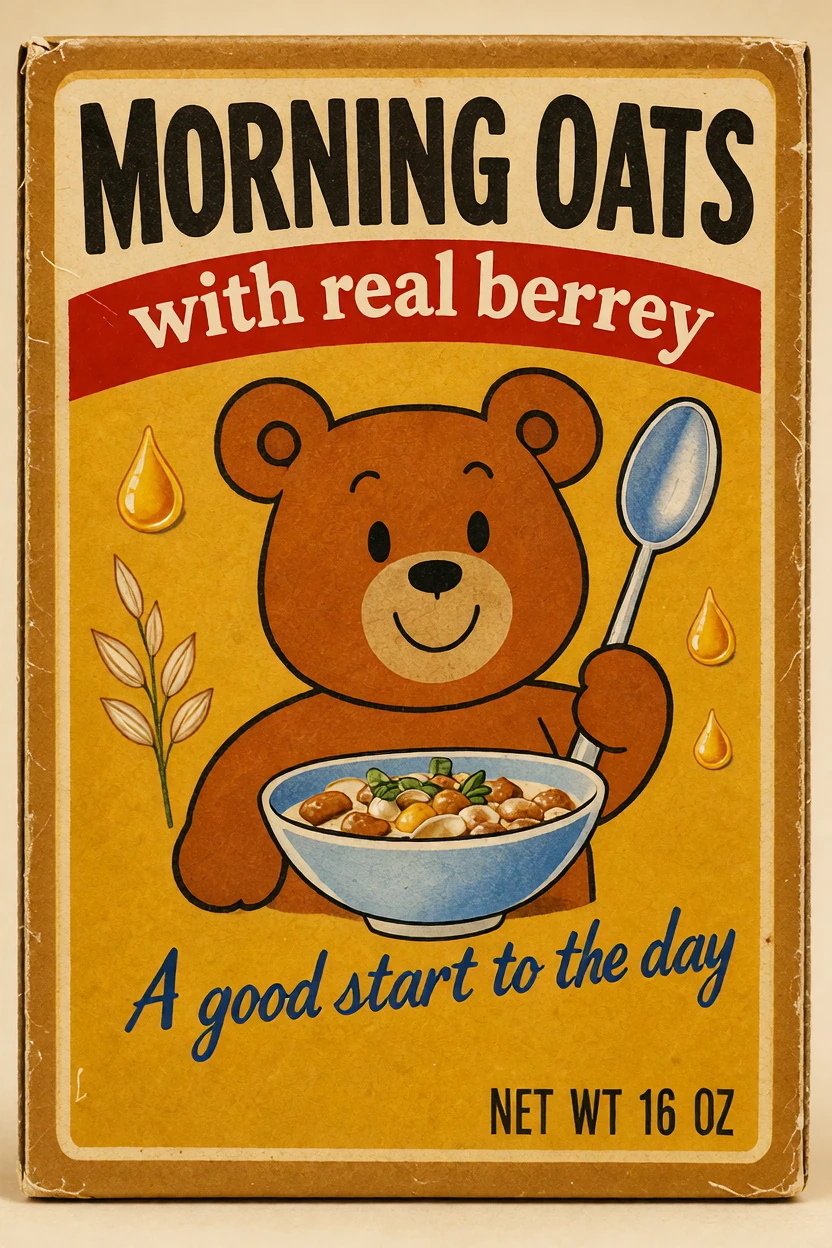
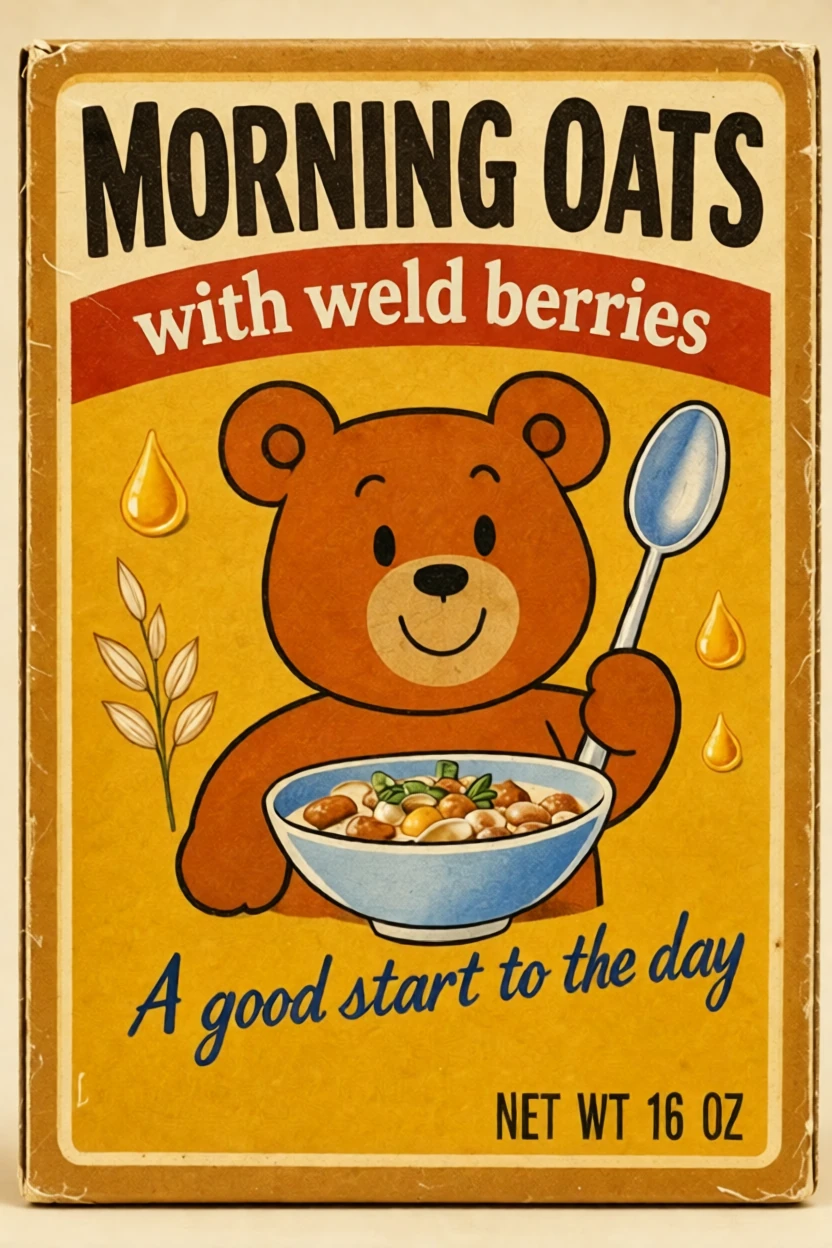
Text is where Klein stands apart. It was the only model to get the lettering right in both of our text tests: changing one line on a cereal box, and setting the words on a poster from a prompt.
Change the words on a cereal box 832 × 1248
Prompt “change the text 'with real honey' on the red banner to 'with wild berries', keep everything else the same”
On a phone, swipe sideways in each comparison to see every model.
Poster with exact words 832 × 1248
Prompt “a retro concert poster that says "NIGHT SIGNALS" in big letters and "LIVE MAY 9" underneath”
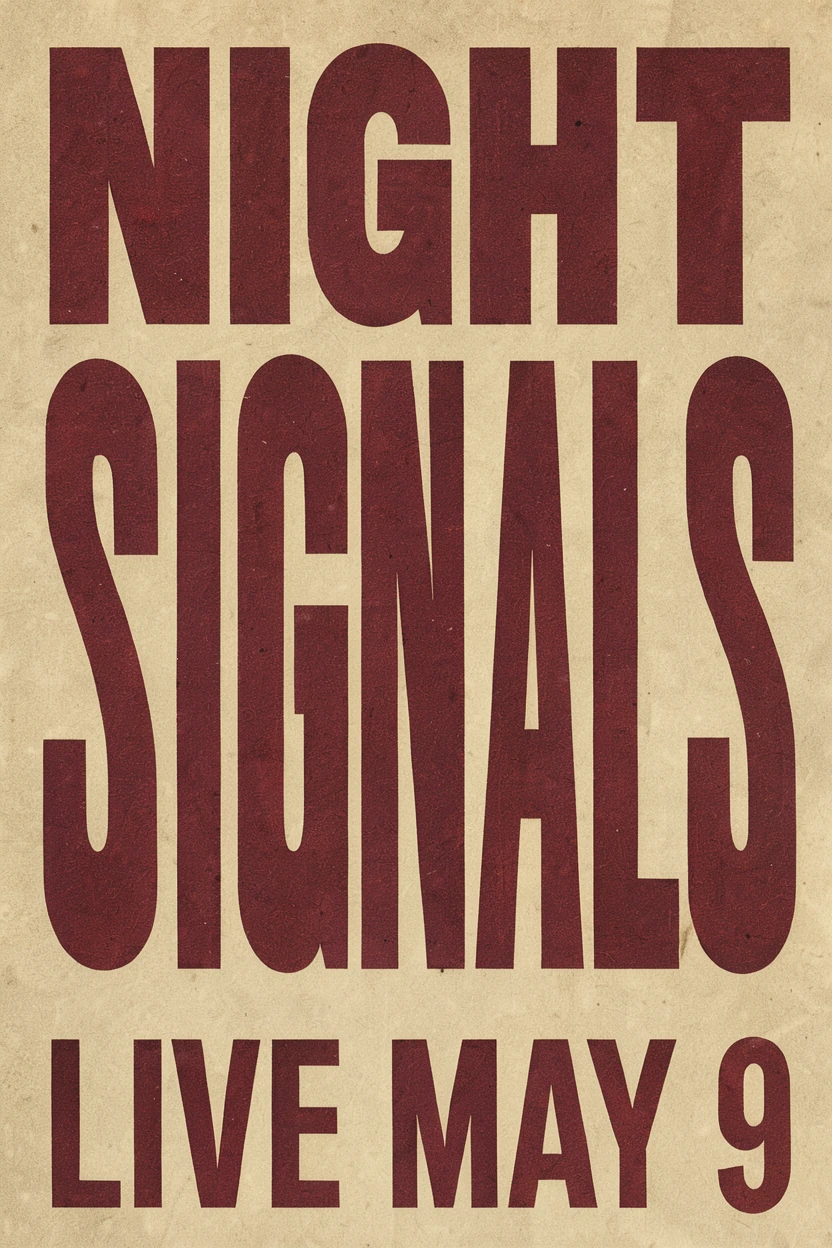
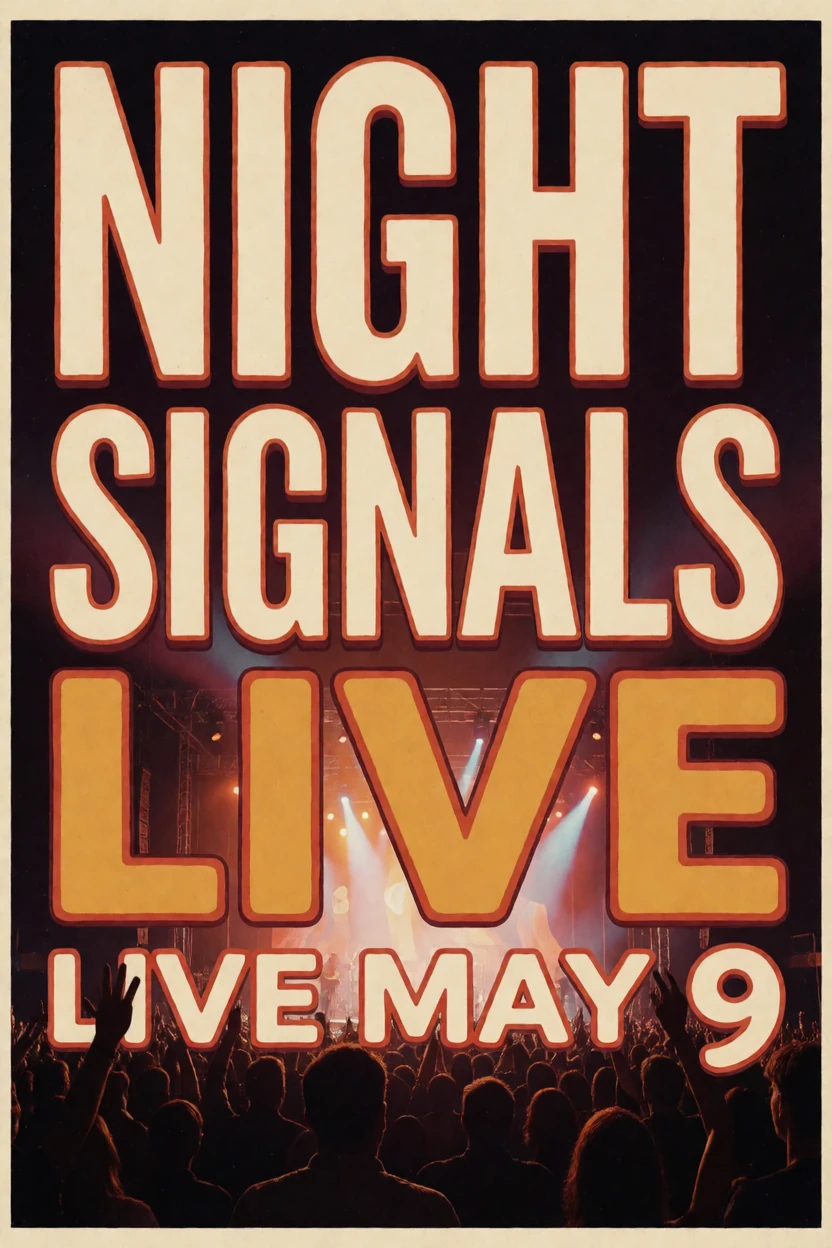
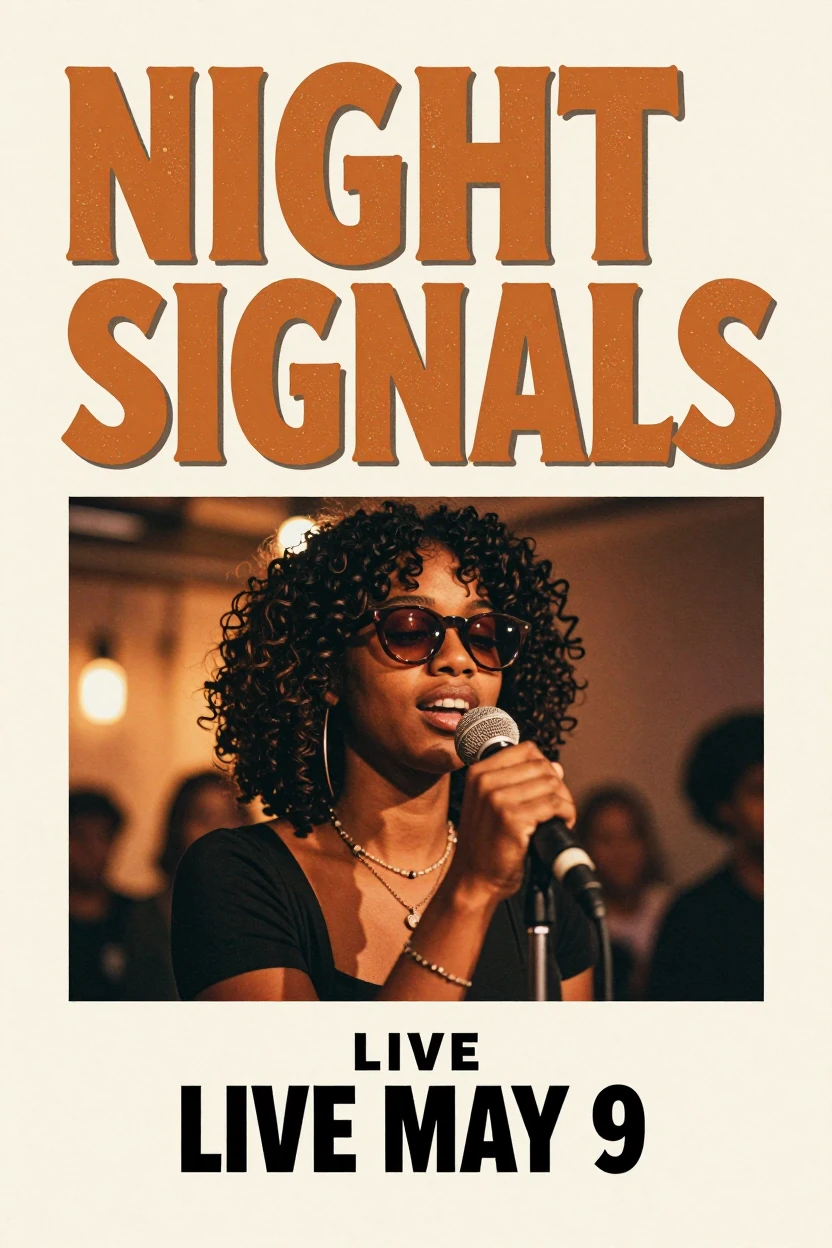
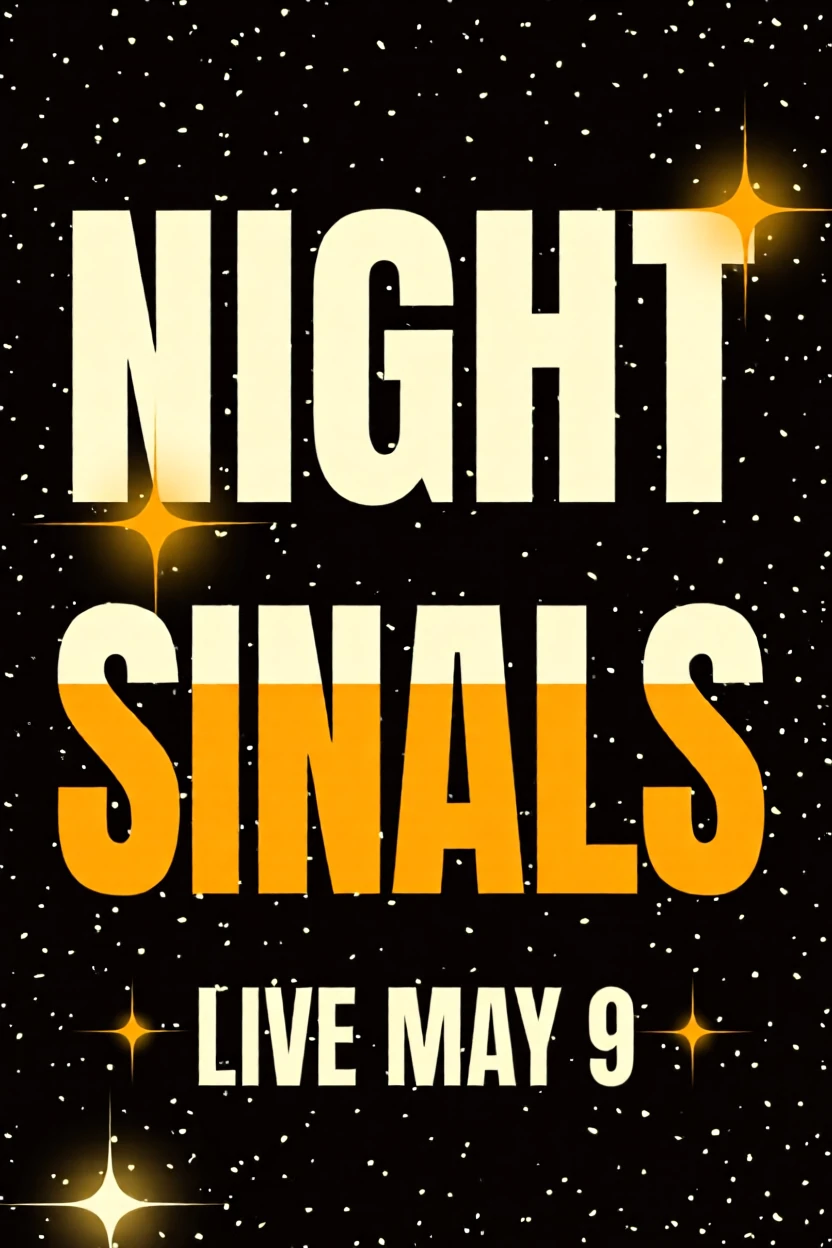
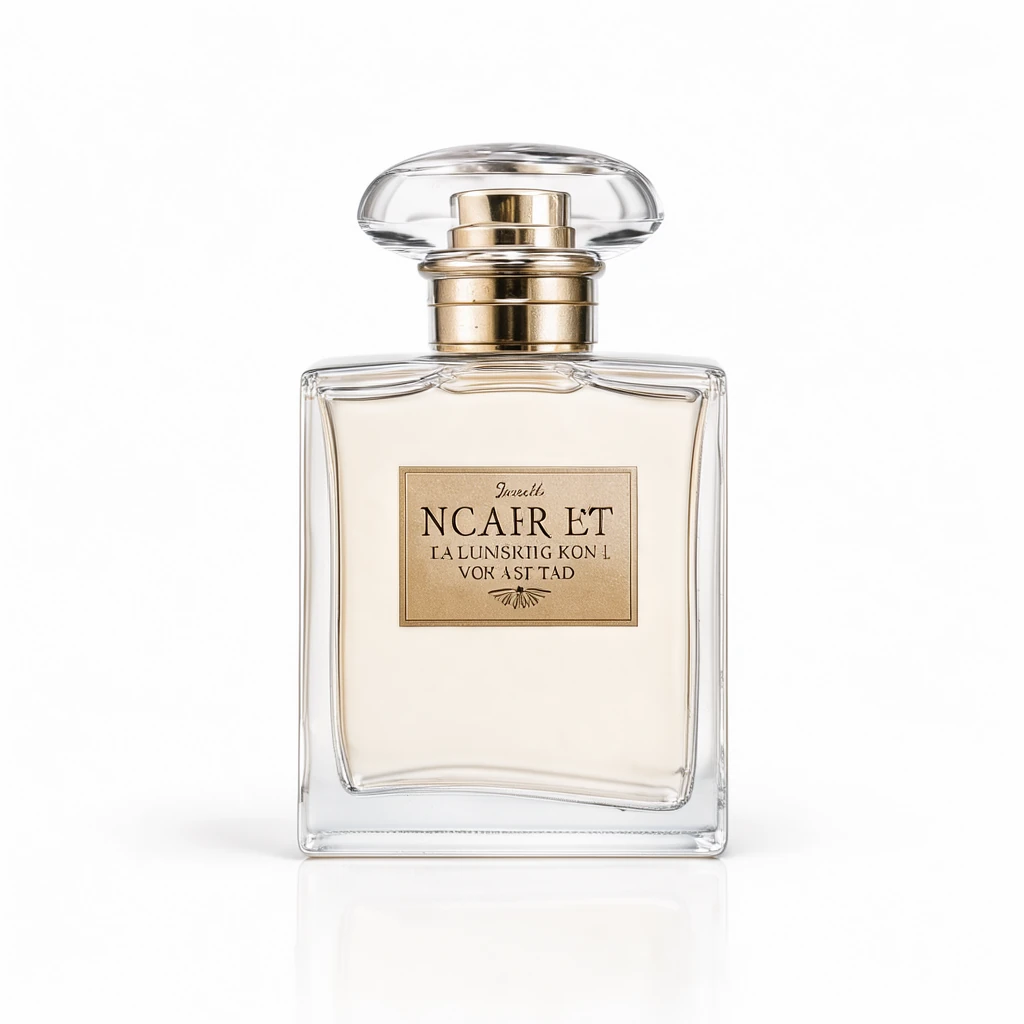
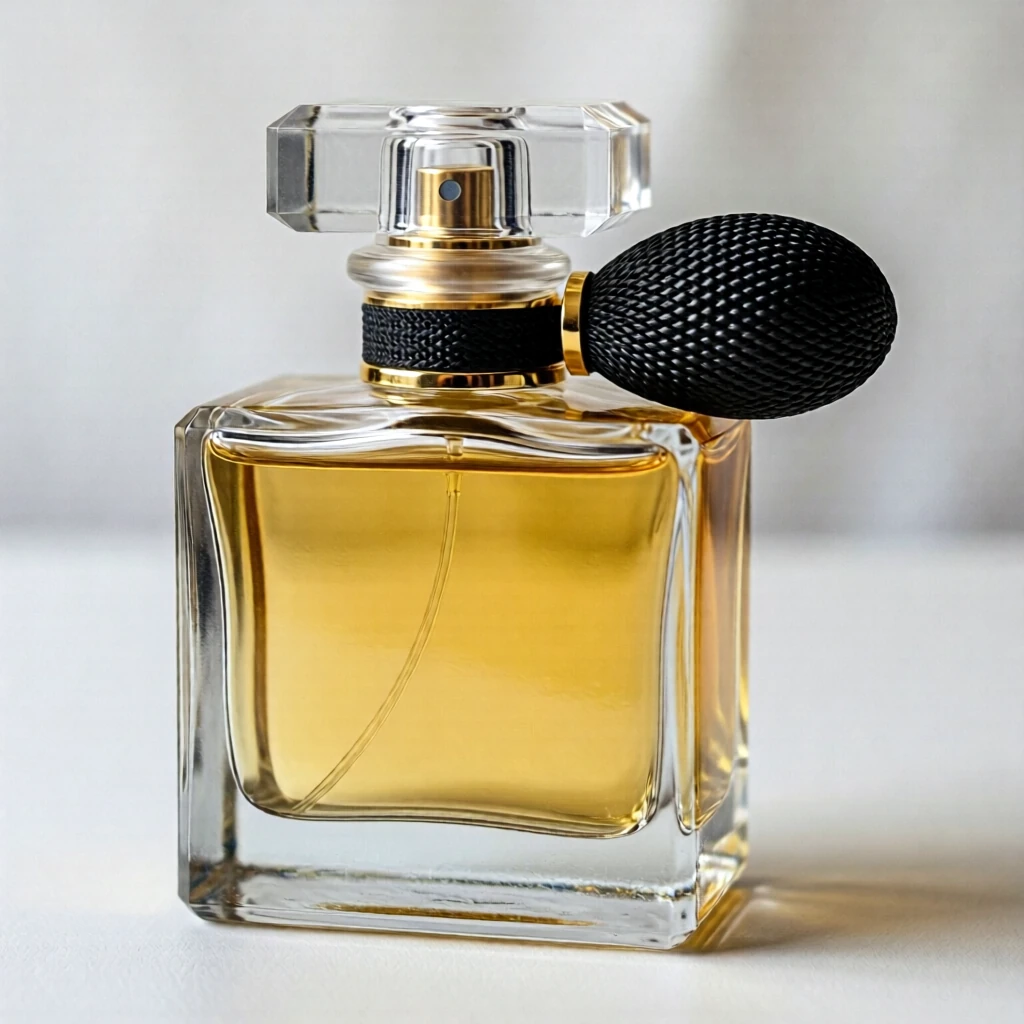
Klein sometimes adds lettering you didn’t ask for, like the label on the perfume bottle in the text-to-image tests below. For a plain product, add “no text” to the prompt.
Photo edits
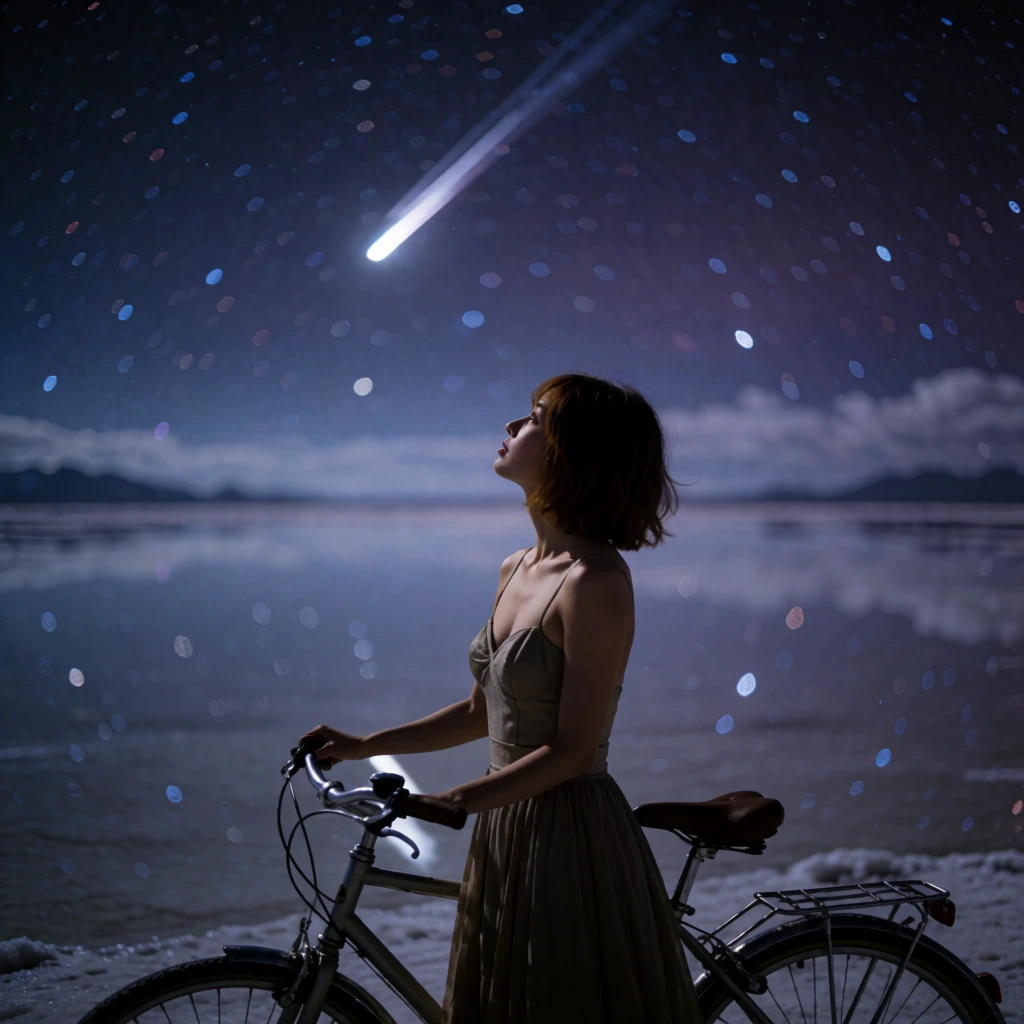
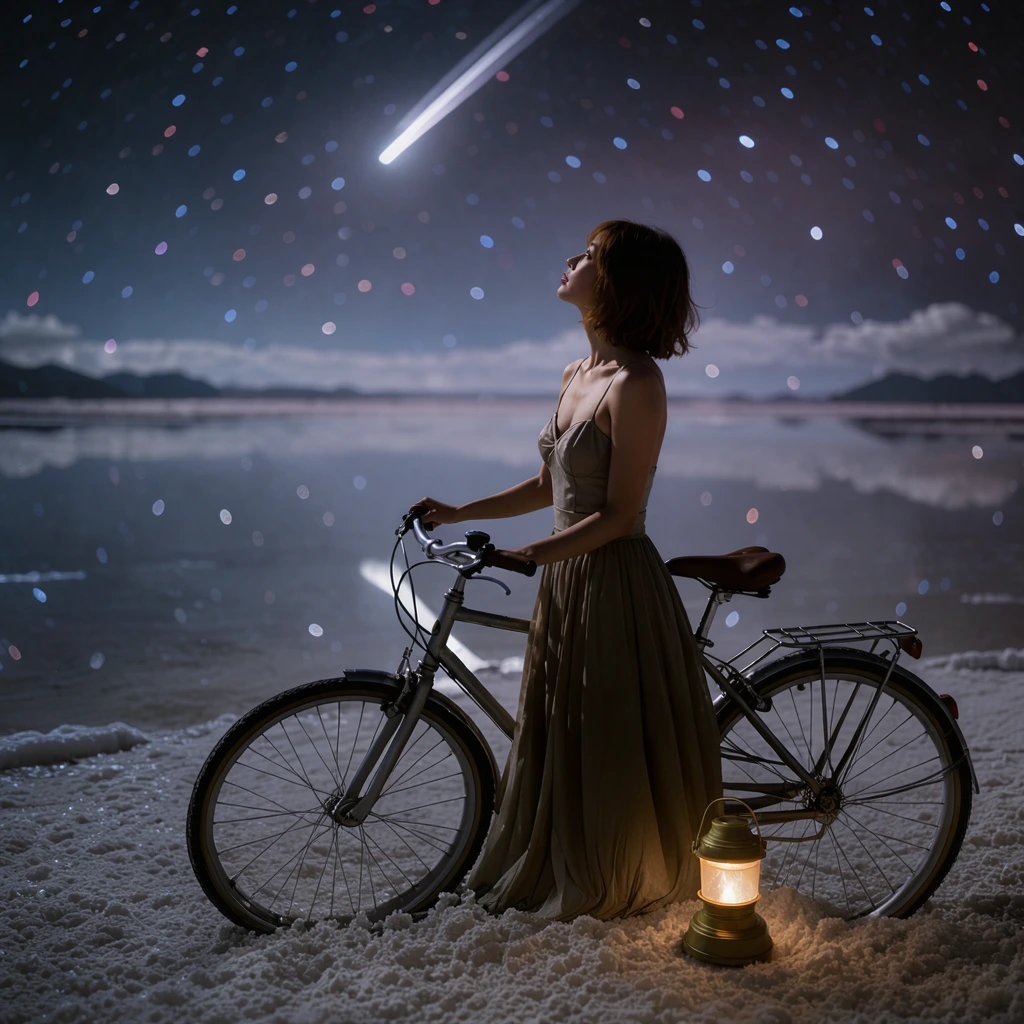
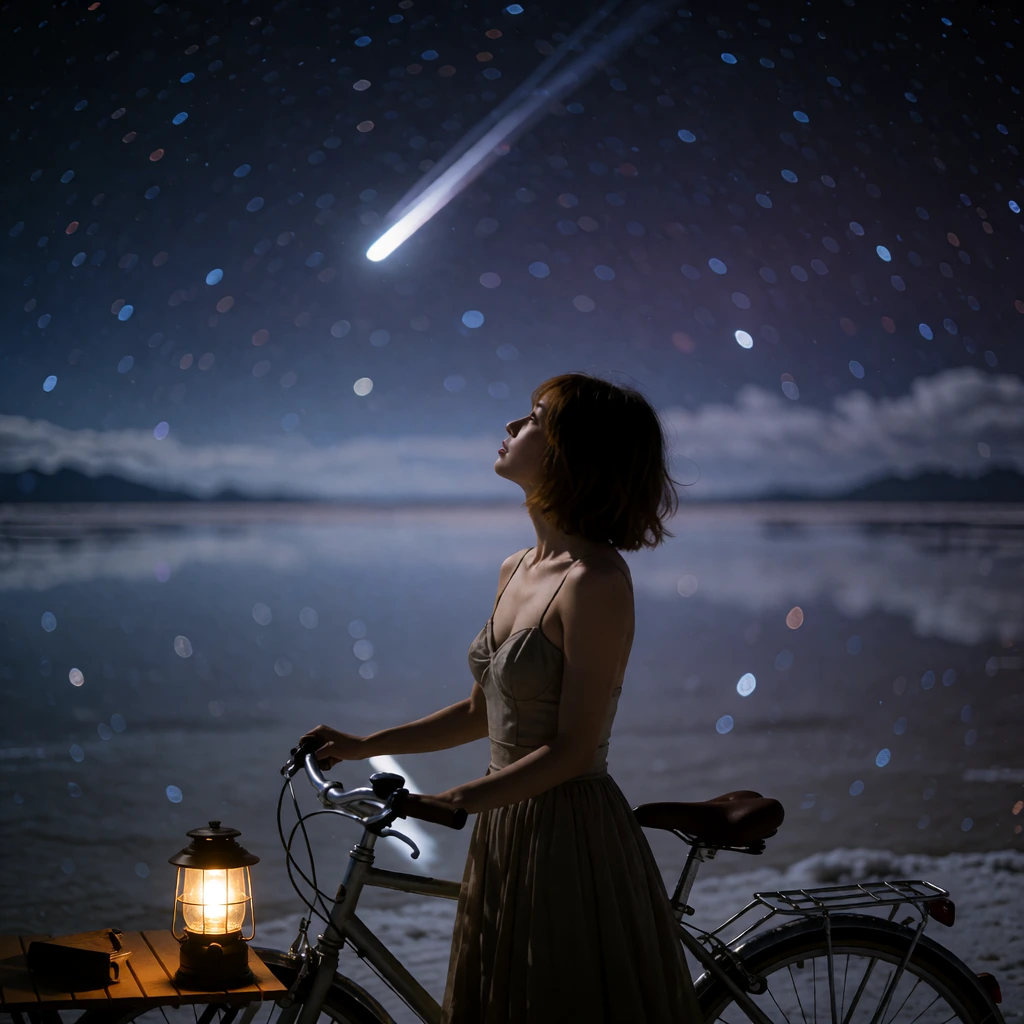
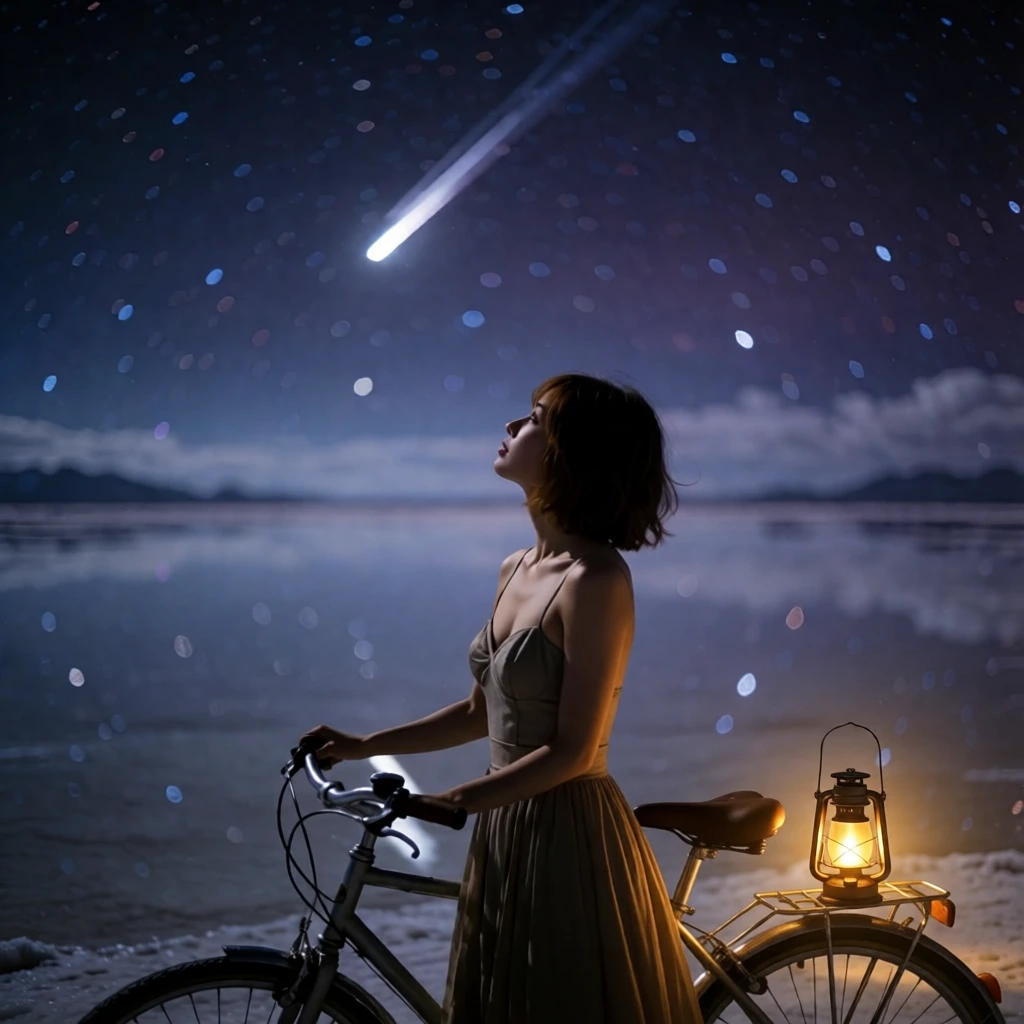
Three everyday edits from one photo: add an object, add an accessory, and change the style. Klein is first in each row, and every source photo is our own. Click any image to open it at full size.
Put a lantern by the back wheel 1024 × 1024
Prompt “Put a glowing camping lantern on the ground next to the bicycle's back wheel. Keep everything else unchanged.”
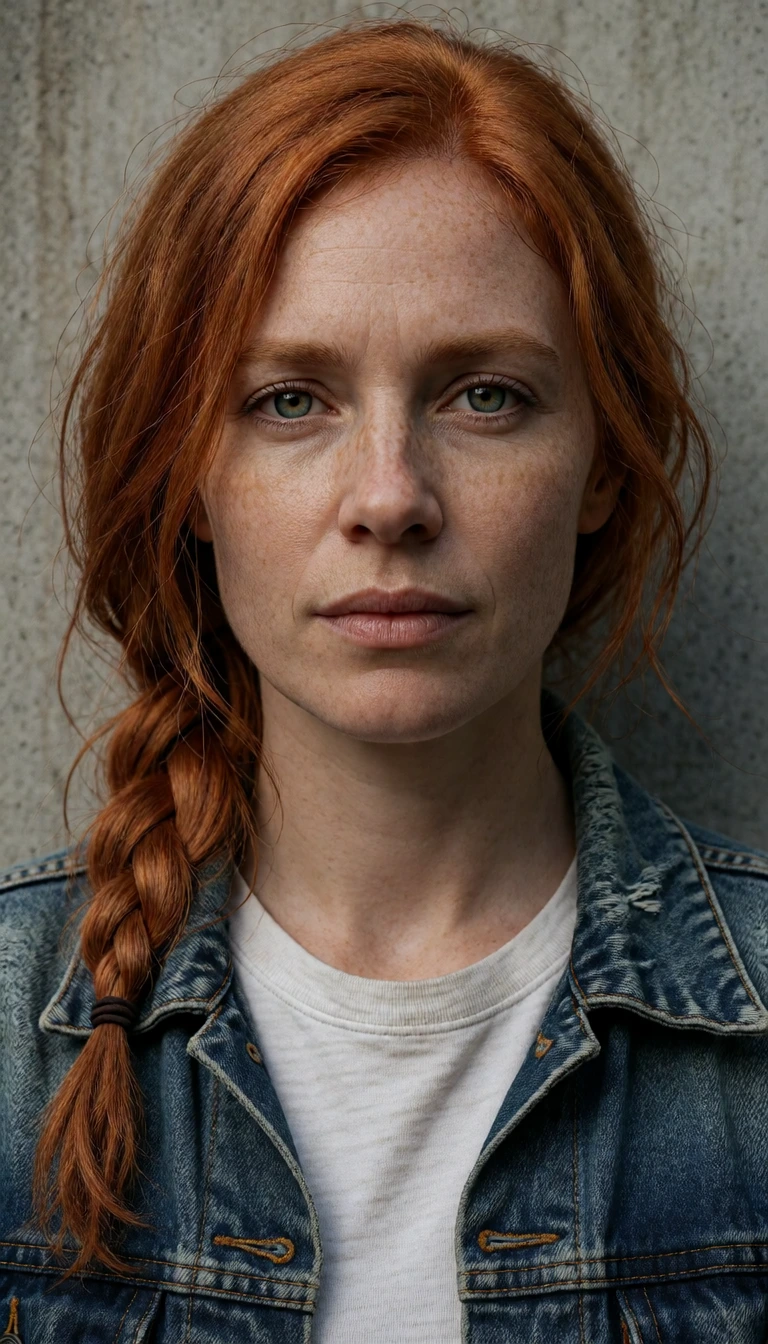
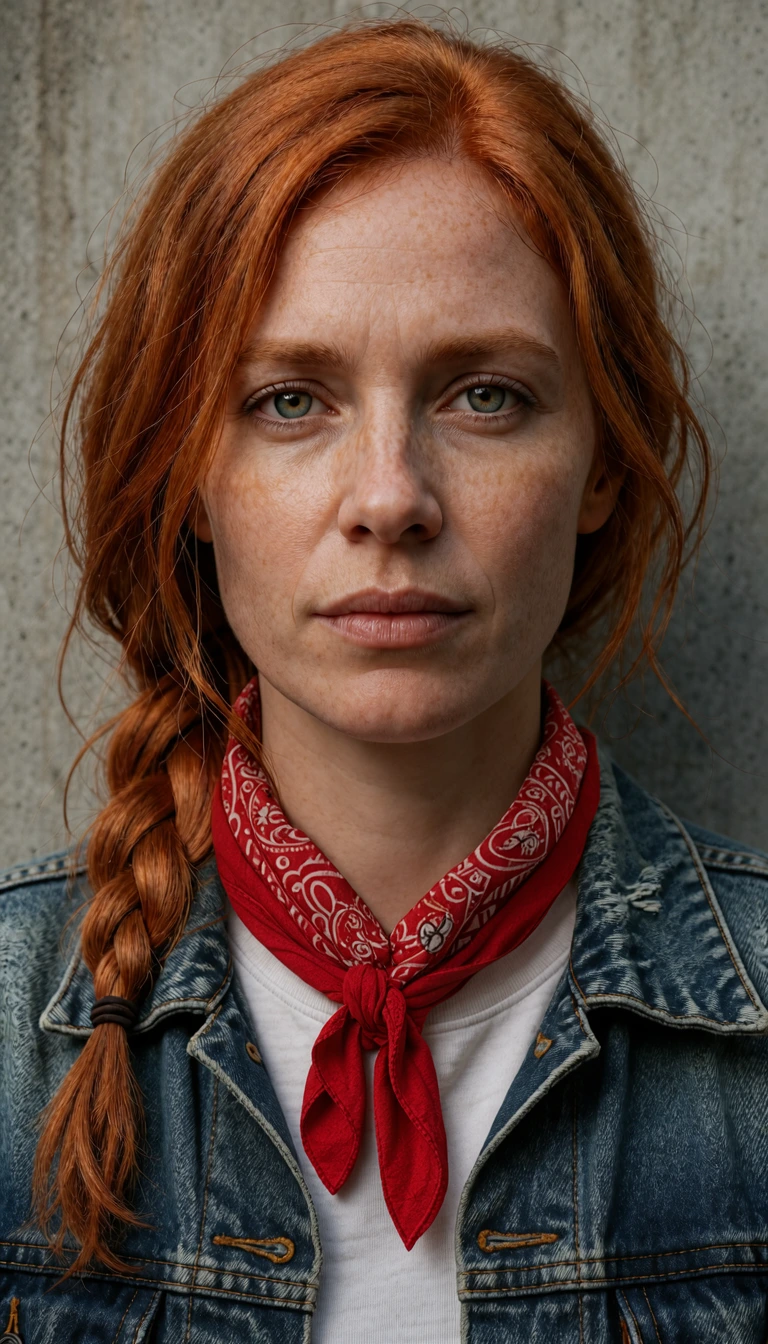
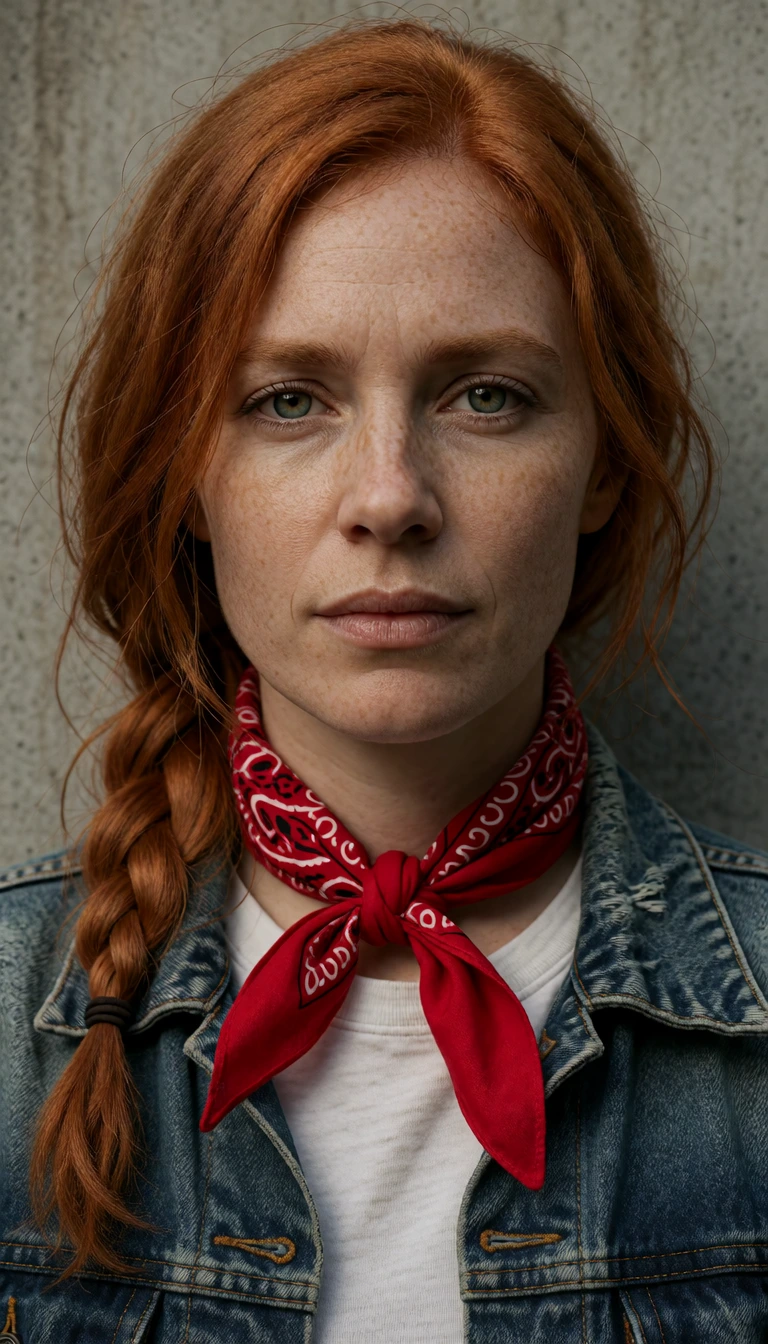
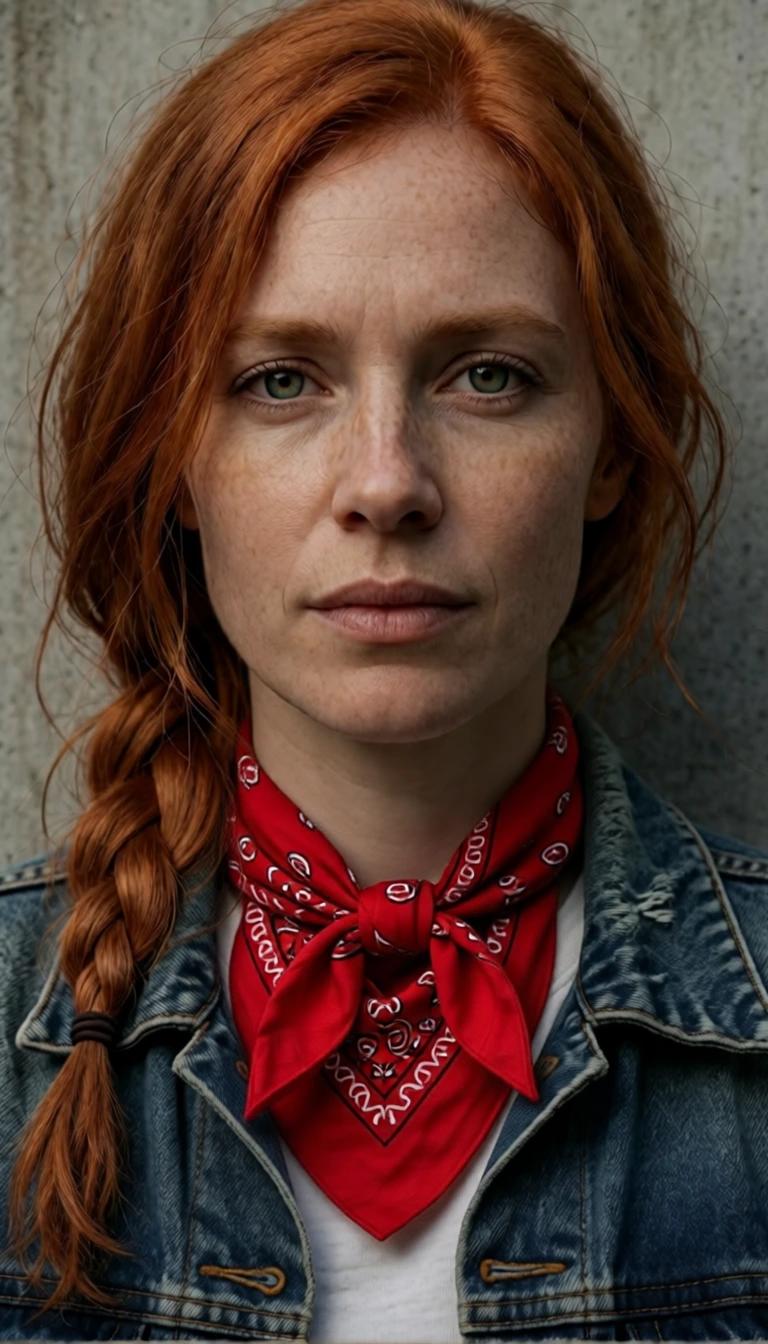
Tie a bandana around her neck 768 × 1344
Prompt “Tie a red bandana around her neck. Keep everything else unchanged.”
Turn a character into a bobble-head figurine 1344 × 768
Prompt “Turn the pink sloth into a shiny plastic bobble-head figurine standing on a wooden desk: glossy painted plastic, an oversized head on a visible spring neck, painted-on eyes and glasses, and a small round base, so it is clearly a toy. Photograph it on the desk next to a laptop in a cozy home office.”
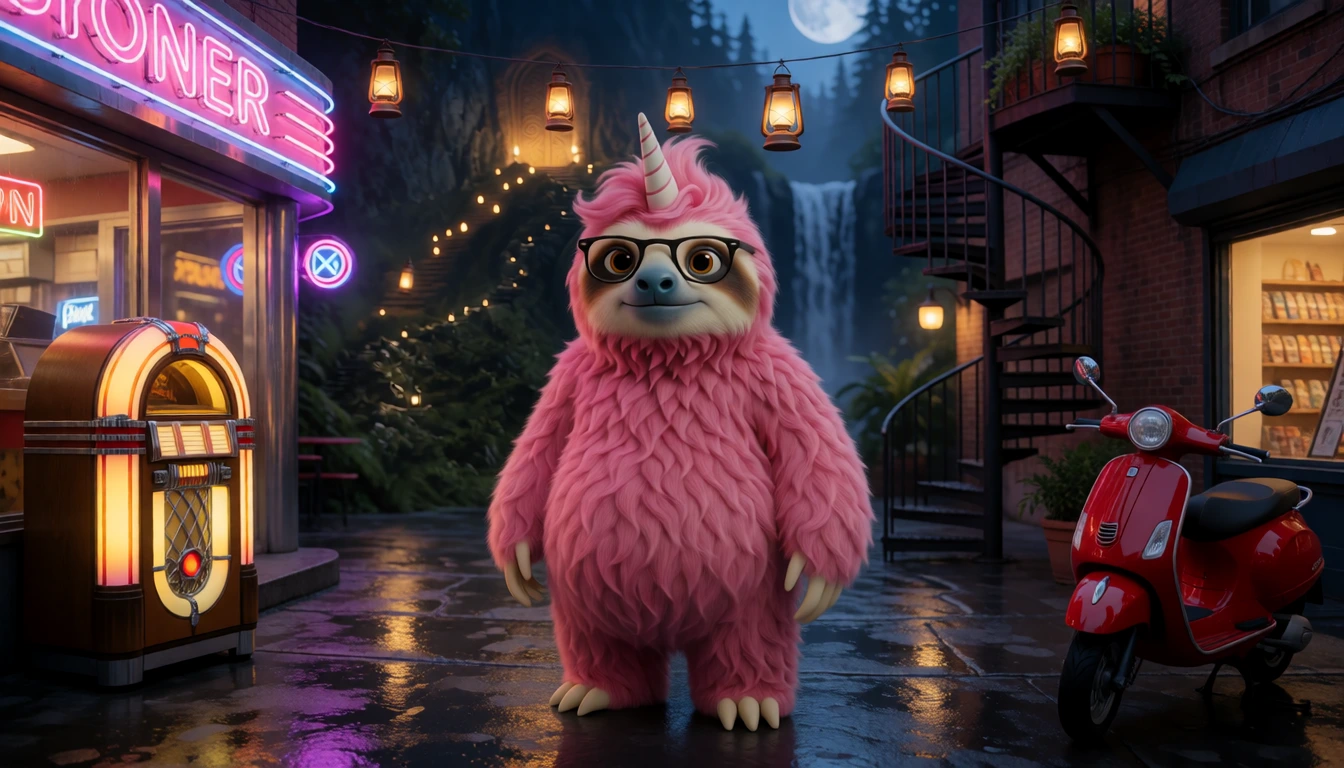
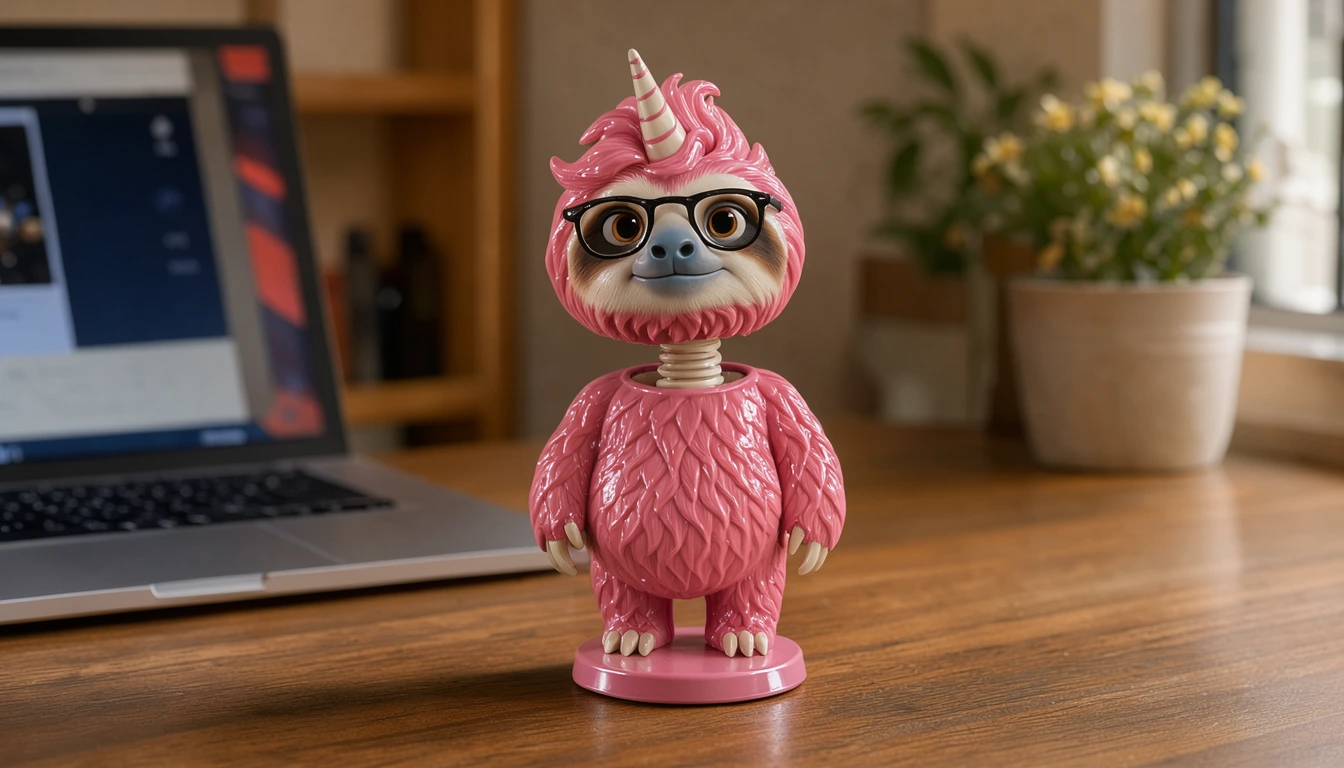
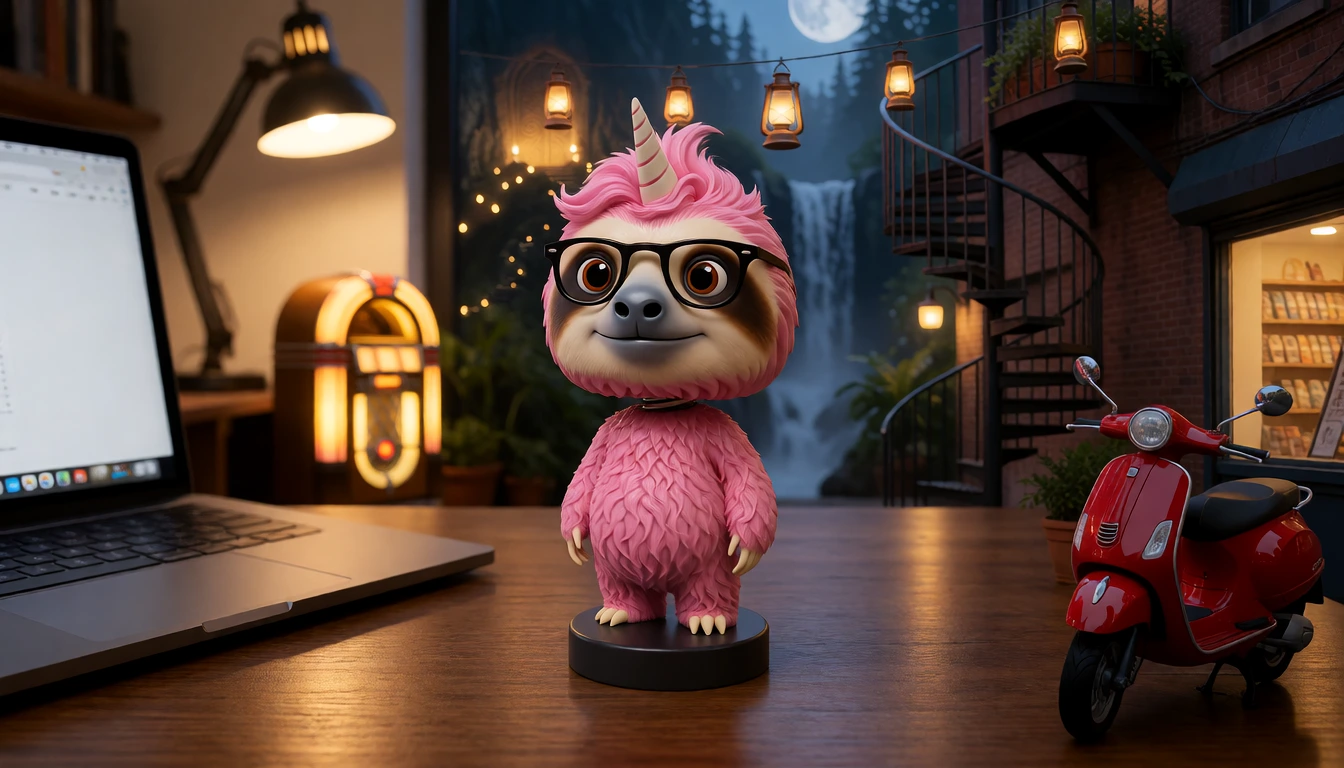
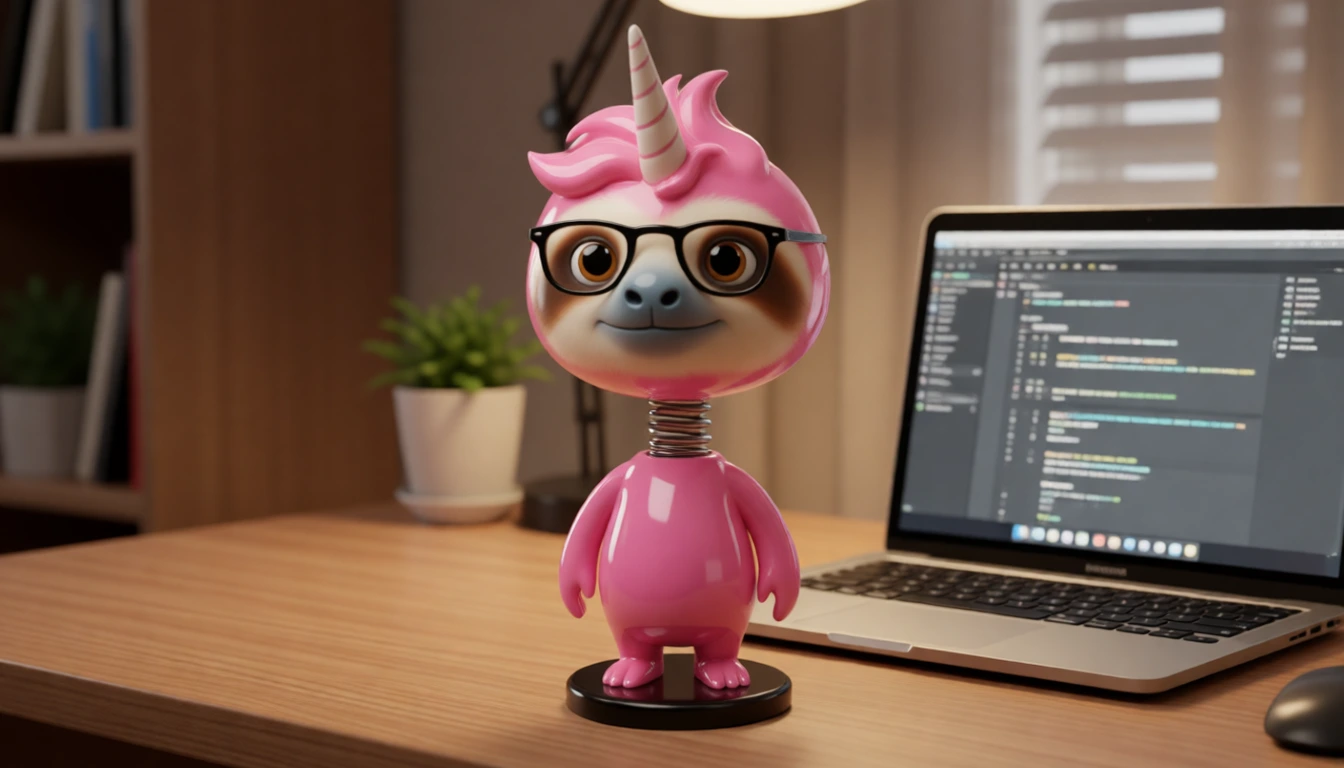
- Adding things: all three models added the lantern and the bandana. Klein put the lantern exactly where the prompt asked but reframed the shot; the other two kept the framing and put it somewhere else.
- Style changes: Qwen Image Edit Lightning made the most convincing plastic bobble-head.
- People: for edits that must keep a person’s likeness in a new pose, Krea 2 Identity Edit is still our pick. Klein kept the face but not the pose. Our Krea 2 identity editing tutorial covers those edits.
Ten reference images in one scene
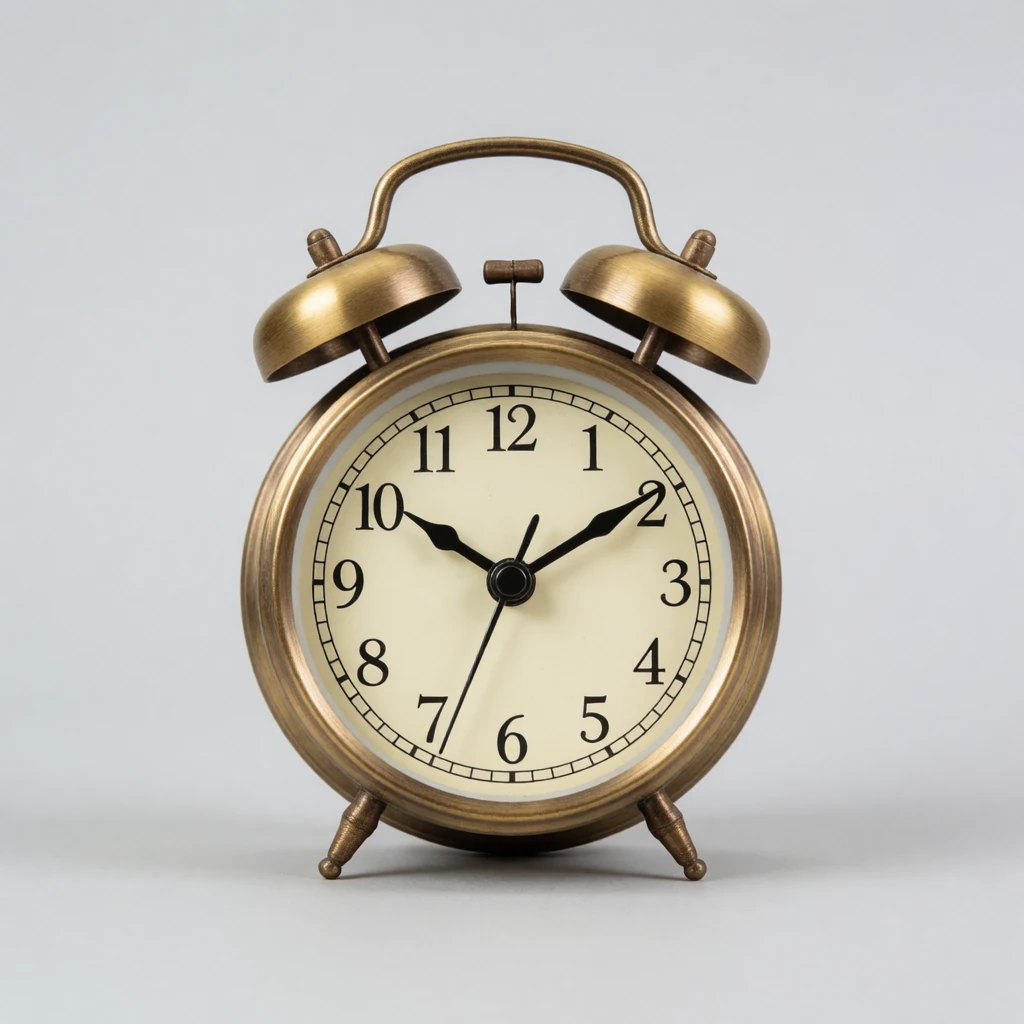
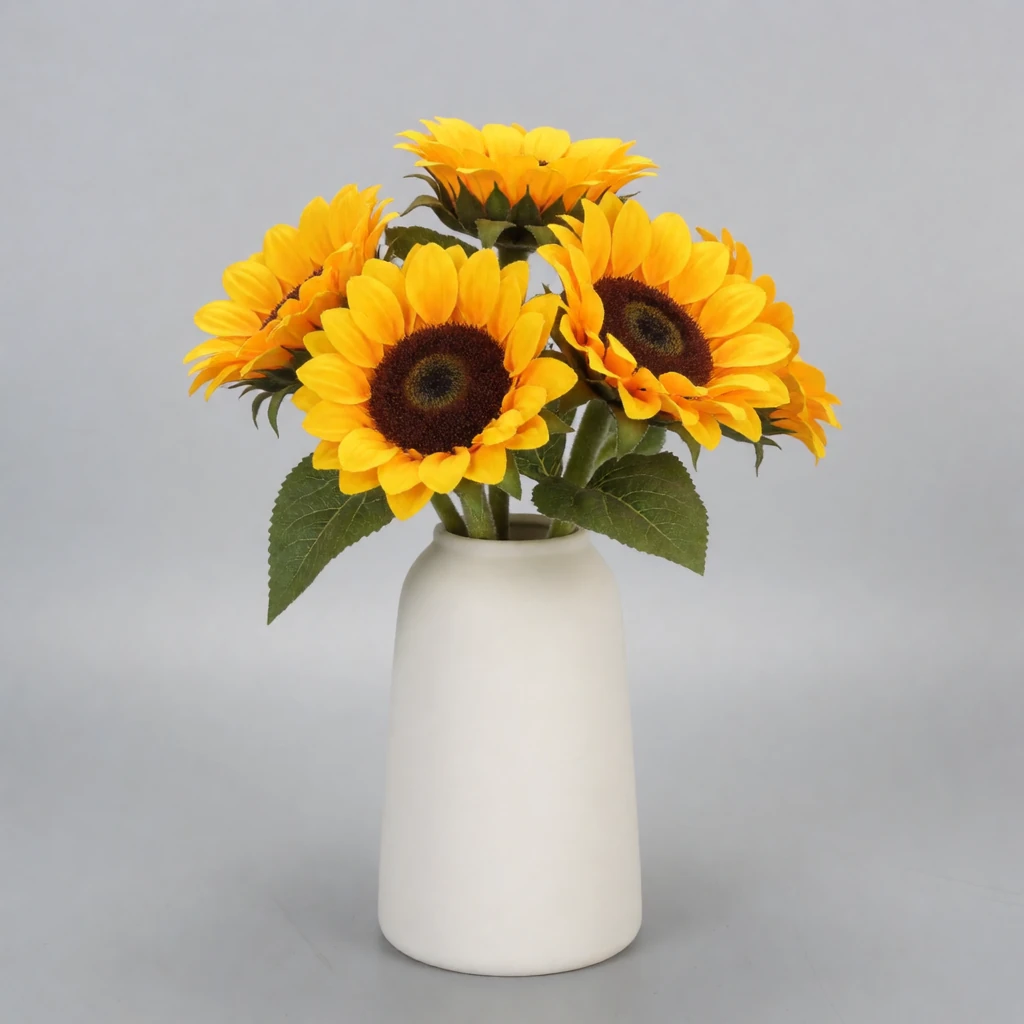
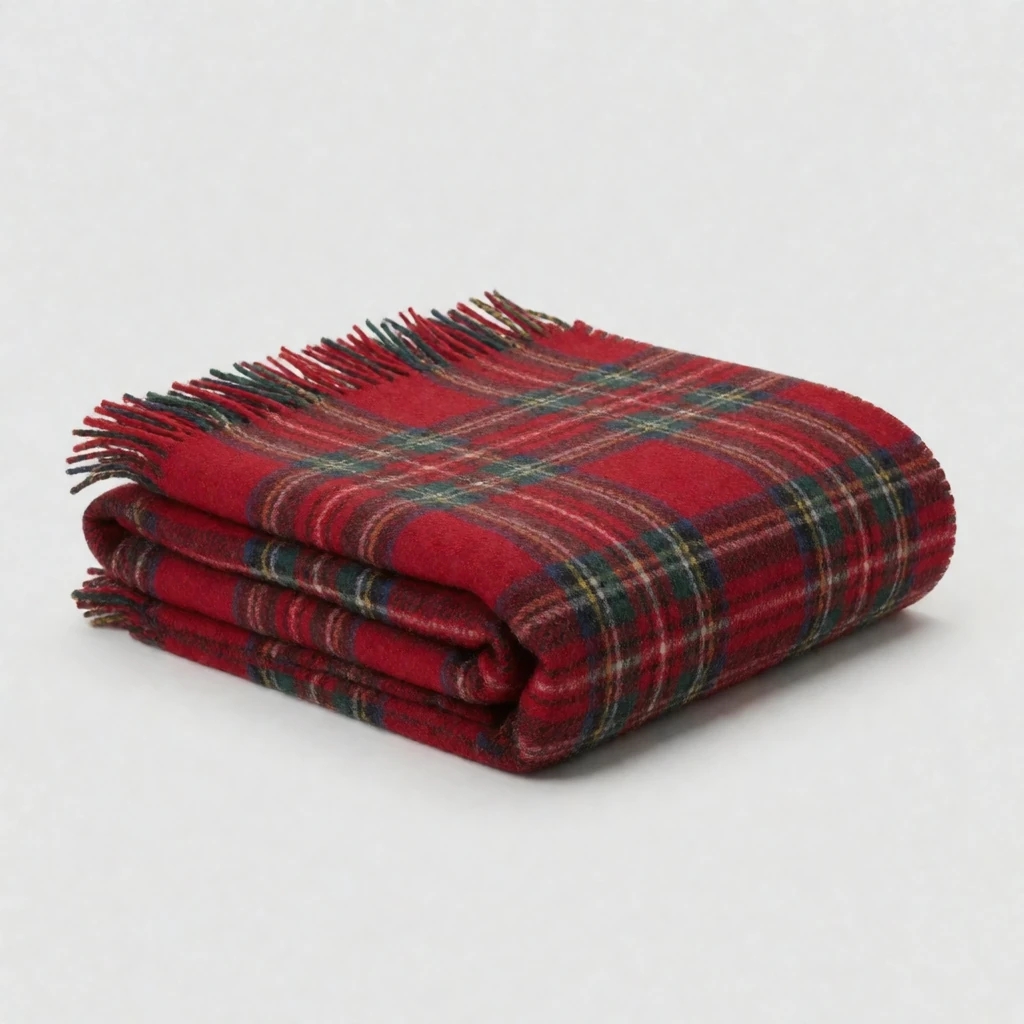
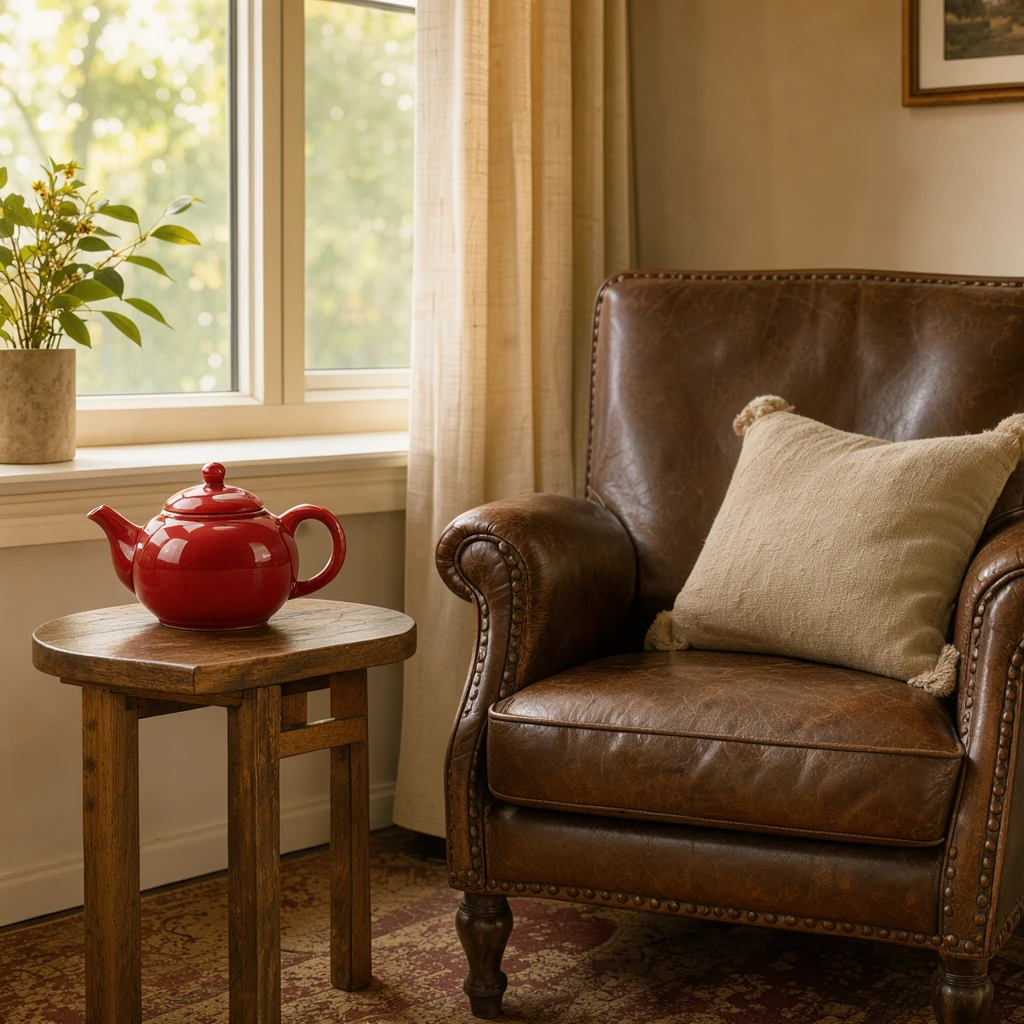
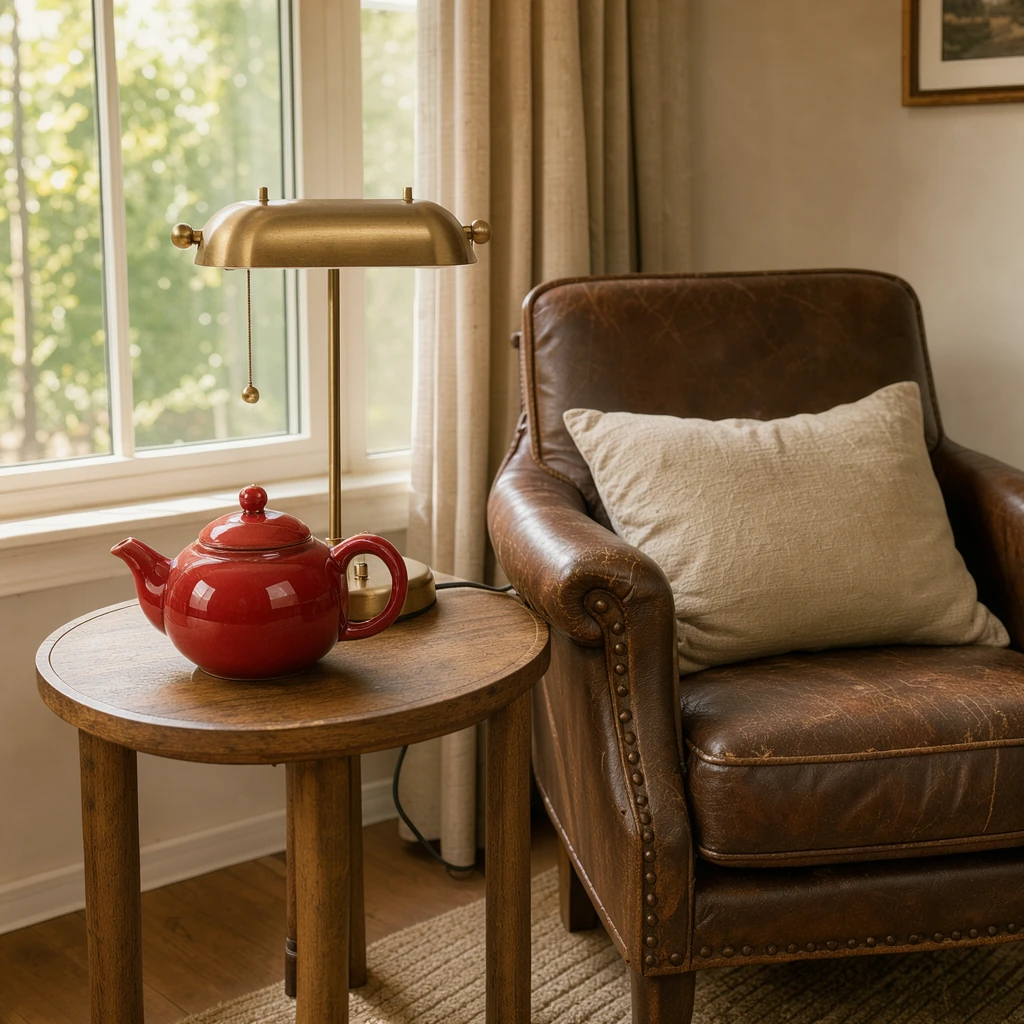
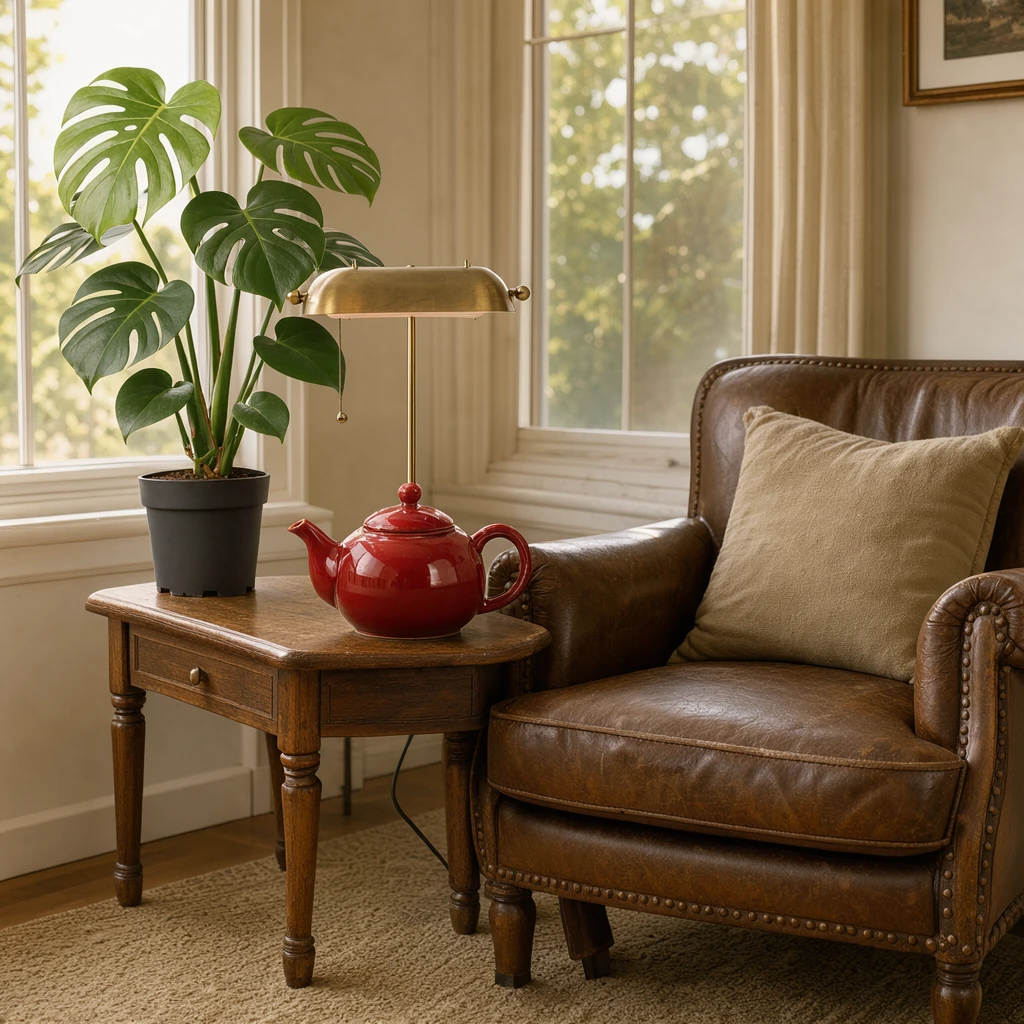
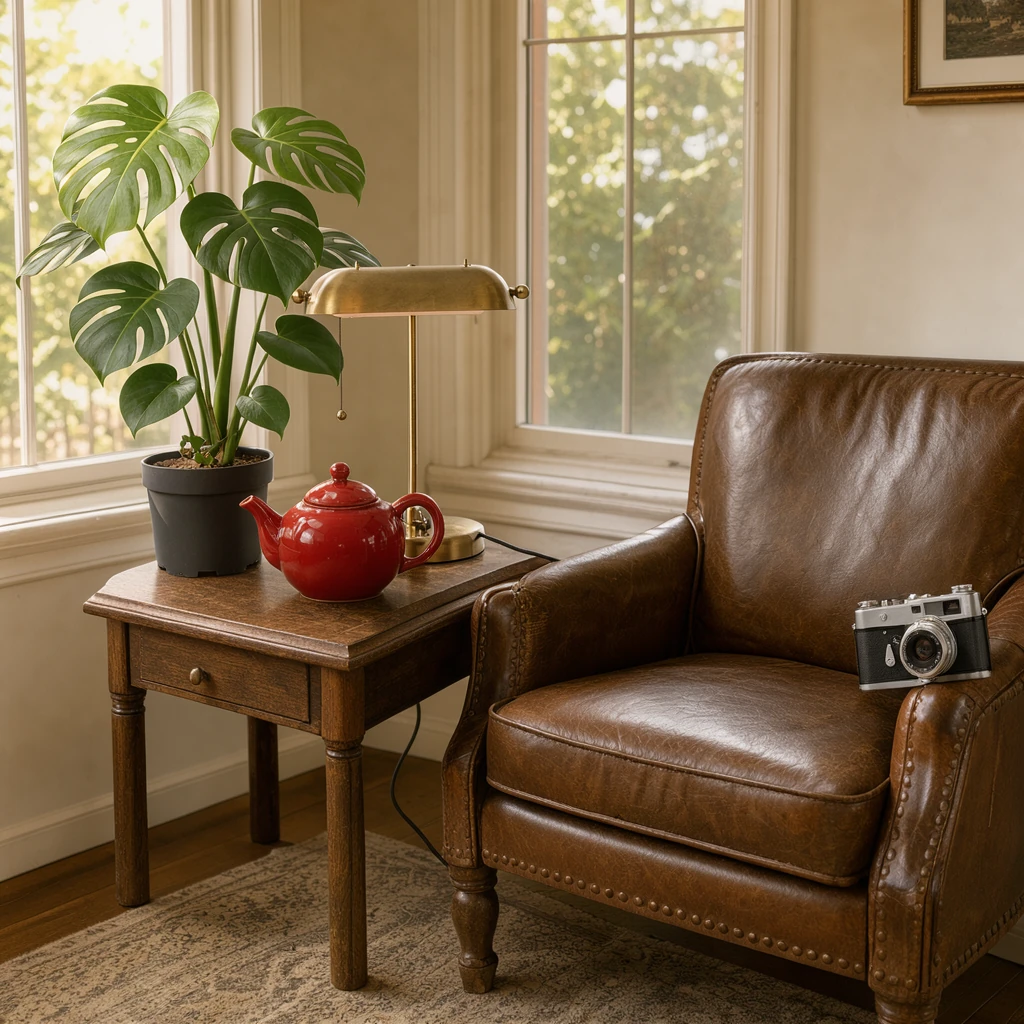
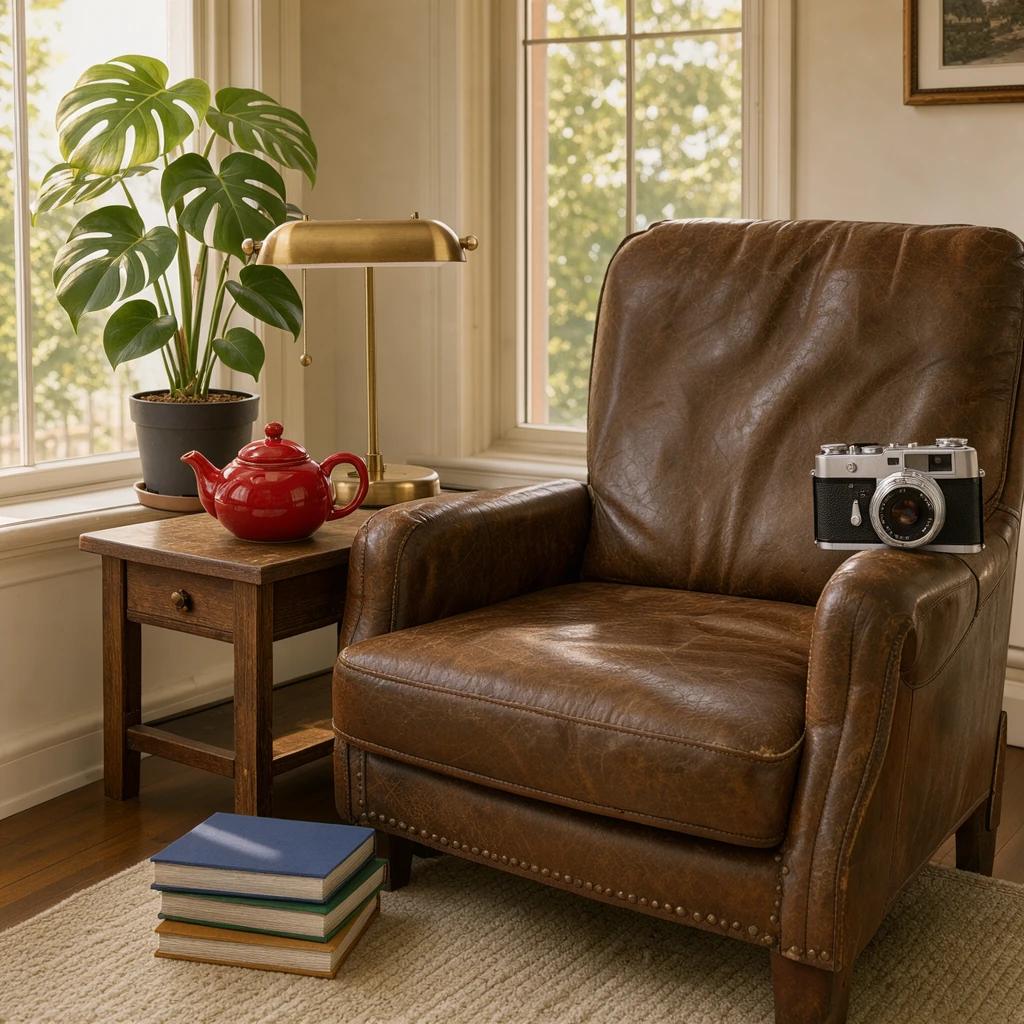
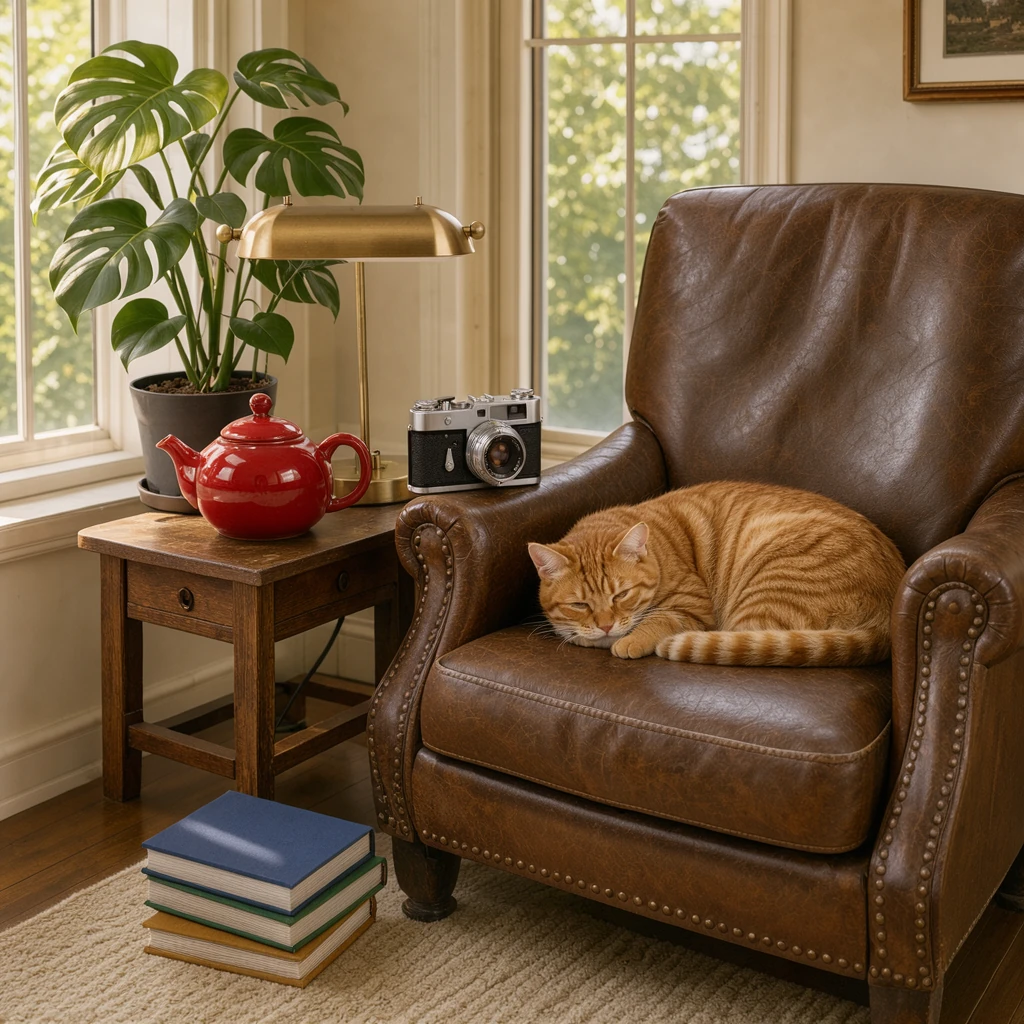
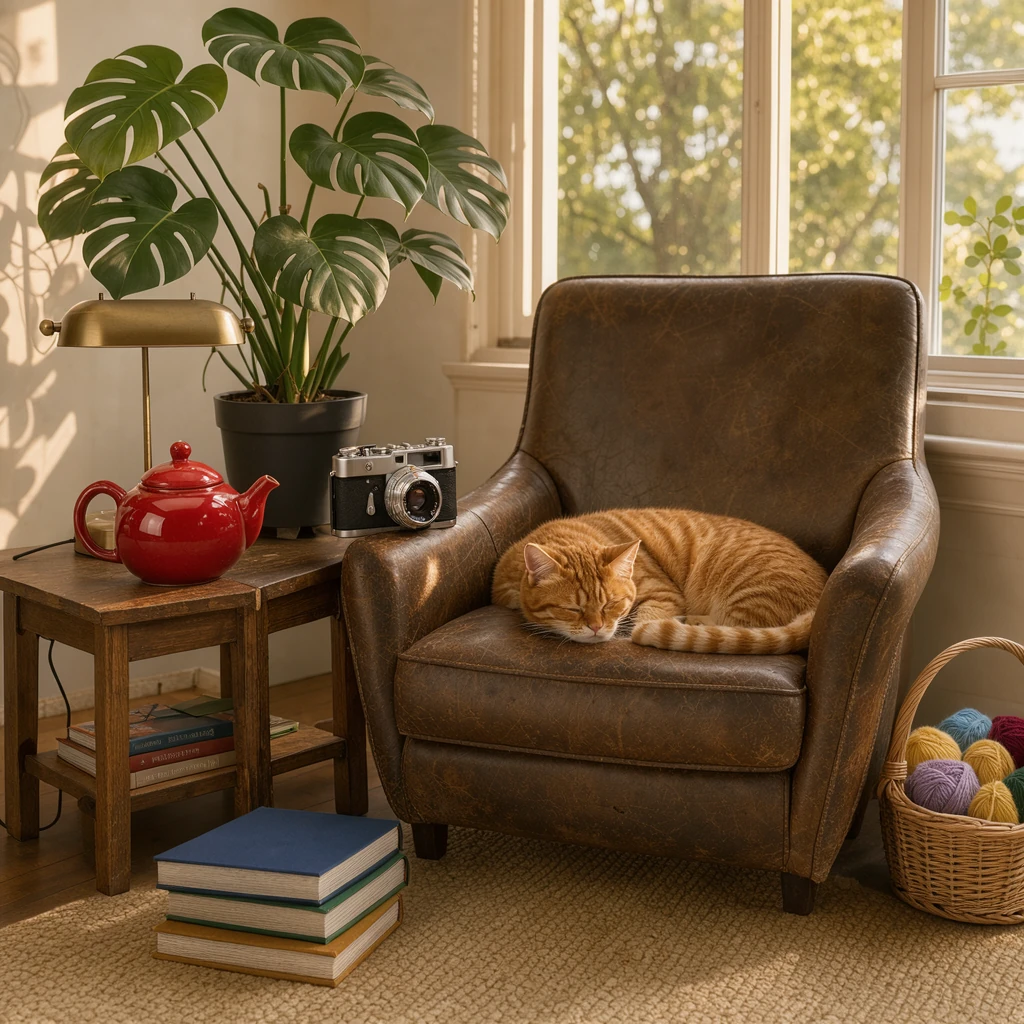
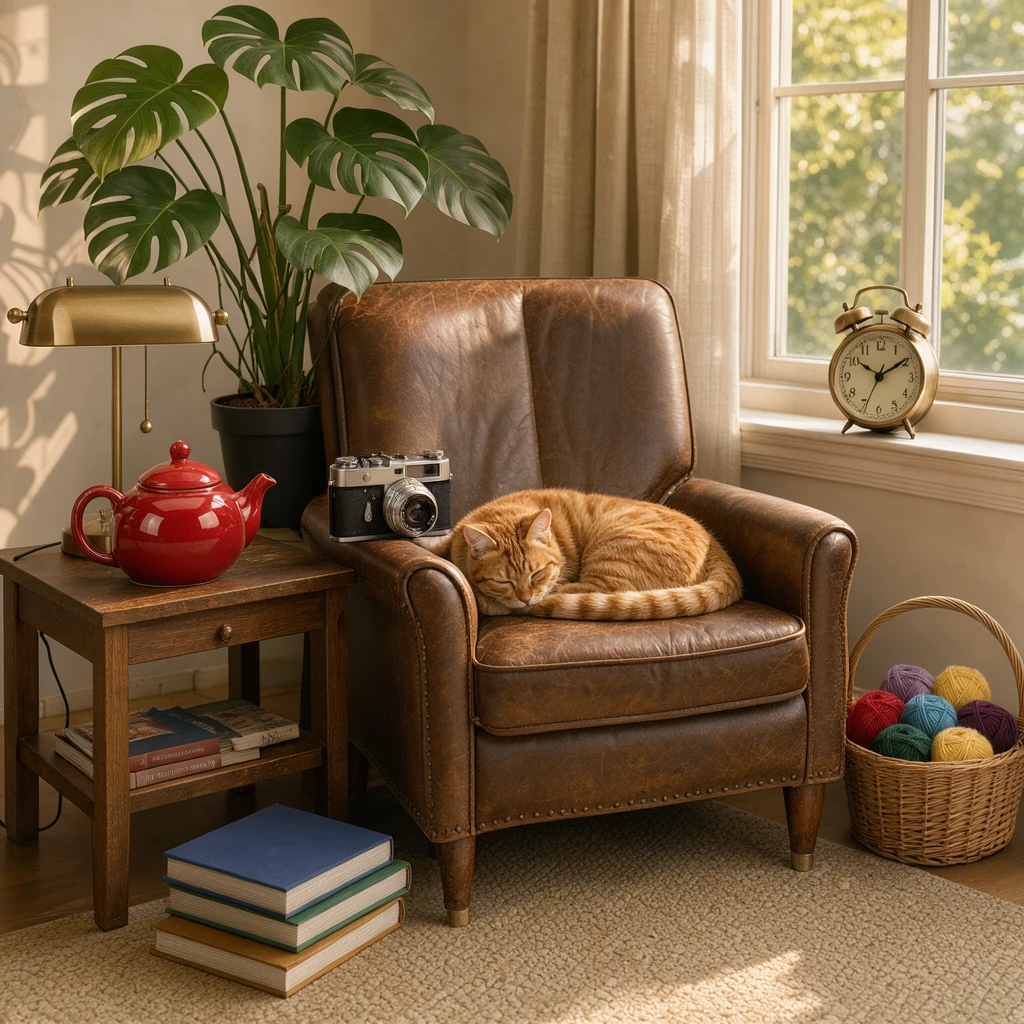
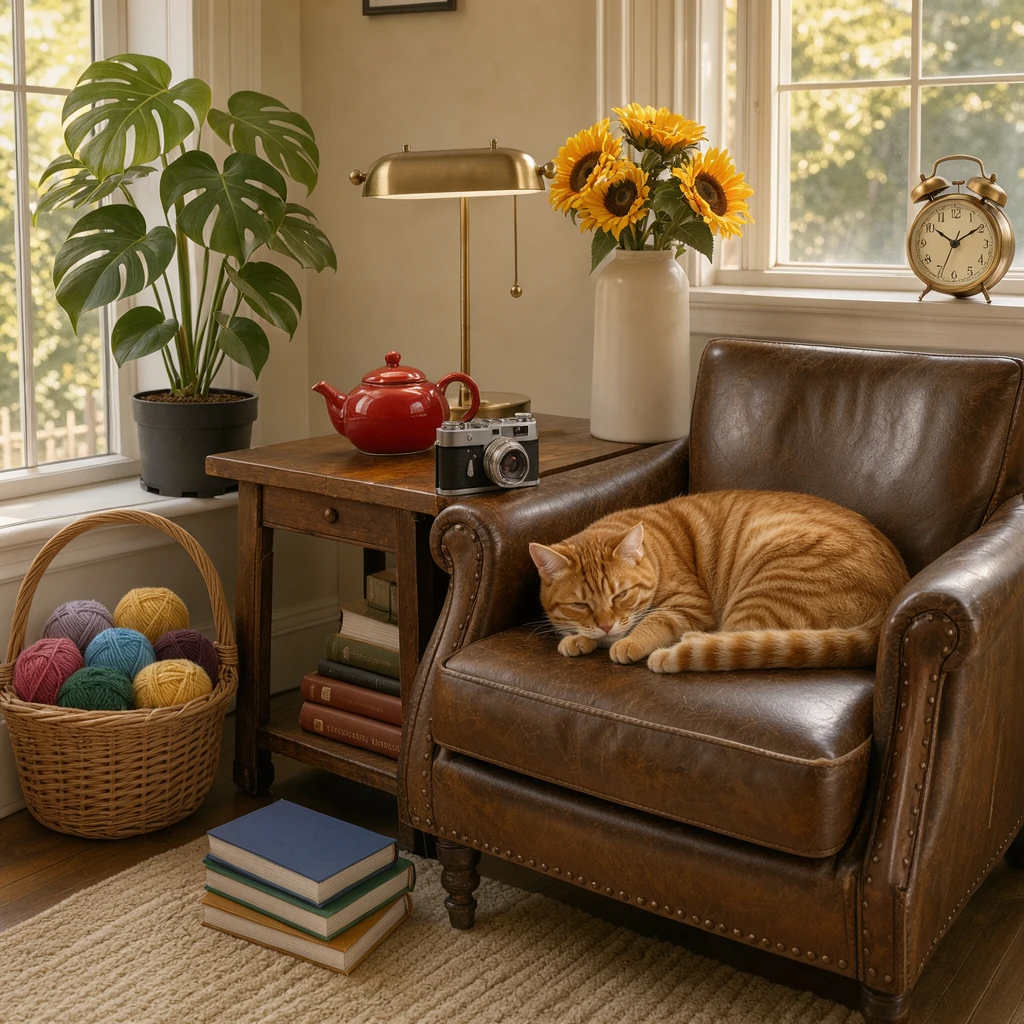
Klein takes up to ten reference images. Qwen Image Edit 2511 Lightning takes three and Krea 2 Identity Edit two. We made ten product photos and asked Klein to build one reading nook from them, adding one photo at a time.
Klein, all ten references 1024 × 1024
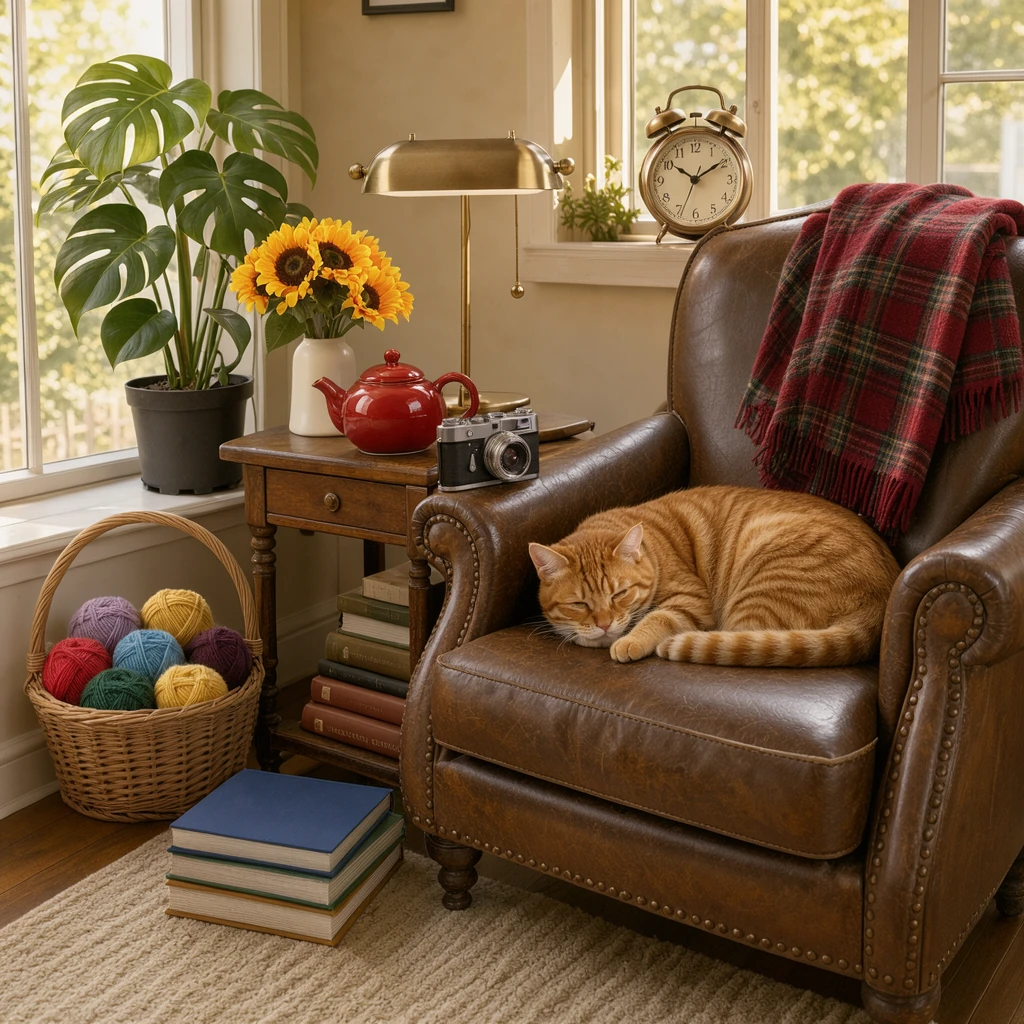
The ten reference photos 1024 × 1024 each
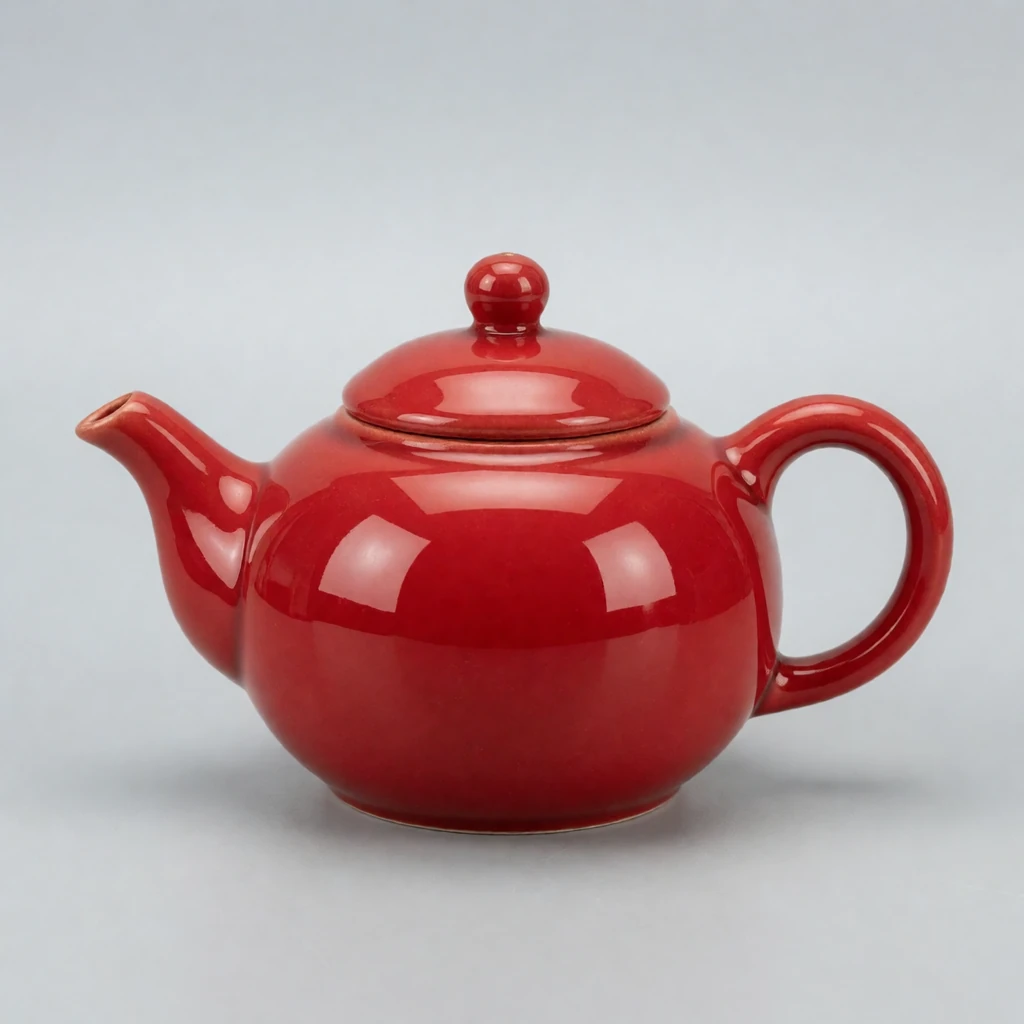
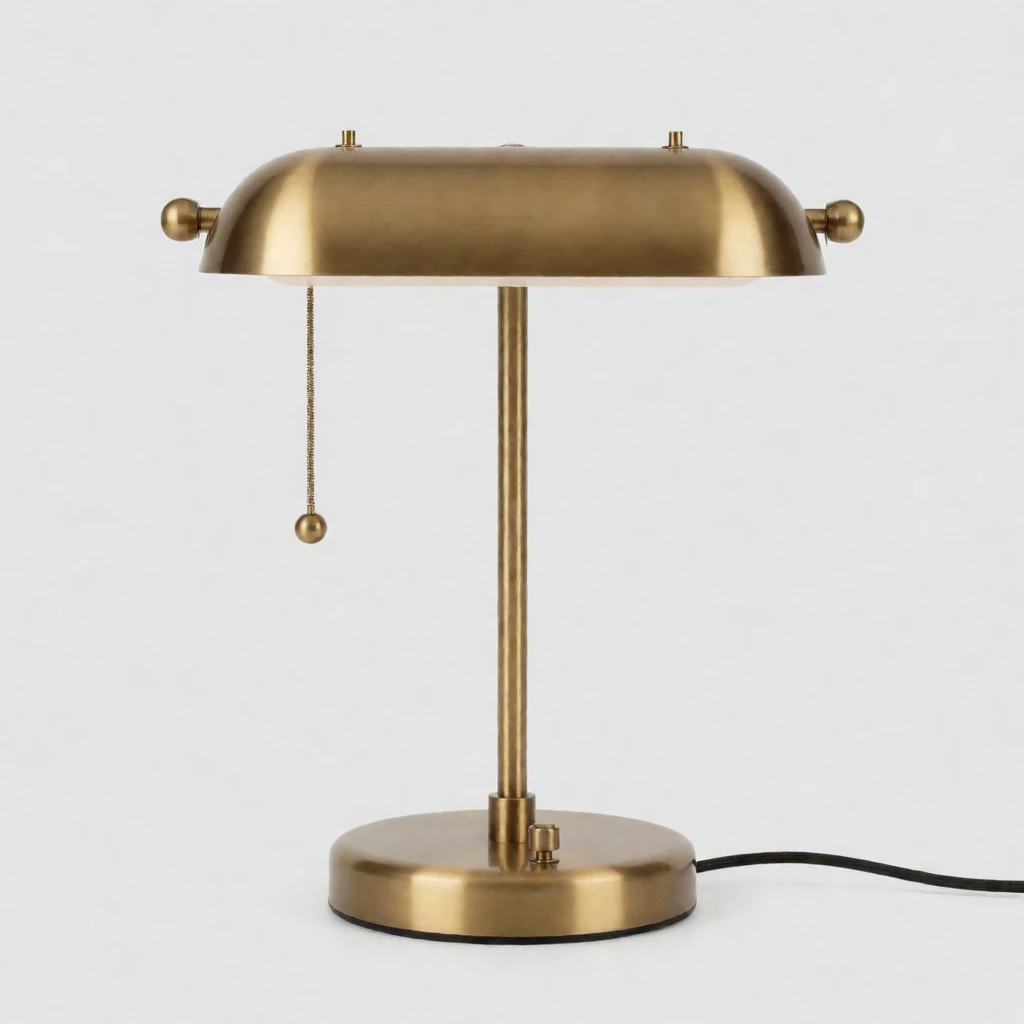
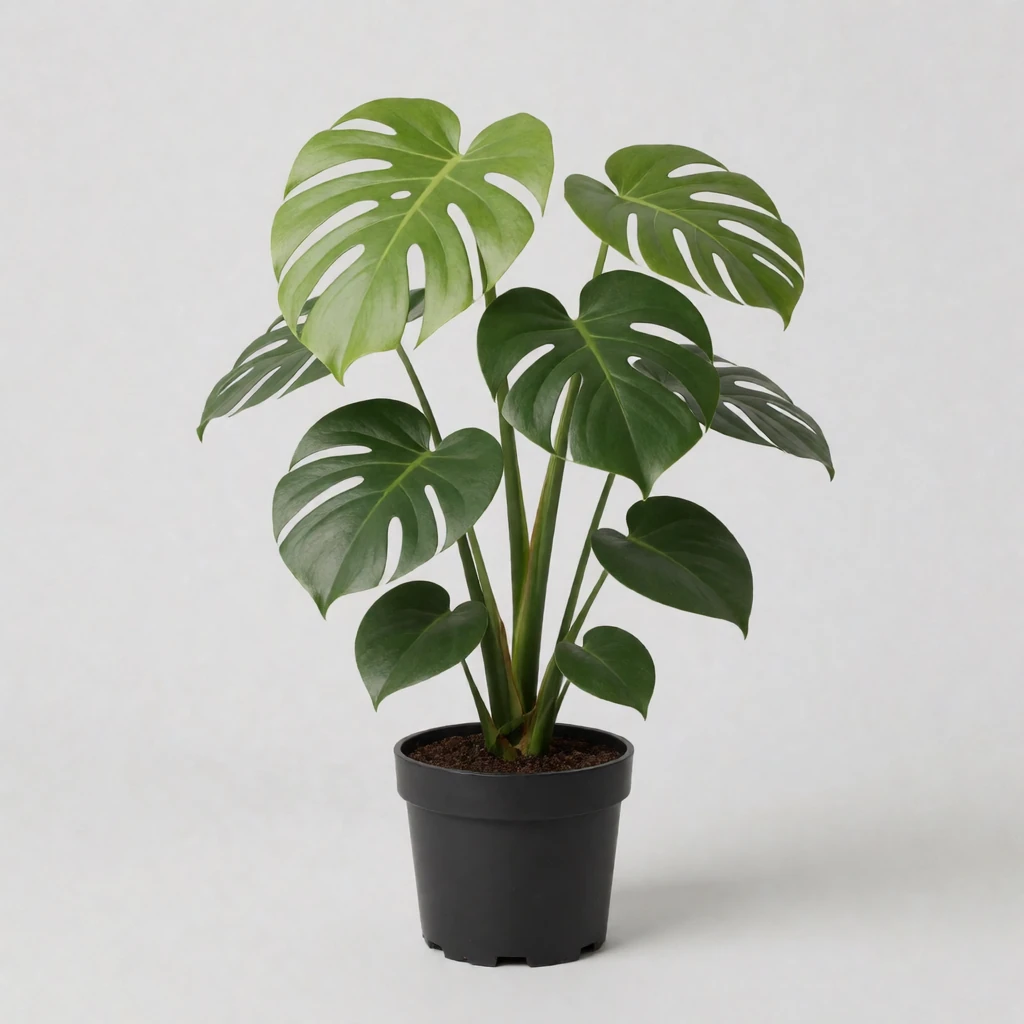
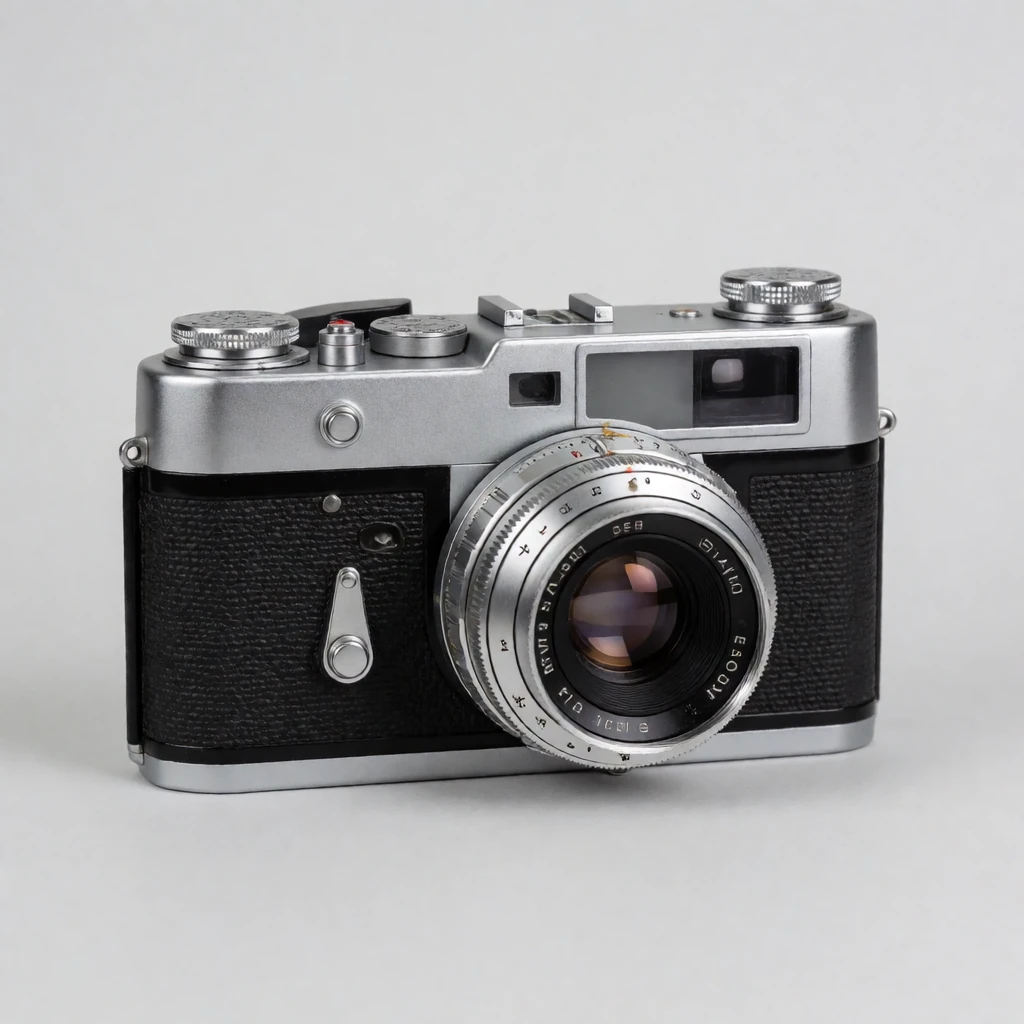
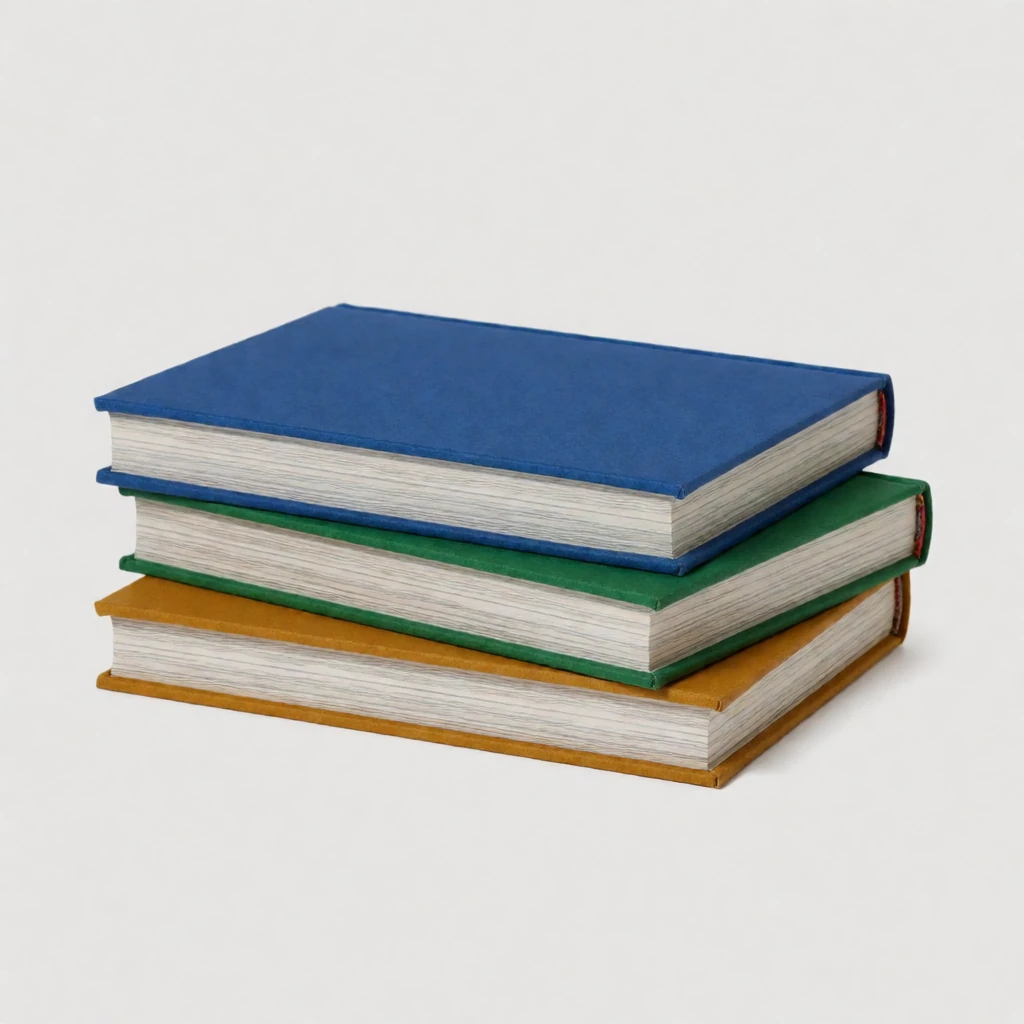
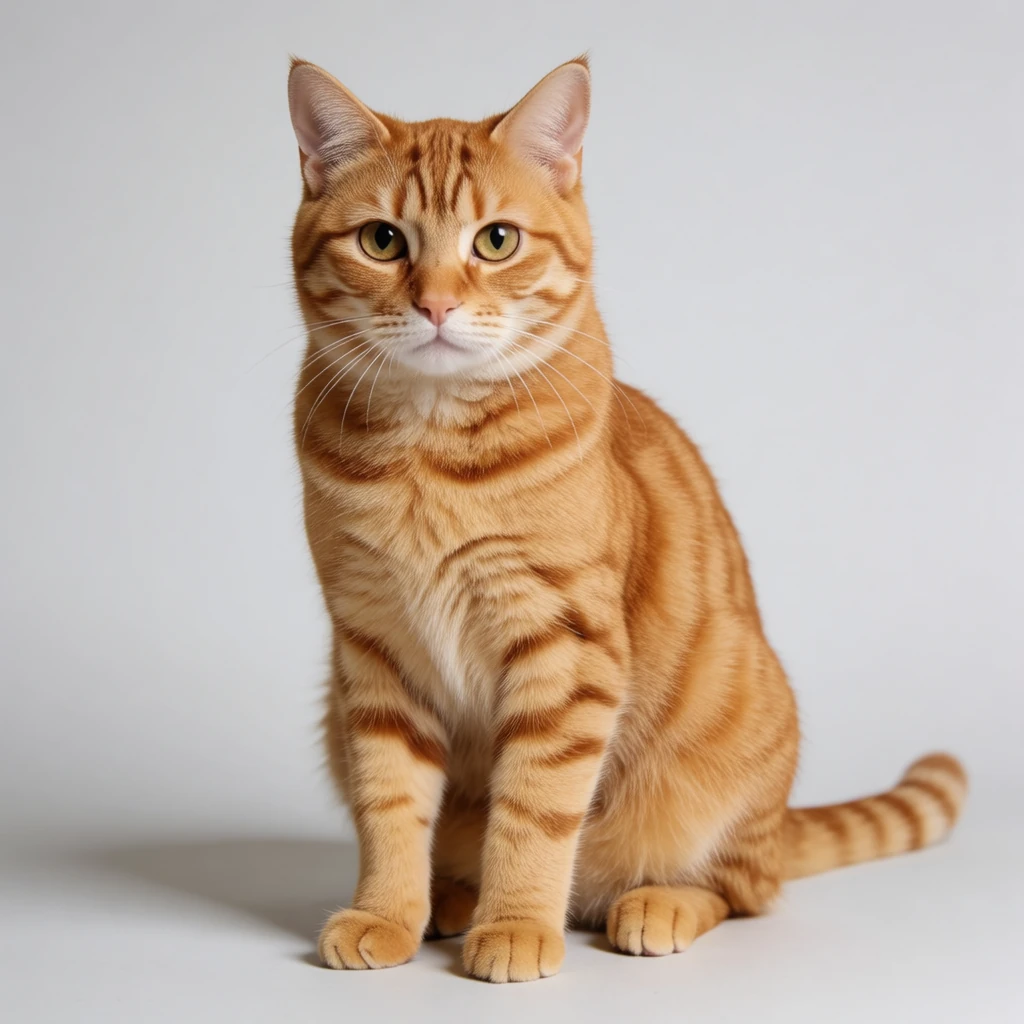
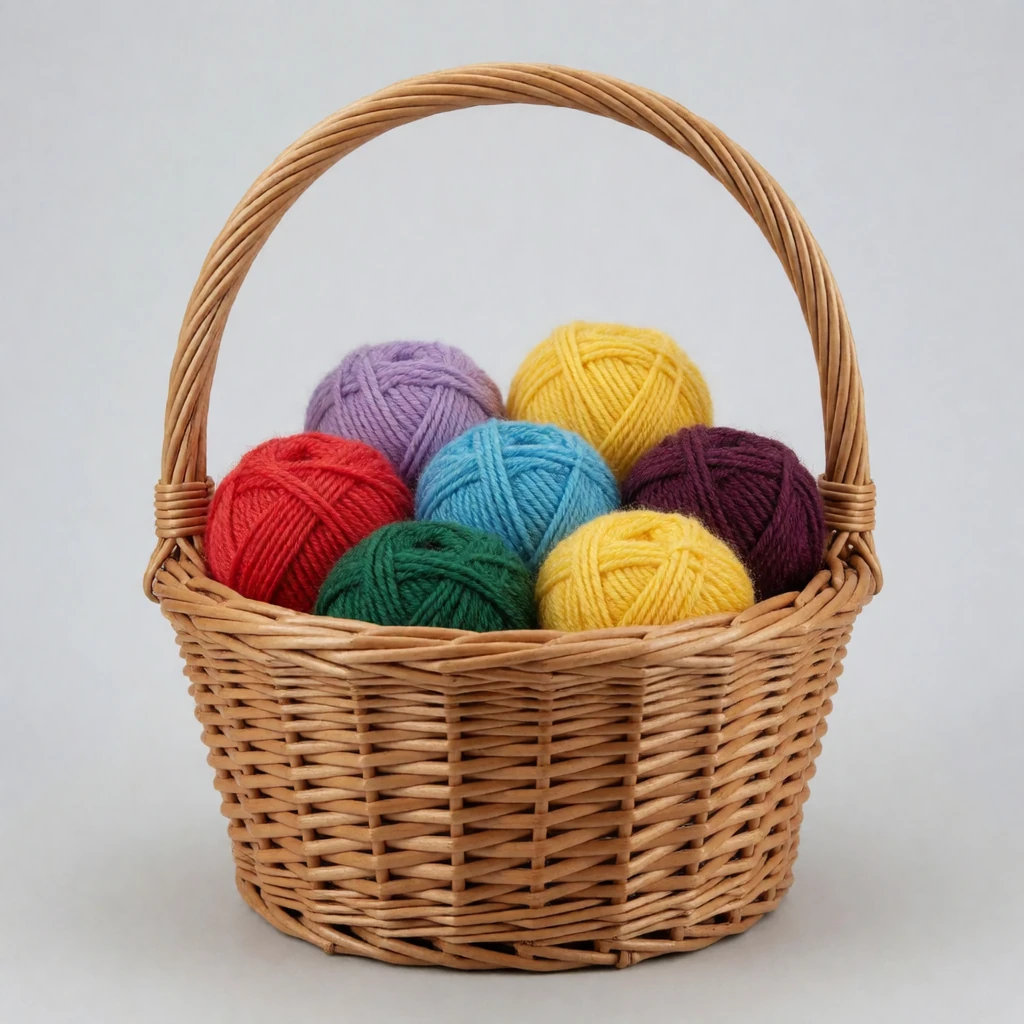
The prompt with all ten photos
“A cozy reading nook on a sunny afternoon, warm light from a tall window. The red ceramic teapot from the first image sits on a small wooden side table beside a worn leather armchair. The brass desk lamp from the second image stands on the table behind the teapot. The potted monstera from the third image fills the corner by the window. The vintage film camera from the fourth image rests on the armrest of the chair. The stack of hardcover books from the fifth image lies on the floor beside the chair. The ginger tabby cat from the sixth image naps curled up on the armchair cushion. The wicker basket of yarn from the seventh image sits on the floor by the window. The brass alarm clock from the eighth image stands on the windowsill. The vase of sunflowers from the ninth image stands on the side table beside the lamp. The red plaid blanket from the tenth image is draped over the back of the armchair. Natural colors, photograph.”
With fewer photos, we left out the sentences about the missing objects.
Klein, one to nine references 1024 × 1024
Two references: Klein and Krea 2 Identity Edit 1024 × 1024
Two photos is Krea 2 Identity Edit’s maximum.
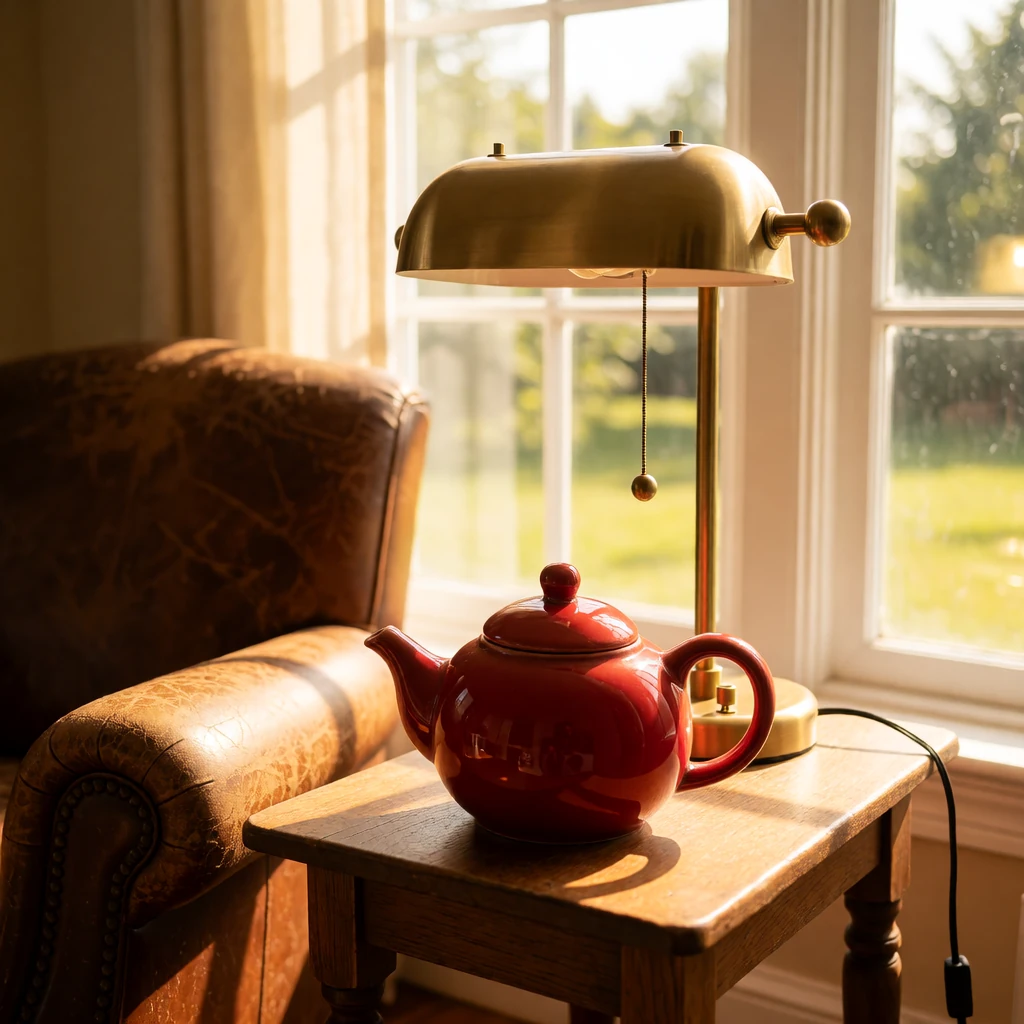
Three references: Klein and Qwen Image Edit Lightning 1024 × 1024
Three photos is Qwen Image Edit Lightning’s maximum.
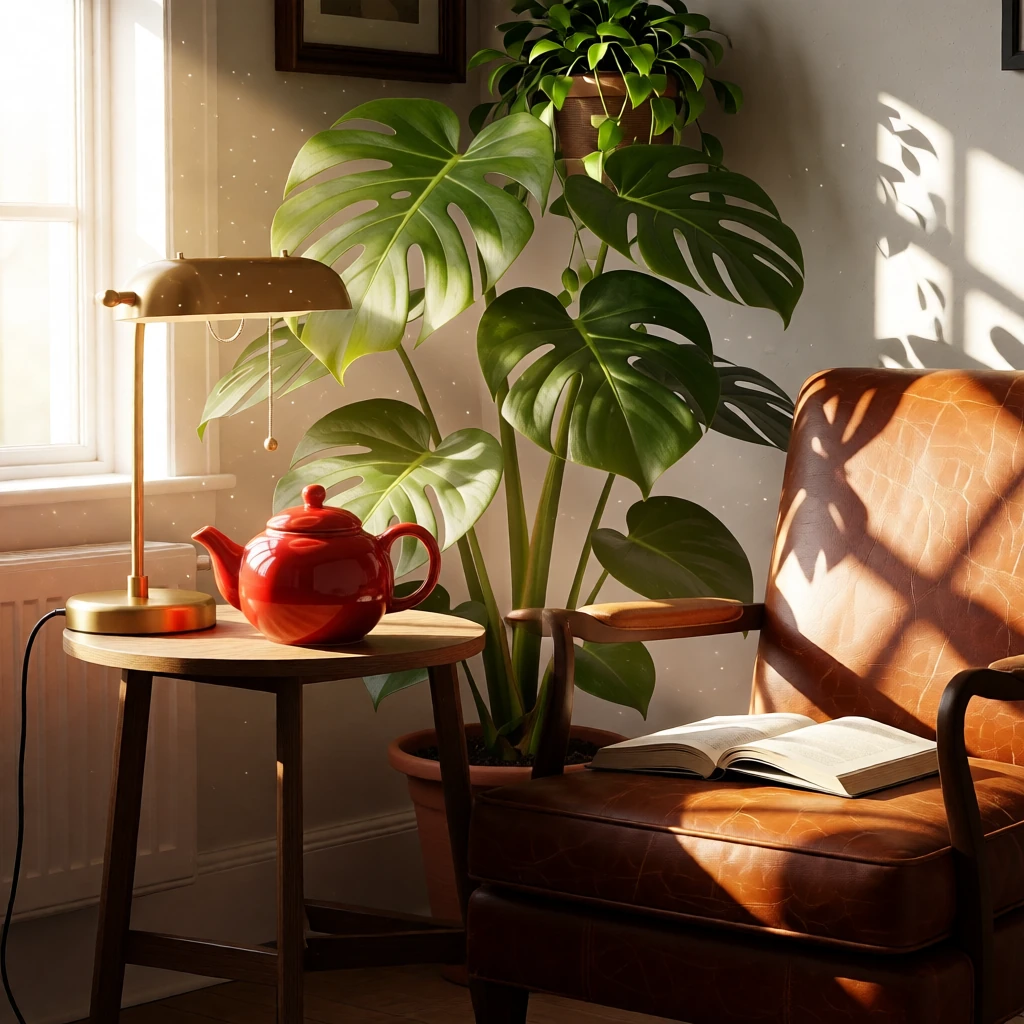
| Reference images | FLUX 3 Image Klein | Qwen Image Edit 2511 Lightning | Krea 2 Identity Edit v1.2 |
|---|---|---|---|
| 1 | 3.6 s | 7.7 s | 10.1 s |
| 2 | 5.6 s | 9.4 s | 16.2 s |
| 3 | 8.1 s | 12.4 s | – |
| 4 | 10.9 s | – | – |
| 5 | 14.2 s | – | – |
| 6 | 17.8 s | – | – |
| 7 | 22.5 s | – | – |
| 8 | 26.9 s | – | – |
| 9 | 31.6 s | – | – |
| 10 | 36.6 s | – | – |
One 1024 × 1024 render at each count. A dash means the model takes fewer photos.
All ten objects made it into the final scene, each recognizably the one in its photo, in 36.6 seconds. Each extra photo added 2 to 5 seconds. Placement wasn’t perfect along the way: the monstera sat on the table until the ninth photo, and from the seventh on Klein added a few books nobody asked for.
Write the prompt as a description of the finished scene, as we did here. From a short instruction, Klein combined two photos less reliably than Krea 2 Identity Edit or Qwen Image Edit Lightning.
Edit by box
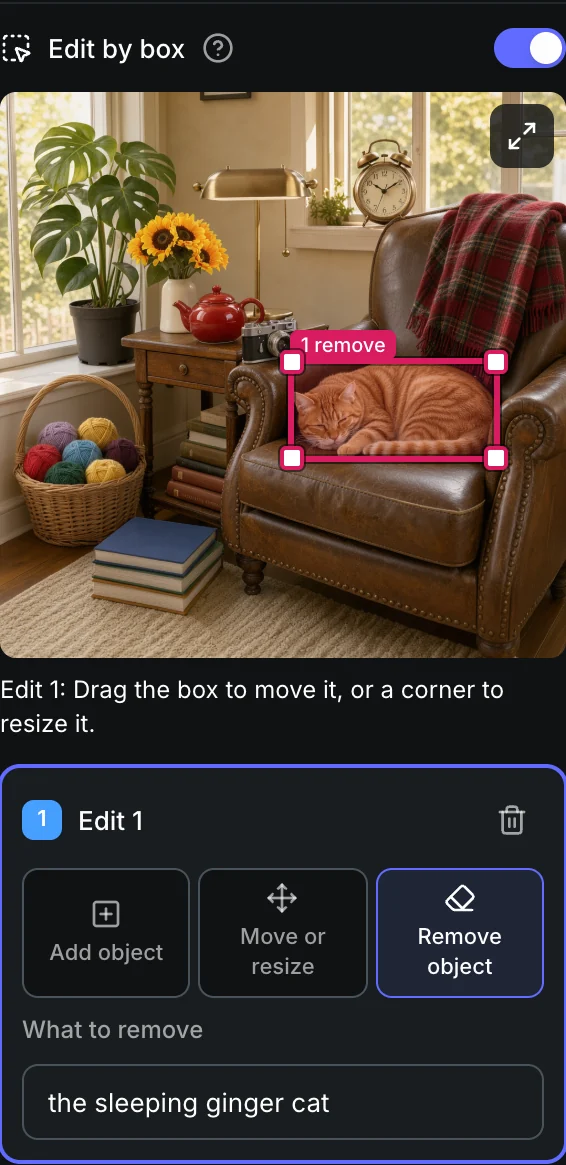
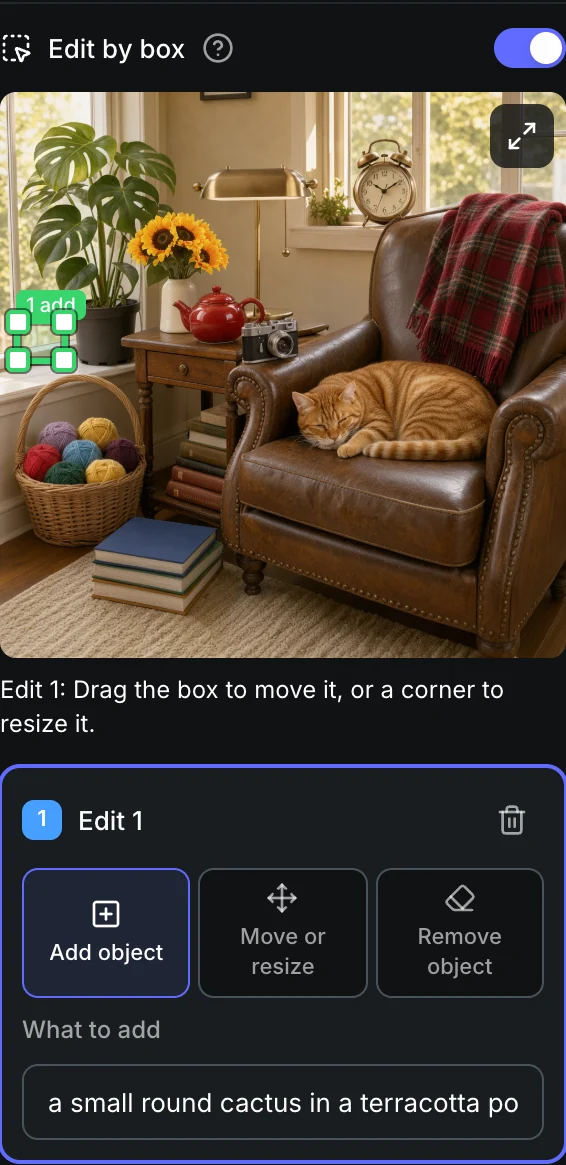
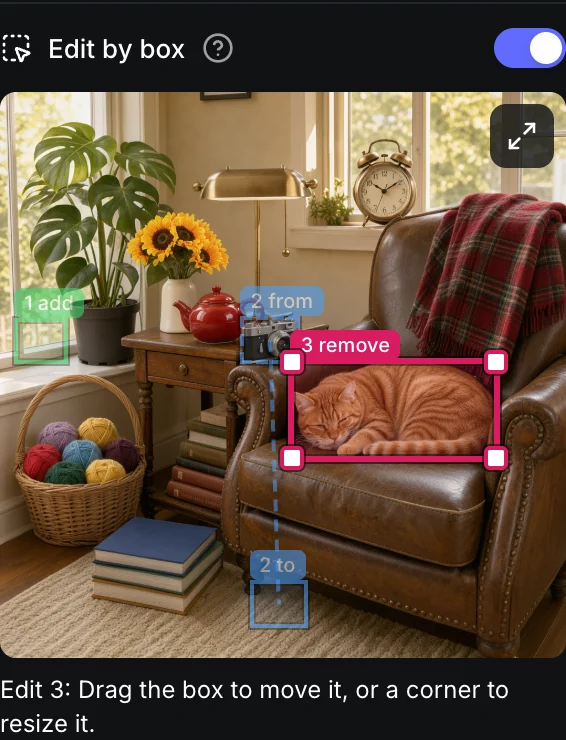
Edit by box lets you point at what to change instead of describing where it is. Draw a box on your photo, and Klein changes that spot and keeps the rest of the picture as it was. It does three things: add an object, move or resize one, and remove one.
- In the Sogni web app, choose FLUX 3 Image Klein and attach one photo.
- Turn on Edit by box.
- Pick Add object, Move or resize or Remove object, say what the object is, and draw its box. For a move, draw where the object is now and where it goes.
Edit by box in the Sogni web app
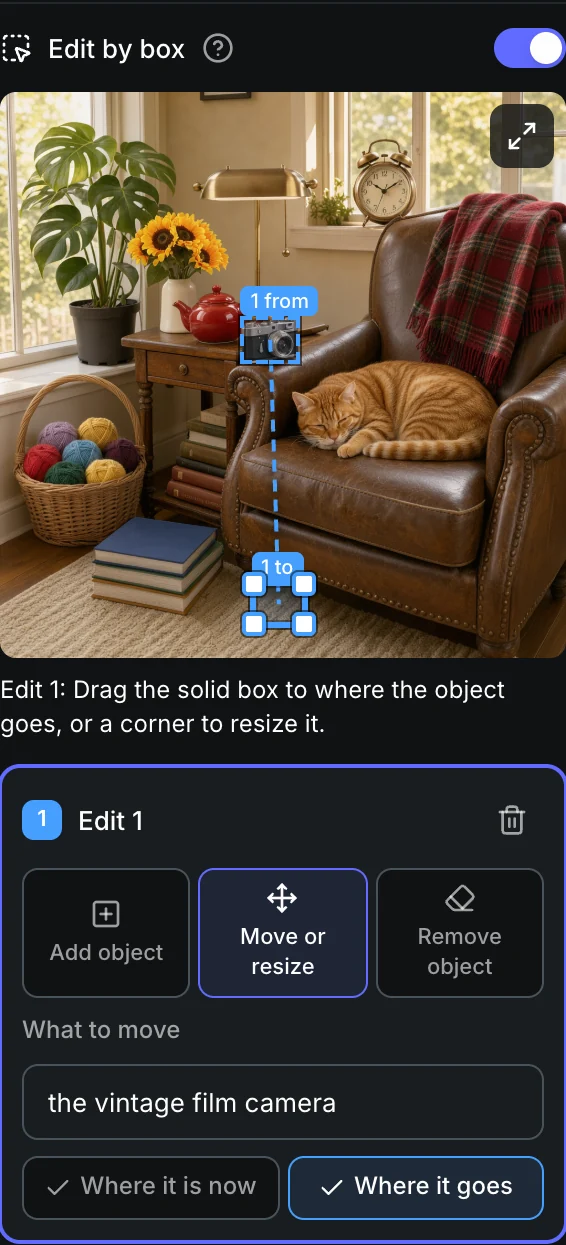
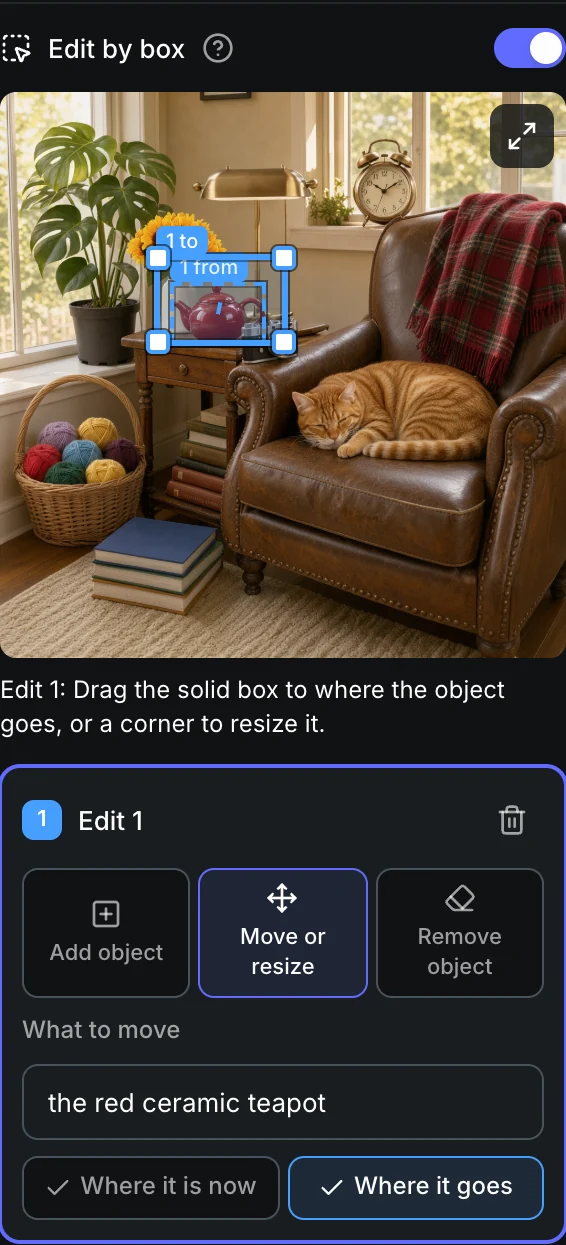
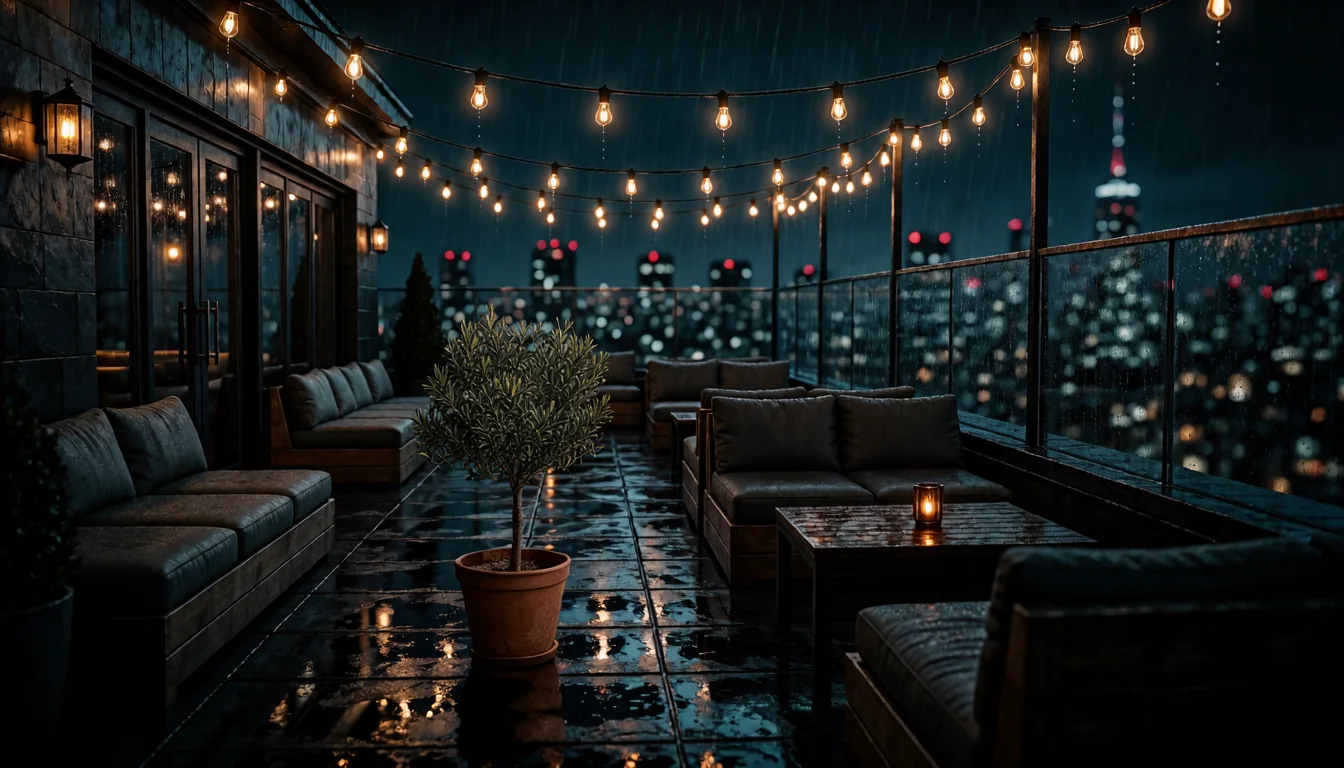
Add a potted olive tree 1344 × 768
What to add “a potted olive tree in a terracotta pot”
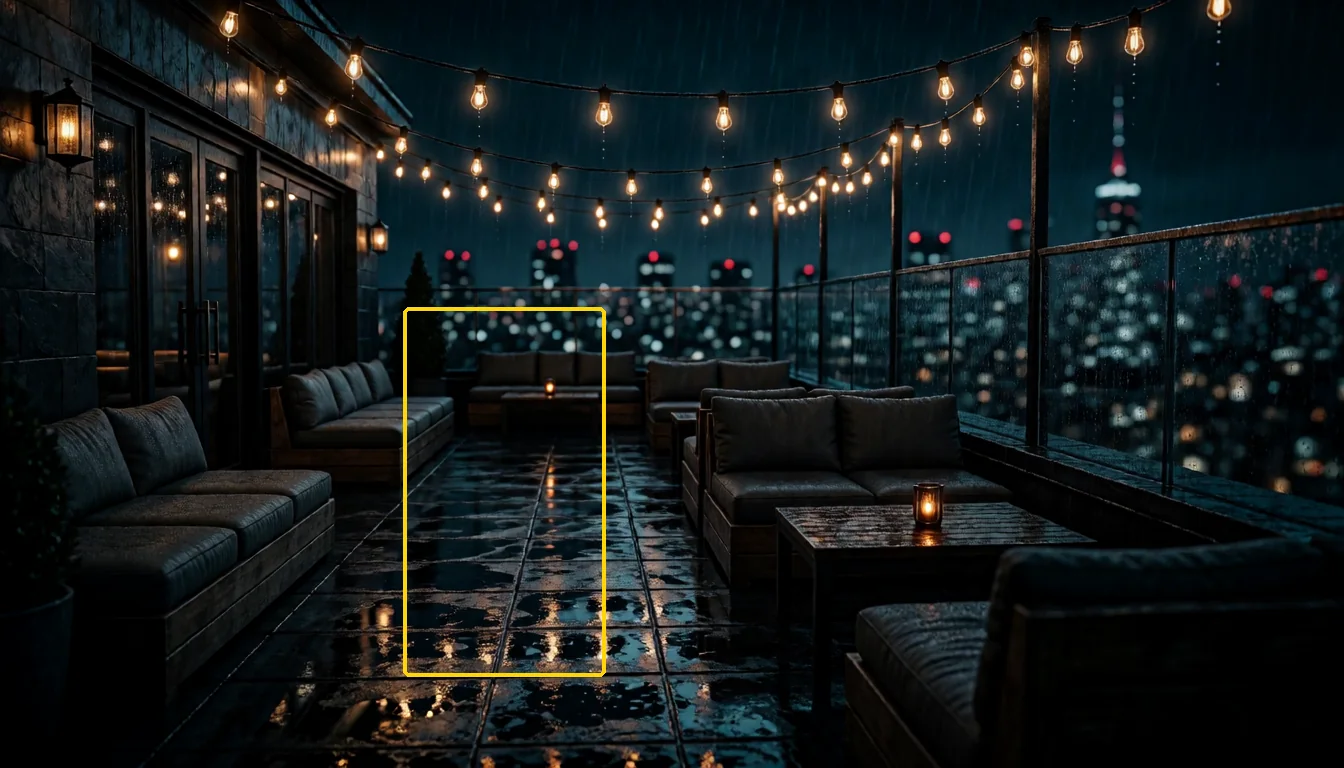
- One edit per render is the most reliable. You can make up to three.
- Boxes set where an object goes and how big it is. They are not exact cutouts.
- Give new objects room: very small boxes often stay empty.
Three edits at once
Text to image
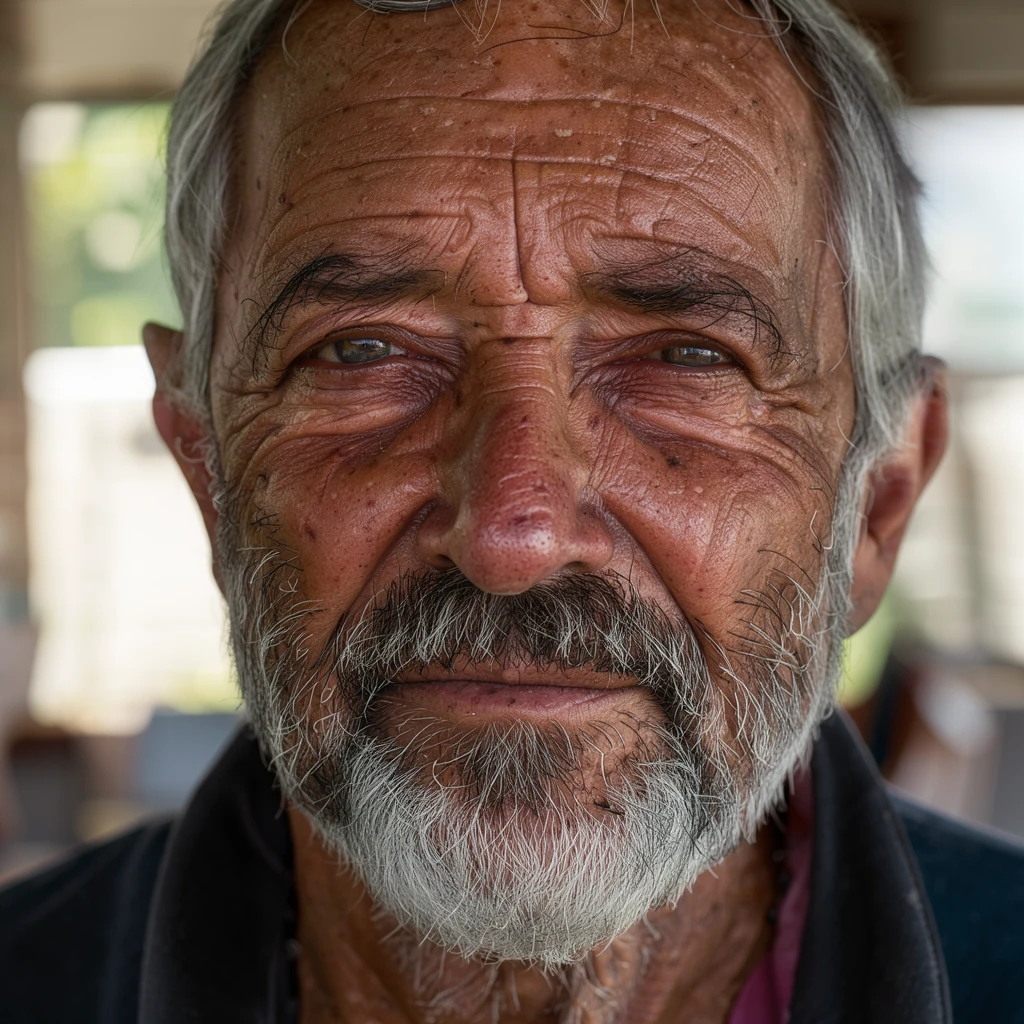
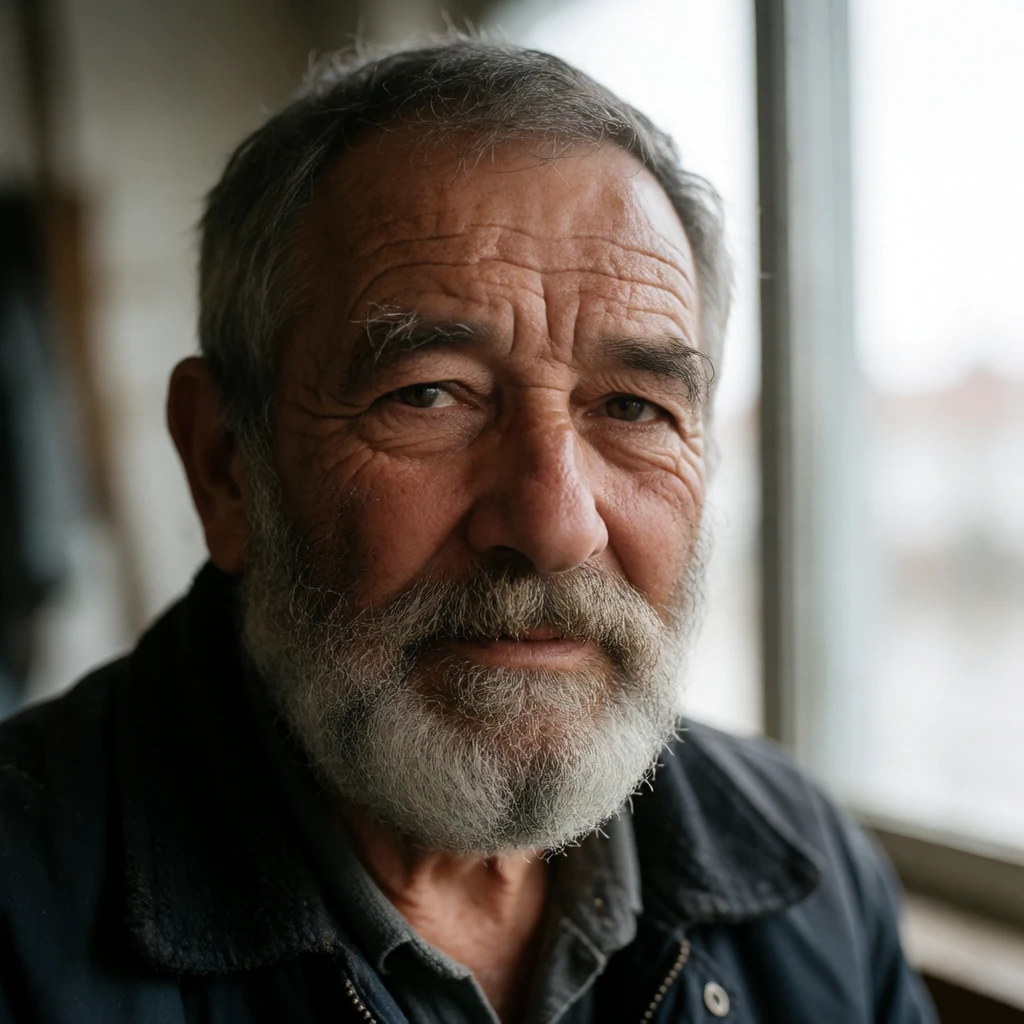
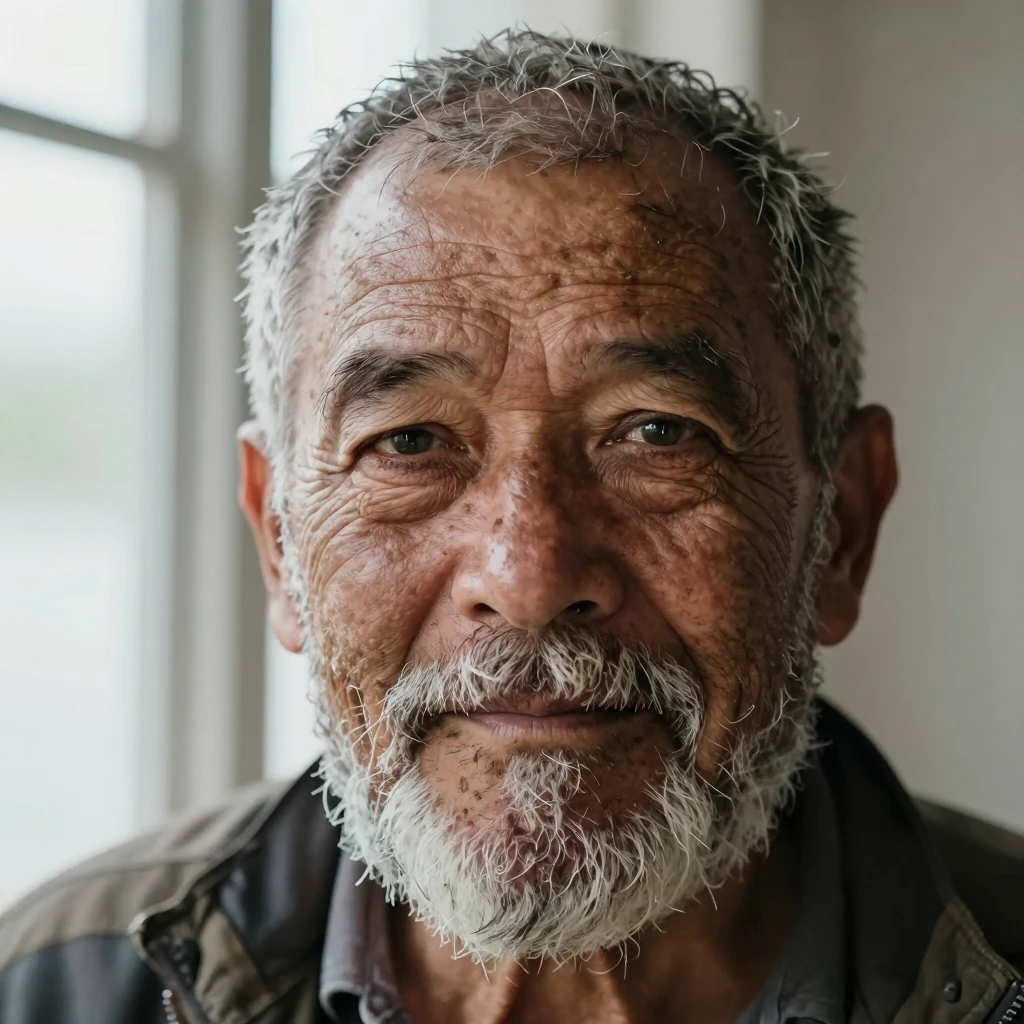
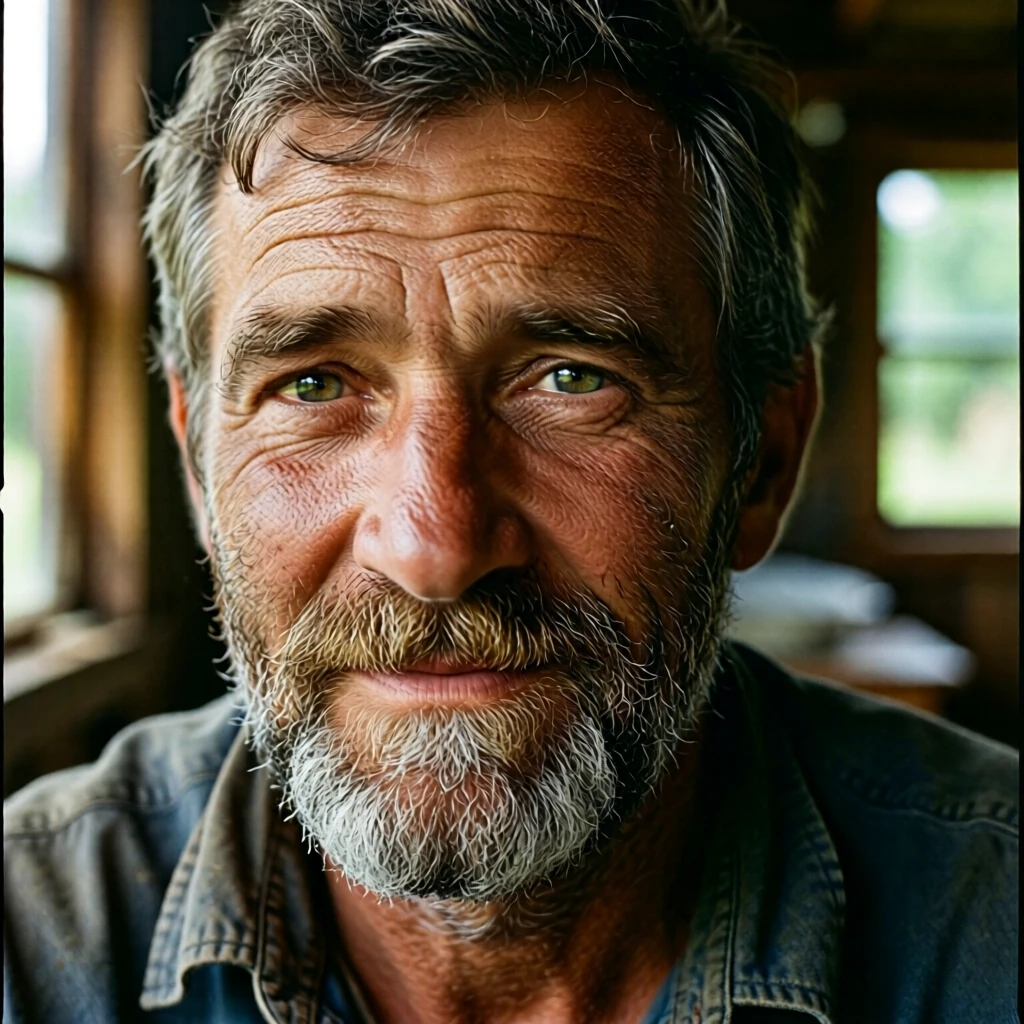
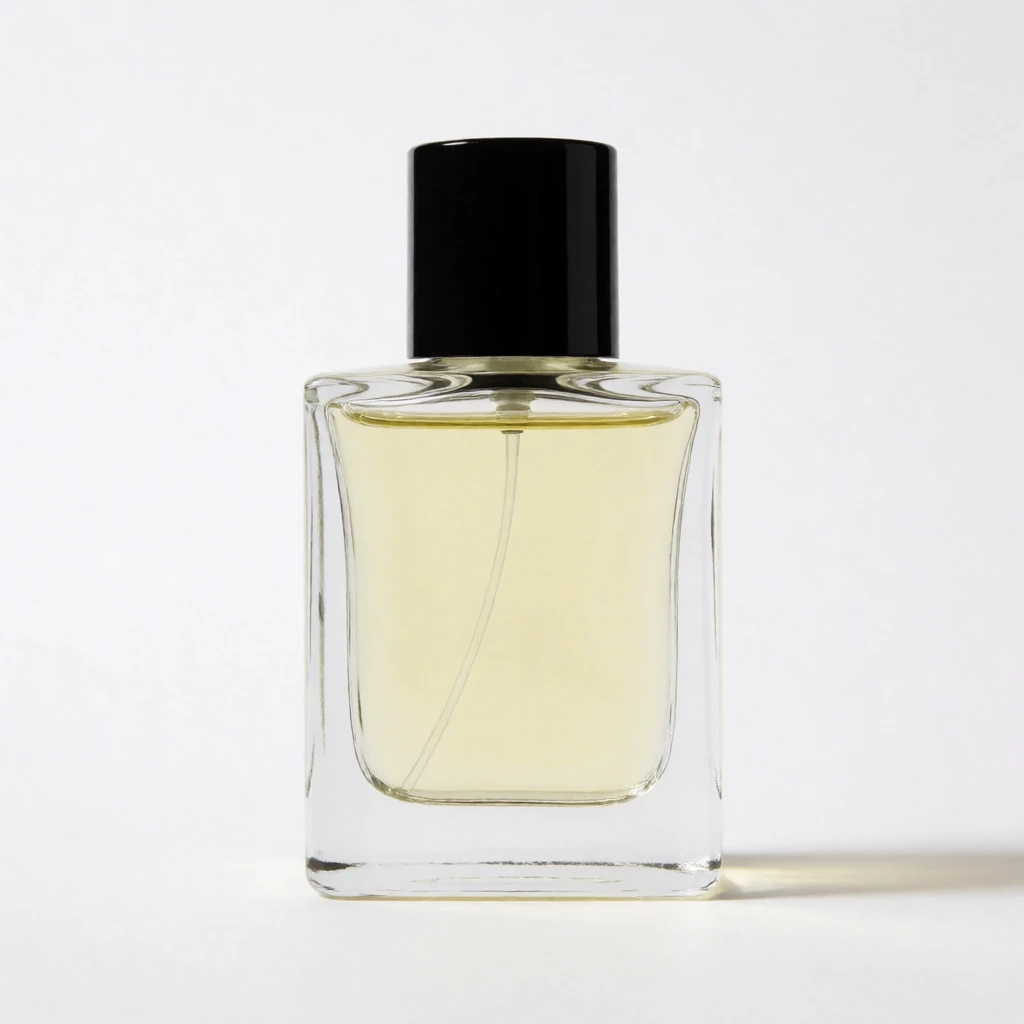
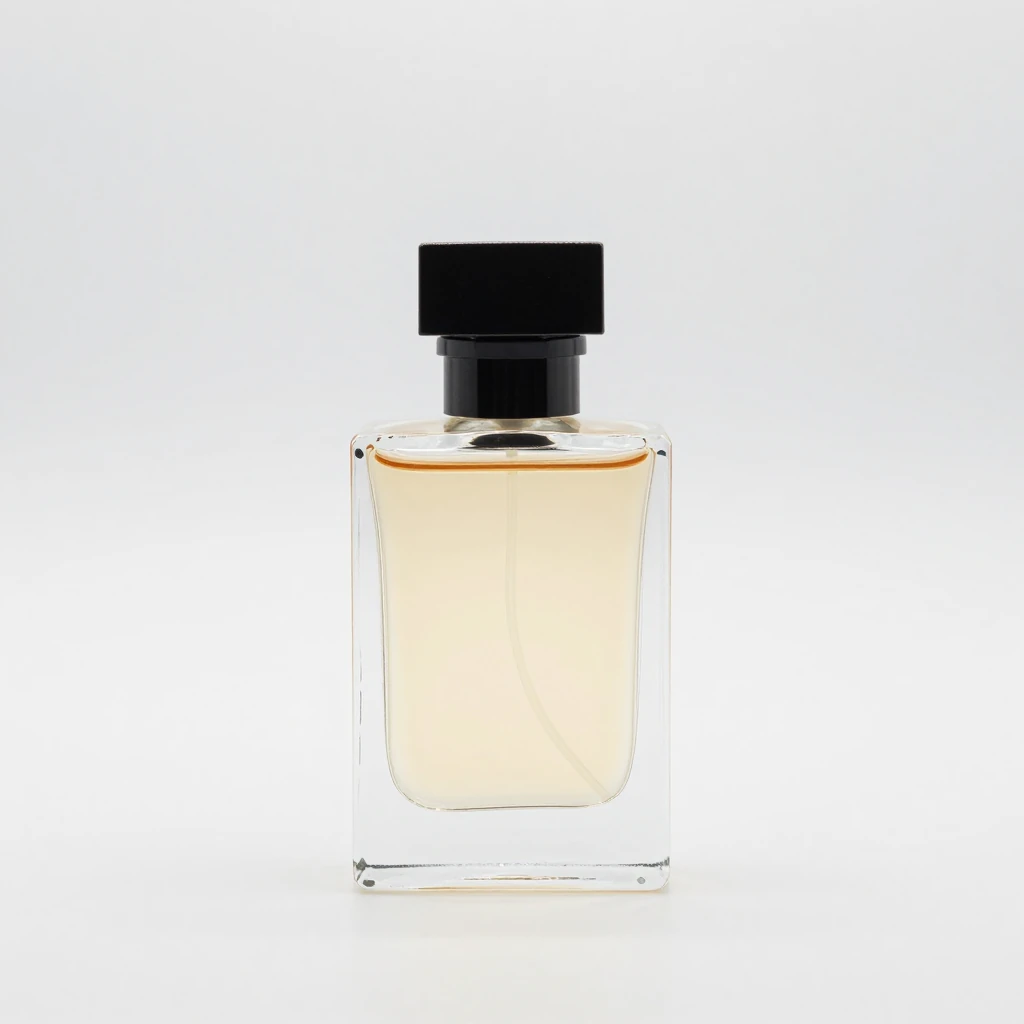
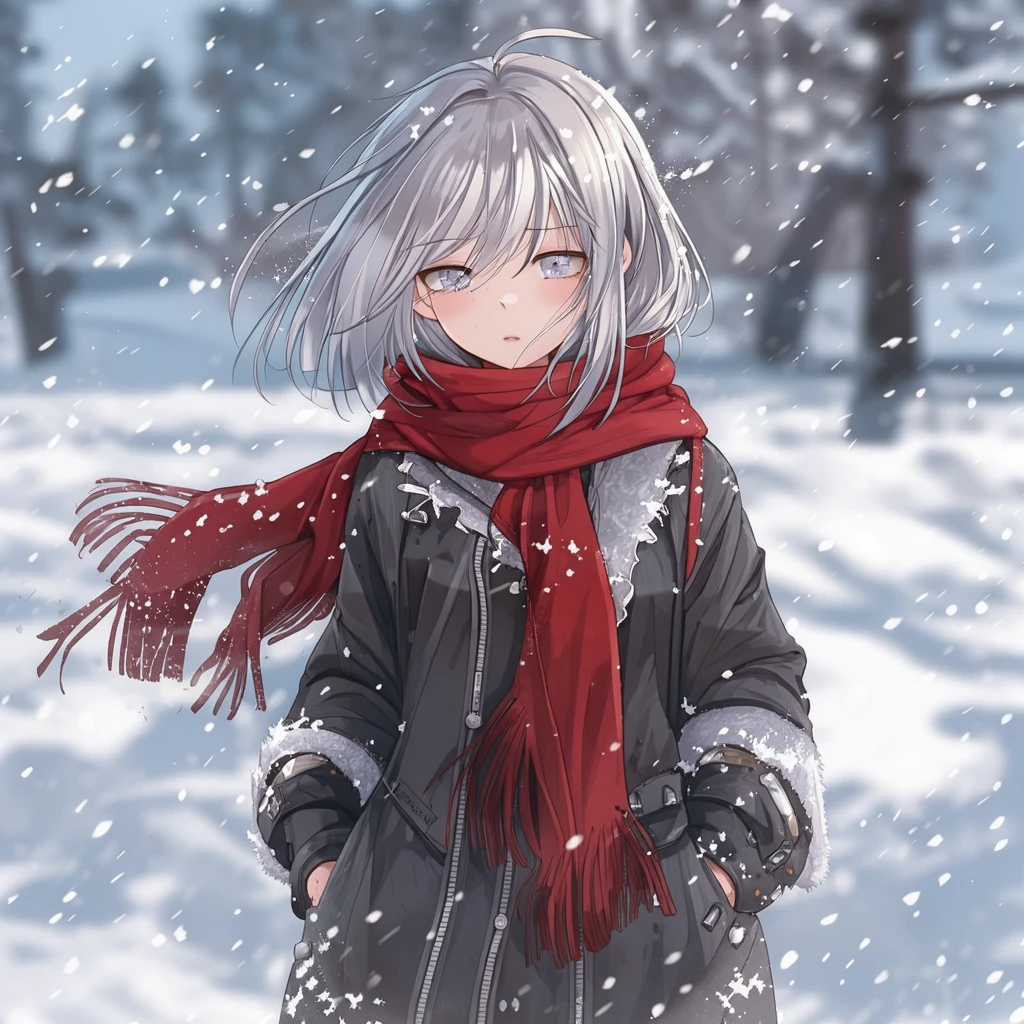
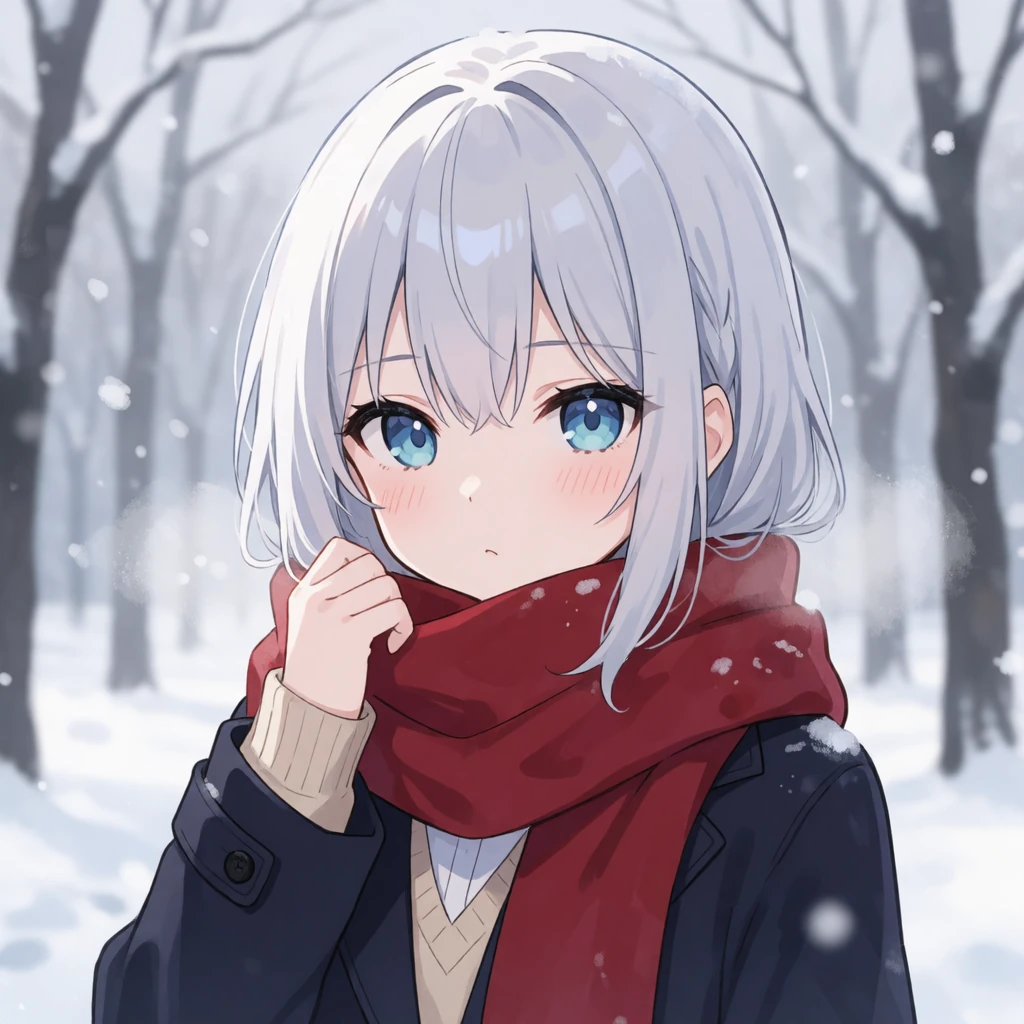
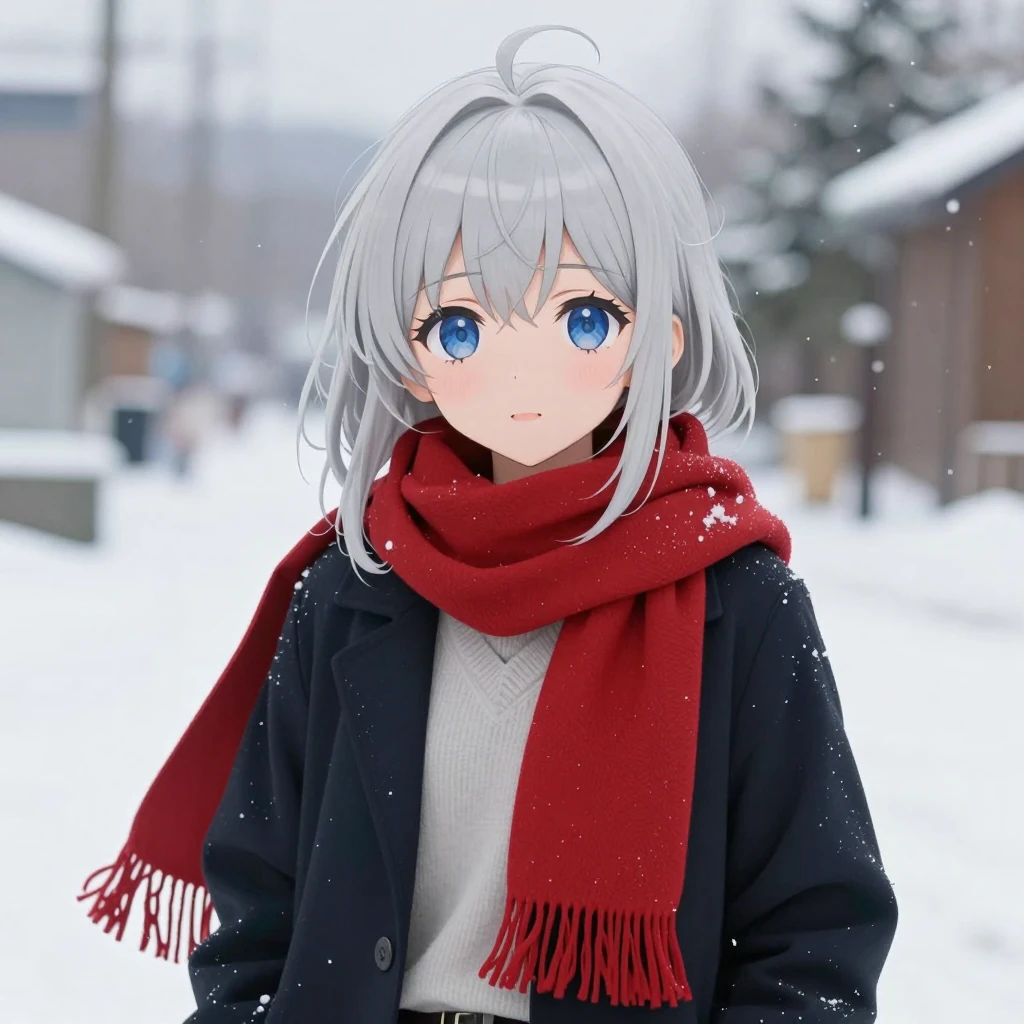
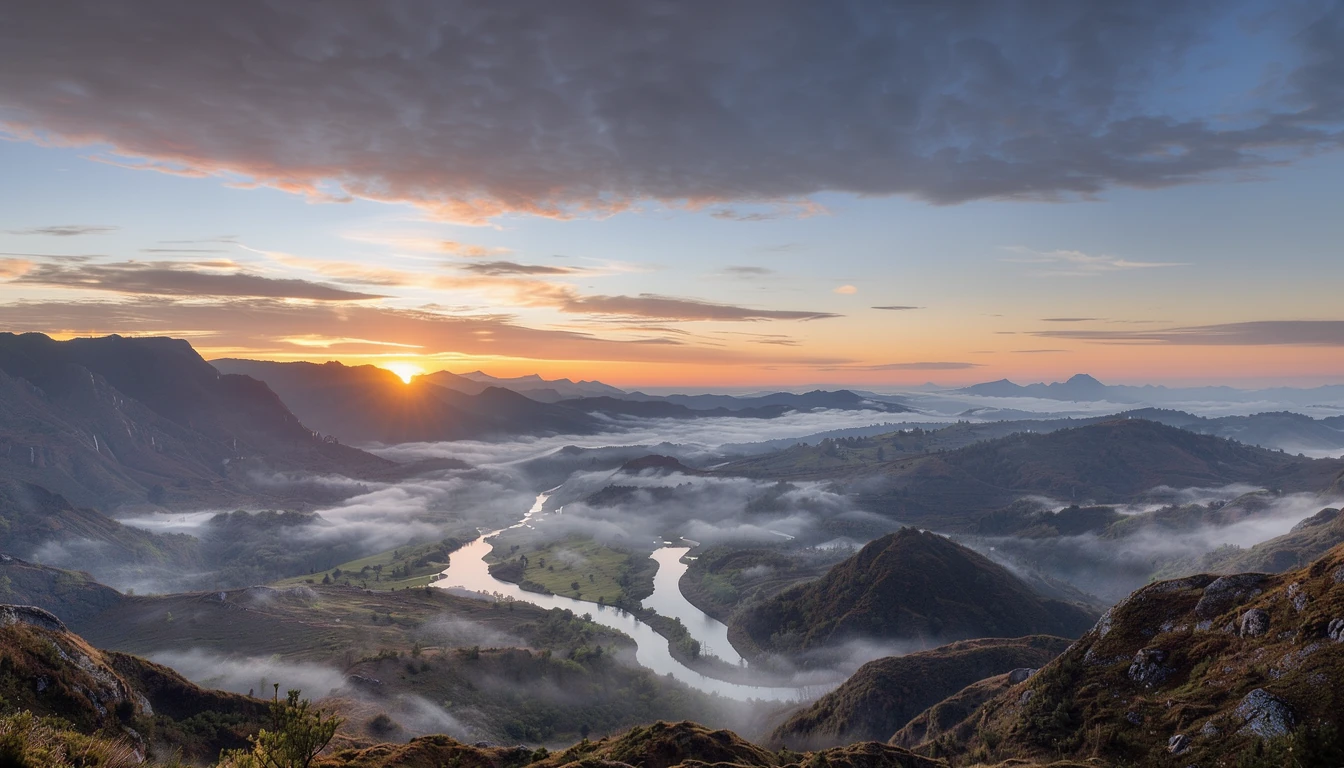
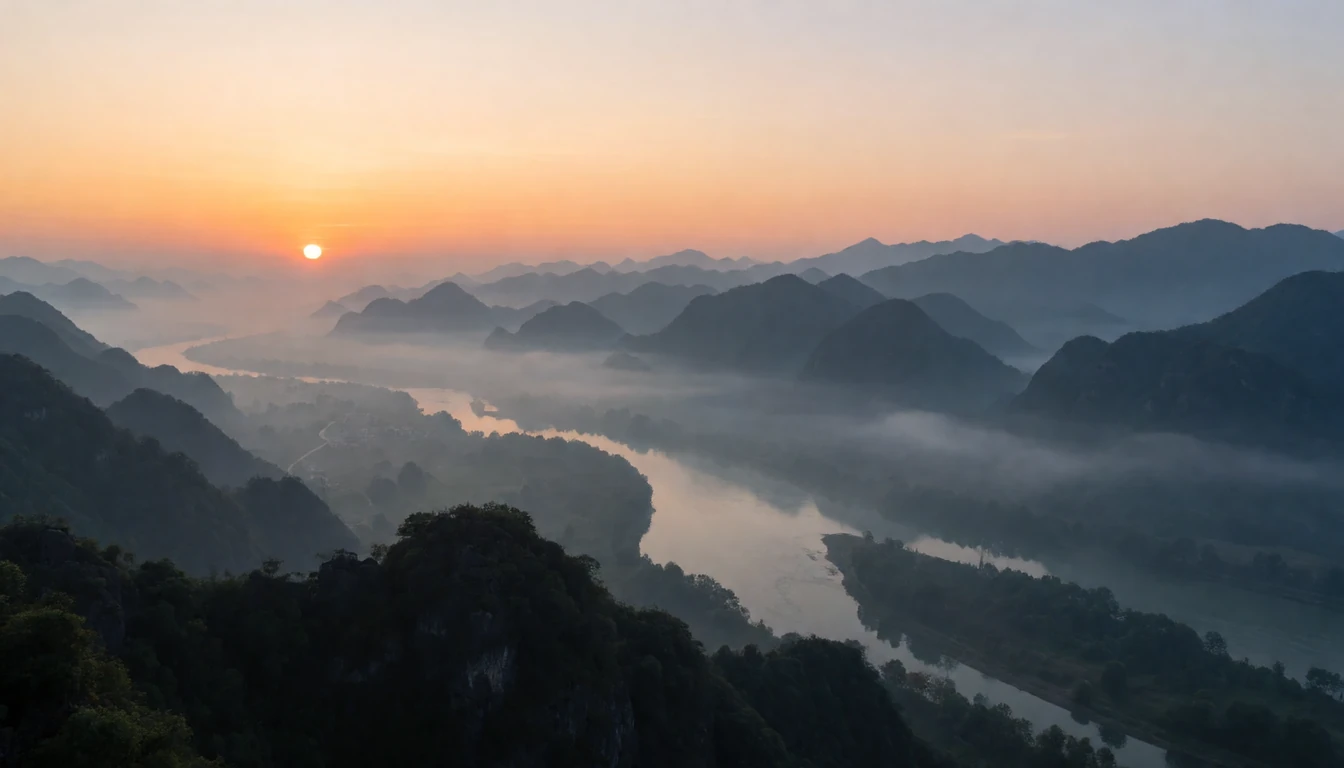
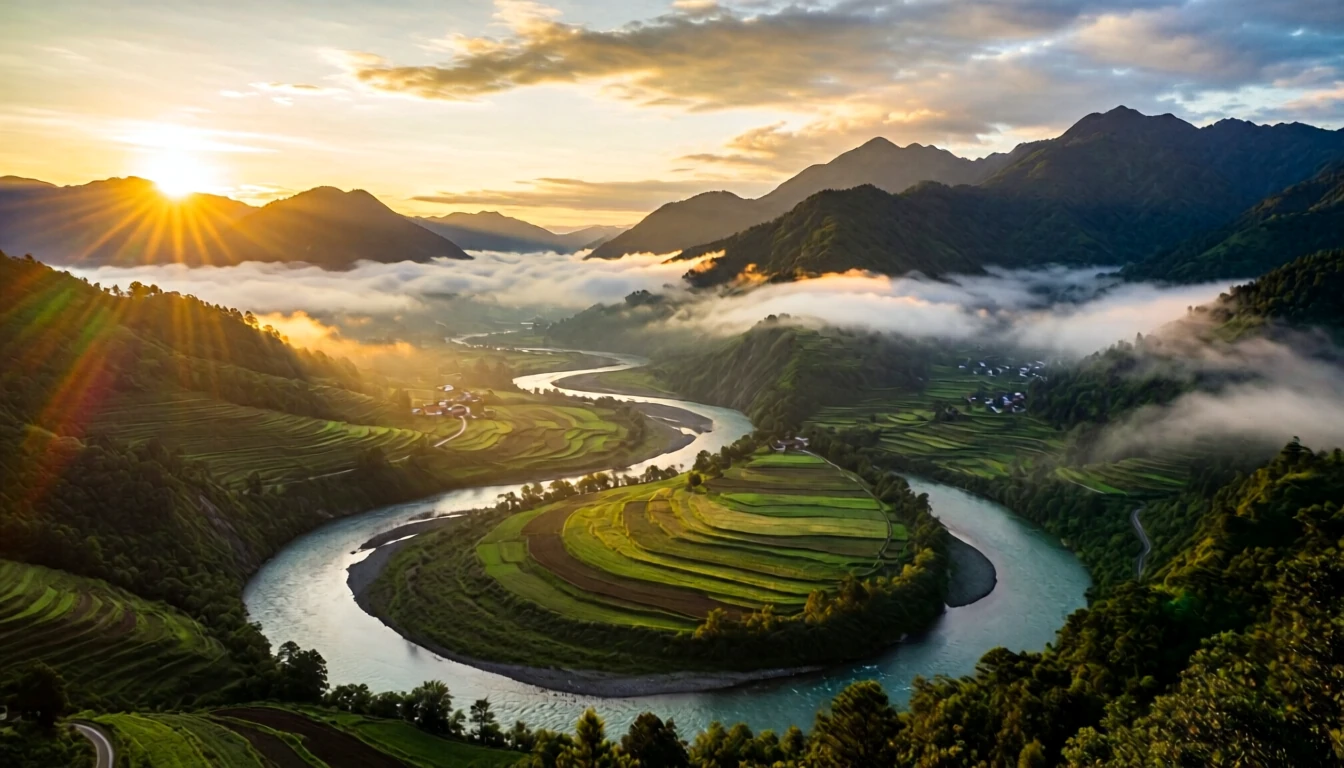
Five short prompts: a portrait, a product shot, an anime character, a wide landscape and a crowded scene. Klein is first, then Krea 2 Turbo, Z-Image Turbo and Qwen Image 2512 Lightning.
Close-up portrait 1024 × 1024
Prompt “close-up portrait photo of an old fisherman with a weathered face and grey beard, natural window light”
Product photo 1024 × 1024
Prompt “a glass perfume bottle on a seamless white background, studio product photo”
Anime character 1024 × 1024
Prompt “anime girl with silver hair and a red scarf standing in the snow”

Wide landscape 1344 × 768
Prompt “wide landscape of misty mountains and a winding river at sunrise”

Crowded night market 1024 × 1024
Prompt “a busy night market crowded with people, food stalls and paper lanterns”
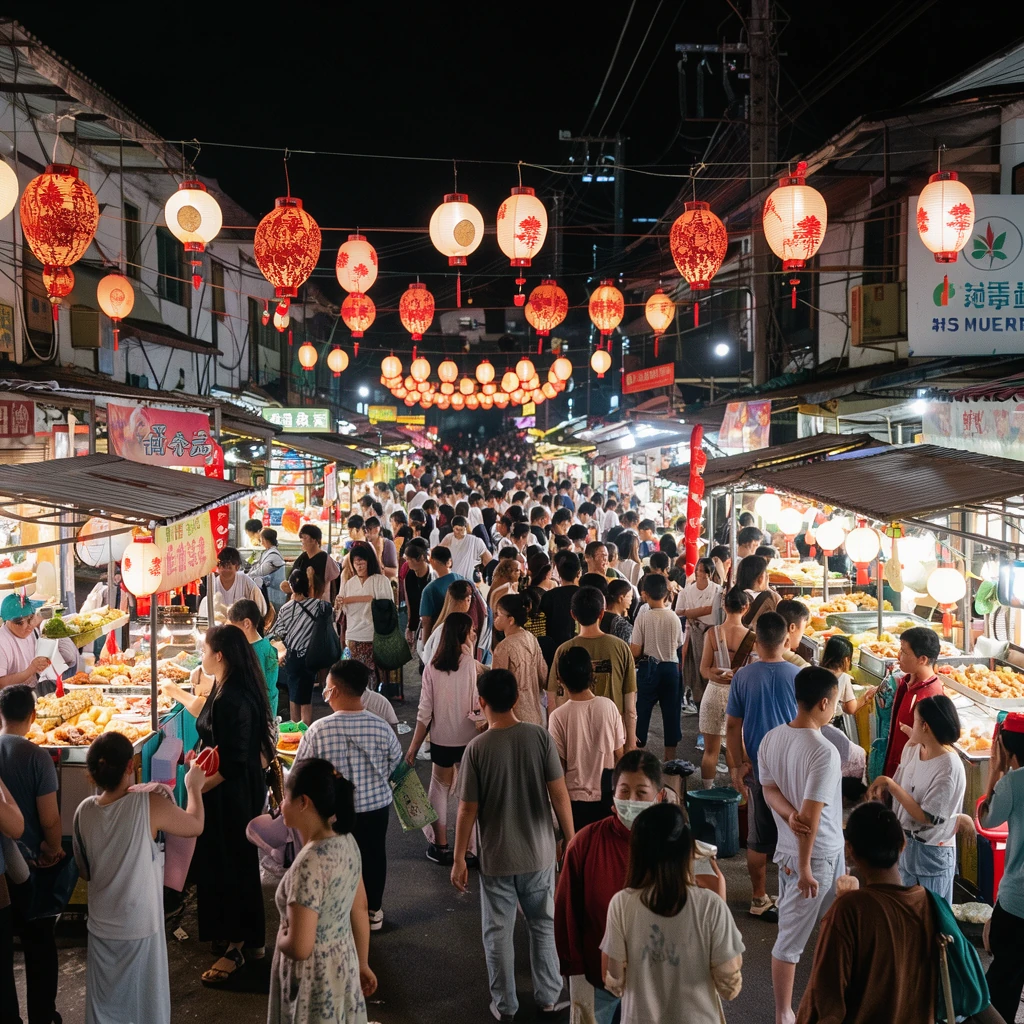
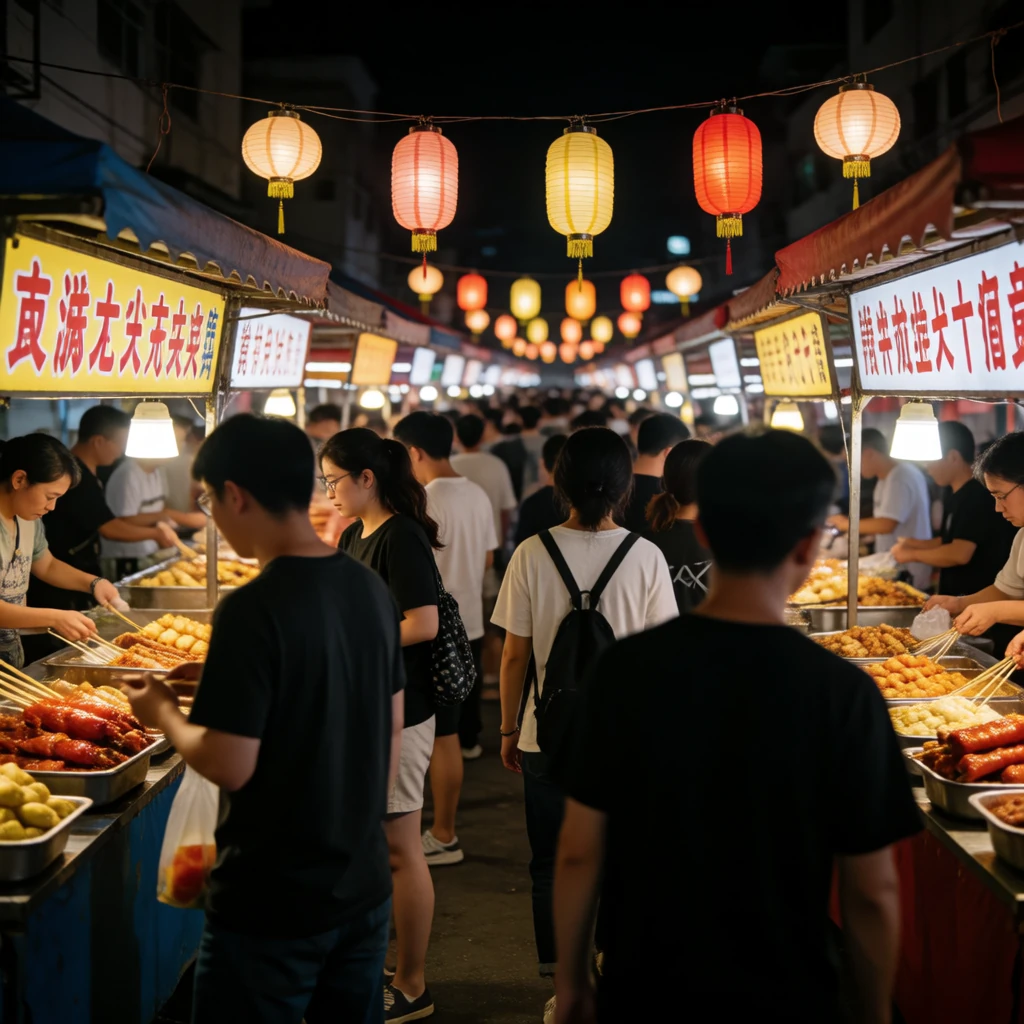
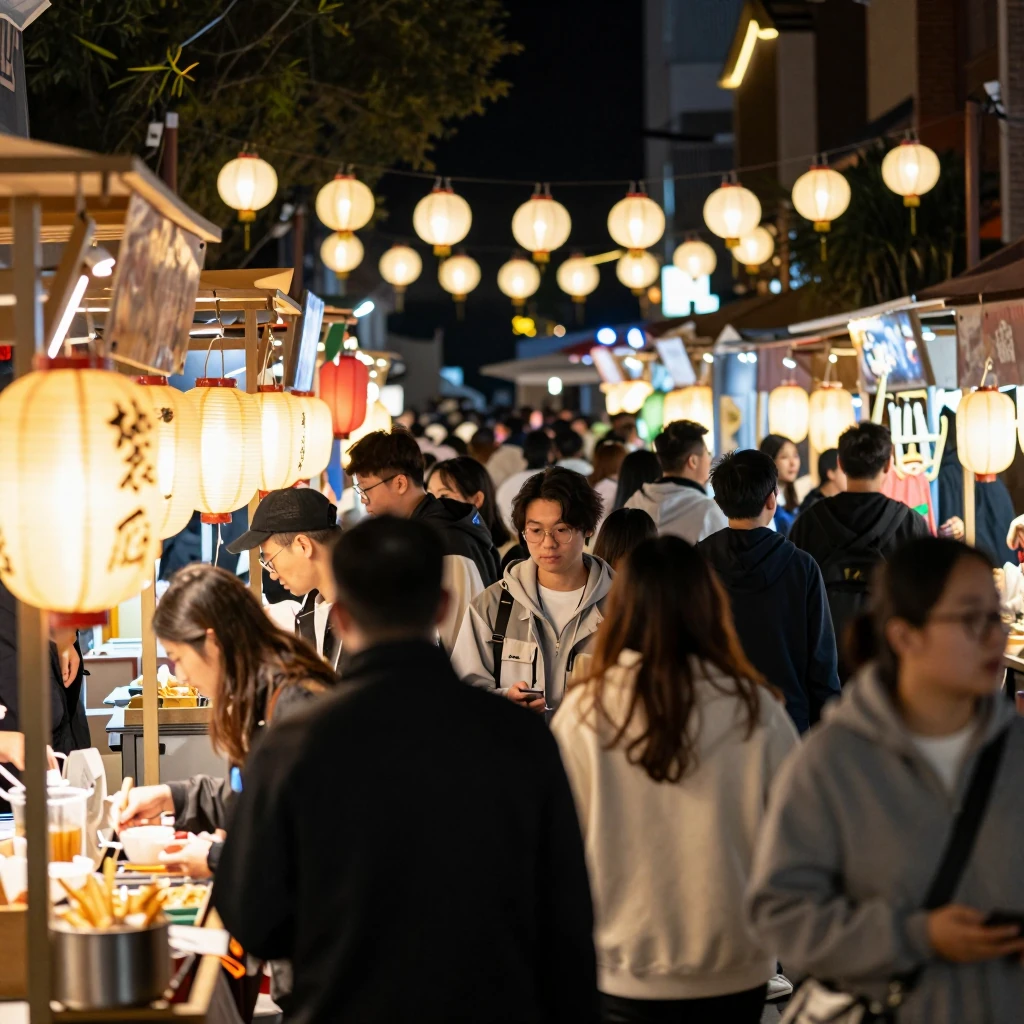
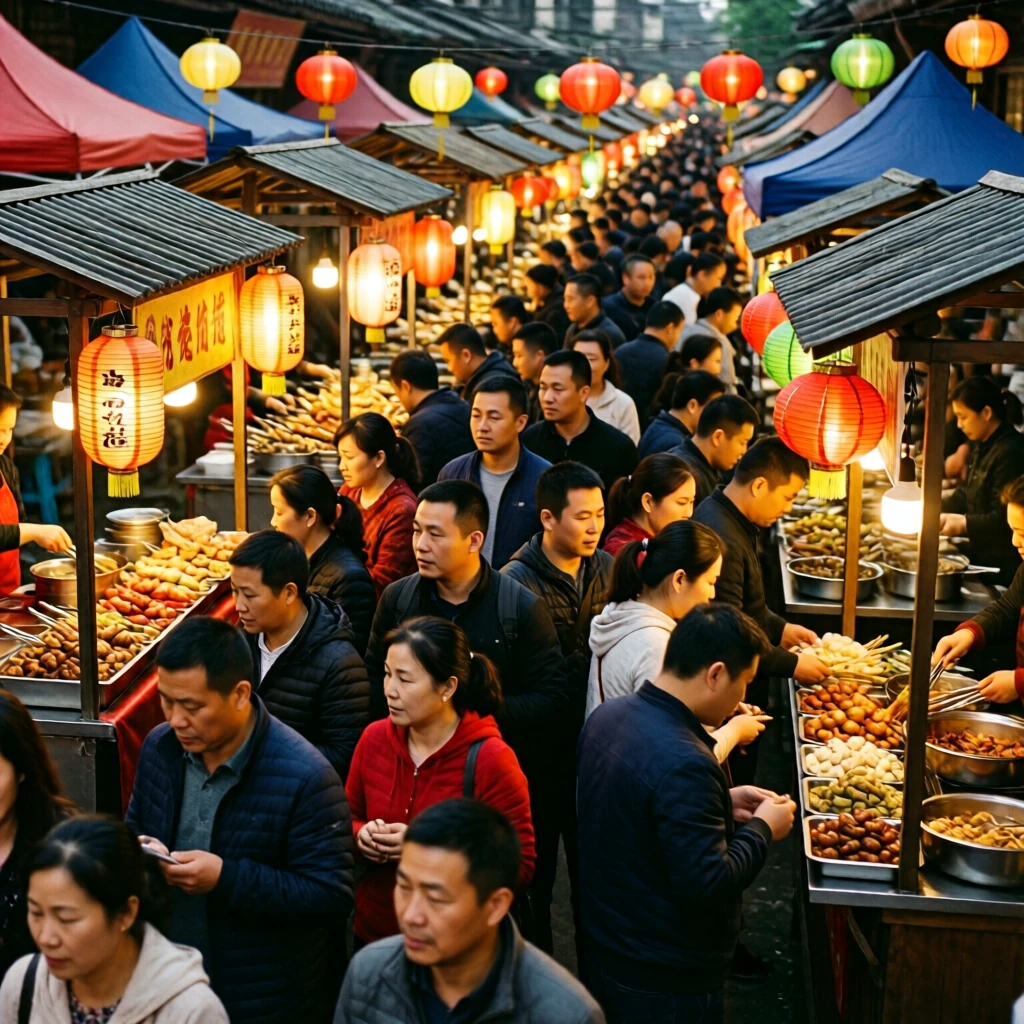
All four models handled these everyday subjects well. The difference is speed.
Klein with Enhance
Short prompts leave a lot for the model to guess. In the Sogni web app, Enhance rewrites a short Klein prompt into a full scene description before rendering, and it is on by default. Turn off Auto under the Enhance button to send your words as typed.
A fox at dawn 1024 × 1024
Typed prompt “a fox in the snow at dawn”
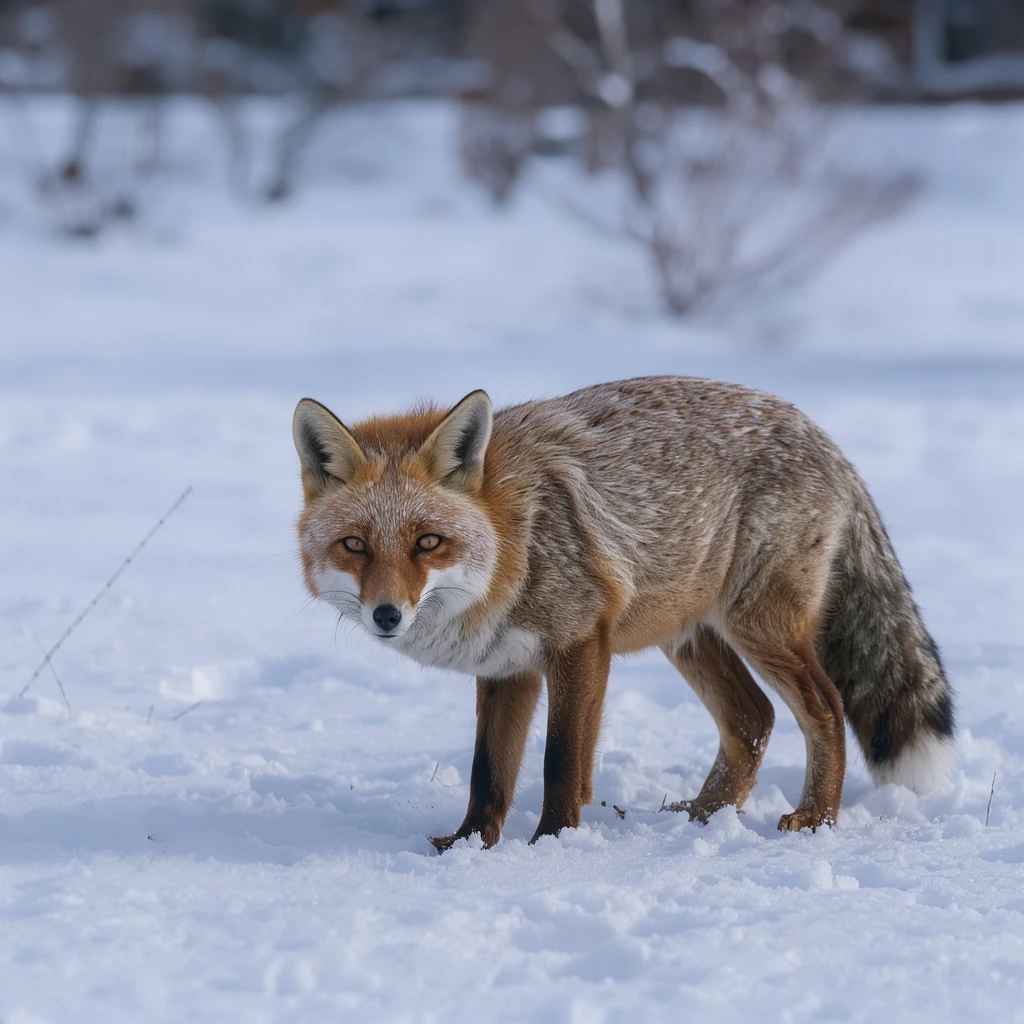
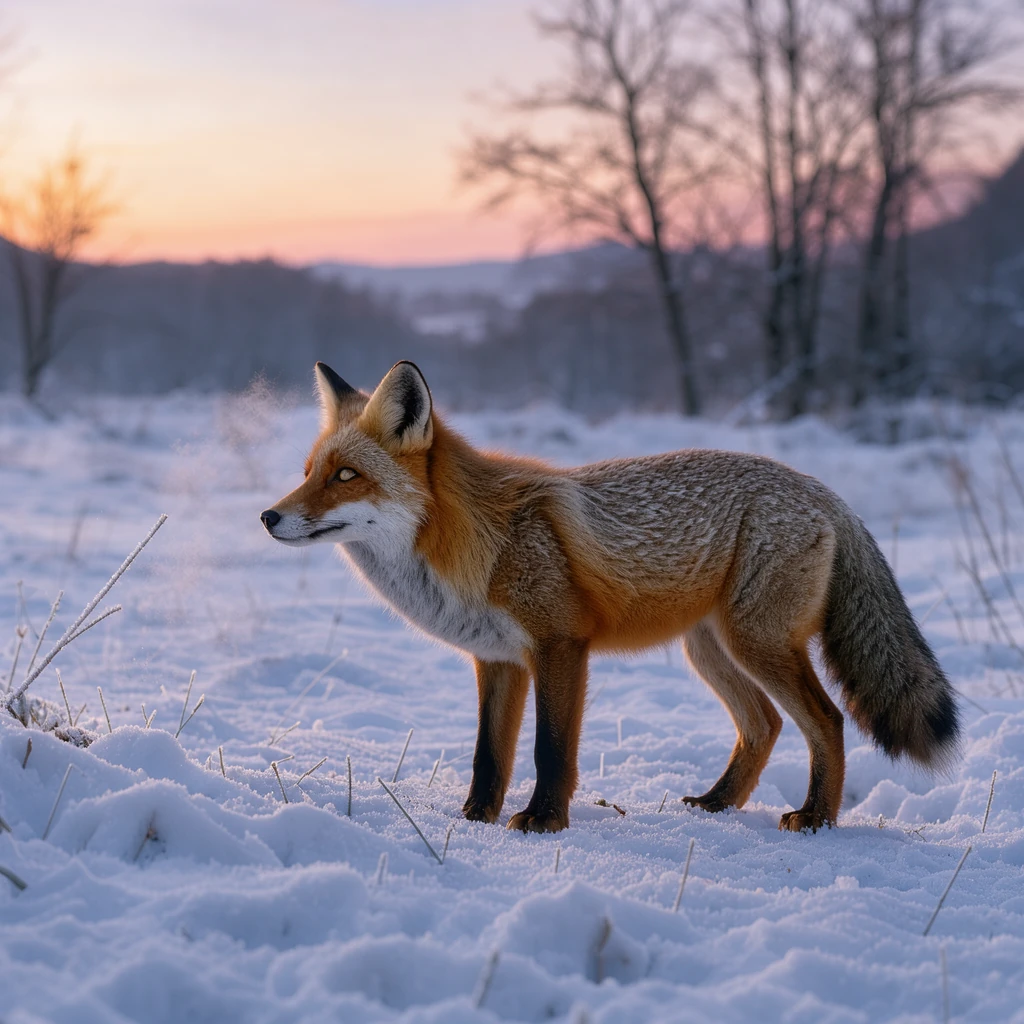
What Enhance wrote
Full-color outdoor photograph, a serene winter landscape at dawn featuring a red fox standing amidst fresh snow. The scene is illuminated by the soft, diffused light of early morning, casting long, faint shadows across the undulating ground. The camera is positioned at eye level with the animal, capturing its profile as it faces frame-left. The fox displays vibrant russet fur along its back and tail tip, contrasting with white underbelly and chest, while its ears are perked and alert. Its dark eyes reflect the ambient light, and its breath forms a subtle mist in the cold air. The foreground consists of textured snowdrifts and sparse, frost-covered grass blades poking through. Behind the fox, the background fades into a silhouette of bare, leafless trees and distant hills, rendered in cool blues and grays that suggest the depth of winter. The sky above is a pale gradient of lavender and soft orange near the horizon, indicating the sun’s imminent rise. No other animals or human elements are present.
A 1960s cereal box 832 × 1248
Typed prompt “a 1960s cereal box, 'MORNING OATS' in bold rounded letters, 'with real honey' in a banner, a cartoon bear holding a spoon, 'NET WT 16 OZ' at the bottom corner and 'A good start to the day' in script, flat colours, photographed straight on”
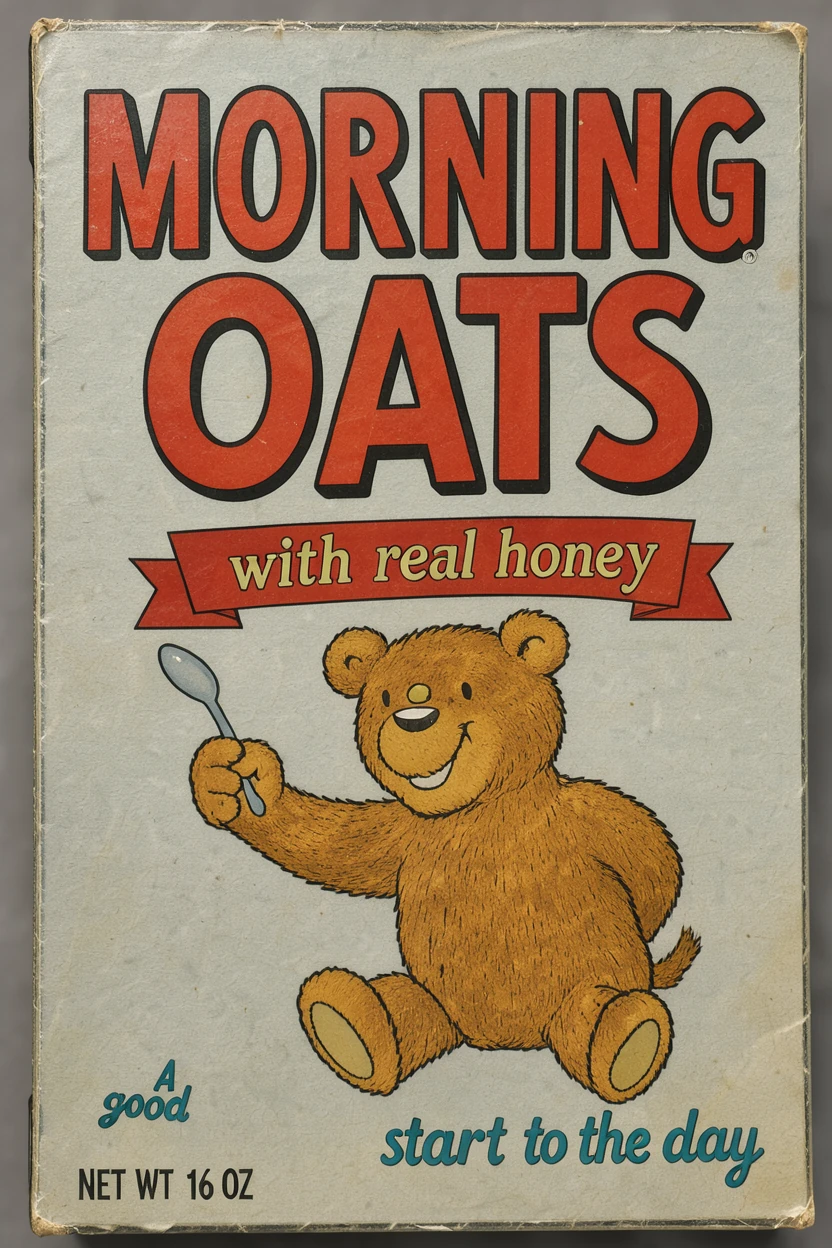
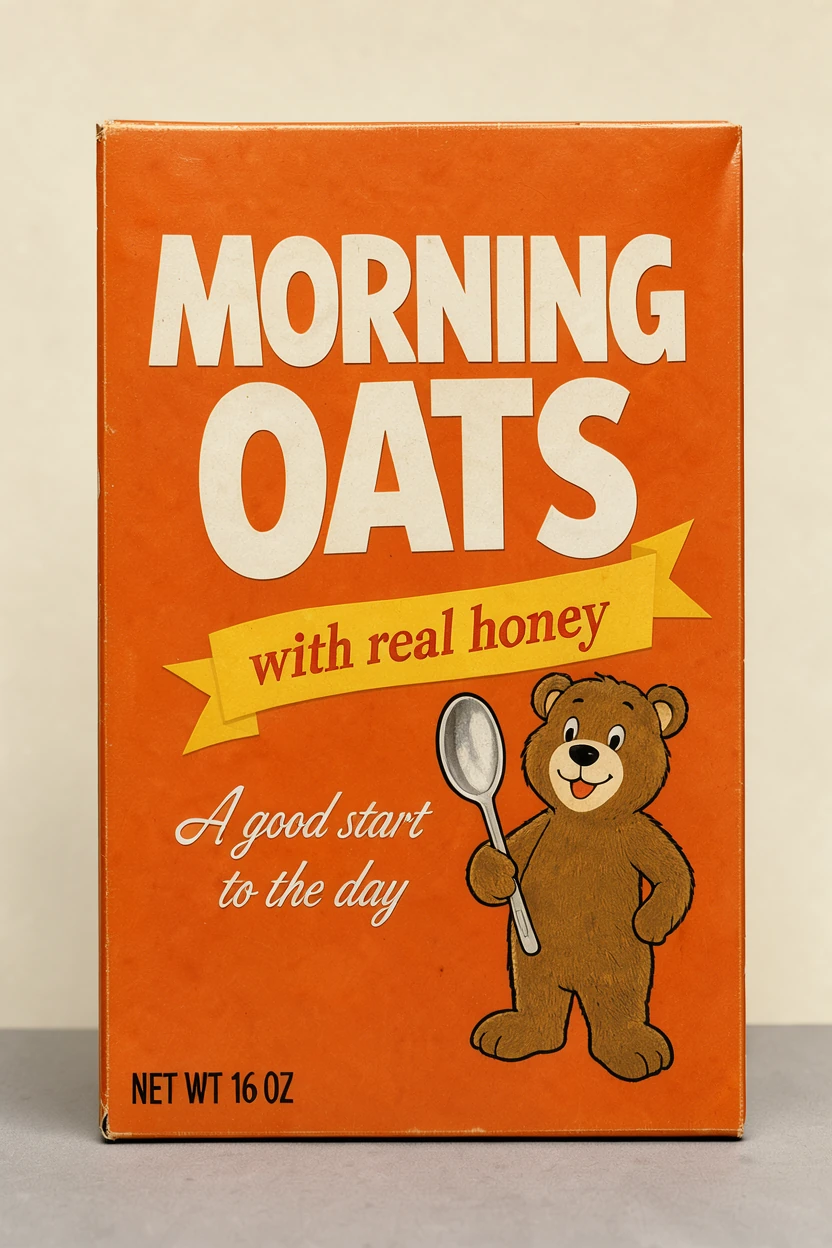
What Enhance wrote
Full-color studio photograph, capturing a vintage 1960s cereal box positioned centrally and facing directly forward. The packaging features bold, rounded white letters spelling "MORNING OATS" against a vibrant orange background. A yellow ribbon banner stretches across the middle, displaying the phrase "with real honey" in red serif font. To the right of the text, a stylized cartoon bear with brown fur holds a large silver spoon, its expression friendly and simple. At the bottom left corner, small black text reads "NET WT 16 OZ". Below the main title, the slogan "A good start to the day" is written in elegant white cursive script. The design utilizes flat, saturated colors typical of mid-century graphic design, with no gradients or shadows on the artwork itself. The box sits on a neutral gray surface under even, diffused lighting that eliminates harsh reflections. The background is a solid, matte cream color, providing high contrast to the orange packaging. The camera is positioned at eye level, ensuring all text and the bear illustration are clearly legible and undistorted.
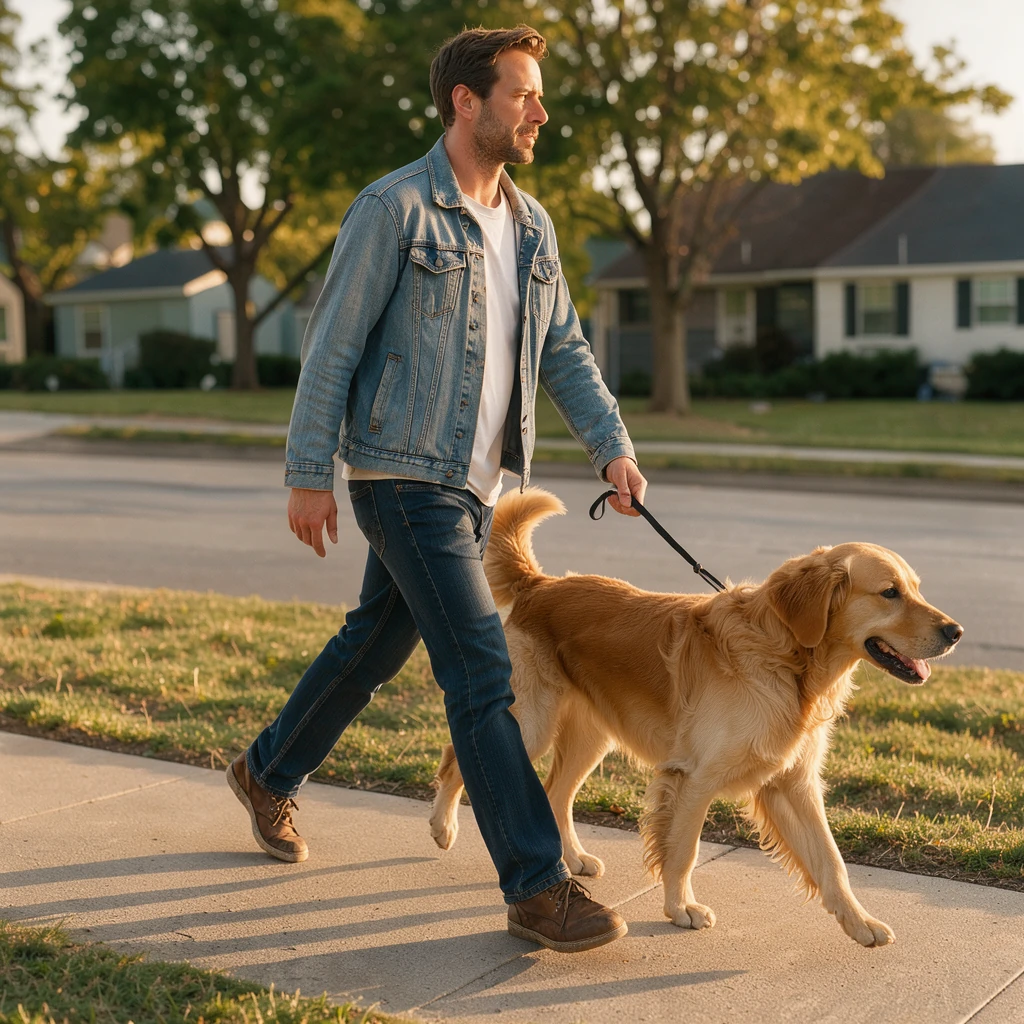
A man walking his dog 1024 × 1024
Typed prompt “A man walking with his dog, afternoon sun”
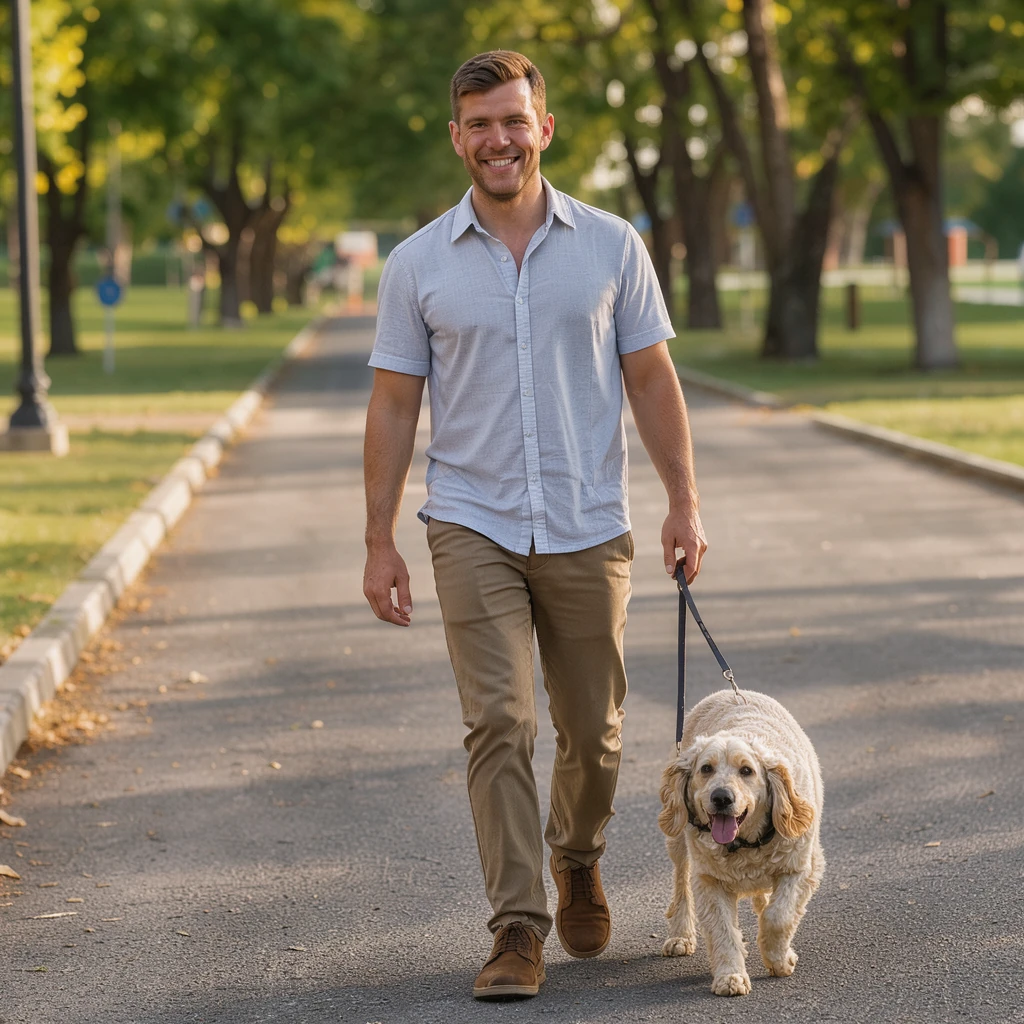
What Enhance wrote
Full-color outdoor photograph, a man walks his dog along a paved sidewalk bathed in the warm, golden light of an afternoon sun. The man, a Caucasian male in his thirties with short brown hair and a light stubble, wears a faded denim jacket over a white t-shirt, dark blue jeans, and scuffed leather sneakers. He holds a thin black leash in his right hand, his gaze directed forward with a relaxed posture. Beside him trots a medium-sized Golden Retriever with a thick, sun-bleached coat, its tail held high in a steady wag. The camera is positioned at eye level, capturing the pair from the side as they move from left to right across the frame. Soft shadows stretch long behind them on the concrete, indicating the low angle of the sun. In the background, blurred residential houses with green lawns and mature trees line the street, their leaves rustling slightly in the breeze. The scene is quiet and ordinary, defined by the interplay of light and shadow on everyday objects.
Enhance brought each picture closer to what the short prompt meant. It made no visible difference to a simple one-photo edit.
Where Klein fits
- FLUX 3 Image Klein for fast images, words in an image, text edits, simple one-photo edits, scenes built from many photos, and Edit by box.
- Krea 2 Identity Edit for edits of people, where the likeness has to hold in a new pose or scene.
- Qwen Image Edit 2511 Lightning for style transforms and quick two-photo edits.
- Krea 2 Turbo stays the default text-to-image model on Sogni.
How we tested
| Edit models | FLUX 3 Image Klein, Krea 2 Identity Edit v1.2 and Qwen Image Edit 2511 Lightning |
|---|---|
| Text-to-image models | FLUX 3 Image Klein, Krea 2 Turbo, Z-Image Turbo and Qwen Image 2512 Lightning |
| Settings | Each model’s standard Sogni setup and default steps; prompts sent as written |
| Takes | One per prompt and model, from the same seed |
| Hardware | One NVIDIA GeForce RTX 5090 with each model loaded; times are GPU render time |
| Sizes | About one megapixel in each image’s shape, plus 1536 × 1536 and 2048 × 2048 for the size test |
| Prices | Pay-as-you-go Spark for a 1024 × 1024 image (1 Spark = $0.005) |
| When | October 15–16, 2026 |
Questions
How fast is FLUX 3 Image Klein?
On one RTX 5090, Klein made an image from a prompt in a median 1.9 seconds and edited a one-megapixel photo in 3.6 seconds, faster than every other turbo model we tested.
How much does FLUX 3 Image Klein cost on Sogni?
Pay-as-you-go, an image from a prompt costs 1.80 Spark ($0.009) at 1024 × 1024. A one-photo edit costs 2.19 Spark at 1 megapixel, 5.35 at 2 megapixels and 14.25 at 4. An edit with two photos costs 3.45 Spark. One Spark is $0.005.
Is FLUX 3 Image Klein the default model on Sogni?
No. It is an additional model. Krea 2 Turbo stays the default text-to-image model.
Which model is best for changing the words in an image?
FLUX 3 Image Klein. In our tests it was the only model to change a line of text on a cereal box correctly.
How many photos can FLUX 3 Image Klein combine?
Up to ten reference images. Describe the finished scene in the prompt for the best results.
What is Edit by box?
A tool in the Sogni web app for FLUX 3 Image Klein. Draw boxes on one photo to add, move, resize or remove objects. One edit per render is the most reliable, and you can make up to three.
Which model should I use to edit photos of people?
Krea 2 Identity Edit, which holds a person’s likeness through a new pose or scene.
Can I use my own LoRAs with FLUX 3 Image Klein?
Yes. Sogni Unlimited members can import Klein LoRAs from Civitai or Hugging Face in My LoRAs.
Sources
- Black Forest Labs: FLUX 3 Image Klein launch post
- Black Forest Labs: FLUX 3 Image Klein model page
- Black Forest Labs: FLUX 3 Image Klein documentation
- FLUX 3 Image Klein on Sogni
- Krea 2 Identity Edit v1.2 on Sogni
- Qwen Image Edit 2511 Lightning on Sogni
- Krea 2 Turbo on Sogni
- Z-Image Turbo on Sogni
- Qwen Image 2512 Lightning on Sogni