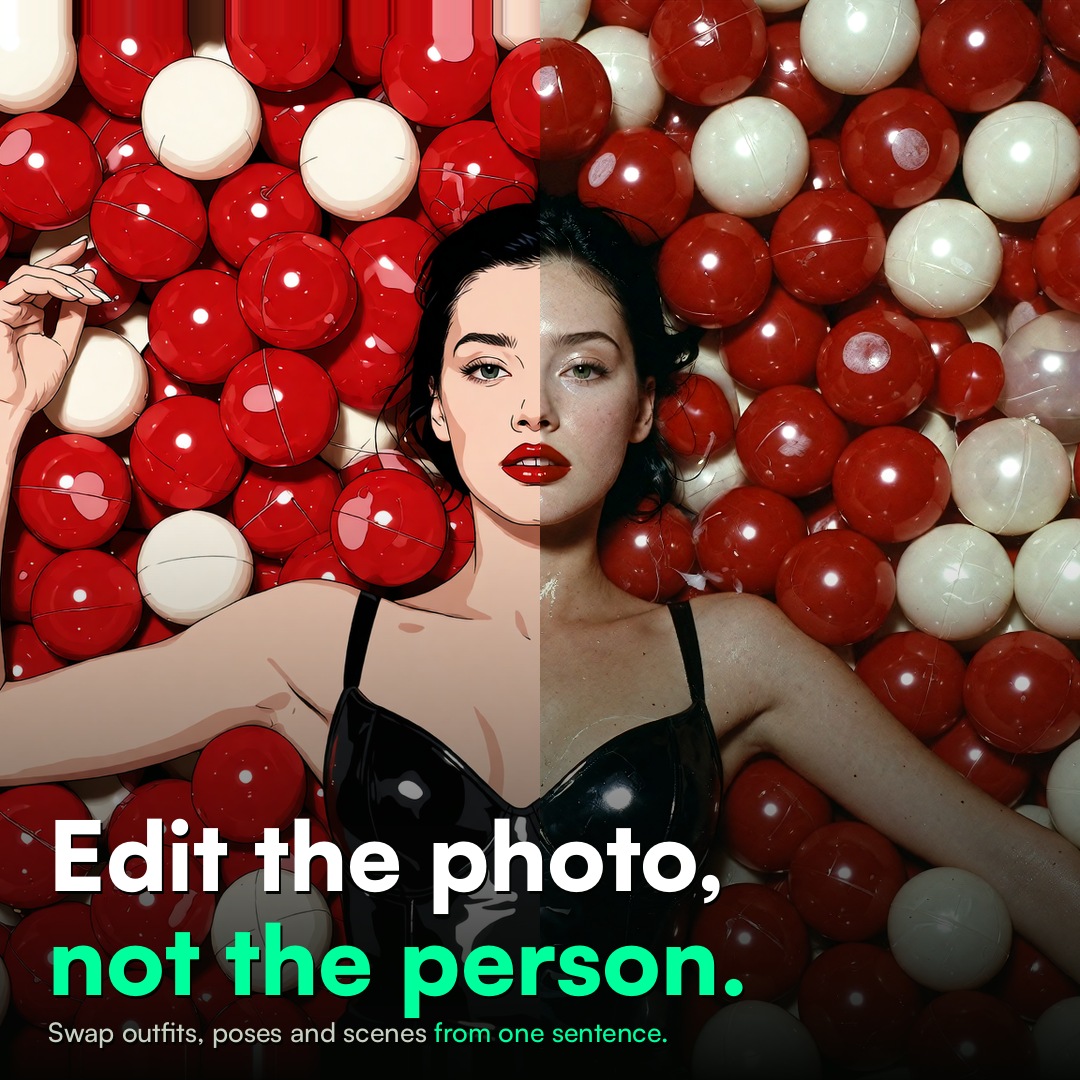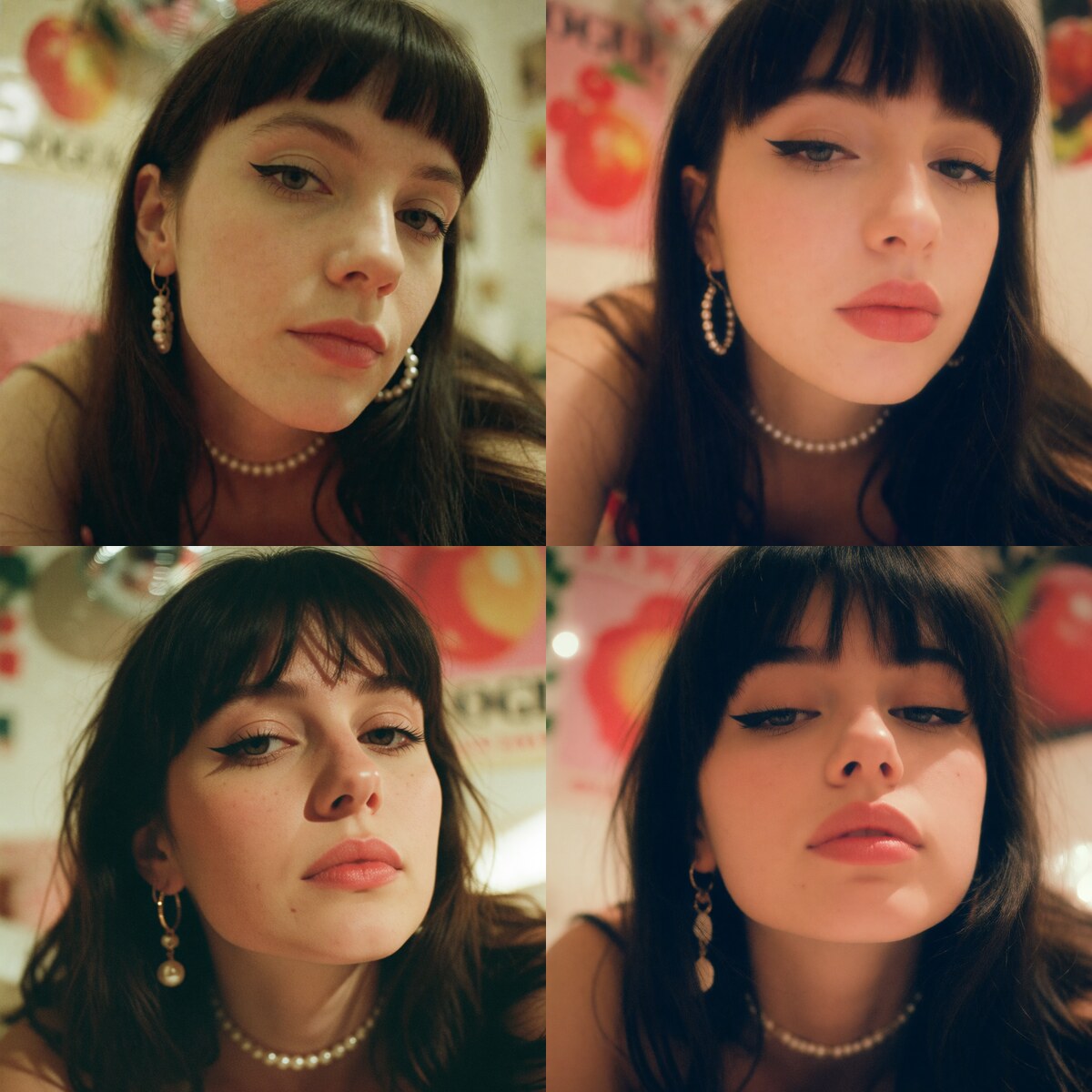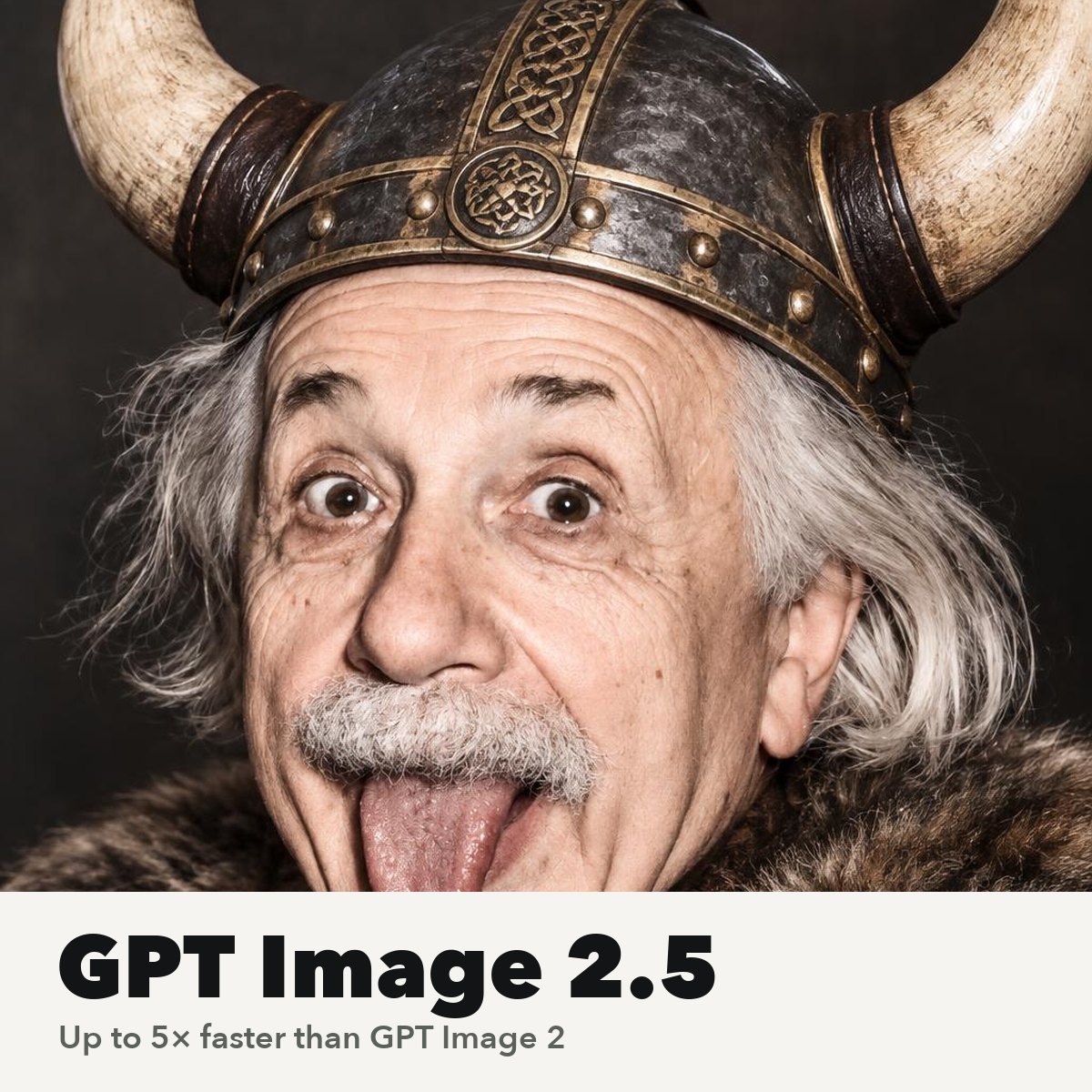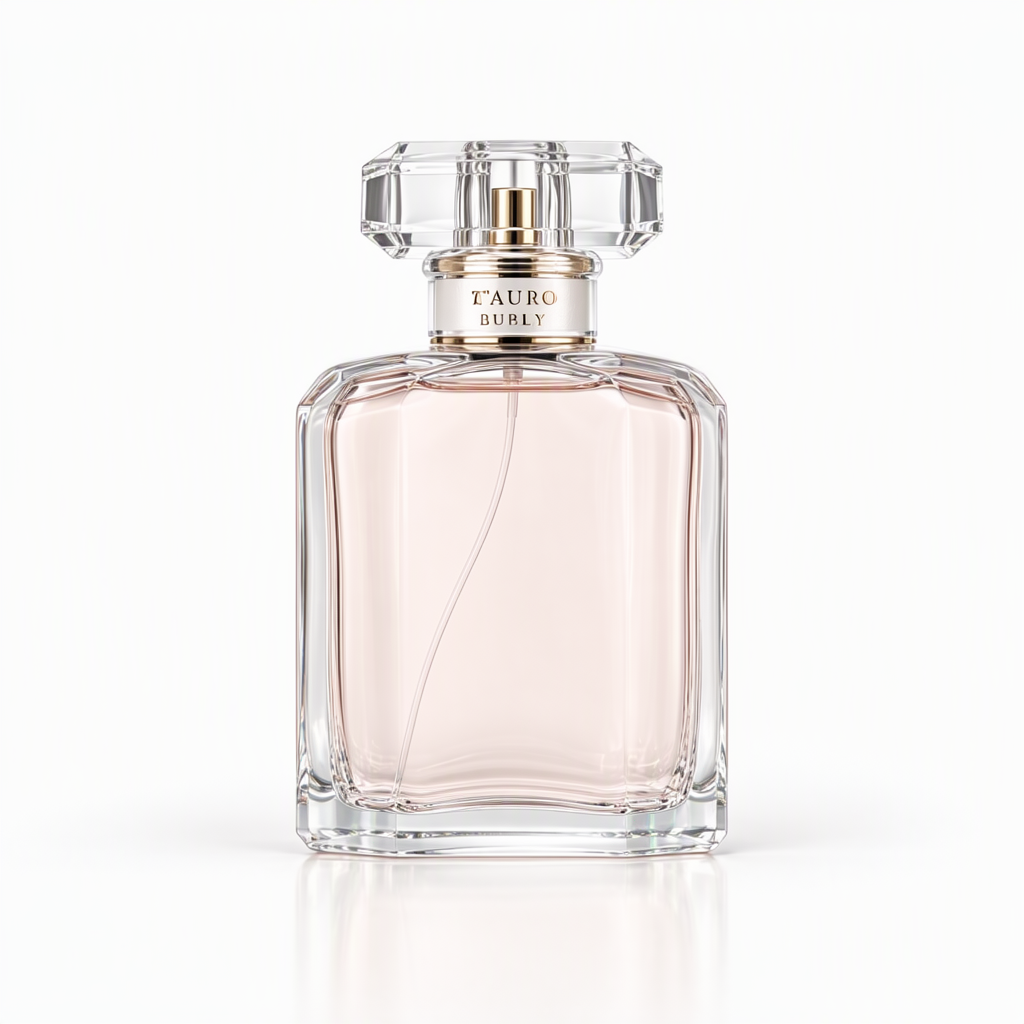
MOSS-Image SFT brings a new text-to-image option to Sogni. OpenMOSS’s 5-billion-parameter model accepts complete captions, tag prompts, and experimental JSON layouts. English and Chinese text are part of its prompt vocabulary, including words you want written inside the picture.
Choose MOSS-Image SFT in the image model picker. It is an additional choice alongside Krea 2, Z-Image and Qwen.
This release takes text only. Changing a layout produces a new image. It does not instruction-edit an uploaded photograph or preserve a person from a reference photo. For that job, choose a reference-capable editor such as Krea 2 Identity Edit or Qwen Image Edit.
Both MOSS presets are uncensored, supporting private mature-theme creativity as well as portraits, products, posters and landscapes.
A caption, tags, or a layout
A caption describes the complete scene: subjects, action, framing, lighting and materials. Quote any visible writing and say where it belongs. Tag prompts offer a shorter way to describe an image.
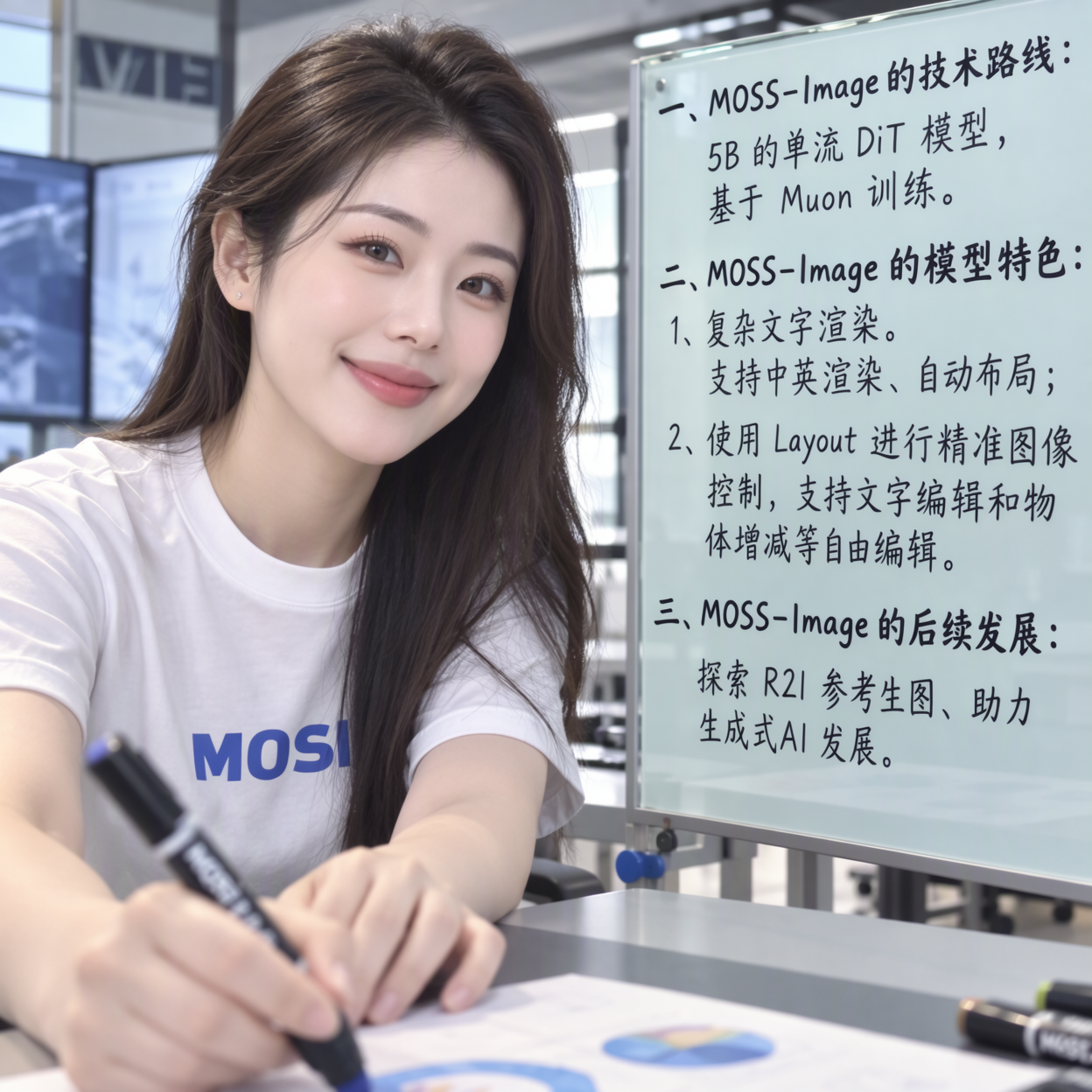
For more explicit composition, the author’s JSON format pairs a summary.caption with an items array. Each item can describe an object or text and give its bounding box. The format uses yxyx coordinates measured in pixels from the canvas center. On a 1024-pixel canvas, each axis runs from −512 to +512.
Layout control is experimental. Inspect the position of each element, object counts, and every rendered word. Keep one complete JSON layout per call; use separate calls for different layouts.

Choose fifty steps or eight
Choose MOSS-Image 8-Step for the DMD preset by lodestones. It keeps MOSS's SFT checkpoint and adds the author's recommended distillation adapter at strength 1.0. Use eight steps, guidance 1, Euler and SGM Uniform.
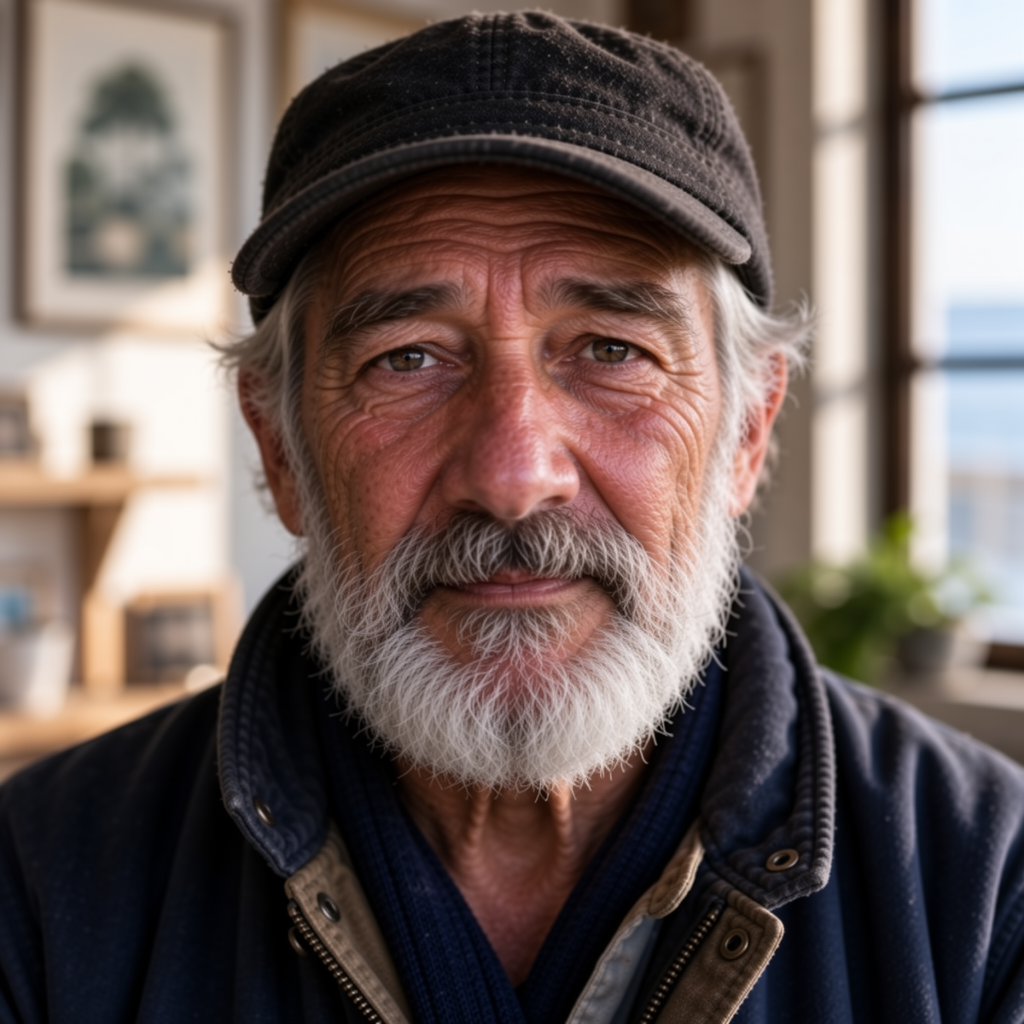
In matched RTX 4090 lab tests with weights loaded, the eight-step preset completed 1024 × 1024 images in a median 3.32 seconds; the fifty-step recipe took 23.79 seconds. DMD changes composition and texture, even at the same seed. Check fine detail, gradients and exact writing. The author labels this adapter work in progress.
Bring a Personal LoRA
Use My LoRAs to import a compatible MOSS adapter, then select the ready entry on either preset. The eight-step preset applies your personal adapter after its built-in DMD adapter. Adjusting personal strength changes your adapter while keeping the DMD recipe in place.
The full SFT recipe
MOSS-Image SFT uses a full-step generation recipe. Start with the author’s 50-step default when exploring the model. In our RTX 4090 tests, the model completed 1024 × 1024 images in about 24 seconds with the weights loaded. Check small lettering and complex anatomy carefully; generated text can still be wrong.
| Setting | Starting value |
|---|---|
| Canvas | 1024 × 1024 |
| Steps | 50 |
| Guidance | 3 |
| Sampler / scheduler | Euler / SGM Uniform |
| Negative prompt | Empty |
The author recommends roughly one to two megapixels and dimensions aligned to 16. On Sogni, the hosted controls cover 512–2048 pixels per edge. More pixels and more steps increase the quote shown before generation.
Developers can use moss_image_sft_int8_convrot for a direct SDK project, or moss-image with the hosted generate_image tool. The eight-step choices are moss_image_sft_dmd8_int8_convrot and moss-image-8step. The model guide includes the settings and layout coordinate format.
MOSS-Image SFT is released under Apache 2.0. Read the official model card and OpenMOSS guide for the model’s background and prompting examples.