FLUX 3 Image Klein
Copy the prompt. Make the edit.
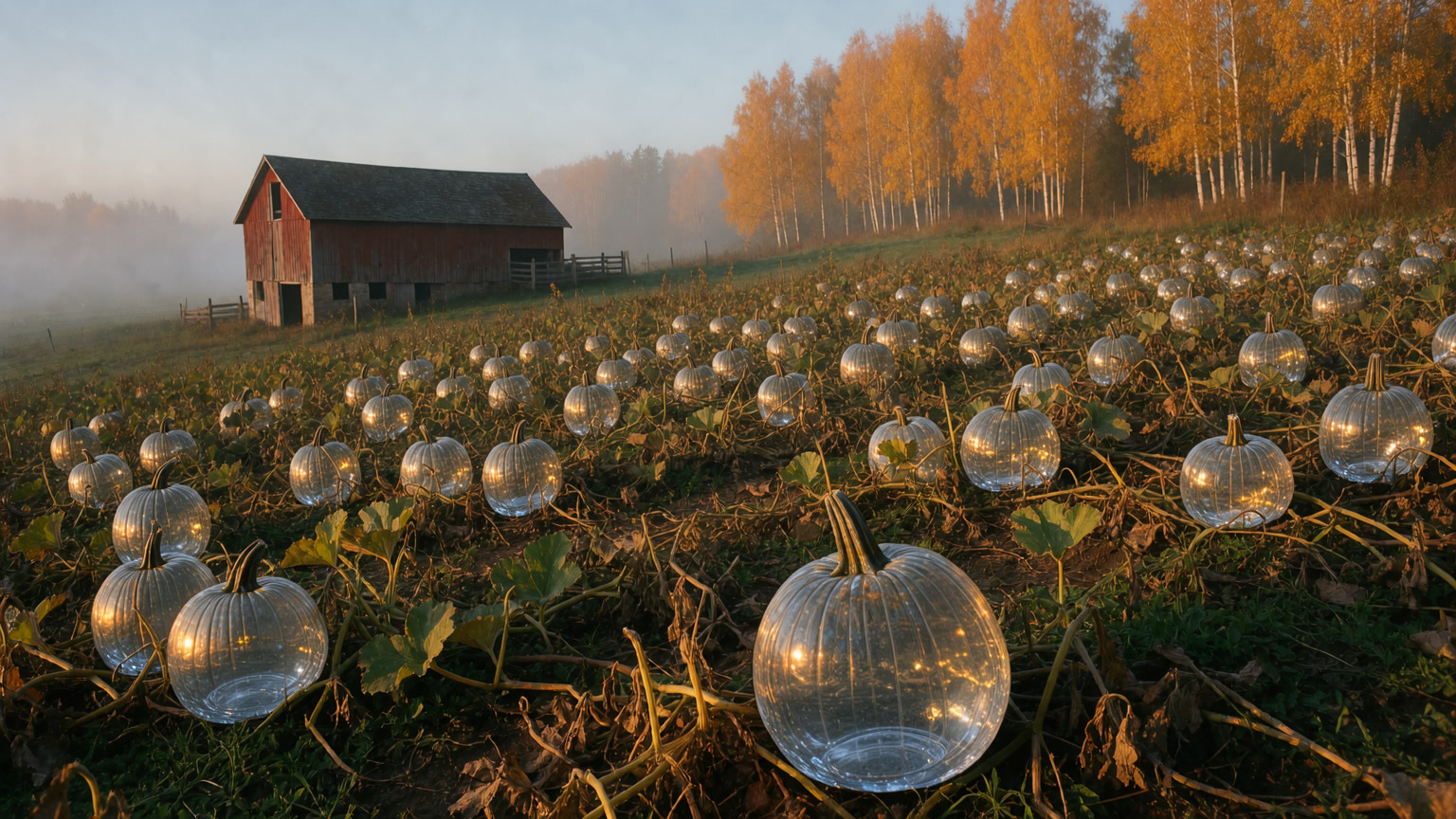
Prompt: Turn every pumpkin in the field into clear glass.
One model that creates and edits.
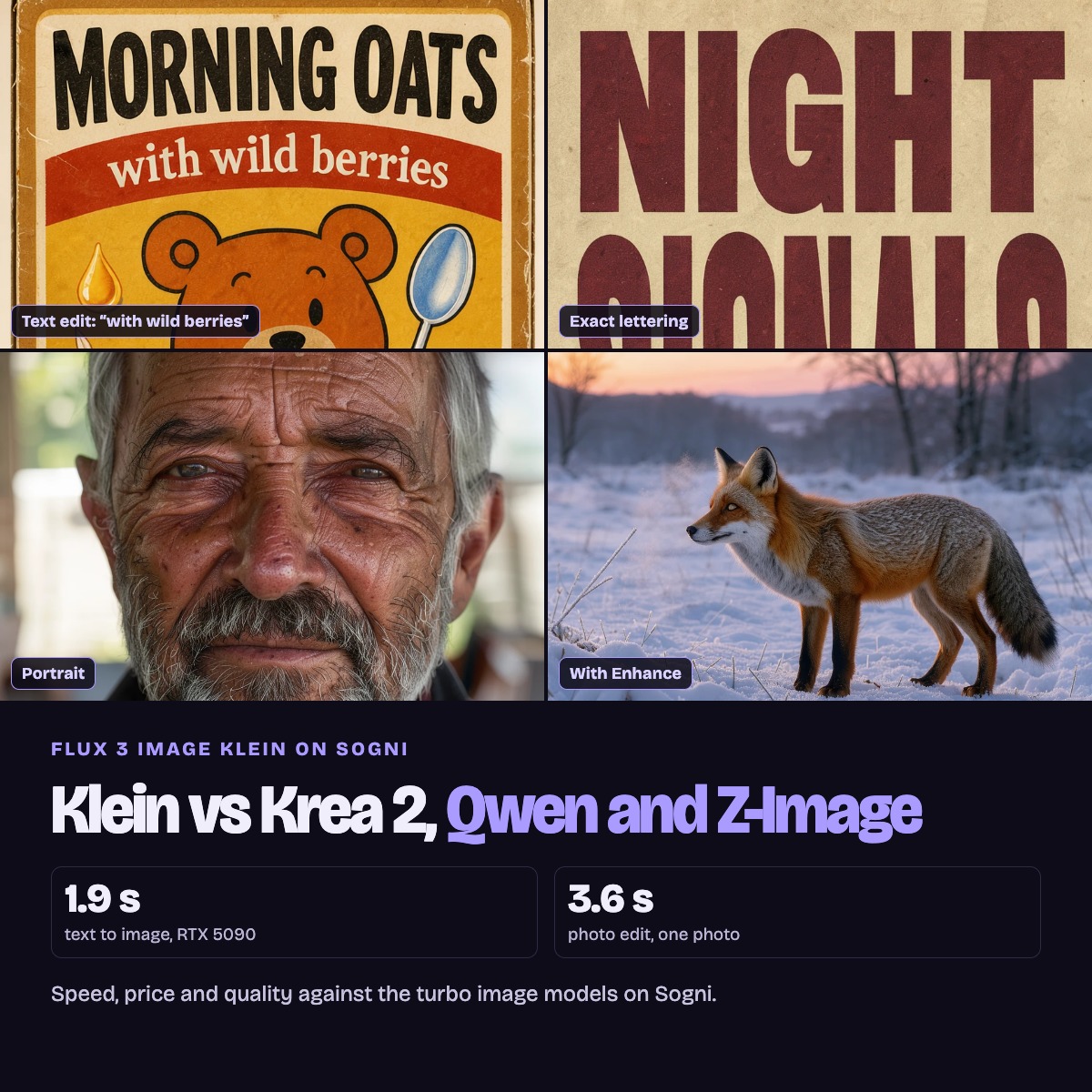
FLUX 3 Image Klein is a fast AI image model. It can create a new picture from a text description, and it can edit a photo you upload, using up to ten photos in one go. Our speed test showed how fast it is. This guide shows what you can make with it, using autumn scenes that creators actually need: signs and flyers, product mockups, selfie outfit swaps, material changes, room staging and precise edits with a box.
Every result below shows the photo it started from and the exact instruction we used. Open any prompt, copy it and try it on your own photo.
Three words you will see: a prompt is the written instruction you give the AI; a reference image is a photo the AI uses as a source; a render is one image the AI makes.
Run these edits on Sogni Unlimited.
FLUX 3 Image Klein is included in Sogni Unlimited, so you can try every edit again as often as you like, under fair use.
Your first edit with FLUX 3 Image Klein
You need one clear photo. This is your reference photo: the picture the AI will edit. Keep the original so you can compare it with the result.


- Open Sogni Create and sign in. Use this link to select FLUX 3 Image Klein. In the model picker, its full name is FLUX 3 Image Klein.
- Upload your photo. Open Context and add your photo there. On a phone, tap Context to open the Context Images panel. For this edit, use just one photo.
- Give the model an instruction. Tap Copy on the prompt below, then paste it into Prompt. Swap “the coffee” and “tea with lemon” for anything in your own photo.
- Make one image. Set the batch size (the number of images to make) to 1. Leave the other model settings at their defaults, review the displayed cost, then tap Imagine. On Sogni Unlimited, Klein has no per-image meter.
- Compare and save. Check the object you changed, then everything around it. If anything else changed, try a simpler instruction that names what should stay the same. Save the result you like.
Ready for more? Change the text on a sign, try an outfit swap, or stage a room with ten products.
Stage an empty room with ten products
Give Klein a photo of an empty room and photos of your products, say where each piece goes, and it builds the finished room in one edit. Every piece keeps its design, color and material.
One edit placed all ten products. Describe the finished room and say where each piece stands.
Klein takes up to ten photos per edit, the room included, so we put the products on two collage images.
Prompt
Turn the before and after into a video.
- In Sogni, choose Seedance 2.5 for video.
- Add the empty room as the start frame and Klein’s finished room as the end frame.
- Describe how things should move, then make the video.
Motion prompt
Change the sign, keep the lettering
Text is where most image models fall apart. Klein generated this apple stand with the sign spelled correctly, then rewrote it in the same carved letters and emptied every crate. We ran the text change and the emptying as two short edits.

A rustic apple stand under a carved wooden sign reading APPLE HARVEST.
Prompt

The same stand: the sign now reads SOLD OUT, see you next fall, and the crates are empty.
Edit 1
Edit 2
From a flat flyer to a real-world mockup
Klein laid out a full event flyer from one prompt, with a headline, a date line, an illustration and a list. A second prompt pinned the same flyer to a barn door, and every line of text came through.

A letterpress-style PUMPKIN FESTIVAL flyer with pumpkins, a red barn and a list of activities.
Prompt

The same flyer printed and pinned with brass tacks to a weathered red barn door.
Prompt
One selfie, three autumn looks
UGC (user-generated content) means the casual, selfie-style photos creators post. Klein keeps the face, the smile and the pose while you change the outfit or the whole location, so one photo becomes a week of seasonal posts.

A young woman with long wavy brown hair taking a selfie in a bright kitchen, wearing a gray tank top.
Prompt

The same selfie, now in an oversized cream cable-knit sweater.
Prompt

The same selfie in a camel coat, brown turtleneck and plaid scarf.
Prompt

The same selfie moved outdoors to an autumn street, in a rust corduroy jacket.
Prompt
Turn a whole field into glass
One sentence changes what every pumpkin is made of. Klein keeps each pumpkin's shape and stem, and the barn, the birches and the morning mist stay where they were.

A misty pumpkin patch at sunrise with an old red barn and golden birches.
Prompt
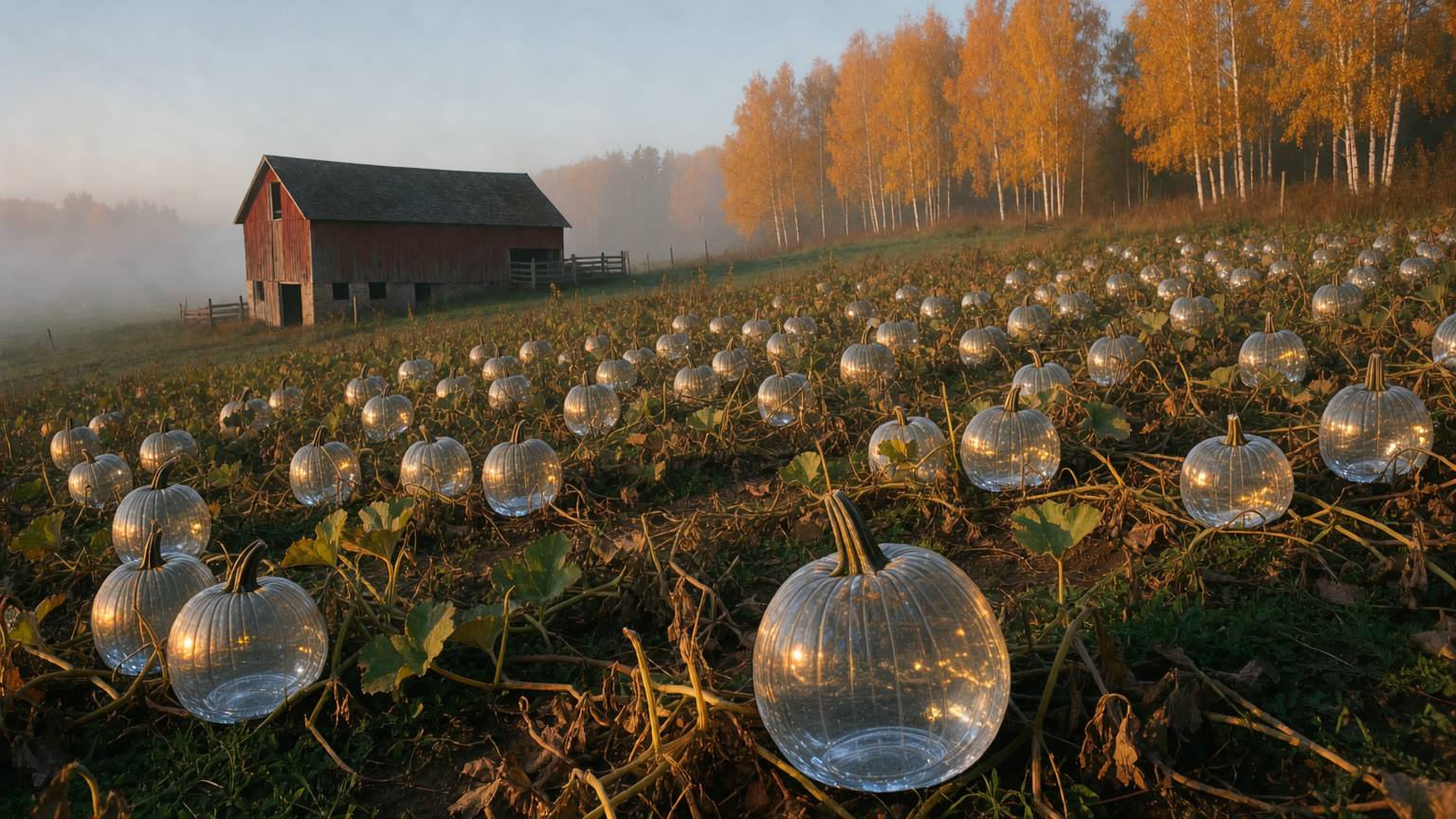
The same field with every pumpkin turned to clear glass, catching the sunrise.
Prompt
Point at what should change
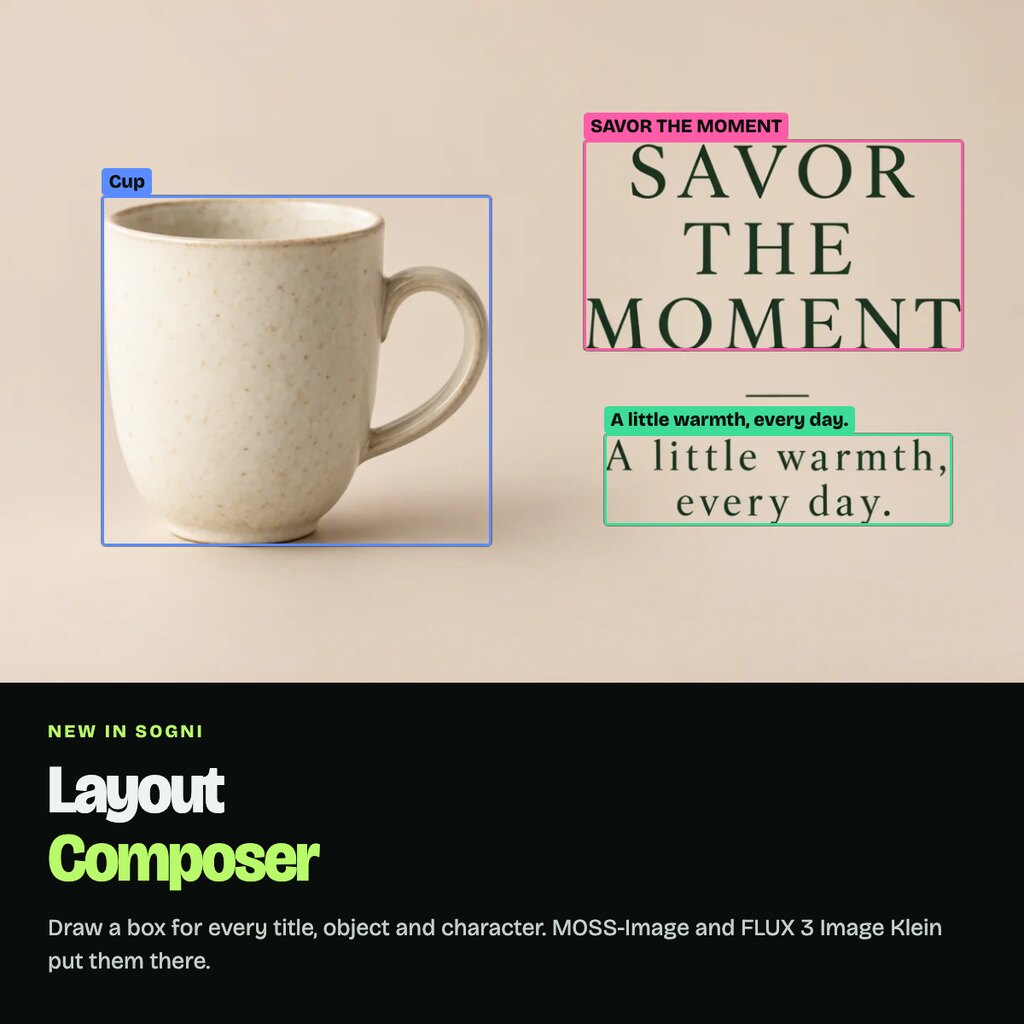
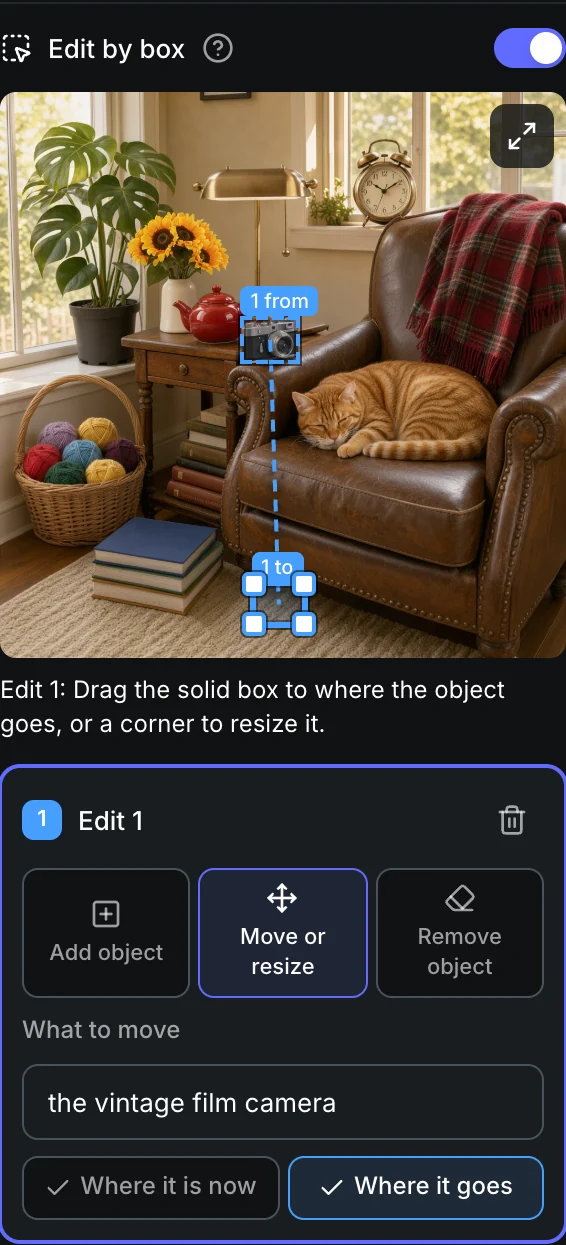
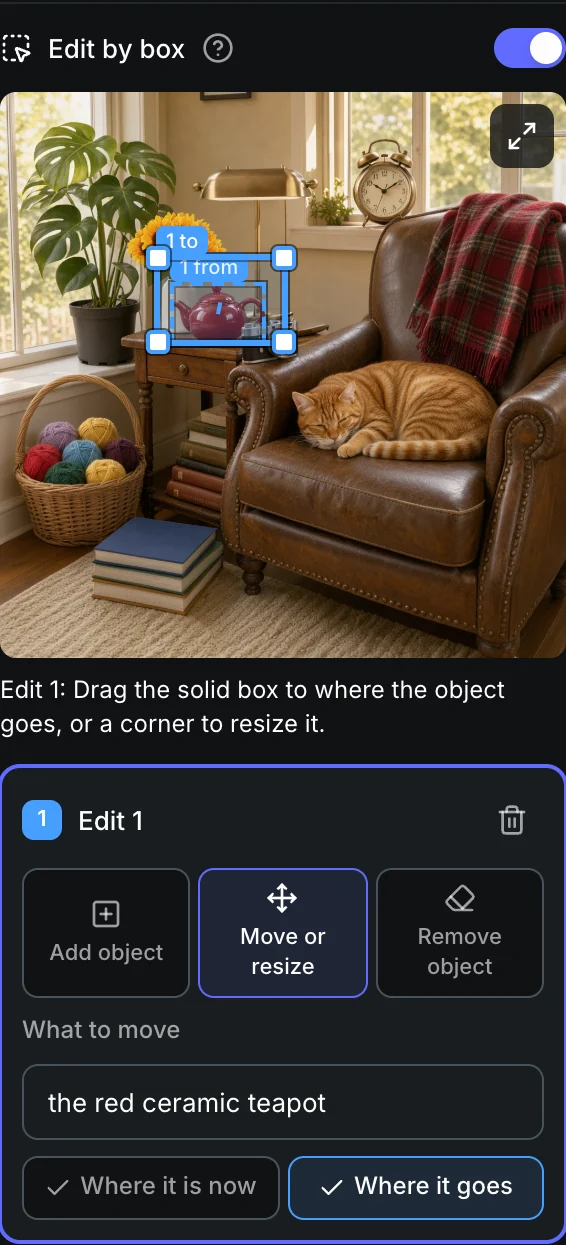
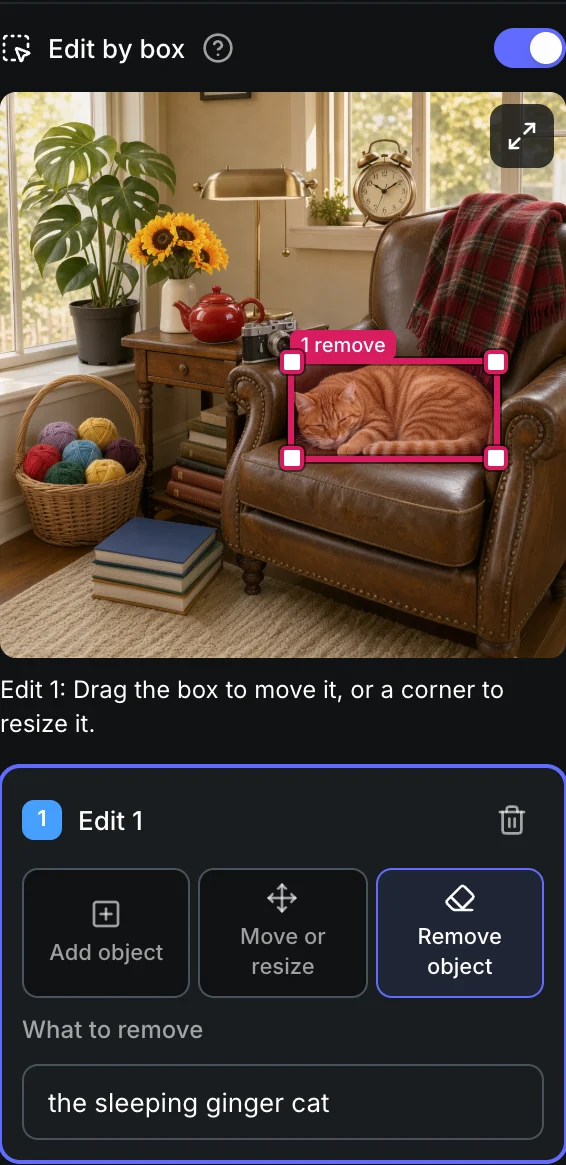
In the Sogni web app, choose FLUX 3 Image Klein, attach one photo and turn on Edit by box. Draw a box, pick Add object, Move or resize or Remove object, and name the object. Klein changes what you marked and keeps the rest.
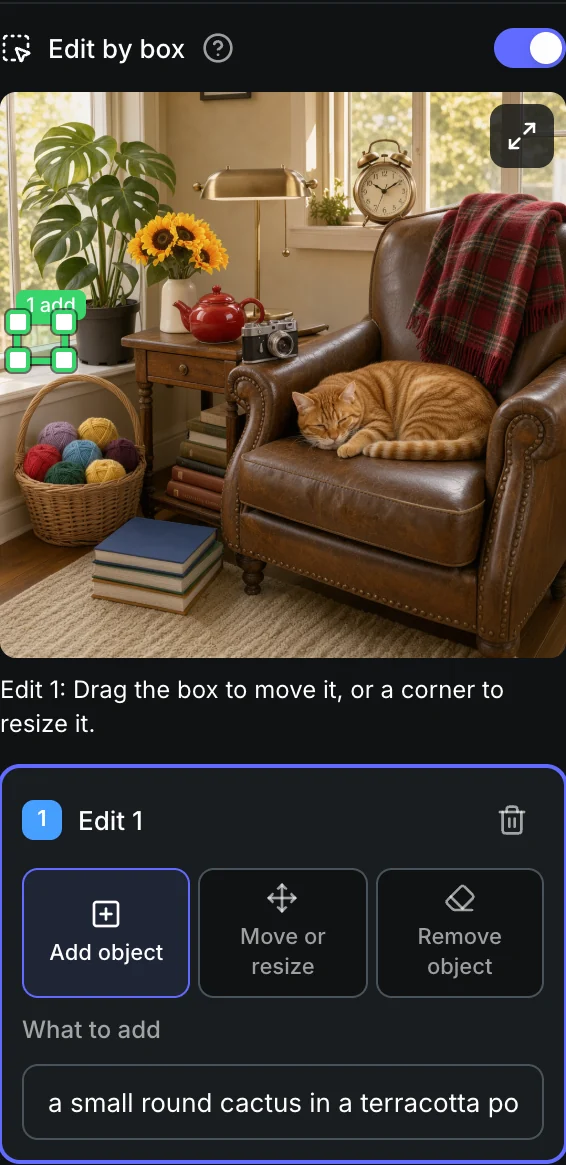
The same three moves on an autumn reading nook
Each result below is one render with one box. You only draw the box and type the object’s name. Behind the scenes the app turns that into the instruction below, with the box position written as numbers. You never need to write this yourself.
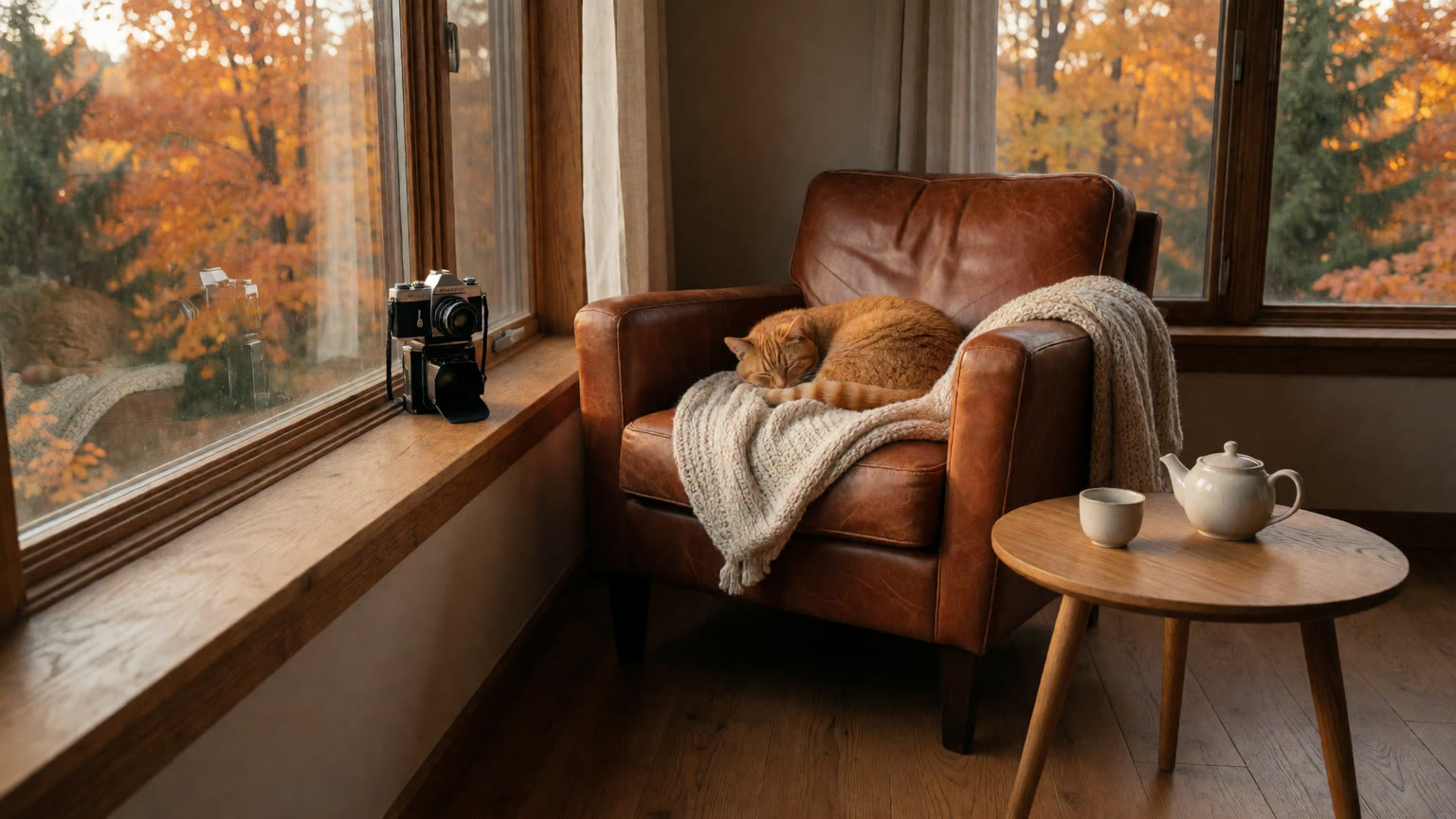
A reading nook: a leather armchair with a sleeping ginger cat, a camera on the windowsill and a teapot on a side table.
Prompt
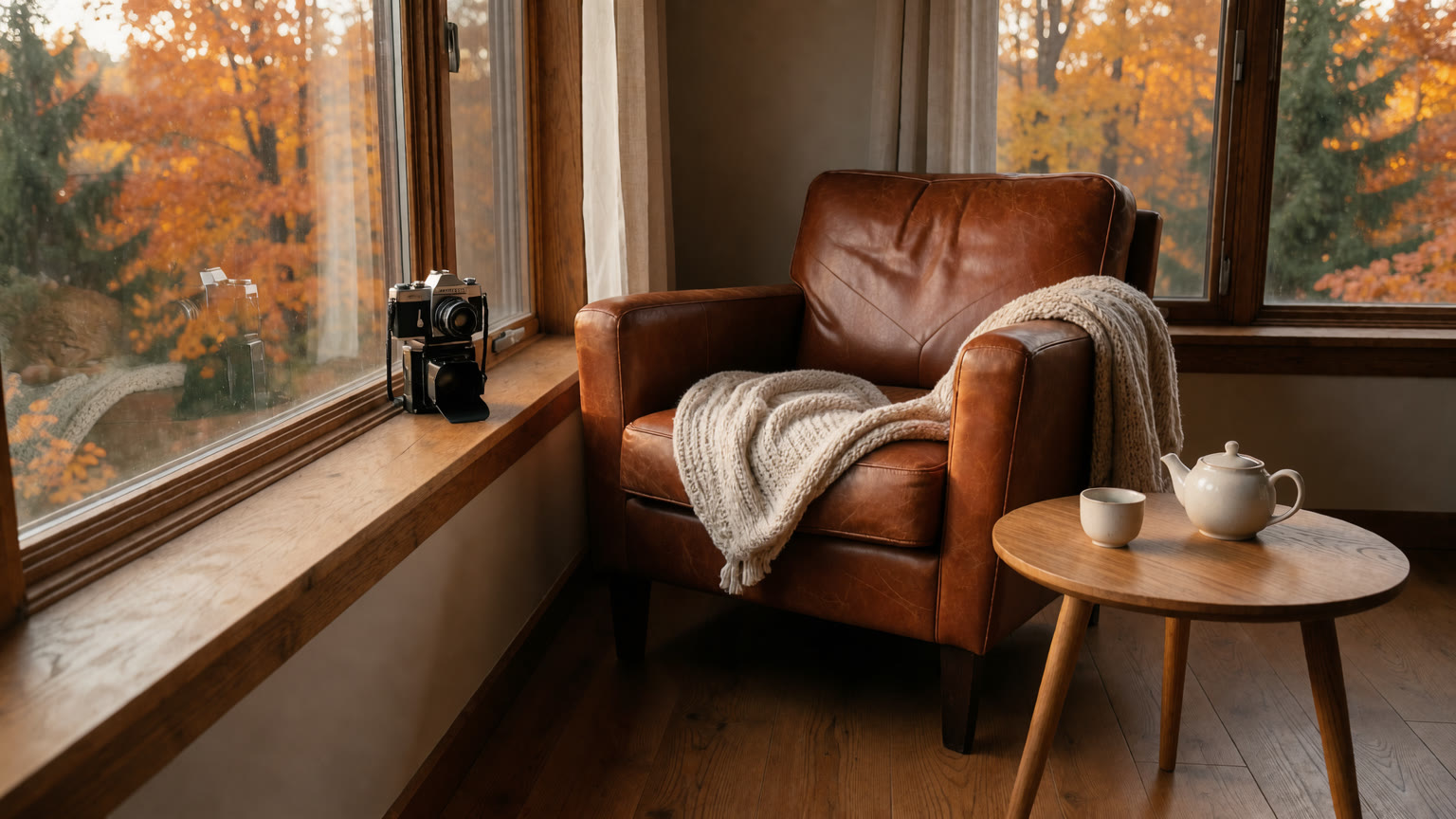
The same nook with the cat removed from the armchair.
Prompt
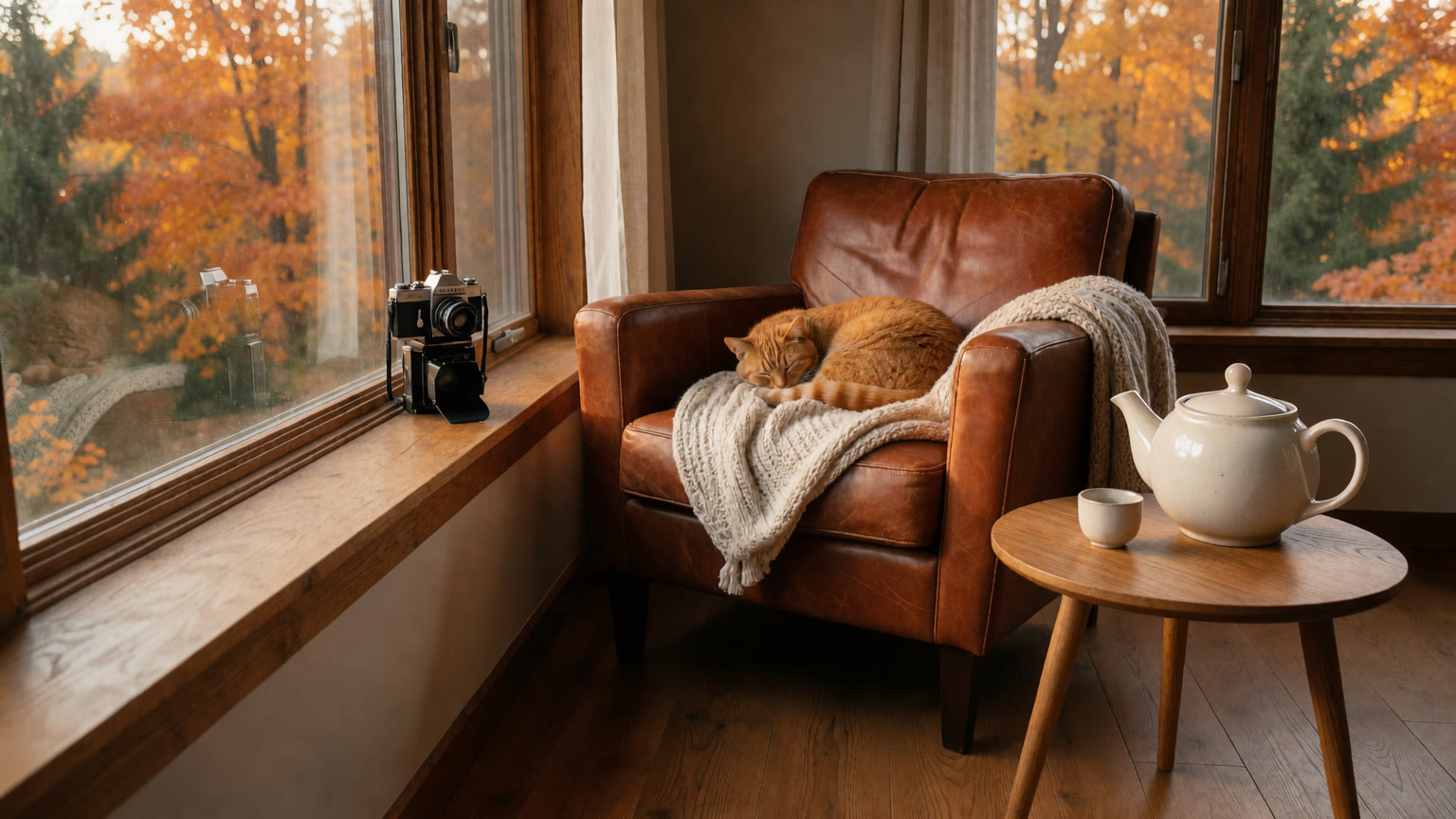
The same nook with a much larger teapot on the side table.
Prompt
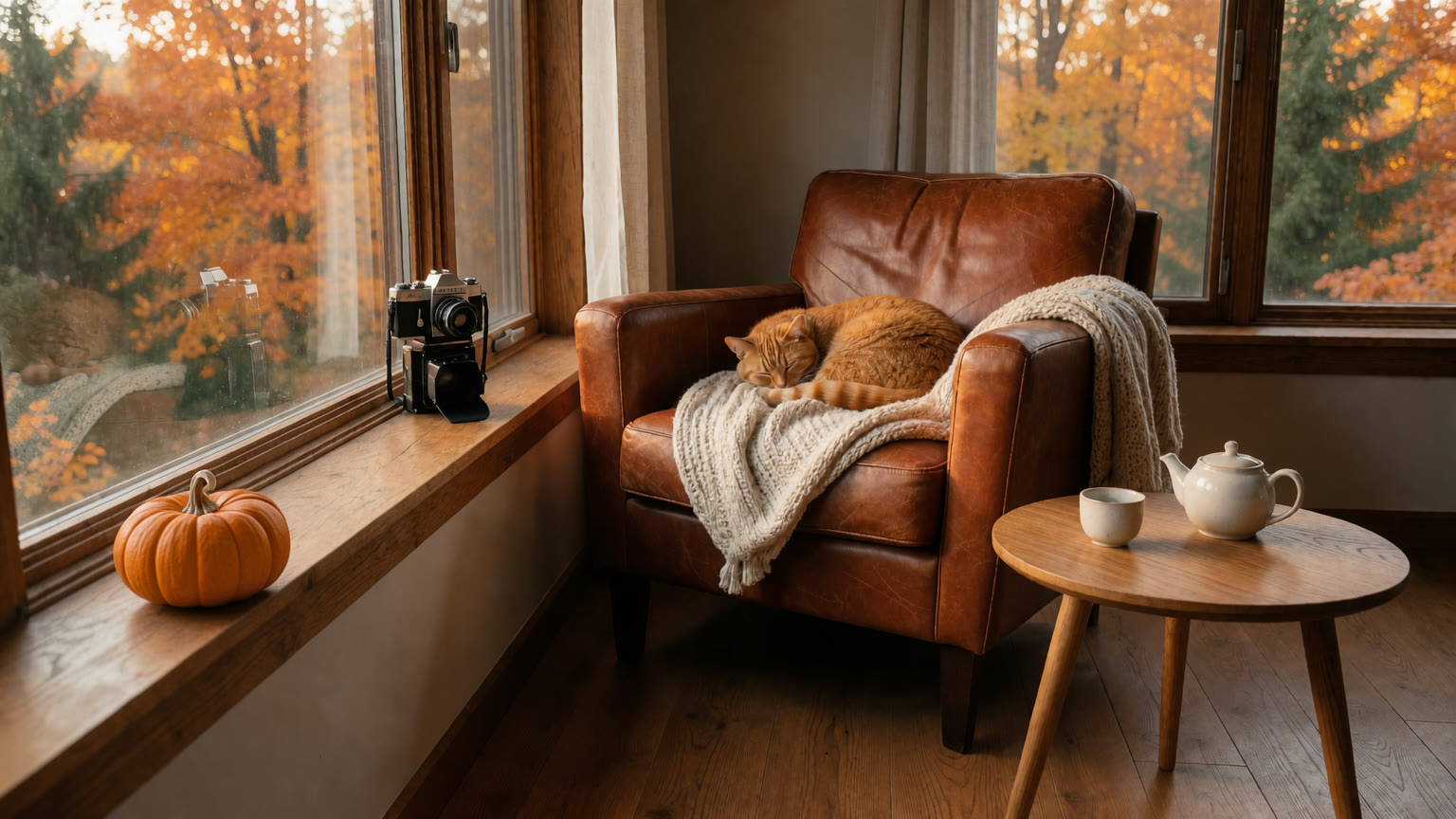
The same nook with a small orange pumpkin added on the windowsill.
Prompt
Three edits in a row on one cup
Each step starts from the previous result. The cup grows, the cappuccino becomes tea, and then the cup is gone. The table grain, the leaves and the orange slice stay in place the whole way.

A small cappuccino with cinnamon on a rustic oak table by an autumn window.
Prompt
The same scene with the cup and saucer much larger.
Prompt
The large cup now holds black tea with a lemon slice and a tea bag tag.
Prompt

The same table with the cup and saucer removed.
Prompt
Restyle a photo without losing it
Same boathouse, same canoe, same reflections. Klein redraws the photo as a linocut, a hand-carved print made with three inks, and keeps every element in place.
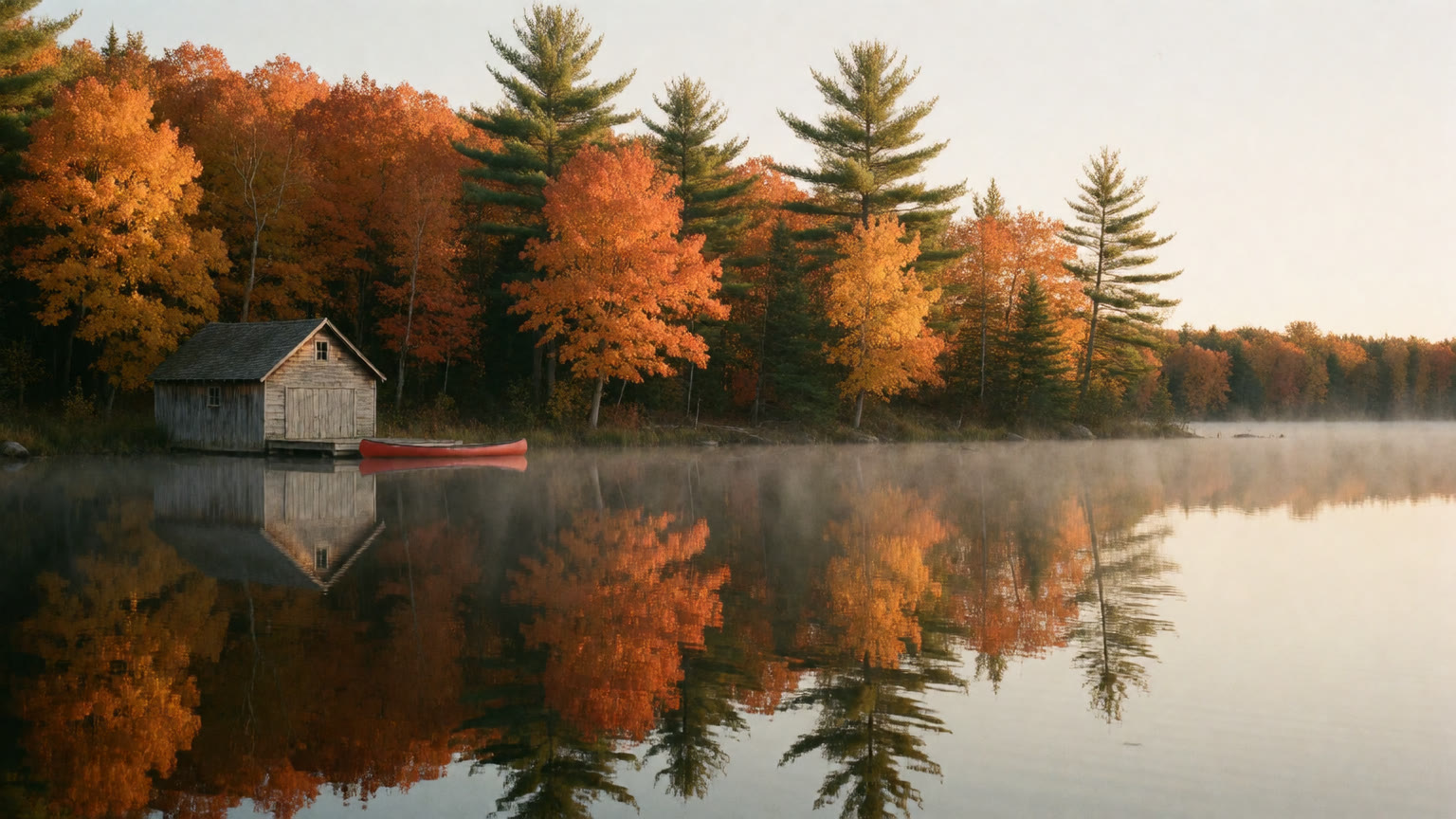
A wooden boathouse and a red canoe on a misty autumn lake.
Prompt
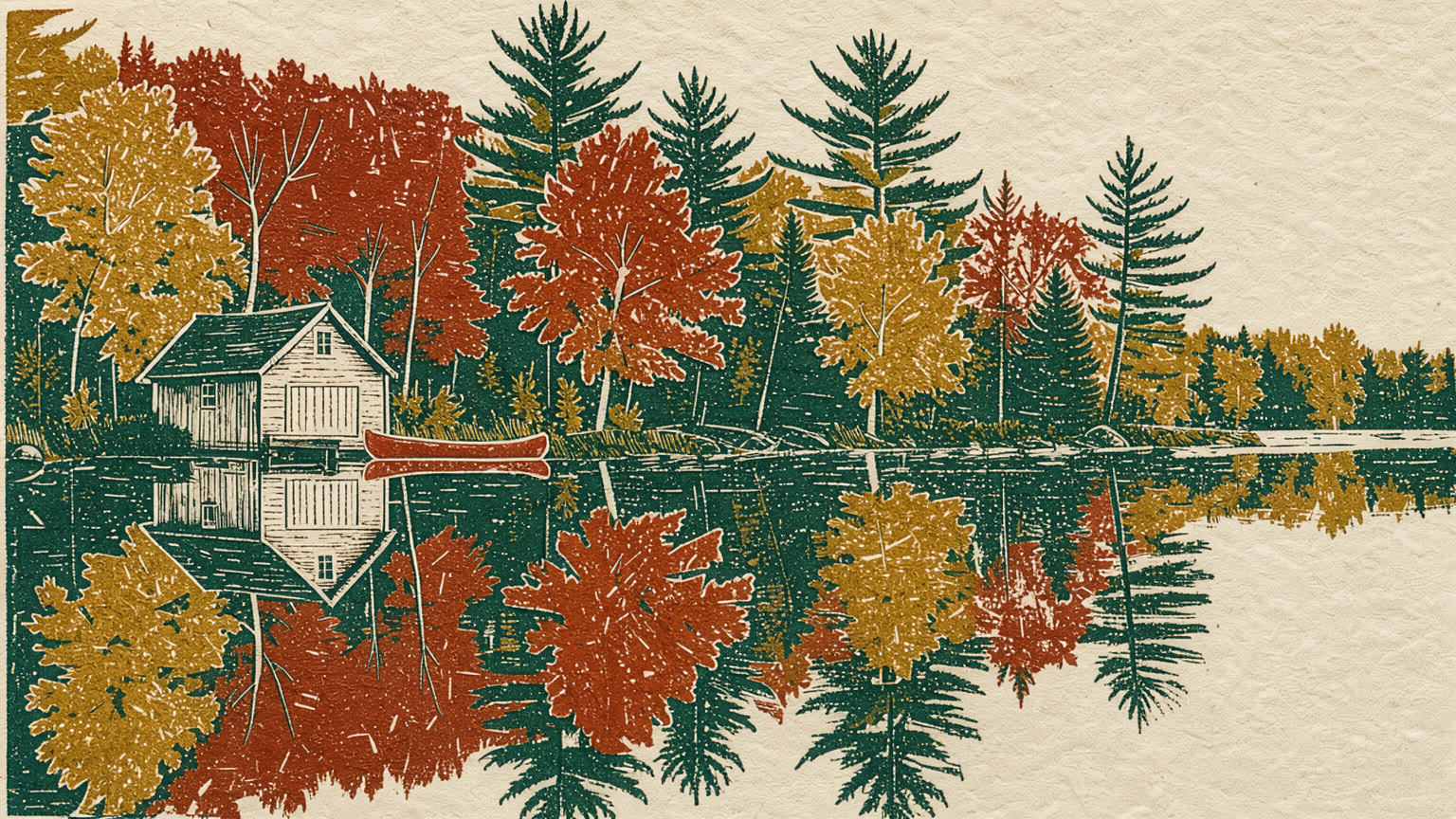
The same scene as a rust, mustard and green linocut print on cream paper.
Prompt
New hair, new sweater, same person
Freckles, eyes, expression, the leaves in her hair and the forest behind her all stay put.
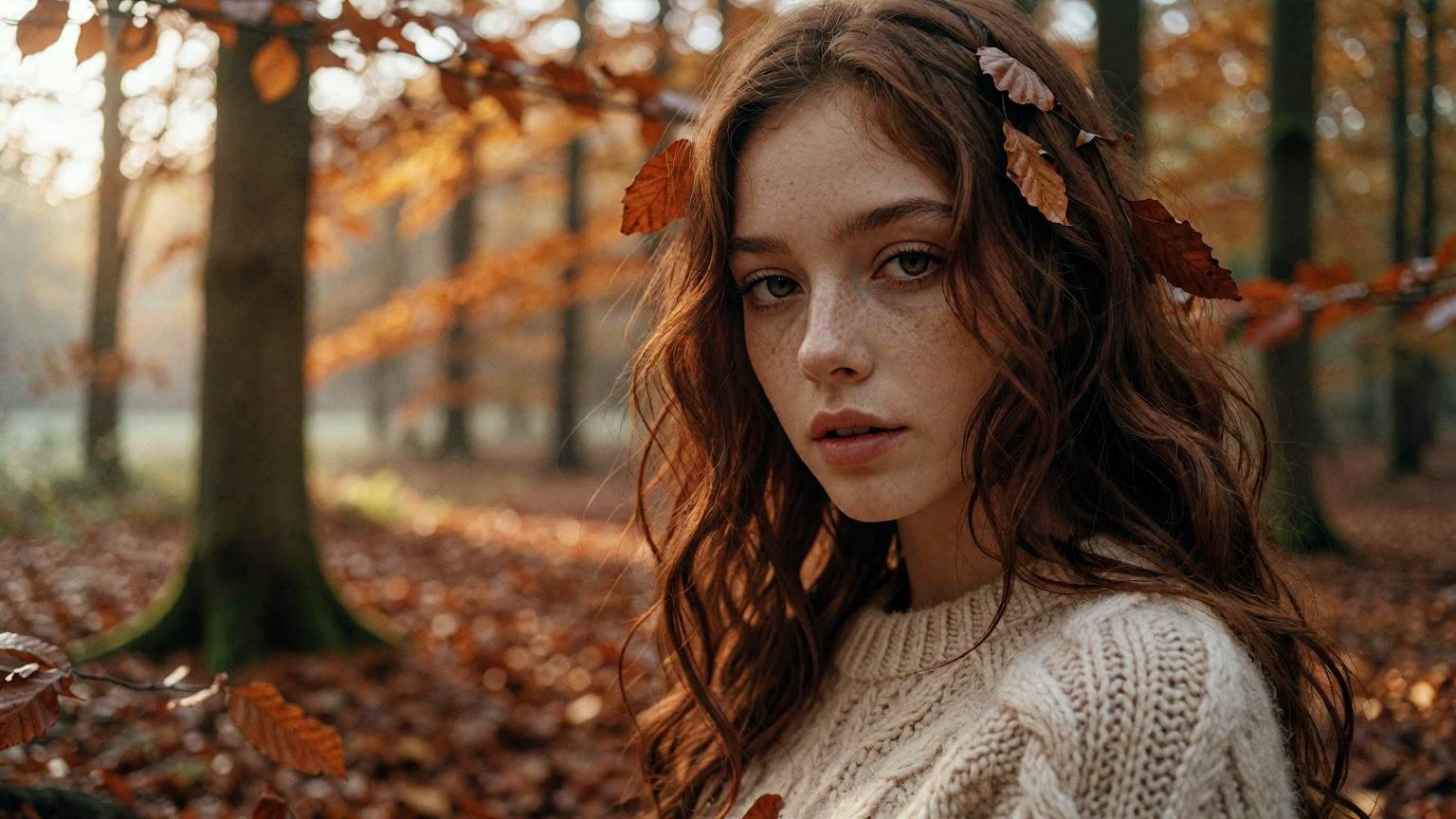
A red-haired woman with freckles in a cream sweater in an autumn beech forest.
Prompt
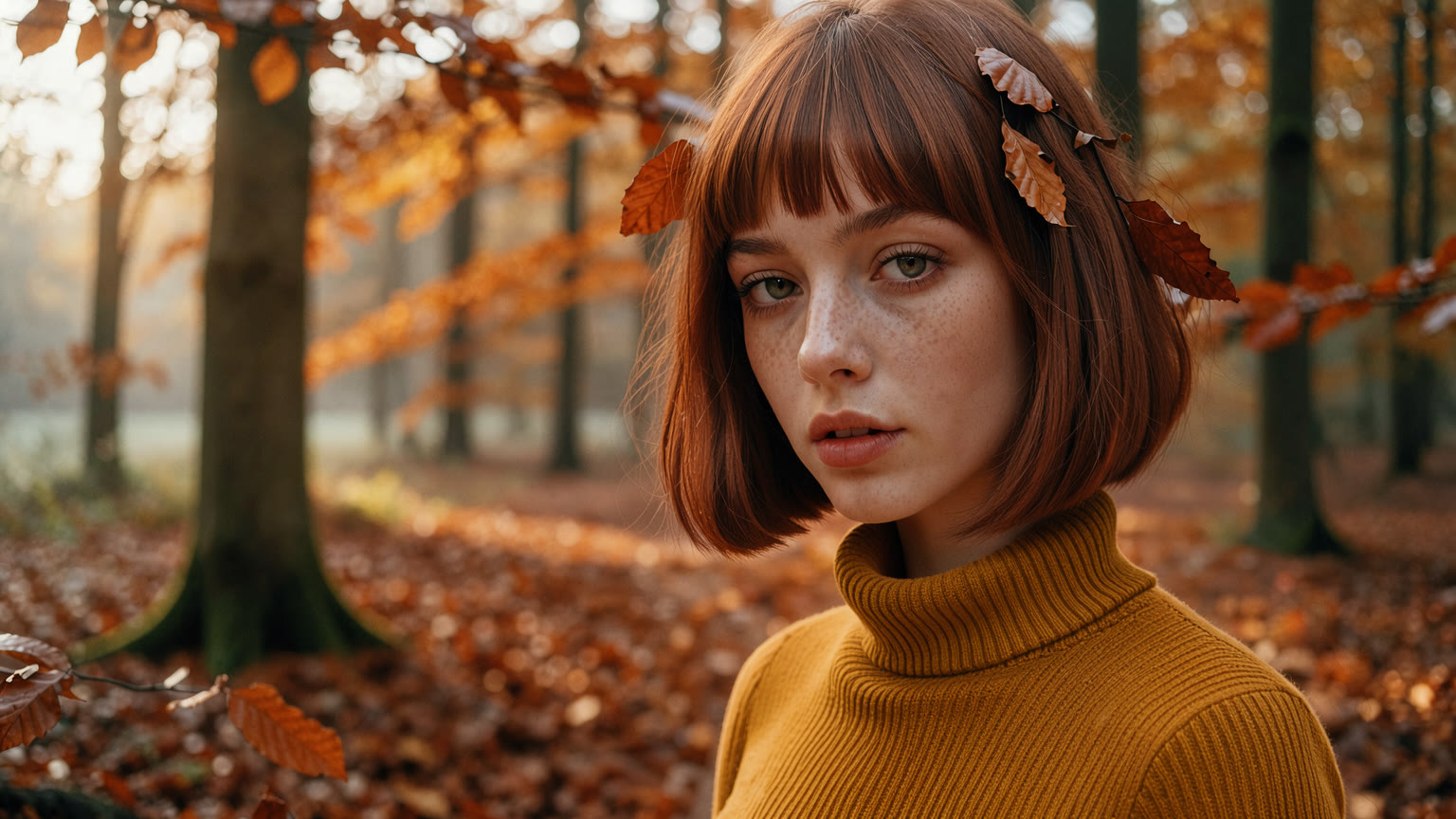
The same woman with a short copper bob and a mustard turtleneck.
Prompt
Add an animal that matches the light
A tiny hedgehog asleep in the mushroom basket, lit by the same sunlight as everything around it, so it looks like it was always there.

A wicker basket of chanterelles and porcini on a mossy forest floor.
Prompt
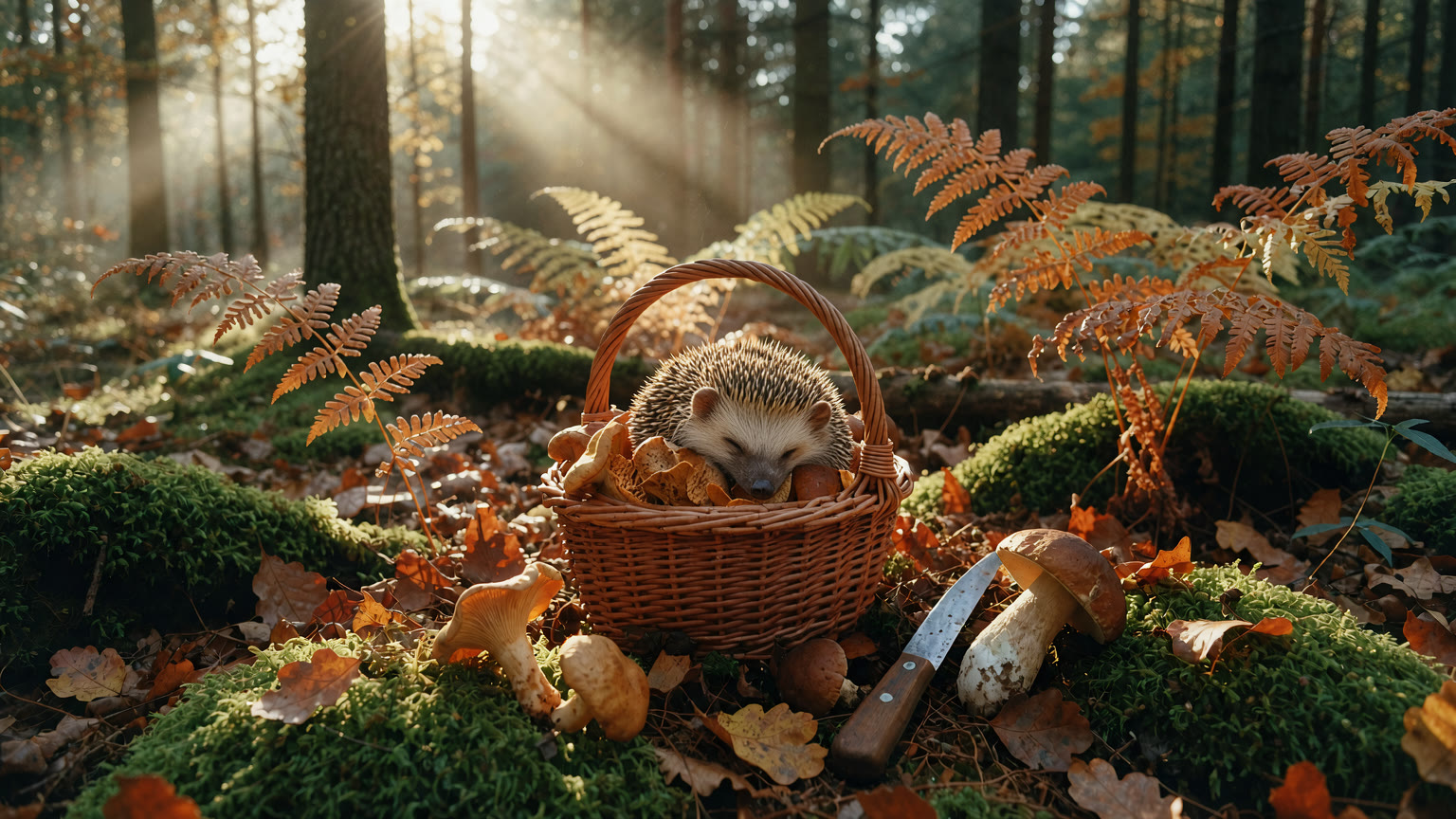
The same basket with a tiny hedgehog asleep on the mushrooms.
Prompt
Redesign a label in one line
Klein generated the seed packet with its title and small print, then swapped the illustration and the name while the paper, the type and the shelf stayed the same.
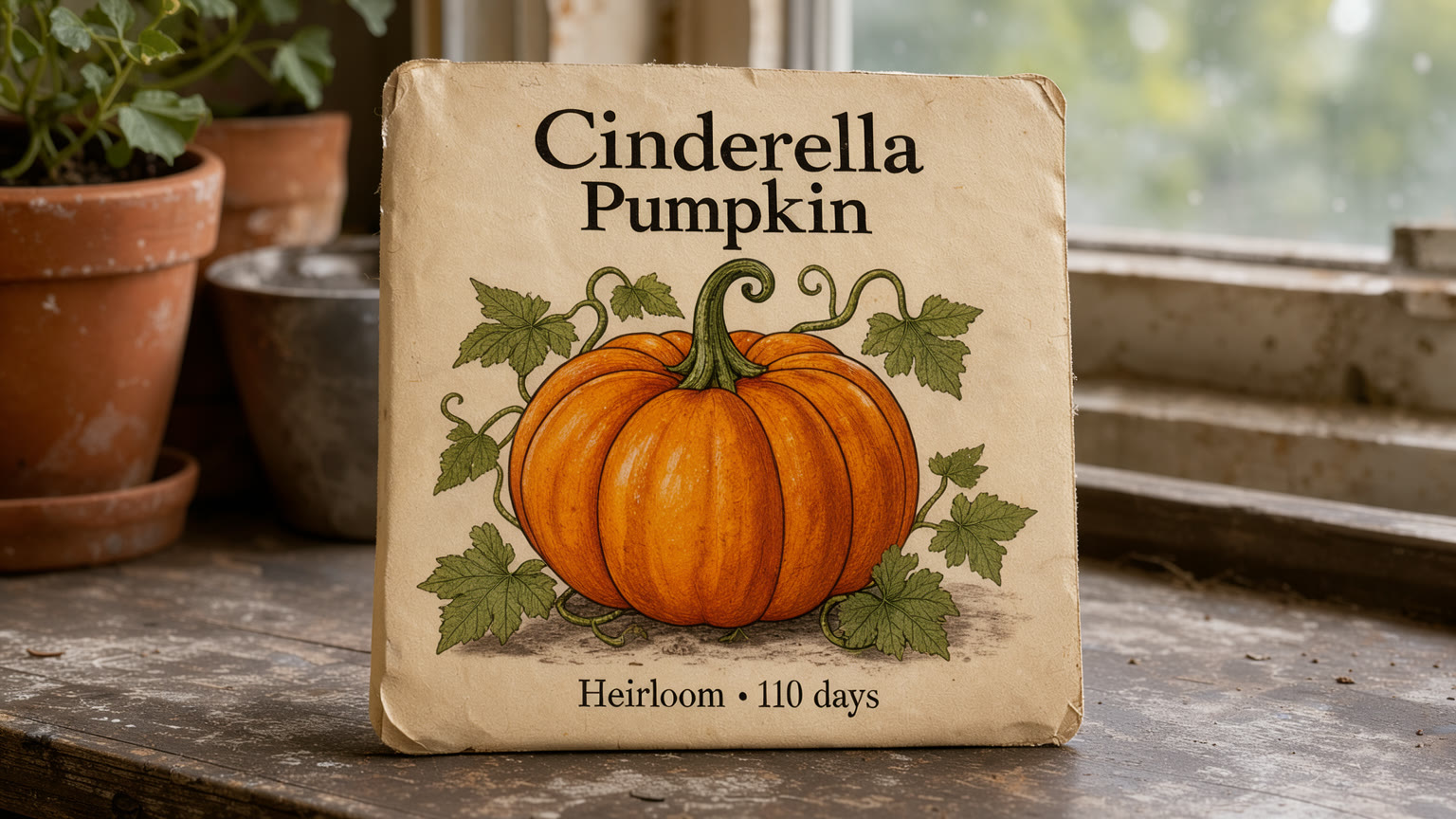
A vintage seed packet labeled Cinderella Pumpkin, Heirloom, 110 days.
Prompt

The same packet relabeled Ghost Pumpkin, with a glowing white pumpkin.
Prompt
Add anything, at any scale
One prompt, and a colossal fox curls up across the path. Same forest, same light, same walker.

A person in a camel coat walking down a leaf-covered path through a beech forest.
Prompt
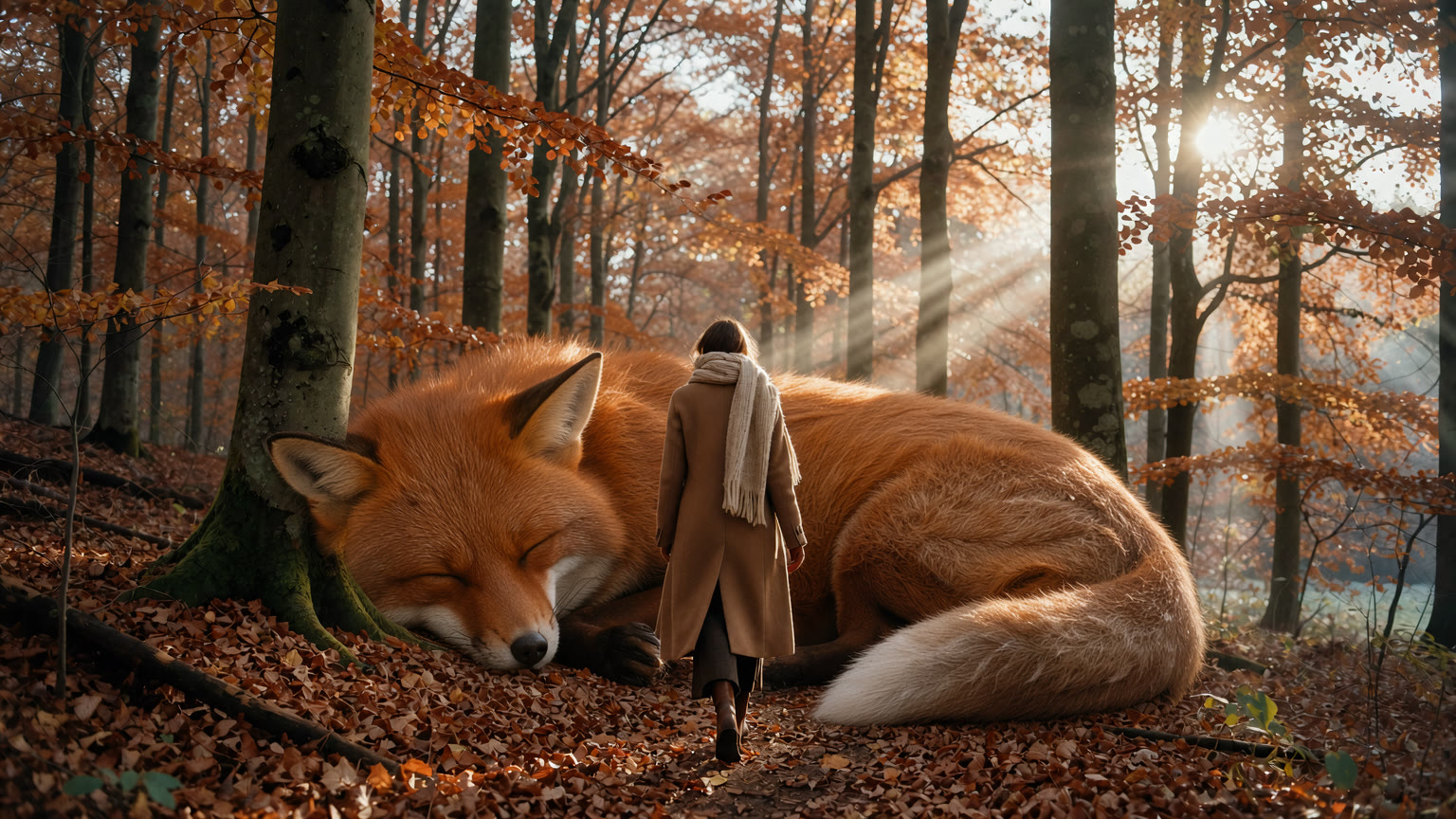
The same path with a colossal red fox asleep beside the walker.
Prompt
How to prompt FLUX 3 Image Klein
Six habits that made every edit in this guide work better.
- Say what changes, then what stays. End every edit with a list of what to keep, for example “keep the barn, the birches and the mist unchanged”.
- Put exact words in quotes. Signs, flyers and labels came out spelled right when the text was quoted.
- One change at a time. For precise results, make one edit, save it, then make the next one.
- Describe size against the scene. “Half the width of the image” works better than “bigger”.
- With several photos, describe the finished picture. Name each item, say where it goes, and refer to the photos as the first image, the second image and so on.
- Say what you want, not what you don’t. Klein has no “negative prompt” box, so describe the result you want to see.
FLUX 3 Image Klein is included in Sogni Unlimited.
Generate and edit with up to ten reference images, clean text and output up to 4K, with no per-image meter on Sogni Unlimited from $20 a month.